Corporate Event Agenda Timeline Builder

Chief Executive Officer
Plan Smarter with a Corporate Event Agenda Builder
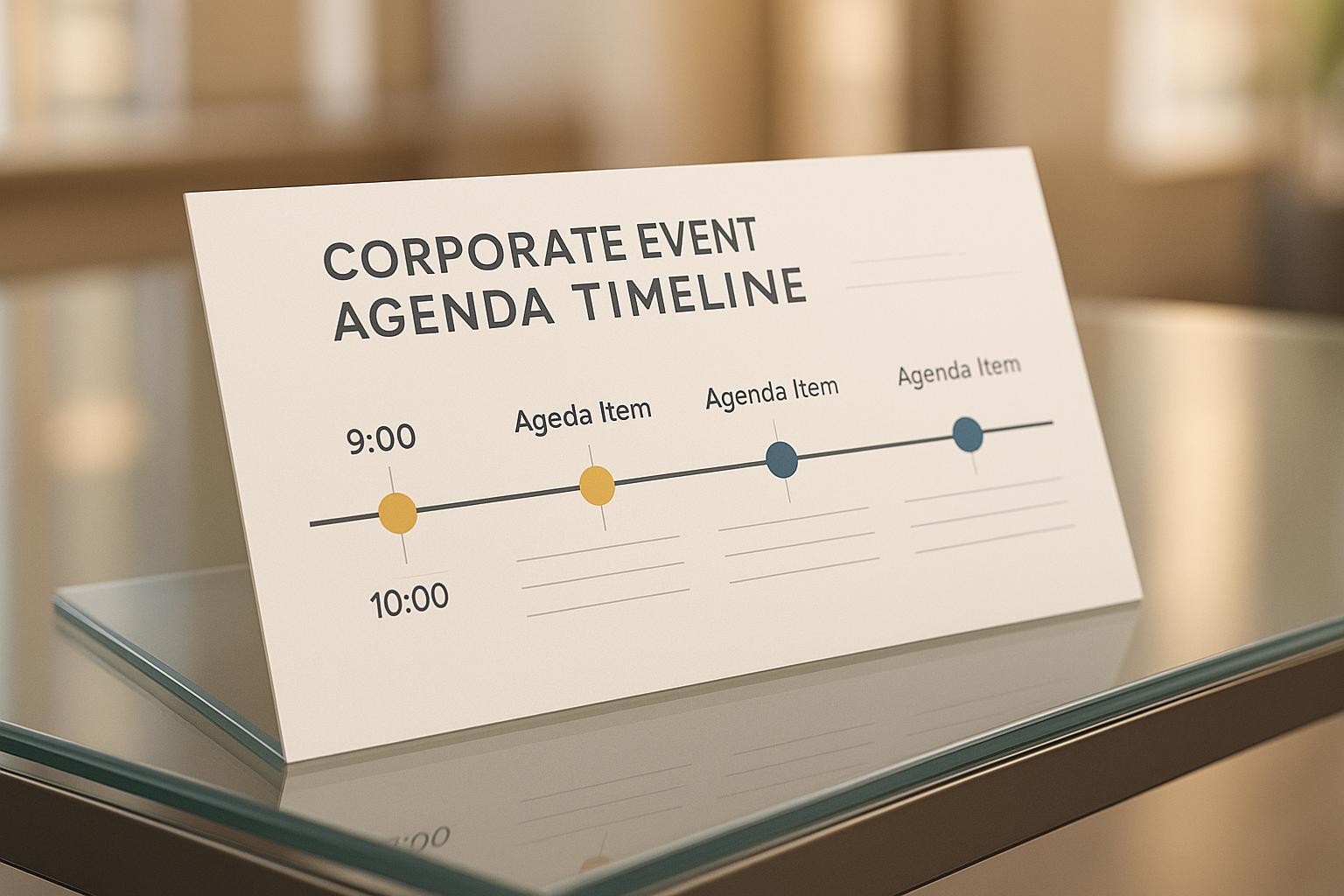
Organizing a corporate event is no small feat. From aligning schedules to ensuring every session fits seamlessly, the process can quickly become overwhelming. That’s where a dedicated tool for creating event timelines comes in handy. Whether you’re hosting a team-building retreat, a product launch, or a training seminar, having a structured schedule is the backbone of a successful gathering.
Why Use a Timeline Scheduler?
A well-crafted agenda keeps everyone on the same page—presenters, attendees, and organizers alike. It ensures key objectives are met without anyone feeling rushed or lost. With a digital planner designed for business events, you can input specifics like session counts, break needs, and fixed-time keynotes. The result? A polished itinerary that balances content delivery with downtime, making your event feel professional and engaging.
Tailored for Every Event Type
No two corporate gatherings are the same. Maybe you’ve got a tight half-day workshop or a sprawling multi-day summit. Either way, a scheduling tool adapts to your needs, offering flexibility while maintaining structure. Stop stressing over logistics and start focusing on what matters—delivering value to your attendees with a seamless flow.
FAQs
Can this tool handle multi-day corporate events?
Absolutely! Our builder is designed to accommodate events of any length—whether it’s a quick half-day workshop or a multi-day conference. Just input the total duration and number of sessions, and it’ll spread activities across the days with logical breaks and transitions. You can even specify key moments that need to happen at certain times, and the tool will adjust the rest accordingly.
How does the tool ensure sessions aren’t too rushed or too long?
We’ve built in smart logic to balance pacing based on your inputs. The tool considers the total event duration, number of activities, and any breaks or buffer times you’ve requested. It then allocates time slots proportionally, ensuring no session feels cramped or drags on. If something looks off, you can always tweak the output manually to get it just right.
Is the generated agenda customizable after creation?
Yes, totally! Once the timeline is generated, you’re free to adjust session titles, durations, or even rearrange the order if needed. Think of the output as a solid starting point—a blueprint you can refine to match your vision. You can also export it as a PDF or share it directly with your team for feedback.



Streamline your workflow, achieve more

Lorem ipsum dolor sit amet, consectetur adipiscing elit. Maecenas ac velit pellentesque, feugiat justo sed, aliquet felis.



Lorem ipsum dolor sit amet, consectetur adipiscing elit. Maecenas ac velit pellentesque, feugiat justo sed, aliquet felis.