Top AI Technology For Corporate Communications At Events

Chief Executive Officer
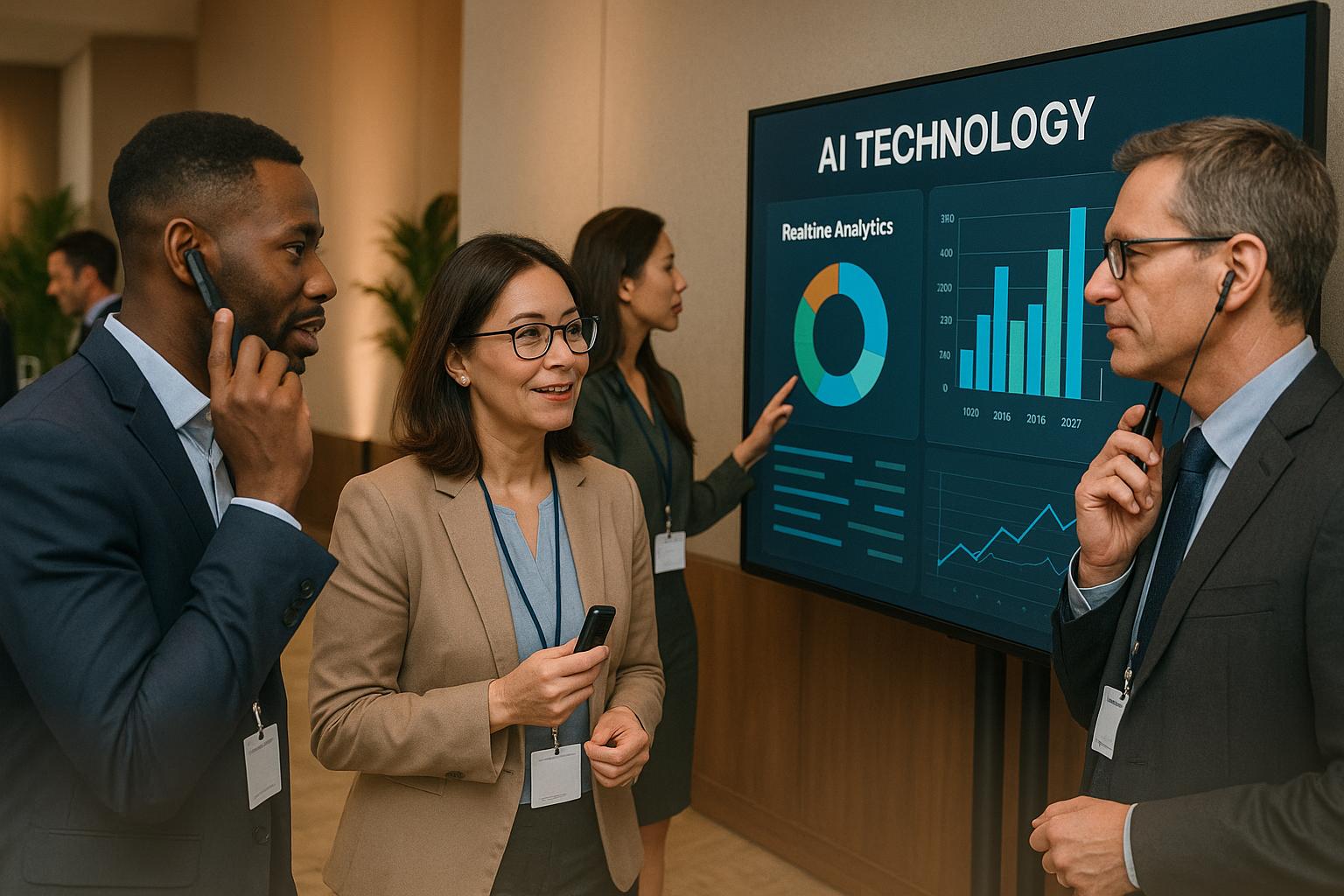
Corporate events are evolving with the help of AI, solving challenges like audience engagement, real-time multilingual communication, and workflow optimization. Here's a quick breakdown of the most impactful tools:
- Corporate Optics: AI-driven event production for streamlined planning and execution.
- Google Translate AI: Real-time multilingual translation for global audiences.
- ChatGPT-Powered Chatbots: 24/7 attendee support and personalized event interactions.
- Zoom AI Companion: Smarter management for virtual and hybrid events with live translations and summaries.
- Otter.ai: Automated transcription and meeting summaries for accurate documentation.
- Grammarly Business: Polished written communication, ensuring professionalism and consistency.
- Tableau AI: Advanced analytics turning event data into actionable insights.
These tools simplify event management, improve communication, and help businesses deliver impactful experiences. Whether you're tackling language barriers, managing hybrid events, or analyzing attendee behavior, AI is reshaping corporate events.
Get smart - AI tools essential for planning events
1. Corporate Optics AI-Driven Event Production Solutions

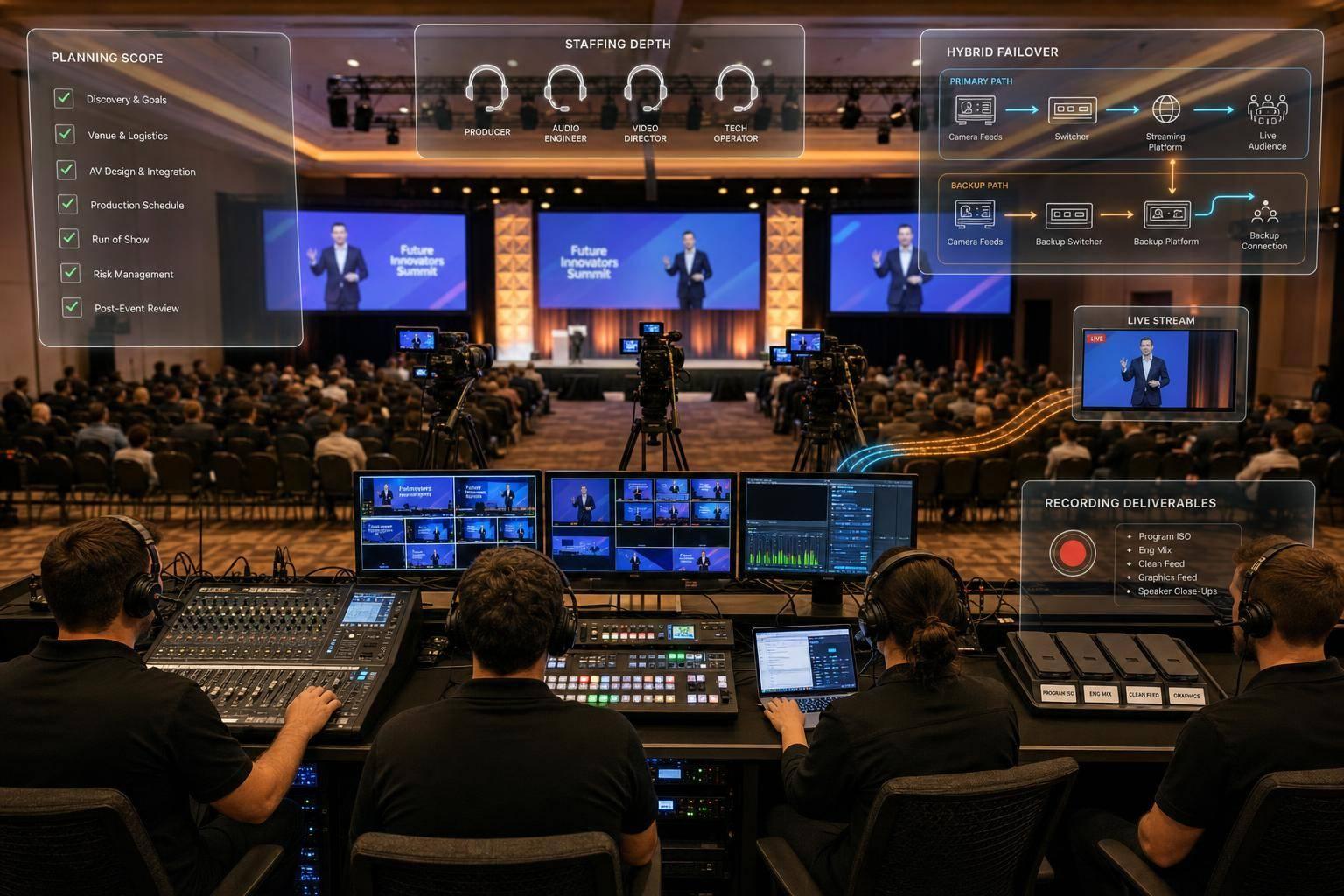
Corporate Optics is redefining the way corporate events are produced, setting a fresh benchmark in the industry. Known for its expertise in audiovisual production, the company has embraced cutting-edge AI technology through prompts.ai to deliver seamless workflows and elevate live-event communication. Let’s explore how their AI-driven approach is transforming corporate events.
Smarter Communication Delivery
By integrating prompts.ai into its services, Corporate Optics ensures that communication across event platforms is clear and consistent. This technology not only simplifies the messaging process but also ensures everything runs efficiently throughout the event's planning and execution phases.
Customized Solutions for Every Event
Corporate Optics’ AI tools adapt to the unique needs of various events, whether it’s a leadership summit, a shareholder meeting, or another corporate gathering. This flexibility allows for the creation of experiences that are both engaging and meticulously organized.
Seamless Workflow Integration
The company’s AI platform goes beyond communication by connecting with essential event management tools. From handling registration and coordinating with vendors to managing budgets and analyzing data, this integrated approach empowers event professionals to make well-informed decisions while enhancing their overall efficiency.
2. Google Translate AI for Real-Time Multilingual Communication
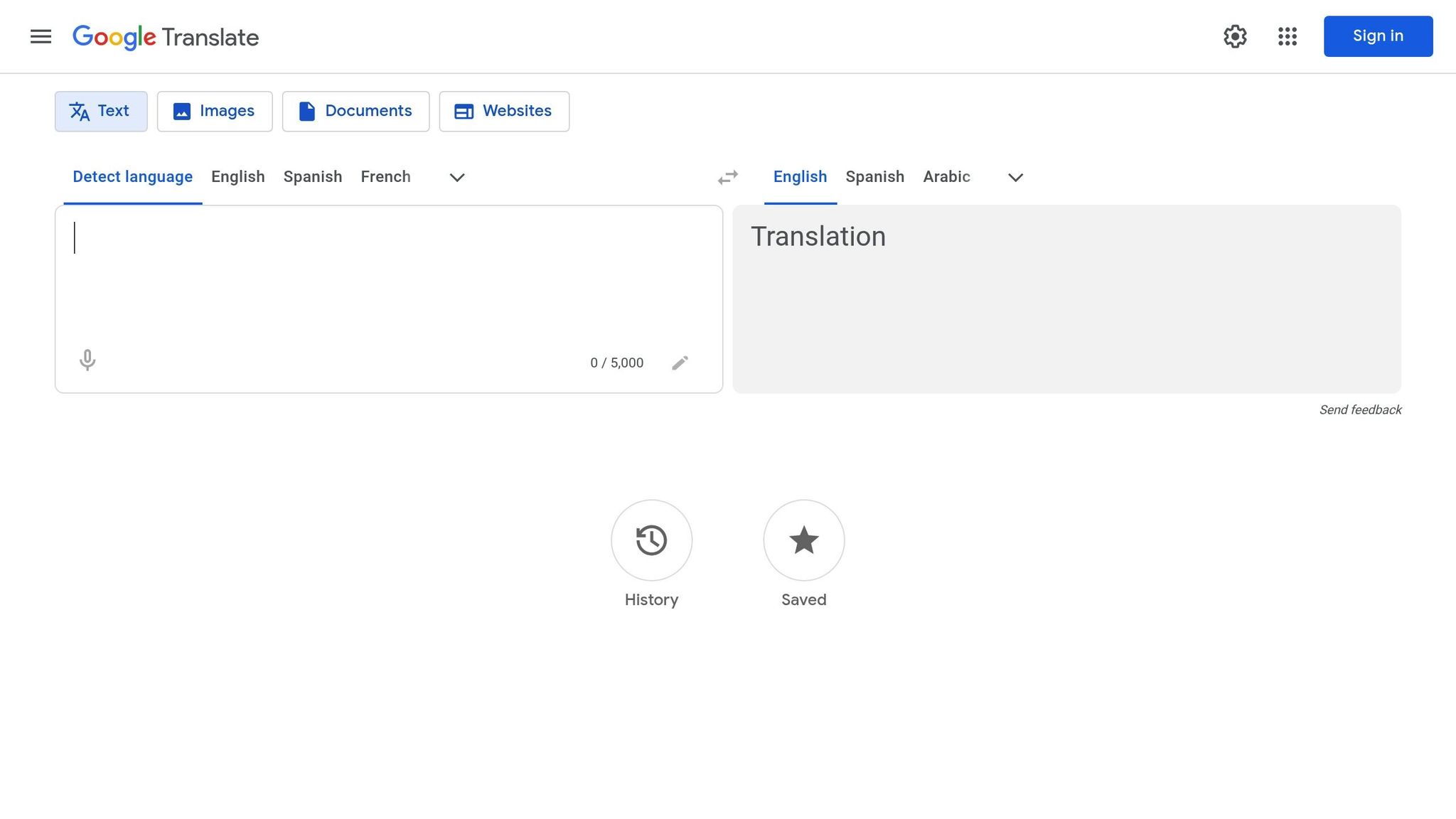
Breaking down language barriers is key for successful global corporate events. Google Translate's AI-driven tools are reshaping how organizations connect with multilingual audiences during conferences, meetings, and other professional gatherings.
Real-Time Communication Capabilities
Google Translate’s conversation mode makes it possible to have instant, two-way communication between people speaking different languages. This feature allows event organizers to host real-time discussions among international attendees without relying on live interpreters. With support for over 130 languages and rapid processing, the platform enables seamless networking and collaboration.
Another standout feature is camera translation, which is perfect for events with multilingual signage, slides, or printed materials. Attendees can simply point their smartphone camera at any text, and the translated version appears instantly on their screen. This eliminates the hassle of creating multiple versions of materials in various languages.
Voice translation takes live events to the next level by providing real-time audio translations, making it especially useful for smaller breakout sessions or workshops.
These tools aren’t just about live interactions - they’re designed to adapt to the unique needs of each event.
Event-Specific Functionalities
Even in areas with limited connectivity, Google Translate offers offline support and handwriting recognition. These features allow attendees to translate feedback forms, notes, or other handwritten content into the main event language without missing a beat.
Integration with Event Workflows
Google Translate works seamlessly with Google Workspace tools, which are often used in corporate settings. Event planners can easily translate documents, emails, and shared content through platforms like Google Docs, Sheets, and Gmail, simplifying communication with international stakeholders before the event.
Beyond Google Workspace, the Google Translate API can be integrated into event management software. This allows platforms to include translation features directly in their systems, so tasks like translating registration forms, event apps, or feedback surveys happen automatically based on user preferences. This ensures that attendees feel included from the very start.
For web-based resources, Chrome’s built-in translation feature provides automatic webpage translations. Event websites, resource pages, and other online materials can be instantly translated into the user’s preferred language, removing the need for separate multilingual sites or additional development work. This makes accessing event information easier for international participants, ensuring no one feels left out.
3. ChatGPT-Powered Chatbots for Attendee Interaction
ChatGPT-powered chatbots are changing the game for corporate events, offering smarter ways to handle attendee communication. These tools provide personalized assistance, tackle complex questions, and adapt to the unique needs of each event.
Real-Time Communication Capabilities
With ChatGPT-powered chatbots, attendees can get instant, round-the-clock support. Whether it’s a simple question about event details or a more involved issue like ticketing and refunds, these chatbots deliver natural, conversational responses that feel human. Unlike traditional automated systems, they understand context, allowing for smooth back-and-forth interactions. This means attendees can rephrase their questions or ask follow-ups without missing a beat, creating a better overall experience. This kind of real-time support helps keep event operations running efficiently.
Event-Specific Functionalities
These chatbots take the hassle out of event logistics. They simplify processes like registration and check-in by guiding attendees through sign-ups, collecting necessary details, processing payments, and issuing digital tickets - all in one seamless flow. This reduces wait times and eliminates bottlenecks.
During the event, chatbots keep attendees informed with real-time updates on schedule changes, speaker sessions, venue directions, and even emergency alerts. They’re also handy for answering logistical questions about parking, dining options, or accessibility features, making sure everyone has the information they need, right when they need it.
For international events, multilingual support ensures no one feels left out, breaking down language barriers and creating a more inclusive experience. Beyond logistics, these chatbots can also help with content creation, like drafting speaker bios, session descriptions, or promotional materials.
Personalization Features
Chatbots go a step further by tailoring the event experience to individual attendees. They recommend sessions, workshops, and networking opportunities based on personal interests and professional goals. They can even create customized itineraries, factoring in preferences and scheduling constraints to maximize the value of the event.
On top of that, they offer personalized instructions for attendees and staff alike. Whether it’s crafting detailed handbooks or providing specific briefings, these features ensure smoother operations and a more engaging experience for everyone involved.
Integration with Event Workflows
One of the biggest strengths of these chatbots is their ability to integrate with existing systems. Whether through native platform support, APIs, or embed codes, they can fit into almost any technical setup. For instance, they can streamline pre-event communication by integrating with email systems or simplify ticketing workflows by automating registration forms.
These chatbots also collect and analyze data from attendee interactions, preferences, and feedback. This data becomes a goldmine for improving future events and crafting targeted marketing strategies. Even after the event wraps up, chatbots stay useful by sending thank-you messages, gathering feedback, and sharing presentation materials. This ensures attendees feel connected throughout the entire event lifecycle, leaving a lasting impression.
4. Zoom AI Companion for Virtual and Hybrid Events
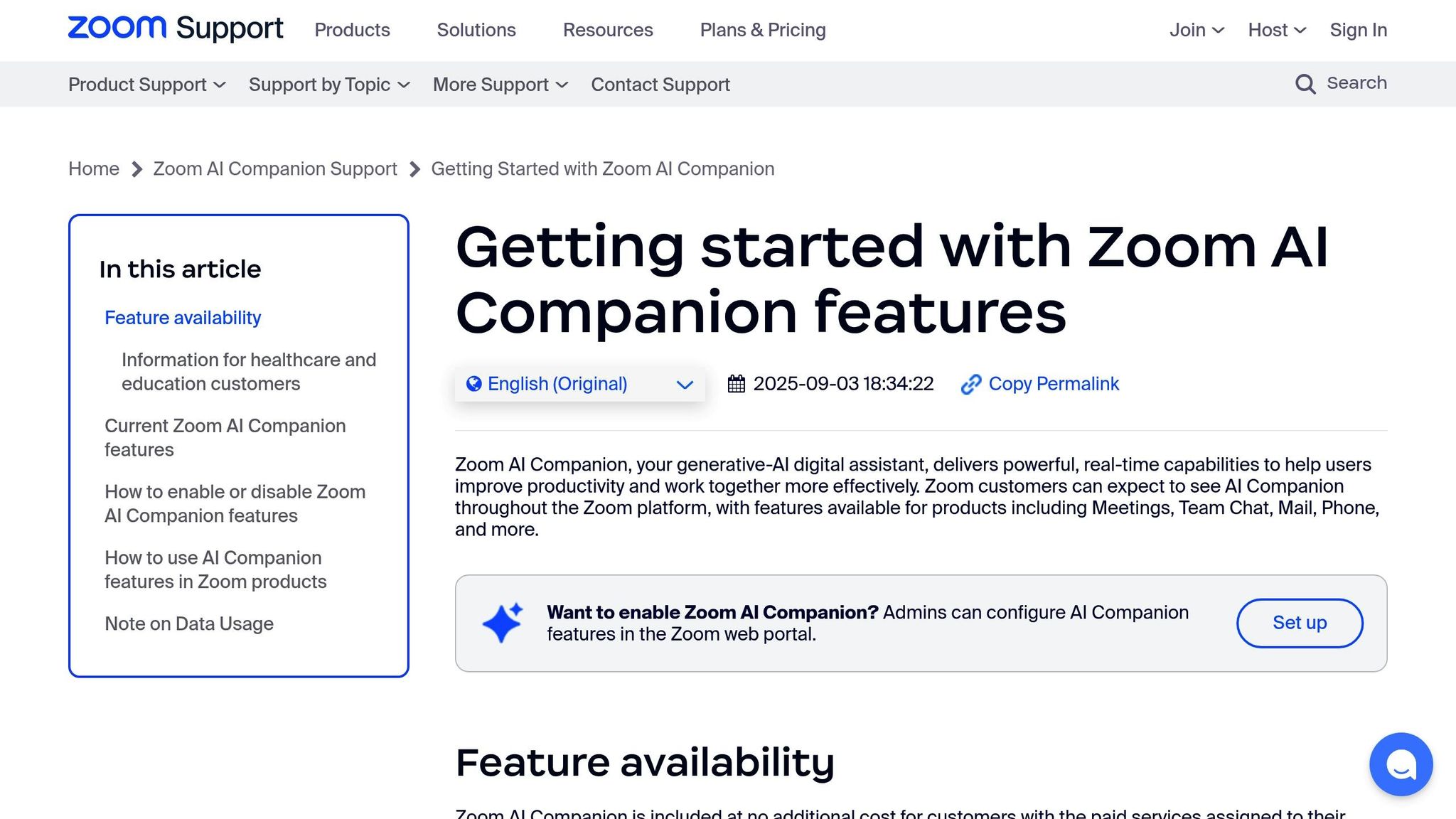
The Zoom AI Companion is changing the game for virtual and hybrid events, making video conferencing smarter and more efficient. From summarizing meetings to providing real-time language support, this AI assistant simplifies event management at every step.
Real-Time Communication Capabilities
The AI Companion can instantly summarize meetings and create searchable smart recordings during presentations. Its live translation feature is a standout, breaking down language barriers by translating spoken content in real-time across multiple languages. This ensures that teams from around the world stay aligned without missing key details - a huge advantage for multinational gatherings.
Additionally, the system includes intelligent noise cancellation, which filters out background noise to keep audio quality sharp and clear. Beyond just facilitating communication, the AI Companion takes on event management tasks to save organizers time and effort.
Event-Specific Functionalities
This tool makes event organization smoother by automatically tracking attendance, identifying speakers, and generating detailed engagement reports. These insights help organizers see which sessions were most engaging, allowing them to refine future events.
Smart breakout room management is another helpful feature. The AI can sort participants into groups based on departments, projects, or discussion topics, making it especially useful for large-scale corporate events. It ensures balanced participation and keeps group discussions on track.
For scheduling, the AI analyzes attendee availability across time zones and suggests optimal meeting times. This feature eliminates the usual back-and-forth when coordinating multi-day conferences or high-level briefings, particularly for global teams.
Personalization Features
The AI Companion adapts to individual users, creating personalized meeting experiences. It can automatically adjust camera framing, optimize lighting, and tweak audio settings based on each participant’s setup. This is especially helpful for executives, ensuring they maintain a polished, professional appearance without having to fiddle with settings.
It also offers personalized content recommendations, guiding attendees to sessions or networking opportunities that align with their interests, roles, or past engagement. By analyzing participation history, the AI suggests presentations and workshops tailored to individual professional goals and company objectives.
Integration with Event Workflows
The Zoom AI Companion integrates seamlessly with popular corporate productivity tools like Microsoft Teams, Slack, and Salesforce. Meeting summaries and action items are automatically synced with project management platforms, enabling quick follow-ups after events.
With calendar integration, the AI can schedule follow-up meetings based on event discussions. For example, if a presentation sparks interest in a new project, the system can propose and coordinate additional meetings with the right stakeholders.
It also supports custom API integrations, allowing corporations to connect their existing event management systems with Zoom’s AI features. This ensures that registration data, attendee preferences, and post-event analytics flow smoothly between platforms, giving companies a comprehensive view of their event’s impact and communication success.
sbb-itb-ae35a94
5. Otter.ai for Automated Transcription and Meeting Summaries

Otter.ai is a powerful tool that transforms spoken content into searchable text, taking the hassle out of manual note-taking. It creates detailed records of presentations, panels, and networking sessions, making it a go-to resource for event documentation.
Real-Time Communication Capabilities
Otter.ai offers live transcription that captures speech with impressive accuracy while identifying individual speakers during events. Its keyword highlighting feature lets users pinpoint specific topics or action items within lengthy presentations. For example, attendees can search for terms like "budget", "timeline", or "next steps" to quickly find the information they need without combing through entire transcripts.
Collaboration is another strong suit. Team members can add comments, highlights, and action items directly to the transcript as the event unfolds. This ensures that important insights are captured on the spot, enhancing the overall quality of event documentation and paving the way for deeper analysis.
Event-Specific Functionalities
When it comes to corporate events, Otter.ai stands out by creating session summaries that break down even the most complex presentations into manageable sections. These topic-based summaries make it easy for attendees to revisit sessions they missed or quickly review key points.
The platform’s speaker identification feature is particularly useful for events where the same individuals participate in multiple sessions. Once it learns to recognize specific voices, it consistently labels speakers across all meetings, ensuring clarity in the transcripts.
Event organizers can also train Otter.ai to understand industry-specific terms, company names, and technical jargon. By customizing its vocabulary ahead of time, they can significantly improve the accuracy of transcriptions for specialized discussions.
Integration with Event Workflows
Otter.ai integrates seamlessly with popular platforms like Zoom, Microsoft Teams, and Google Meet, automatically joining virtual sessions to record and transcribe content. This eliminates the need for manual setup and ensures consistent event documentation across all platforms.
Transcripts can be exported in various formats, including PDF, Word, and plain text, making it simple to share information through existing communication channels. Additionally, automated email summaries can be sent to attendees right after sessions end, giving them instant access to key points and actionable insights.
Personalization Features
Otter.ai gets smarter with use. It learns from user corrections and adapts to industry-specific terminology, improving transcription accuracy over time. Features like adjustable playback speeds and a highlight system allow users - especially busy executives - to quickly review important sections and create personalized takeaway documents tailored to their needs.
6. Grammarly Business for Professional Corporate Communication
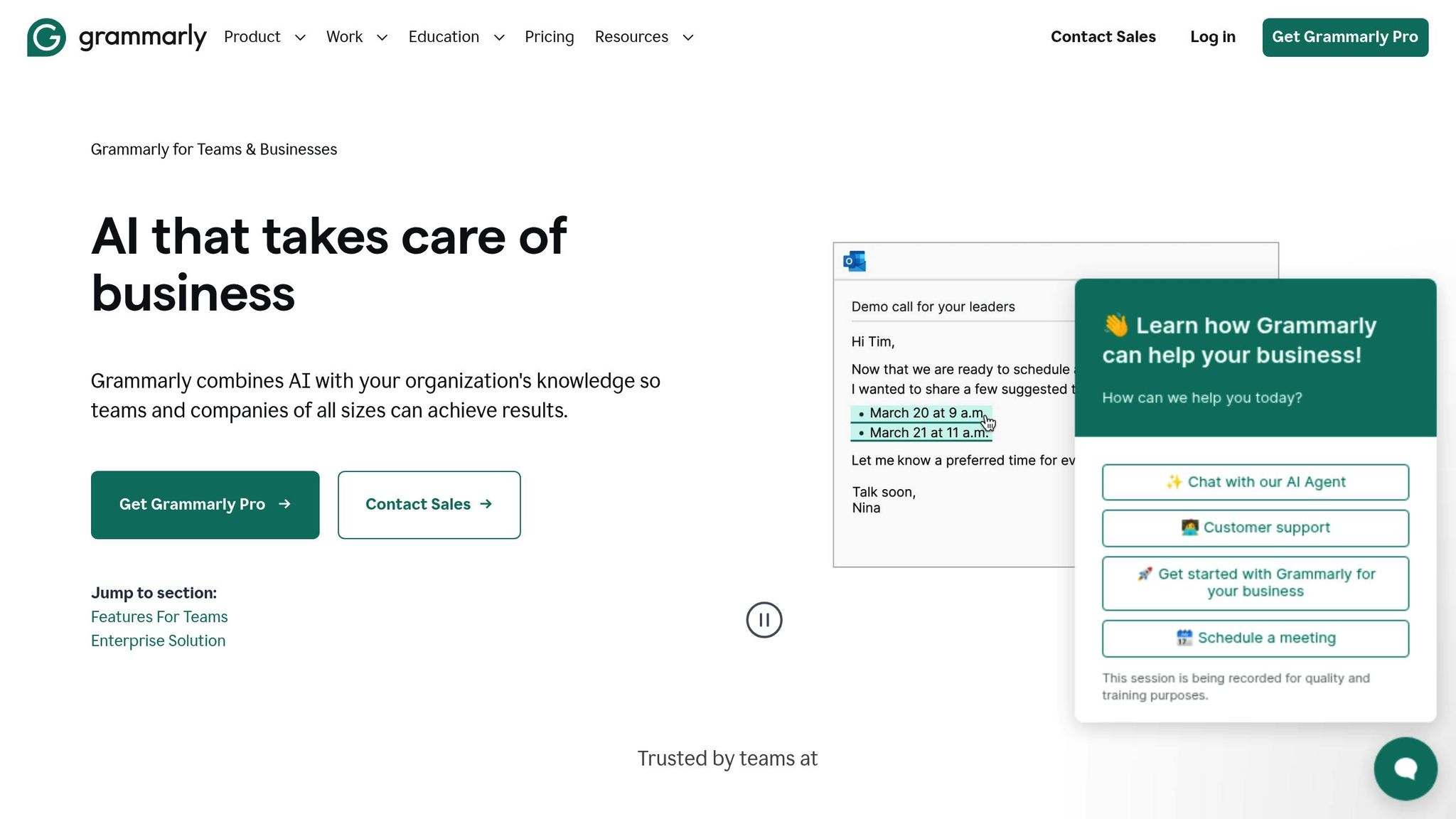
Grammarly Business stands out as a powerful tool for refining written communication at every stage of corporate events. By ensuring messages are clear, polished, and aligned with brand standards, it elevates the quality of event communications. Trusted by over 50,000 organizations, including 96% of the Fortune 500, Grammarly Business delivers measurable results, such as saving an average of $5,000 per employee annually and achieving a 17x ROI.
Real‑Time Communication Capabilities
Grammarly Business provides instant writing support, helping teams craft professional and effective messages. Its real-time features include corrections, suggestions for clarity, and tone adjustments, making it easier to simplify complex information and tailor messages for different audiences.
The platform’s AI-driven tools also speed up content creation. Event planners can quickly draft session descriptions, speaker bios, or attendee emails, then refine them with strategic suggestions to maximize their impact. Additionally, Grammarly Business can summarize long email threads and suggest replies, which is especially helpful when managing pre-event inquiries or coordinating logistics with multiple vendors. These tools save time while ensuring communications remain polished and professional.
Personalization Features
Grammarly Business goes a step further by adapting to your organization's unique communication style. Its Style Guide feature allows companies to upload their writing guidelines and add specific terms, ensuring consistent messaging aligned with brand standards. With Brand Tones, organizations can define their voice and apply it across communications, so every message feels authentic and on-brand. The Knowledge Share feature helps employees by surfacing relevant company information - like acronyms or technical terms - while typing, reducing confusion. Meanwhile, Strategic Suggestions provide tailored recommendations based on the purpose and audience of the message.
Integration with Event Workflows
Beyond its writing enhancements, Grammarly Business integrates seamlessly into the tools teams already use. It works across platforms like Google Docs, Microsoft Office, Gmail, Slack, and Salesforce, allowing event coordinators to maintain their existing workflows while benefiting from professional writing support. Whether it’s updating schedules, communicating with vendors, or preparing presentation materials, Grammarly Business ensures consistent, high-quality communication across all channels. This integration makes it an invaluable resource for event planning and execution.
7. Tableau AI for Event Data Analytics
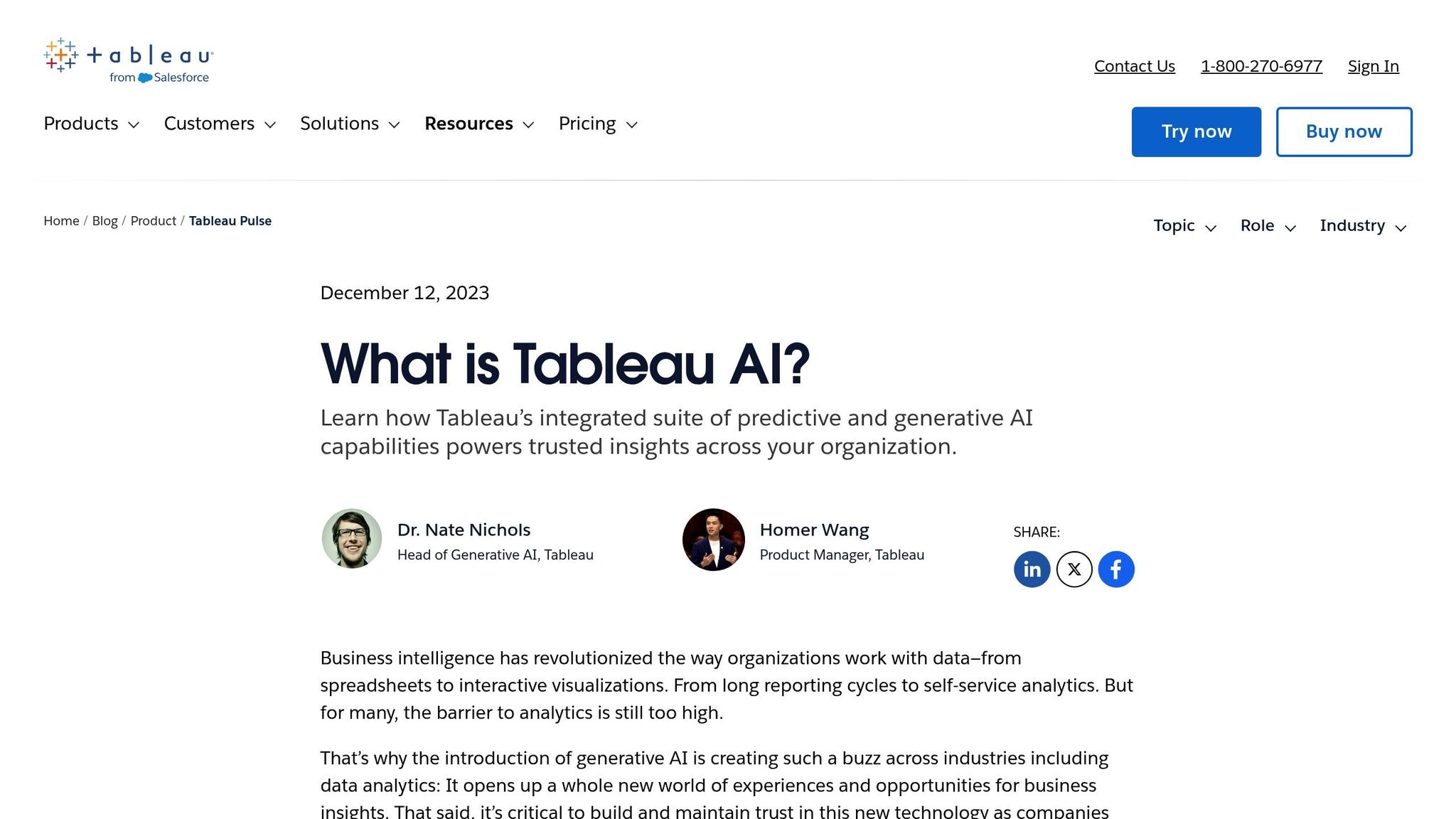
Tableau takes event data analysis to a whole new level, turning raw data into meaningful insights that drive smarter decisions. With its advanced analytics and visualization tools, Tableau empowers event managers to understand attendee behavior, measure engagement, and fine-tune future communication strategies. It’s not just about crunching numbers - it’s about making data work for you in real-time.
Event-Specific Functionalities
Tableau stands out when it comes to analyzing data from corporate events. It can process information like registration trends, session attendance, networking activities, and post-event surveys, presenting it all through easy-to-read dashboards. Event organizers can track real-time metrics such as check-in rates, session popularity, and attendee movement across venues.
One standout feature is Ask Data, which allows users to type natural language questions like, “Which sessions had the highest attendance?” or “What’s the average satisfaction score for keynote speakers?” Without needing technical skills, users get immediate visual answers, helping them make quick, informed decisions. These insights don’t just stop at numbers - they help create tailored communication strategies during events.
Tableau also uncovers hidden trends and patterns. It can link attendee demographics to session preferences, pinpoint peak engagement times, or show which marketing channels brought in the most registrations. This kind of analysis enables event teams to make adjustments that enhance attendee experiences and maximize the event’s return on investment (ROI).
Informing Personalized Communication Strategies
While Tableau shines in analytics, its insights are invaluable for crafting personalized communication strategies. By digging into attendee behavior and engagement data, event managers can identify distinct audience segments. For example, VIP guests might need special attention, while first-time attendees could benefit from extra guidance. These insights allow for targeted messaging that resonates with specific groups, elevating the overall communication impact.
Integration with Event Workflows
Tableau doesn’t just stop at insights - it integrates seamlessly into existing event workflows. It works with event management platforms, CRM systems, and marketing automation tools, pulling data from sources like registration systems, event apps, social media, and surveys. This creates unified dashboards that give a comprehensive view of event performance across all touchpoints.
Another time-saver is Tableau’s automated reporting. Whether it’s executive summaries, detailed departmental breakdowns, or sponsor-specific analytics, the platform can generate and send customized reports on a set schedule. This ensures that everyone - from executives to sponsors - gets the data they need without extra effort.
Real-time data synchronization keeps everyone on the same page. Live dashboards, accessible on mobile devices, allow event managers to monitor trends and address issues as they arise. This flexibility ensures that adjustments can be made on the fly, keeping events running smoothly and efficiently.
Comparison Table
Selecting the right AI technology for corporate event communications can feel overwhelming. To simplify the process, here's a breakdown of key features, use cases, advantages, and limitations for each platform. This should help you align your choice with your event needs and budget.
| AI Technology | Primary Use Case | Key Benefits | Main Limitations | Best For |
|---|---|---|---|---|
| Corporate Optics AI-Driven Solutions | End-to-end event production and AV management | Custom event planning, Emmy Award-winning capabilities, comprehensive AV support, post-event analytics | Custom pricing requires consultation and may be better suited for larger events | Large-scale corporate events, leadership conferences, shareholder meetings |
| Google Translate AI | Real-time multilingual communication | Supports 100+ languages, instant translation, free tier available, mobile-ready | Accuracy can vary by language pair, struggles with technical jargon, requires internet | International events, diverse attendee bases, global corporate communications |
| ChatGPT-Powered Chatbots | Attendee interaction and support | 24/7 availability, handles concurrent inquiries, natural language processing | Needs training on event-specific details, may occasionally provide incorrect answers, requires ongoing maintenance | High-volume attendee inquiries, registration support, general event information |
| Zoom AI Companion | Virtual and hybrid event management | Works with existing Zoom infrastructure, automated meeting summaries, real-time captions | Limited to the Zoom ecosystem, subscription needed for advanced features, bandwidth dependent | Virtual meetings, hybrid events, remote attendee engagement |
| Otter.ai | Automated transcription and documentation | Real-time transcription, speaker identification, searchable transcripts, integrations | Struggles with background noise, heavy accents may reduce accuracy, limited free tier | Session documentation, meeting minutes, accessibility compliance |
| Grammarly Business | Professional written communication | Real-time writing assistance, maintains brand voice consistency, plagiarism detection | Subscription-based, focuses only on written communication, requires team adoption | Email campaigns, presentation content, marketing materials, internal communications |
| Tableau AI | Event data analytics and insights | Advanced visualization, natural language queries, real-time dashboards, predictive analytics | Steep learning curve, requires data integration setup, higher cost for full features | Data-driven event strategy, ROI measurement, attendee behavior analysis |
Pricing and Integration Considerations
When it comes to pricing, there's a mix of free, subscription-based, and custom pricing models. Platforms like Corporate Optics and Tableau AI require custom pricing tailored to your event's scope. Mid-tier options, such as Grammarly Business and Otter.ai, rely on straightforward subscription plans.
Integration is another critical factor. Some platforms, like Tableau AI and Zoom AI Companion, seamlessly connect with existing systems, making them ideal for businesses with established workflows. On the other hand, standalone tools like Google Translate AI operate independently but might need extra steps to fit into your communication strategy.
Ease of Use and Scalability
Think about your team's technical capacity when choosing a platform. Tools like Grammarly Business and Otter.ai are user-friendly and can be quickly deployed with minimal training. Meanwhile, Corporate Optics offers a premium service that handles technical complexities for you, making it a solid pick for large-scale productions.
Scalability is equally important. Cloud-based solutions like Google Translate AI and Zoom AI Companion can support a growing user base effortlessly. Custom solutions, such as those from Corporate Optics, are specifically built to scale with the size and complexity of your event. Keep your long-term growth plans in mind as you decide.
This guide provides a clear framework to help you pick the AI technology that aligns with your event communication goals.
Conclusion
AI has reshaped how companies manage corporate event communications, tackling key challenges like language barriers, attendee engagement, information overload, and the growing demand for data-driven insights.
By integrating AI tools, event organizers can seamlessly bridge communication gaps, handle attendee inquiries, and ensure no detail is overlooked. For example, Google Translate AI helps international audiences connect effortlessly, while ChatGPT-powered chatbots efficiently address attendee questions. Tools such as Otter.ai, Grammarly Business, and Tableau AI streamline tasks like documentation, maintain professionalism, and deliver actionable analytics. Together, these tools create a cohesive communication strategy that’s both effective and efficient.
AI also enables event managers to track engagement metrics in real-time, analyze attendee behavior, and measure the effectiveness of their communication efforts. This shift from reactive to proactive event management can significantly enhance the overall event experience.
For large-scale events, platforms like Corporate Optics integrate AI for seamless production and insightful post-event analytics. This not only boosts efficiency but also reduces costs, improves attendee satisfaction, and increases ROI. Companies adopting these technologies benefit from smoother workflows and stronger post-event follow-up strategies.
The key to success isn’t adopting every AI tool available - it’s about selecting the right ones that align with your event’s goals and your organization’s needs. Start small by addressing your top challenges with one or two tools, then expand your AI toolkit as needed. With the right mix of solutions, you can transform your next corporate event into a streamlined, impactful experience.
FAQs
How can AI tools improve communication at international corporate events?
AI tools, such as real-time translation platforms, are reshaping communication at international corporate events by eliminating language barriers. Take AI-powered speech translation, for instance - it can instantly convert spoken words into another language while maintaining the speaker's tone and intonation. This allows attendees from various linguistic backgrounds to connect with presentations and discussions seamlessly.
Some of these tools go even further, offering features like real-time transcription and support for multiple languages. Often, they’re easily accessible through user-friendly options like QR codes. This makes it simple for participants to follow along in their preferred language, improving understanding and fostering a more inclusive event atmosphere.
How can ChatGPT-powered chatbots enhance attendee interaction at corporate events?
ChatGPT-powered chatbots can transform how attendees interact during events by taking care of tasks like answering questions, managing registrations, and offering real-time support. Since these chatbots are available 24/7, attendees can get assistance whenever they need it, without delays.
Beyond basic support, they function as virtual event guides, delivering personalized suggestions for sessions or networking opportunities based on individual preferences. By simplifying communication and tailoring the experience, these chatbots help increase engagement and make the event flow more seamlessly for everyone.
How can Tableau AI help event managers make better use of event data?
Tableau AI equips event managers with tools to make better decisions by turning complex data into actionable insights. With features like predictive analytics and automated recommendations, it helps break down intricate datasets into clear strategies designed to boost audience engagement and improve event results.
By automating routine tasks and offering user-friendly guidance, Tableau AI simplifies workflows, saving valuable time and minimizing errors. It also delivers tailored insights, helping event managers address attendee needs more effectively and drive event success.
Related Blog Posts



Streamline your workflow, achieve more

Lorem ipsum dolor sit amet, consectetur adipiscing elit. Maecenas ac velit pellentesque, feugiat justo sed, aliquet felis.



Lorem ipsum dolor sit amet, consectetur adipiscing elit. Maecenas ac velit pellentesque, feugiat justo sed, aliquet felis.