Event Agenda Timeline Planner

Chief Executive Officer
Plan Perfect Events with an Event Agenda Timeline Planner
Organizing an event can feel like juggling a dozen tasks at once. From weddings to corporate conferences, timing is everything. That’s where a reliable event scheduling tool comes in handy. It takes the chaos out of planning by helping you map out every session, break, or keynote with precision.
Why Use a Timeline Scheduler?
A good agenda organizer does more than just list tasks—it ensures your day runs smoothly. Imagine setting up a full-day seminar without worrying about overlapping sessions or running overtime. With the right digital planner, you input details like start times and durations, and it arranges everything into a clear, chronological flow. Plus, it catches mistakes before they become problems.
Benefits for Every Event Coordinator
Whether you’re managing a small meeting or a large festival, having a structured schedule builds confidence. Attendees appreciate a well-timed itinerary, and speakers know exactly when they’re on. Tools designed for event planning save hours of manual work, letting you focus on the bigger picture. If you’ve ever struggled with last-minute changes, this kind of support is a lifesaver. Try it out and see the difference!
FAQs
Can this tool handle complex events with multiple sessions?
Absolutely! Our Event Agenda Timeline Planner supports up to 15 agenda items, so it’s perfect for multi-session events like conferences or workshops. You can add detailed info for each slot—start times, durations, speakers, and more. If there’s an overlap or timing issue, the tool flags it right away so you can tweak things on the fly.
What happens if my agenda exceeds the event duration?
No worries! The tool automatically checks if the total time of your agenda items fits within the event’s timeframe. If it doesn’t, you’ll get a clear warning to adjust durations or remove items. It’s all about helping you create a realistic schedule without the guesswork.
Is the output easy to share with my team or clients?
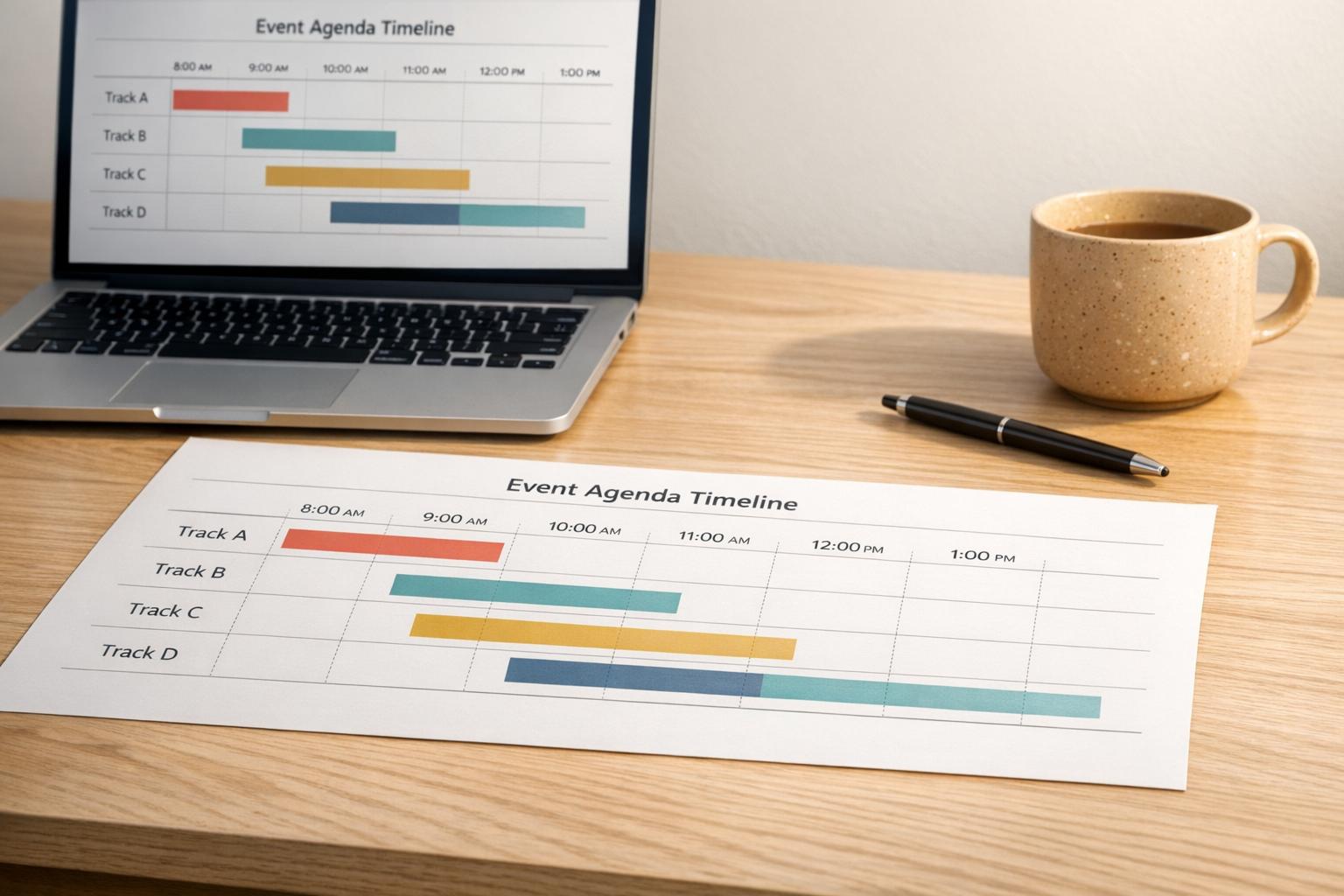
Yes, it’s super user-friendly! Once your agenda is ready, you can view it as a clean list or a visual timeline. From there, you can export or share it directly with your team or clients. It’s designed to look professional and save you time on formatting.



Streamline your workflow, achieve more

Lorem ipsum dolor sit amet, consectetur adipiscing elit. Maecenas ac velit pellentesque, feugiat justo sed, aliquet felis.



Lorem ipsum dolor sit amet, consectetur adipiscing elit. Maecenas ac velit pellentesque, feugiat justo sed, aliquet felis.