Event Lighting Needs Calculator

Chief Executive Officer
Plan Your Perfect Event with an Event Lighting Calculator
Organizing an event is no small feat, and getting the ambiance just right often hinges on proper illumination. Whether you're setting up for a dreamy wedding reception or a pulsating concert, understanding your venue's lighting requirements can make or break the mood. That’s where a tool to calculate lighting needs comes in handy, taking the stress out of guessing how many fixtures you’ll need to transform your space.
Why Lighting Matters for Events
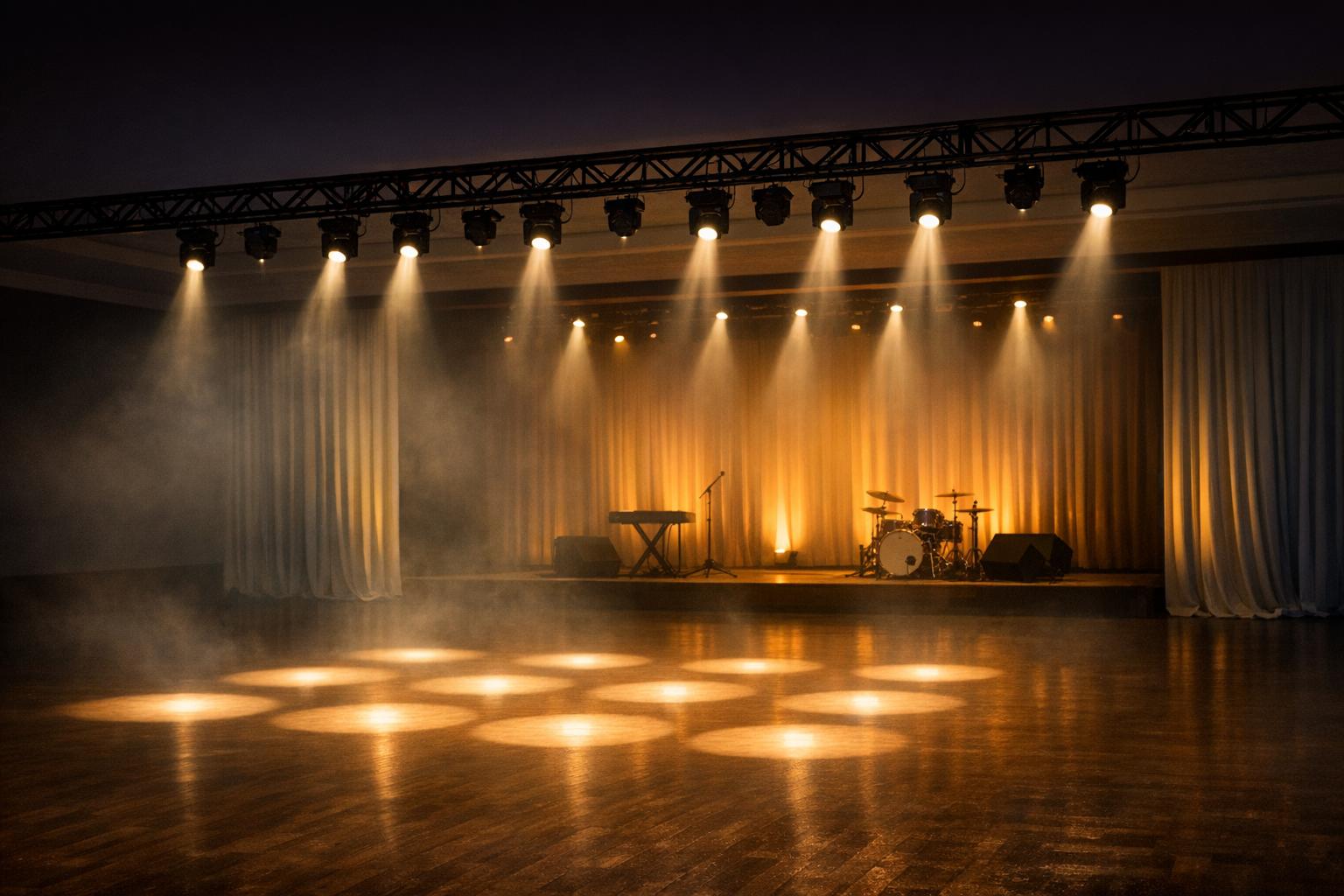
Think about the last event you attended—did the glow of soft, warm lights make a wedding toast feel magical? Or did bold, dynamic beams amplify the energy of a live performance? The right setup doesn’t just brighten a room; it shapes the entire experience. For event planners, nailing this detail means balancing practicality with creativity. You’ve got to consider the size of the space, the vibe you’re aiming for, and key areas like a stage or dance floor that need extra attention.
Simplify Planning with Smart Tools
Instead of relying on rough estimates or pricey consultations, modern solutions let you map out your needs in minutes. Input a few details about your venue and event style, and you’ll get a tailored breakdown to guide your decisions. It’s a game-changer for anyone looking to craft unforgettable moments without the usual headaches.
FAQs
How does the calculator determine the number of lighting fixtures?
Great question! Our tool uses a simple but effective formula based on your venue size and lighting intensity. For example, a low-intensity setup might need one fixture per 100 square feet, while high intensity could require one per 50. Then, we tweak the numbers based on your event type—concerts get a 1.5x boost for dramatic effect, while weddings get a 1.2x for a softer vibe. Focal points like stages are factored in separately to ensure they stand out.
Can I use this tool for outdoor events?
Absolutely, though keep in mind it’s designed with indoor venues as the default. For outdoor spaces, the logic still applies based on square footage, but you might need to account for natural light or weather conditions manually. Pop in your area size, and use the results as a starting point. If you’re dealing with a tricky outdoor setup, feel free to add a few extra fixtures to the estimate for safety.
What if my venue size or inputs seem off—will the tool catch errors?
Yep, we’ve got you covered! If you accidentally input something unrealistic, like a venue size of zero or a negative number, the tool will flag it with a friendly message like ‘Venue size must be greater than zero.’ It’s built to nudge you back on track without any frustration, so you can focus on planning your event, not debugging numbers.



Streamline your workflow, achieve more

Lorem ipsum dolor sit amet, consectetur adipiscing elit. Maecenas ac velit pellentesque, feugiat justo sed, aliquet felis.



Lorem ipsum dolor sit amet, consectetur adipiscing elit. Maecenas ac velit pellentesque, feugiat justo sed, aliquet felis.