Stage Design Visualizer

Chief Executive Officer
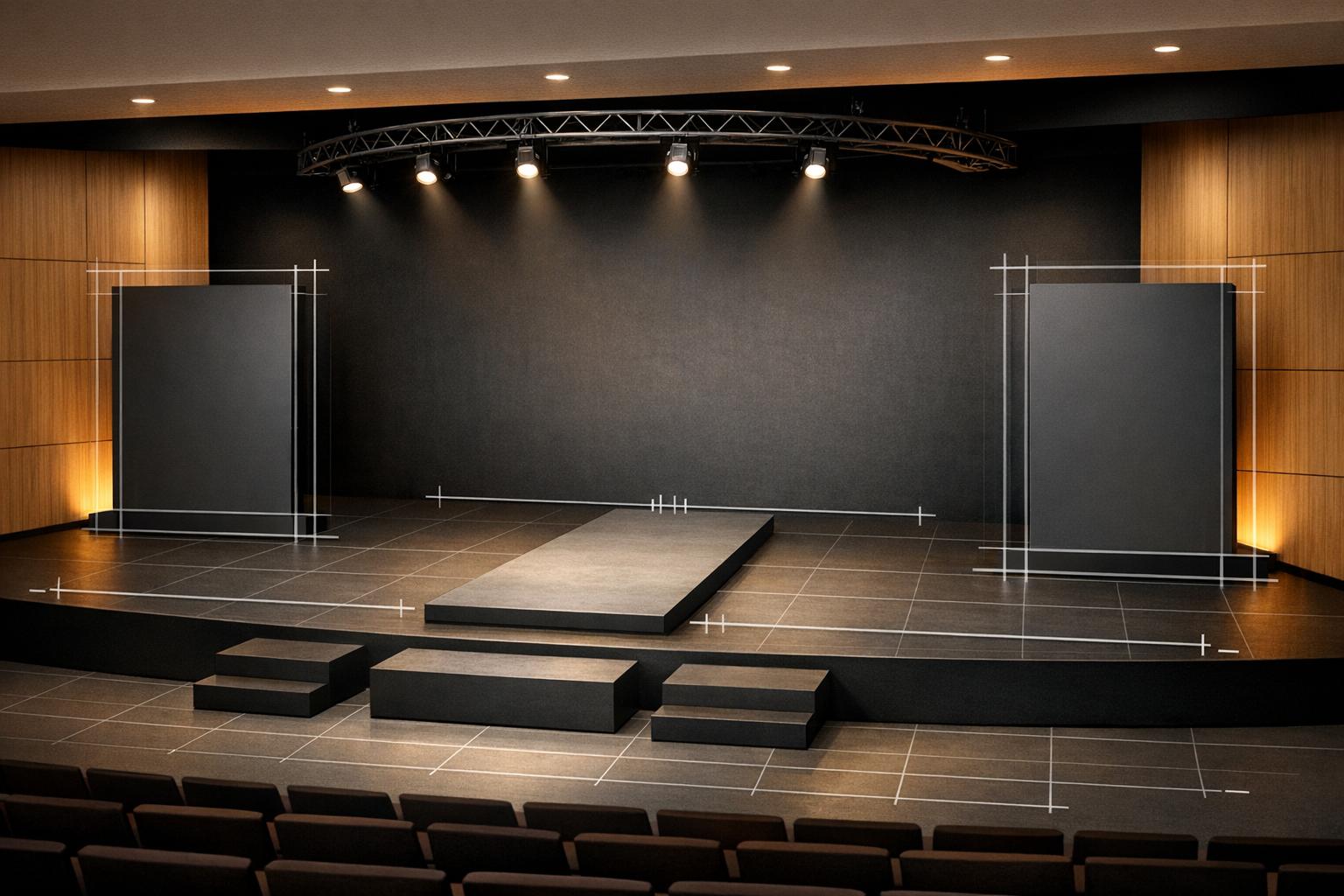
Plan Your Perfect Event with a Stage Design Visualizer
Organizing an event can feel like juggling a dozen tasks at once, but crafting the ideal stage setup doesn’t have to be one of them. With a tool like our Stage Design Visualizer, event planners can bring their vision to life before setting foot on-site. Imagine being able to test different layouts, from a classic rectangular platform to a unique T-shaped design, all from your browser.
Why Visualize Your Stage Layout?
A virtual stage builder takes the guesswork out of planning. You can input exact measurements, experiment with placing screens or banners, and even play with colors to match your theme. This kind of preview helps avoid last-minute surprises, ensuring your podiums and props fit perfectly without clashing. It’s especially handy for coordinators working with tight spaces or specific client requests.
Save Time and Impress Clients
Beyond just mapping out a space, this tool delivers professional-grade diagrams you can share with stakeholders. Whether it’s a corporate seminar or a music festival, having a clear visual plan builds confidence and streamlines communication. Try this event layout planner today and see how effortless stage planning can be!
FAQs
Can I save or export my stage design after creating it?
Absolutely! Once you're happy with your layout, you can download a scalable 2D diagram with all the dimensions and elements labeled. It’s perfect for sharing with your team or vendors to ensure everyone’s on the same page. We’re working on a feature to save designs directly to your account for even easier access later.
Does the tool prevent elements from overlapping on the stage?
Yes, we’ve got you covered. The tool uses a snap-to-grid system to help keep things tidy, and if elements overlap, you’ll get a little warning pop-up. You can adjust placement manually to make sure everything fits just right for your event setup.
Is this tool suitable for beginners with no design experience?
Definitely! We built this visualizer with all skill levels in mind. The interface is super intuitive—just drag, drop, and tweak as you go. Plus, the real-time preview means you can see exactly what you’re creating without needing any fancy design know-how.



Streamline your workflow, achieve more

Lorem ipsum dolor sit amet, consectetur adipiscing elit. Maecenas ac velit pellentesque, feugiat justo sed, aliquet felis.



Lorem ipsum dolor sit amet, consectetur adipiscing elit. Maecenas ac velit pellentesque, feugiat justo sed, aliquet felis.