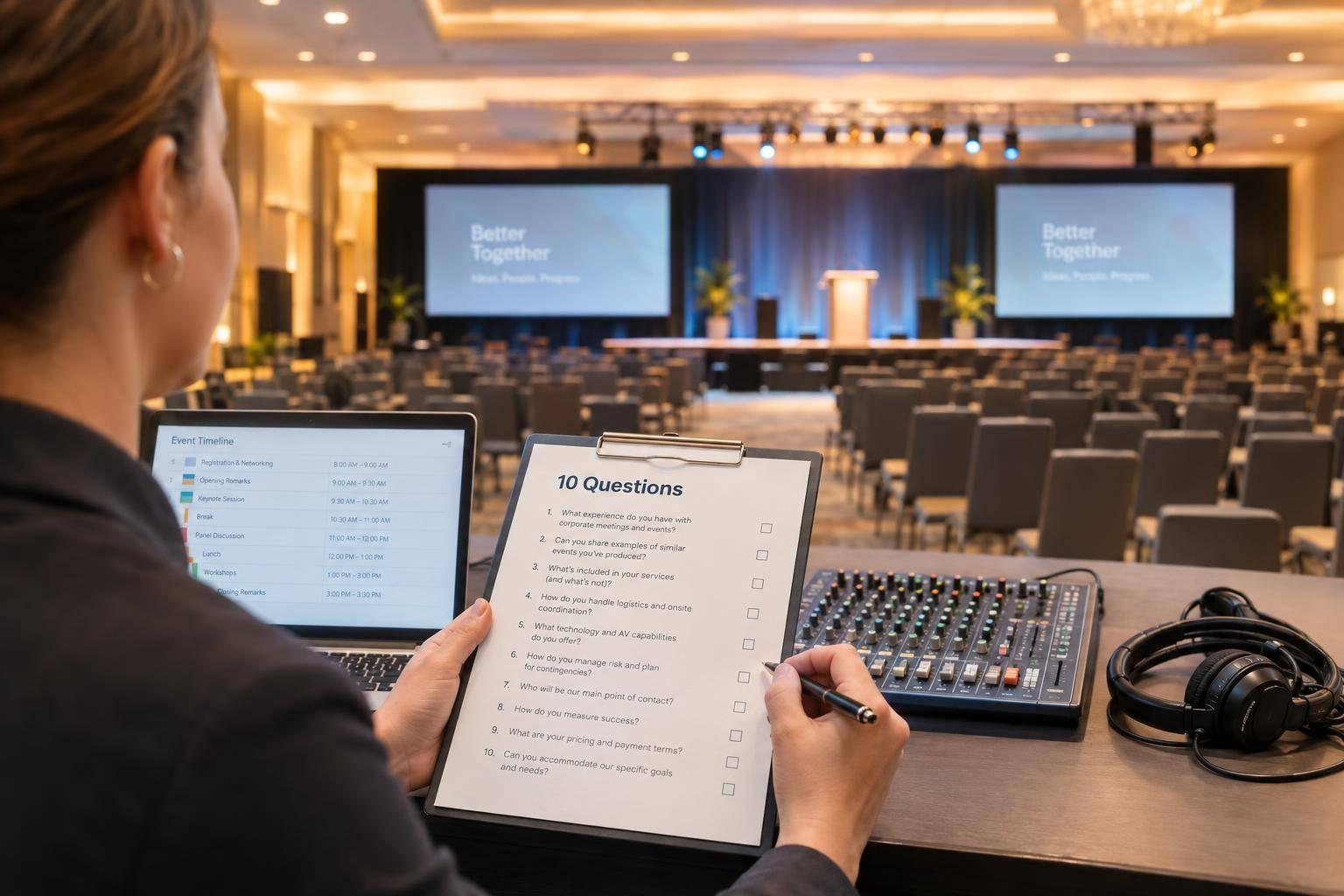
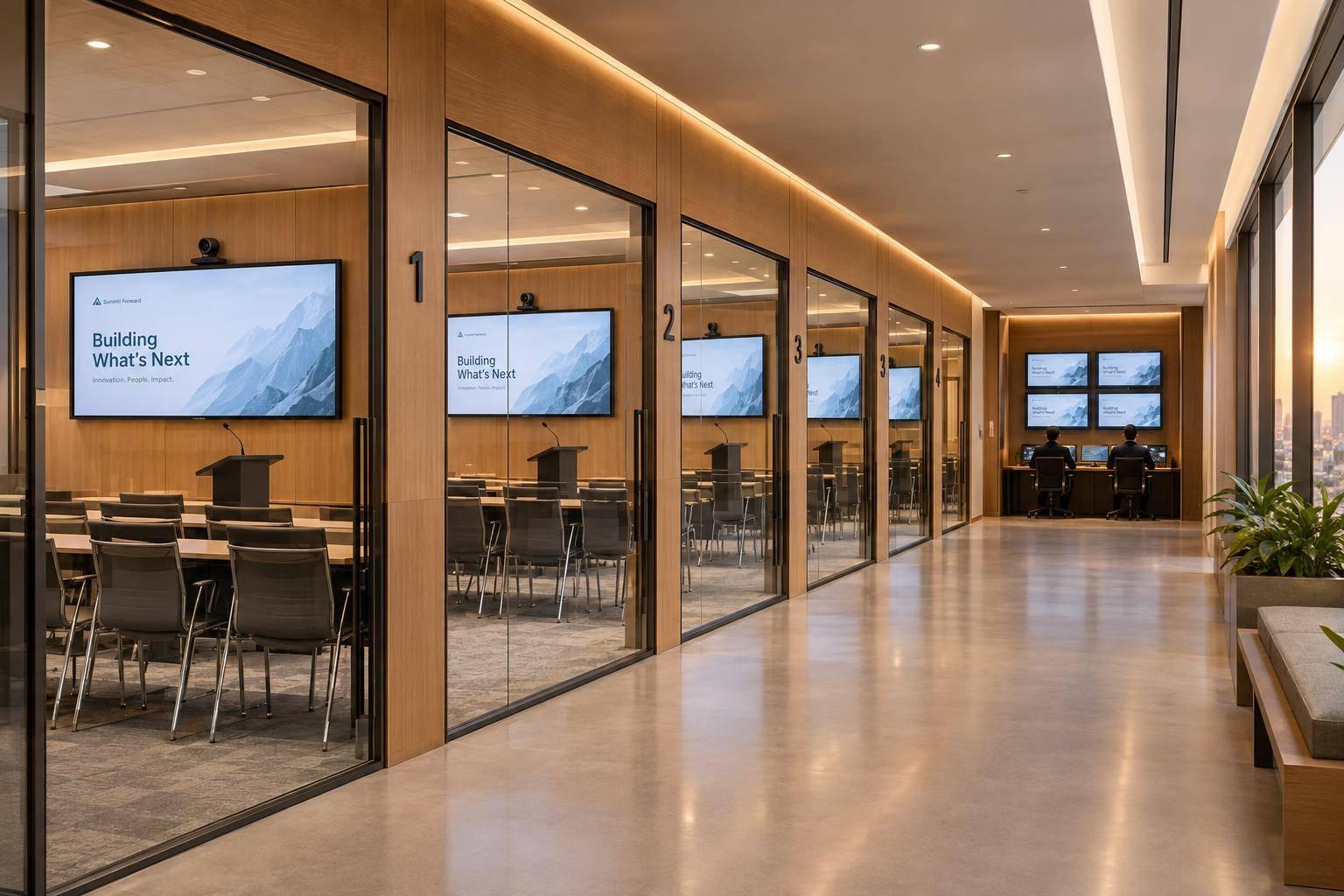
Need To Find A Conference AV Team? Reach Out Corporate Optics For Lighting, Video, Audio, Staging & Scenic Design, Streaming, And Show Direction.

Chief Executive Officer
If your conference AV is split across vendors, your event is harder to run. I’d keep it simple: one team handling audio, video, lighting, staging, scenic, streaming, and show calling cuts down on cue misses, mic issues, bad sightlines, and stream problems.
Here’s the short version:
- Audio problems lead to weak speech clarity, uneven room coverage, and poor Q&A
- Video problems make slides hard to read and playback harder to control
- Lighting problems leave speakers in shadow and wash out screens
- Stage layout issues hurt sightlines, movement, and camera angles
- Streaming gaps can cause echo, lag, and viewer drop-off
- Cueing mistakes slow transitions and throw off timing
I also noticed the article points to one main fix: put the full show under one production plan. That means one crew can line up the room, the stage, the screens, the stream, and the run of show before doors open.
A few details stand out:
- Presenter lighting is often set around 3,200K to 4,500K
- Hybrid coverage may use 3 camera views: wide, medium, and tight
- The process follows 4 stages: Discover, Design, Develop, Deliver
| Area | When teams are split | When one AV partner runs it |
|---|---|---|
| Planning | More handoffs and back-and-forth | One shared plan |
| Troubleshooting | Blame can bounce between vendors | One point of contact |
| Room-to-room quality | Can vary | More consistent |
| Streaming | Often treated as separate | Built into the show plan |
| Cue calling | Harder to sync | One show caller keeps timing tight |
Bottom line: if you want speakers to sound clear, slides to stay visible, streams to stay live, and transitions to hit on time, I’d look for one AV team that covers the whole conference from pre-production through post-event files.
Event Producer Tips: A/V Best Practices for Your Conference Breakout Rooms - Logan Clements
sbb-itb-ae35a94
Common Conference AV Problems That Hurt Speaker Clarity, Visibility, and Flow
These issues usually don’t show up during corporate sales conference planning. They hit once the event is live - during a keynote, halfway through a panel, or right when a remote attendee joins.
Audio, Video, and Lighting Failures That Reduce Presentation Quality
Muffled or uneven audio is one of the most common conference problems. Bad mic EQ and weak room coverage can make speakers sound flat, while people in the back struggle to hear. In breakout rooms, built-in hotel sound often leads to uneven volume between live speakers and video playback. That puts presenters in a tough spot: repeat key points or cut material just to stay on time.
Unreadable slides can do just as much damage. If screens are too small, fonts are too tiny, or projectors aren’t bright enough, charts, financials, and product specs become hard to read from the back of the room. Video issues make things worse. Stuttering clips, missing audio, or clumsy laptop switching can interrupt the story at the worst possible time. And if multiple screens aren’t in sync, one side of the room may see content a few beats later than the other.
Lighting adds another layer of trouble. Speakers in shadow - often caused by weak front light or too much reliance on house lights - are harder to read. Facial expressions and body language get lost, and that can hurt how confident a speaker seems. If stage lighting isn’t balanced with projector brightness, slides get washed out. And what looks fine in the room can still look dull on camera, which hurts both recordings and live streams.
Staging, Streaming, and Cueing Problems That Make an Event Feel Disorganized
Staging problems often become obvious only after a session starts. Cramped stage layouts can box speakers in and make panel discussions feel stiff. Poor sightlines - when the stage is too low, pushed too far back, or blocked by columns or camera tripods - leave big parts of the audience without a clear view. Branding pieces such as step-and-repeat banners, set pieces, or LED walls can lose their punch if they aren’t sized or placed well for the room or the camera. Dark or reflective scenic materials may look fine in person but disappear or throw glare once stage lights hit them.
On the streaming side, unstable streams, weak remote audio, and latency that throws off live Q&A timing are common failure points. Remote viewers tend to check out fast when they hear room echo or barely audible speakers. Cueing problems add to the mess. Missed walk-ons, delayed panel changes, or slides drifting out of sync with the speaker may seem minor at first, but those delays stack up and start pulling the whole schedule off track.
The result is pretty simple: people understand less, the event feels less polished, and the team has less control over the run of show. These are the kinds of breakdowns one integrated conference AV team is there to stop. That’s why the answer isn’t one isolated fix. It’s one team managing every production layer together.
How Corporate Optics Covers the Full Conference AV Scope
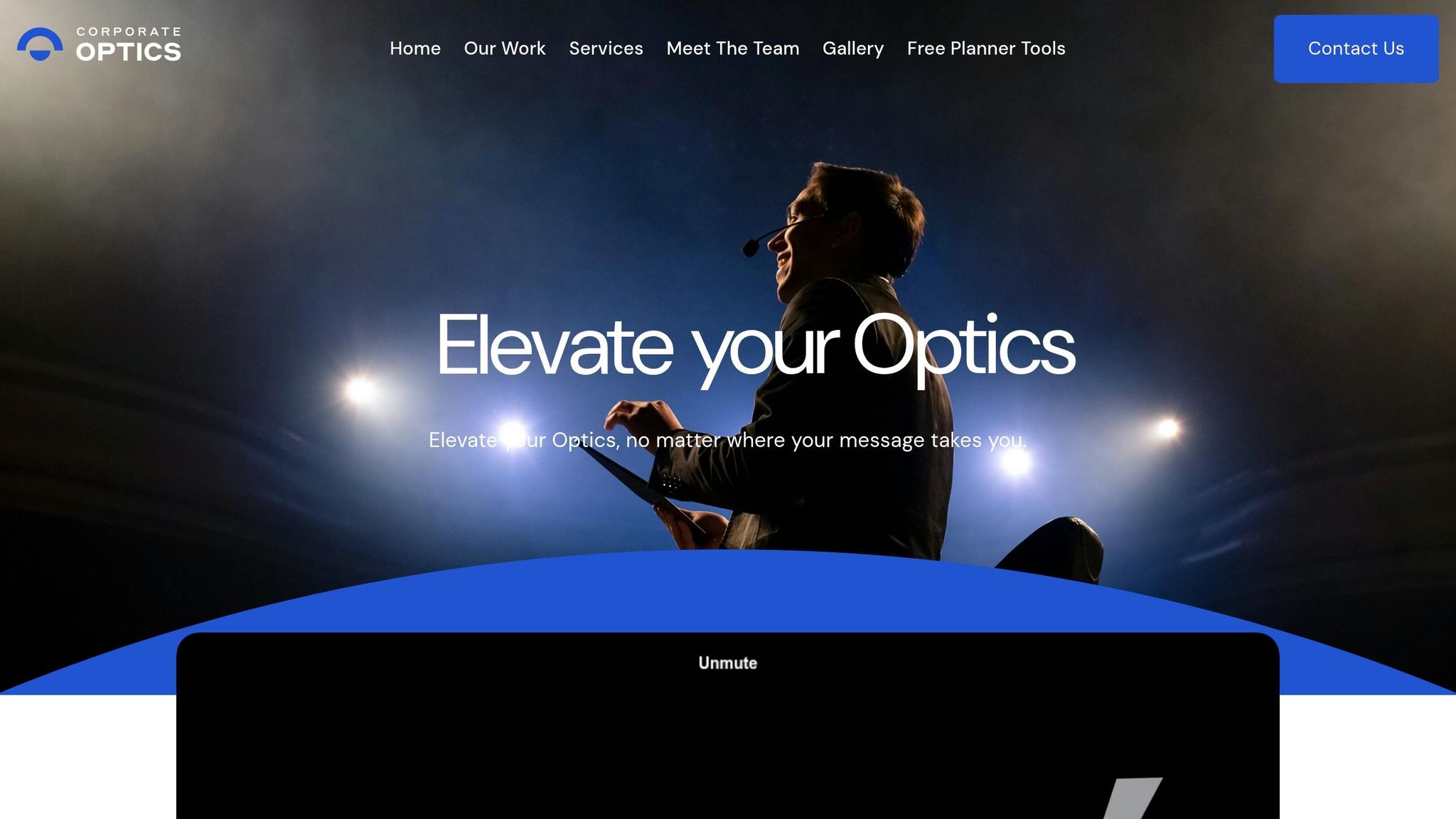
Corporate Optics handles lighting, video, audio, staging, scenic design, streaming, and show direction under one production plan. That matters because it deals head-on with the speaker, screen, and cue issues mentioned above.
Lighting, Video, and Audio for Keynotes, Breakouts, and Executive Sessions
For keynotes, breakouts, and executive sessions, the first job is simple: make sure people can see the speaker and hear every word.
Lighting begins with the presenter. The crew places key lights so speakers look clear both in the room and on camera, usually in the 3,200K to 4,500K range to match projection and LED screens. For keynotes, that setup can grow to include branded color on cyc walls or scenic drape, along with backlight and sidelights that help the image look better on camera. Breakout rooms use a smaller version of that plan, with compact LED fixtures and focused key lights over podiums and panel tables. That keeps setup lean while still making presenters easy to see. Audience lighting is handled on its own layer, so people asking questions can show up on camera without blowing out the screens.
Video systems are built around the room. The team plans screens and displays based on room depth and seating layout so people in the back can still read slides and watch video clearly. If a room needs more punch, LED walls can take the place of projection to keep contrast and visibility in good shape. A multi-source playback and switching system manages presenter laptops, backup machines, pre-produced videos, and holding slides, which helps content changes happen without awkward pauses.
Audio starts with one goal: speech clarity. Main speaker arrays are sized and placed to cover the whole seating area evenly. In deeper rooms, front fills and delay speakers are added as needed. The team also manages mic selection and mixing by session type, including:
- lavalier mics for presenters who move
- headset mics for softer voices
- podium goosenecks for standard keynotes
- handheld wireless mics for panels and Q&A
- audience mics for more controlled participation
Backup wireless channels stay ready for VIPs and keynote speakers. Playback audio is mixed on its own, so it doesn't fight with speech.
Staging, Scenic Design, and Streaming for In-Room and Hybrid Audiences
Stage design has to work for the room and for the stream. Corporate Optics sizes risers and platforms based on the number of speakers and the panel format, then checks sightlines from the back of the room and from camera positions. Podium placement, furniture, backstage access, ramps, and clear walking paths are planned as one system. Scenic pieces like branded backdrops, printed or LED scenic walls, and soft goods are picked and lit to look clean on video. That includes avoiding patterns that can cause moiré on camera and keeping colors accurate on screen.
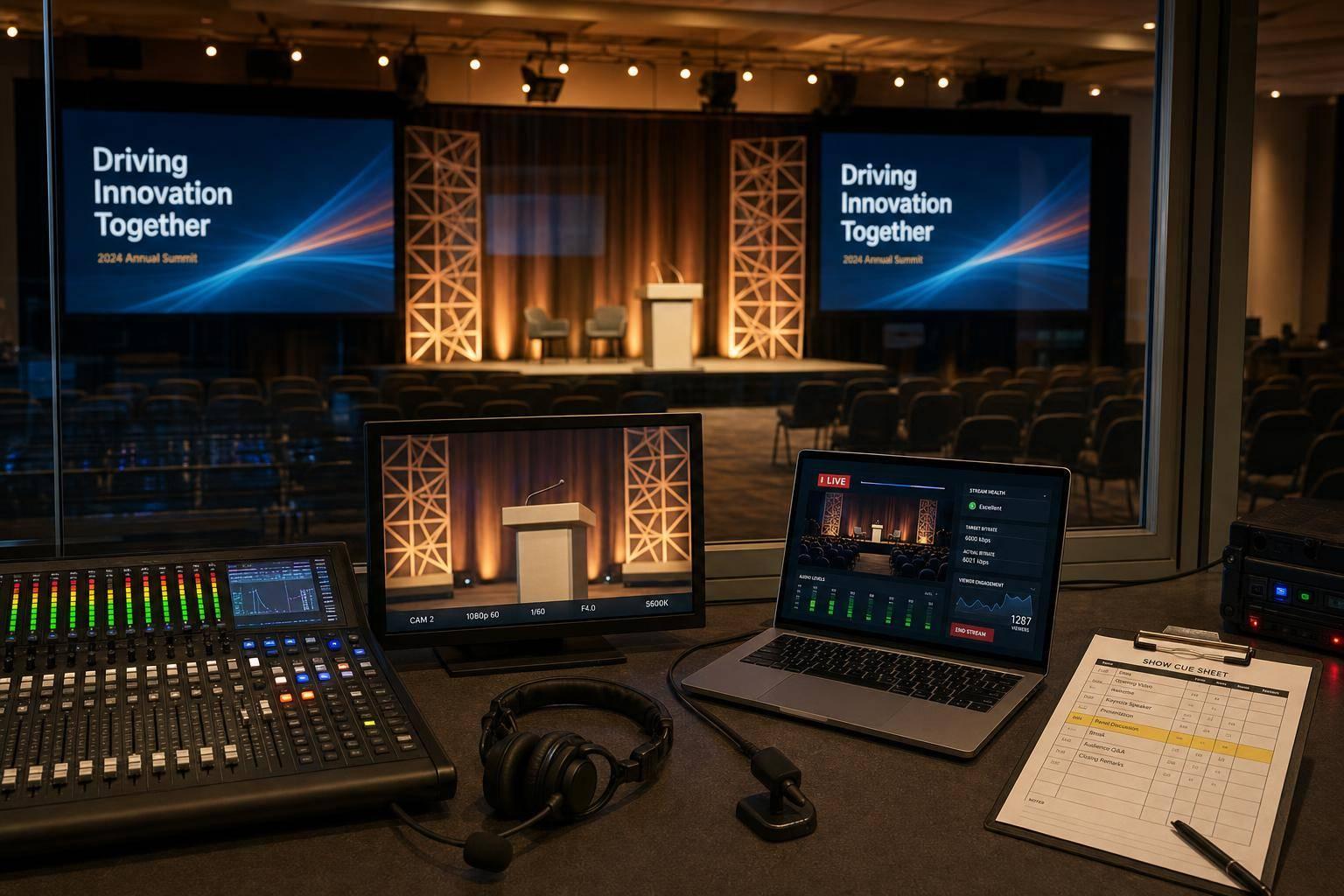
For hybrid conferences, that same plan extends into camera coverage and stream delivery. The team runs a separate stream workflow alongside the in-room show. A multi-camera setup - often a wide shot, a medium shot, and a tight close-up - gives the video director enough coverage to keep remote viewers locked in during a keynote. The stream also gets its own audio mix, separate from the house system, so remote attendees hear steady speech without room echo or extra audience noise.
The stream side includes a few nuts-and-bolts steps that matter a lot:
- encoders are set with redundant signal feeds
- bitrates are tested ahead of time with the client's IT team
- holding slates and countdowns keep remote viewers informed during breaks
- recordings and isolated feeds can be delivered for on-demand use
Show Direction and Cue Calling That Keep Every Transition on Time
Once the system is designed, show direction keeps it all moving.
An agenda isn't a production plan. Corporate Optics turns it into a second-by-second run of show that maps every lighting change, mic cue, video roll, walk-on music hit, and stage movement for each session. That way, lighting, audio, video, and stage management all work from the same document instead of guessing in the moment.
Before the event starts, the crew runs cue-to-cue rehearsals with presenters and the full team. Speakers walk their entrance and exit paths, and each transition is run at full speed so timing issues show up before the room fills. During the live show, a dedicated show director calls every cue over headset and gives direct instructions to lighting, audio, and video operators in real time. That's what keeps transitions tight and the schedule on track.
Why One Full-Service AV Team Works Better Than a Piecemeal Setup

Fragmented AV vs. Integrated AV Partnership: Side-by-Side Comparison
Unified Planning, Accountability, and Consistency Across the Event
The main advantage of full-service AV isn't having fewer vendors on paper. It's having one plan, one crew, and one owner for the show.
When audio, lighting, video, staging, streaming, and show direction all come from one team, the whole conference runs from the same playbook. That plan covers the general session, breakouts, and virtual parts of the event. As a result, handoff mistakes are far less likely, updates move to every department at the same time, and the run of show stays on track. That's what helps protect speaker clarity, screen visibility, and cue timing.
It also cuts off a common problem before it starts. In a multi-vendor setup, a staging vendor might build structures that don't line up with the projector throw distances selected by the video vendor. That's the kind of mismatch that can throw a session off fast. With one team owning the full signal path, those gaps don't show up in the first place. A change gets made once, and everyone gets it at the same moment.
A single partner can also keep standards steady across the event. Mics, lighting levels, screen formats, and playback can all match from the general session to each breakout room. That means presenters get the same level of support whether they're stepping onto the keynote stage or speaking in a smaller side room. The same thing applies across multiple days. If a mic position or camera angle needs a slight fix after Day 1, the same crew can roll that update out everywhere on Day 2.
"Every time we work with Corporate Optics, we know we're in good hands. Their attention to detail and ability to adapt to challenges is unmatched." - Ed D., Senior Managing Director, Chief Operating Officer
And when something breaks during a live session, there isn't time for finger-pointing. With one team in charge, accountability is immediate. No one has to stop and ask who owns the issue. One lead figures it out, one crew fixes it, and the show moves on.
Fragmented AV Approach vs. Integrated Corporate Optics AV Partnership
One integrated team helps keep the keynote clear, the room easy to see, and the schedule on time. On show day, that gap stands out fast:
| Factor | Fragmented AV (Multiple Vendors) | Integrated Corporate Optics Partnership |
|---|---|---|
| Planning time | High; separate schedules, designs, and scopes to coordinate | Streamlined; one unified discovery and design process |
| Risk of on-site issues | High; handoff errors between audio, video, and lighting teams | Low; integrated rehearsals and contingency planning built in |
| Troubleshooting ownership | Often disputed between vendors | Single-point accountability across all technical departments |
| Consistency between rooms | Variable; different teams may apply different standards | Uniform production quality from general session to breakouts |
| Hybrid readiness | Streaming often treated as a separate, disconnected layer | In-room and virtual production designed together from the start |
| Crew communication | Multiple leads, separate comms channels, slower coordination | One show caller, one comms system, all departments in sync |
| Decision-making speed | Slow; requires consensus across separate companies | Rapid; real-time adjustments made by a single producer or technical director |
That same shared setup also makes pre-production and on-site execution move faster.
How to Plan and Run a Conference With Corporate Optics
Discovery, Technical Design, and Pre-Production Coordination
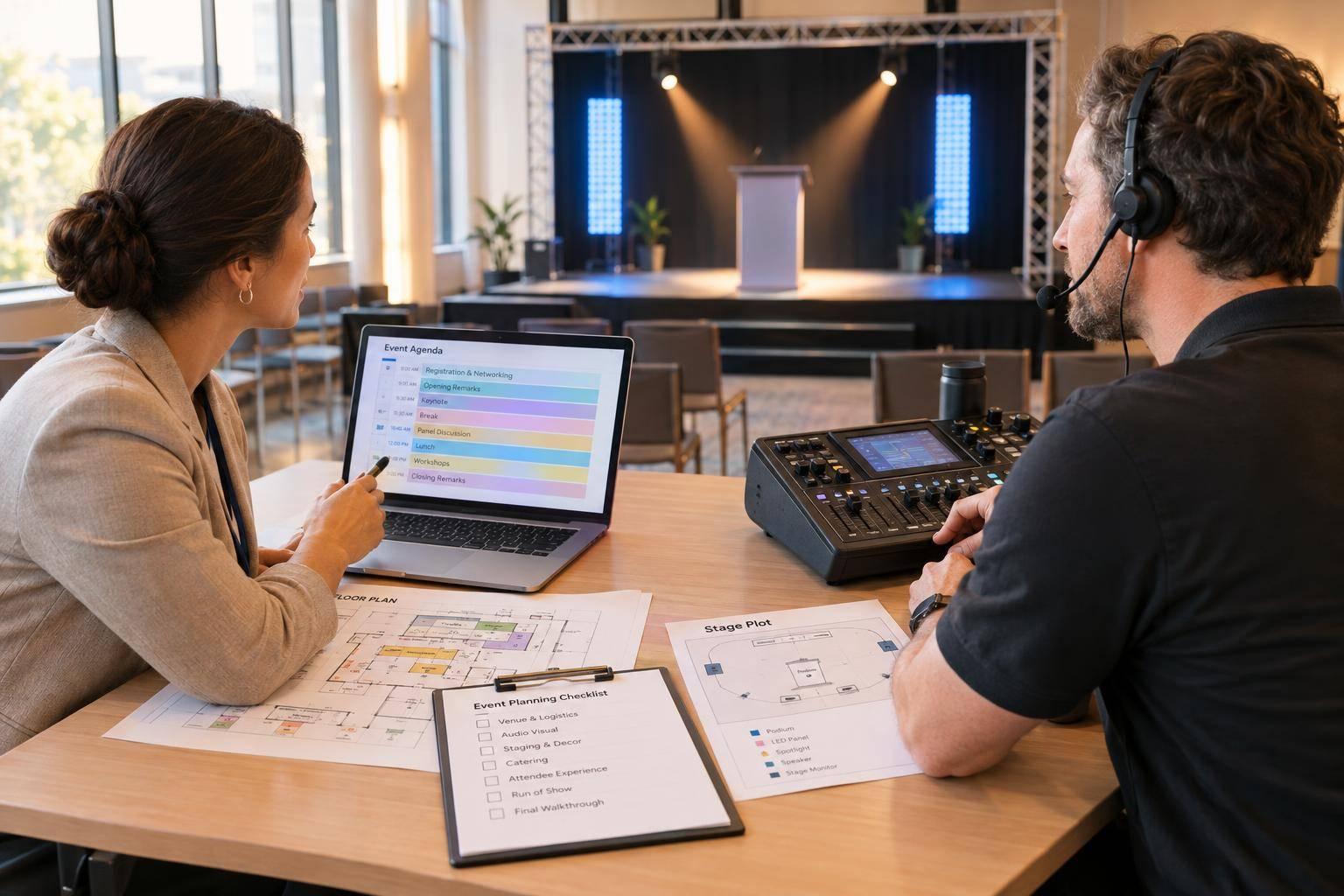
When one team owns the full plan, Corporate Optics follows a four-stage process - Discover, Design, Develop, and Deliver - to move a conference from early idea to live execution by following best practices for conference event production.
Discovery begins with goals, not gear lists. The team first gets clear on what the event needs to do, who’s in the audience, what kinds of sessions are planned, and what the live, recorded, and virtual needs will be. From there, each later decision starts to make sense, from audio coverage and camera coverage to scenic scale.
Technical design happens before anyone steps on-site. The team plans screen placement, display selection, camera positions, lighting, audio, power, rigging, load-in timing, and backup internet lines in advance. For hybrid events, they also map the stream setup and redundant signal feeds so one failure doesn’t take down the broadcast. That work ties straight to the things planners care about most: clear speakers, good audience sightlines, hybrid access, and a show that moves cleanly from one moment to the next.
On-Site Execution, Speaker Support, and Post-Event Deliverables
On show day, the team checks lighting, audio, display alignment, confidence monitors, and stream backups before doors open.
Speaker support is part of the on-site workflow, not an afterthought. Backstage briefings walk presenters through their entrance path, cue lights, confidence monitor content, and how Q&A transitions will work. Mic checks make sure every input comes through cleanly. And when executives want extra prep, the team can provide teleprompter support too. Live cue calling keeps the program on schedule from the opening session through the final one.
After the event, that same team packages the content for reuse. Corporate Optics can provide recordings, edits, attendance data, and stream analytics. Those materials help planners repurpose sessions and report results after the event.
Conclusion: One AV Team for Clearer Communication and Smoother Conference Delivery
A lot of conference AV issues come from one simple problem: too many separate teams working from different plans.
When lighting, video, audio, staging, scenic design, streaming, and show direction come from one integrated partner, there are fewer gaps. That means fewer speaker clarity issues, fewer visibility problems, fewer stream failures, and fewer missed cues.
Corporate Optics covers the full production scope from the first discovery call through post-event content delivery. That gives planners, executives, and marketing leaders more room to focus on the program instead of juggling technical handoffs. Speakers sound clear, attendees can see the stage, remote viewers get a steady stream, and transitions stay on time.
FAQs
When should I book a conference AV team?
Book a conference AV team as early as possible - ideally 3–6 months before the event. That gives the crew enough time to check the venue, test acoustics, review power and internet access, and map out lighting, video, audio, staging, and the overall show flow.
If you're planning a large conference, start even earlier. In many cases, that means 12 months or more in advance so technical needs can be locked in and last-minute problems don't throw things off.
Can one AV team support in-person and hybrid events?
Yes. A single full-service AV team can support both in-person and hybrid events.
Working with one partner keeps your audio, lighting, and video in sync for both the room and the remote audience. That same team can handle streaming, camera switching, audience interaction, staging, and sound reinforcement, all while giving you one point of contact for smooth, consistent execution.
What should I prepare before the AV planning call?
Before your AV planning call, pull together the basics: your event goals, target audience, core messaging, schedule, and venue details. That gives the conversation a clear starting point and helps your AV team match the setup to what the event needs.
You should also be ready to talk through the technical side, including bandwidth, speaker support, and any key production needs. Those details can shape everything from room setup to equipment choices.
If you can, bring your AV partner into venue talks early. It’s a smart move. They can flag issues before they turn into last-minute problems.
It also helps to set aside a contingency budget for surprise tech needs. A good rule of thumb is 10%.
Related Blog Posts



Streamline your workflow, achieve more

Lorem ipsum dolor sit amet, consectetur adipiscing elit. Maecenas ac velit pellentesque, feugiat justo sed, aliquet felis.



Lorem ipsum dolor sit amet, consectetur adipiscing elit. Maecenas ac velit pellentesque, feugiat justo sed, aliquet felis.