Corporate Event Agenda Planner

Chief Executive Officer
Plan Smarter with a Corporate Event Agenda Planner
Organizing a professional gathering can feel overwhelming, especially when juggling multiple sessions, speakers, and breaks. That’s where a dedicated tool for creating event timelines comes in handy. Whether you’re setting up a boardroom meeting or a large-scale conference, having a structured schedule ensures everything runs smoothly and keeps attendees engaged.
Why Use a Digital Agenda Tool?
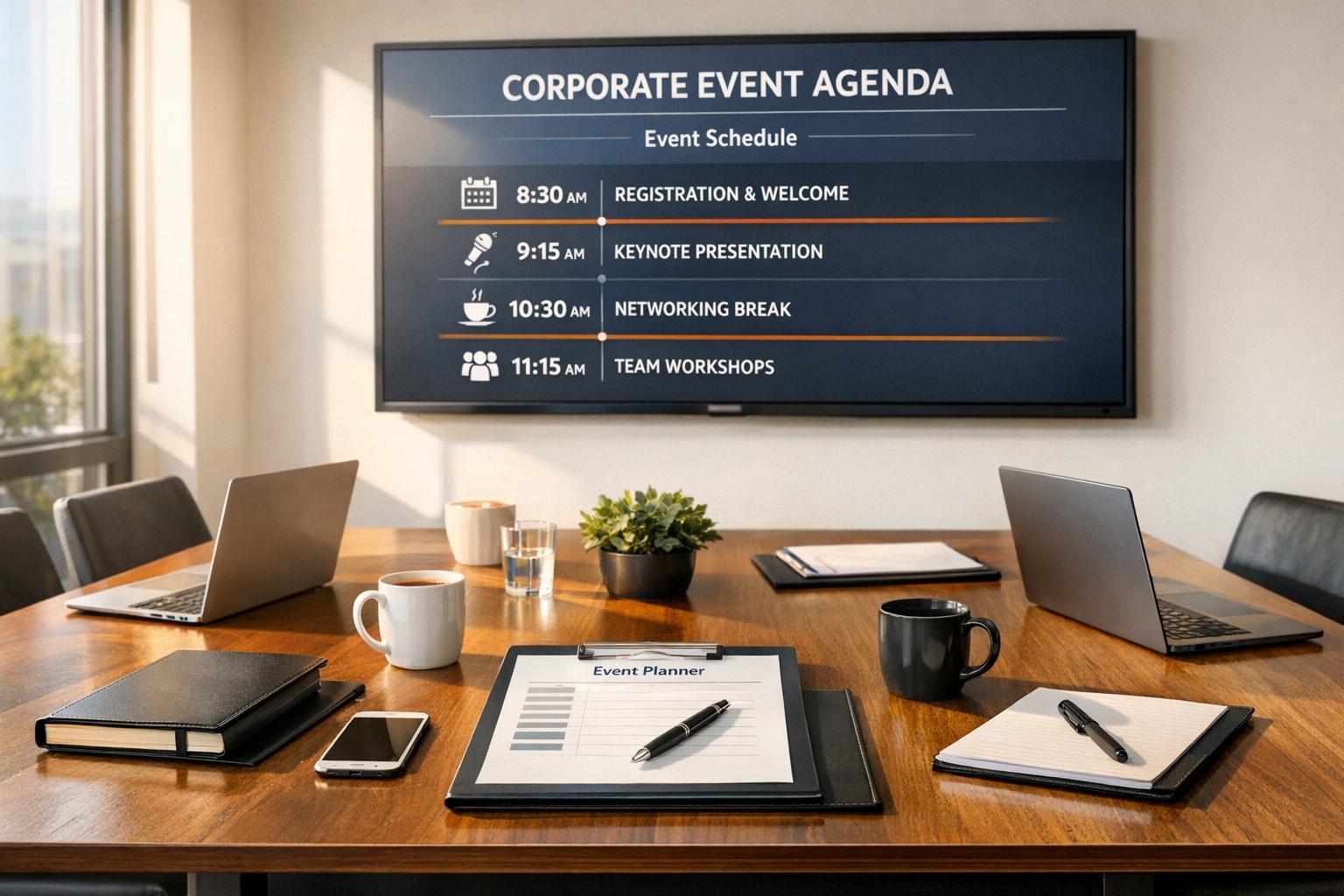
Manually crafting a schedule often leads to uneven pacing or forgotten breaks, which can throw off an entire day. A business event organizer tool automates this process, letting you input key details like duration, topics, and special activities. Within moments, you get a polished itinerary with balanced time slots. It’s not just about saving time—it’s about creating an experience that feels professional and well-thought-out.
Tips for a Seamless Event
Beyond using a planning tool, communicate the schedule clearly to participants ahead of time. Build in buffer minutes for transitions or delays. With a solid framework from a corporate event scheduler, you’ll have the confidence to focus on delivering value rather than worrying about logistics. Start planning today and see the difference!
FAQs
Can this tool handle multi-day corporate events?
Absolutely! Our Corporate Event Agenda Planner works for both single-day meetings and multi-day conferences. Just input the total duration in hours or days, and the tool will spread out sessions and breaks accordingly. You can tweak the schedule as needed to fit specific activities or longer sessions across multiple days.
How does the tool ensure breaks are well-timed?
We’ve built in a smart pacing logic that suggests a 15-minute break every 2 hours by default to keep energy levels up. But you’re in control—if your event needs longer or shorter breaks, or specific timing for meals or networking, just adjust the inputs. The goal is to create a rhythm that feels natural for attendees.
Is the agenda customizable after it’s generated?
Yes, the output is a flexible template! Once the agenda is created, you can edit time slots, session titles, or descriptions to match the real-time flow of your event. Think of it as a starting point—our disclaimer reminds you to stay adaptable during the actual event for unexpected changes.



Streamline your workflow, achieve more

Lorem ipsum dolor sit amet, consectetur adipiscing elit. Maecenas ac velit pellentesque, feugiat justo sed, aliquet felis.



Lorem ipsum dolor sit amet, consectetur adipiscing elit. Maecenas ac velit pellentesque, feugiat justo sed, aliquet felis.