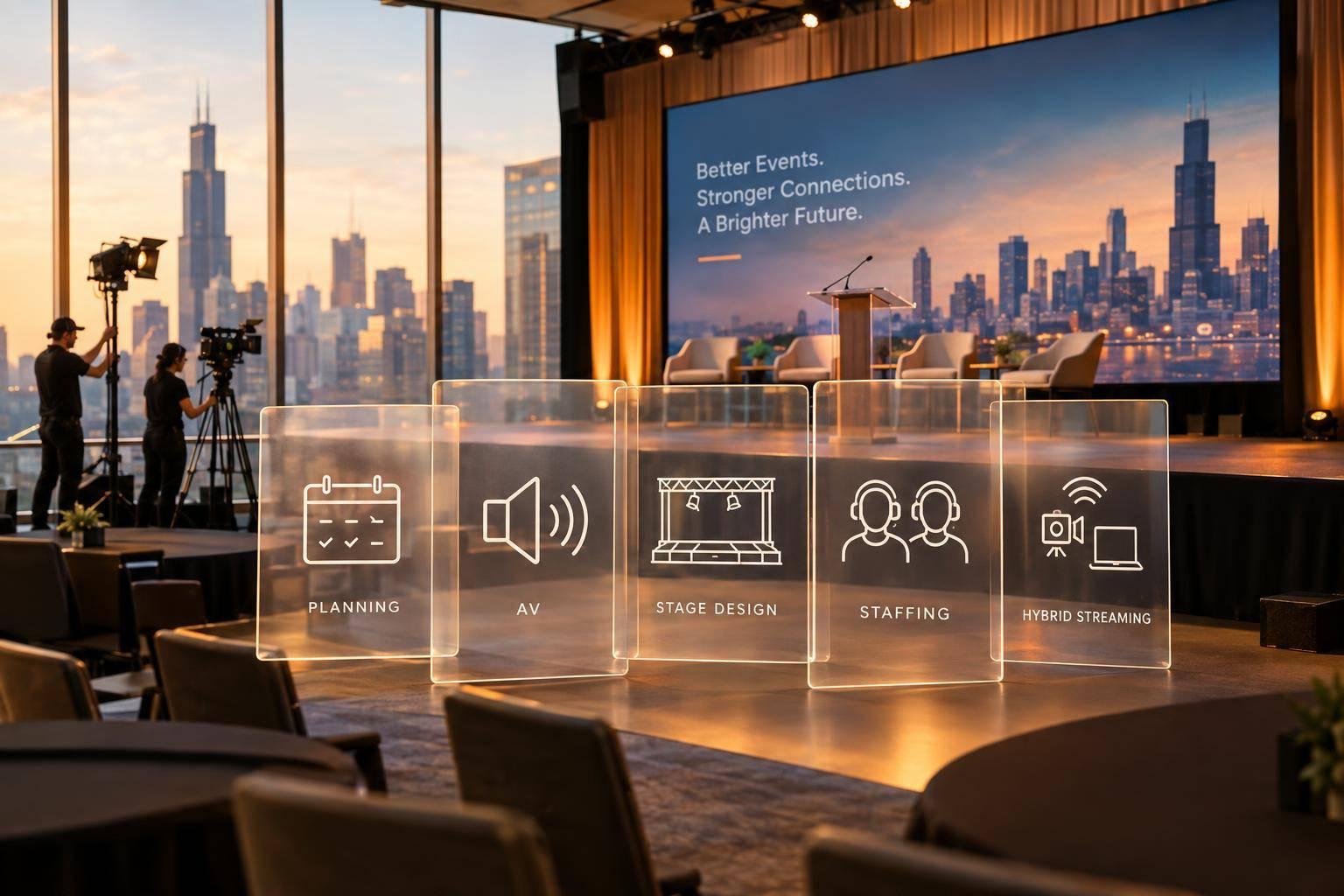
Why Corporate Optics Is A Leading AV Production Team To Run An Annual Meeting Or Corporate Conference.

Chief Executive Officer
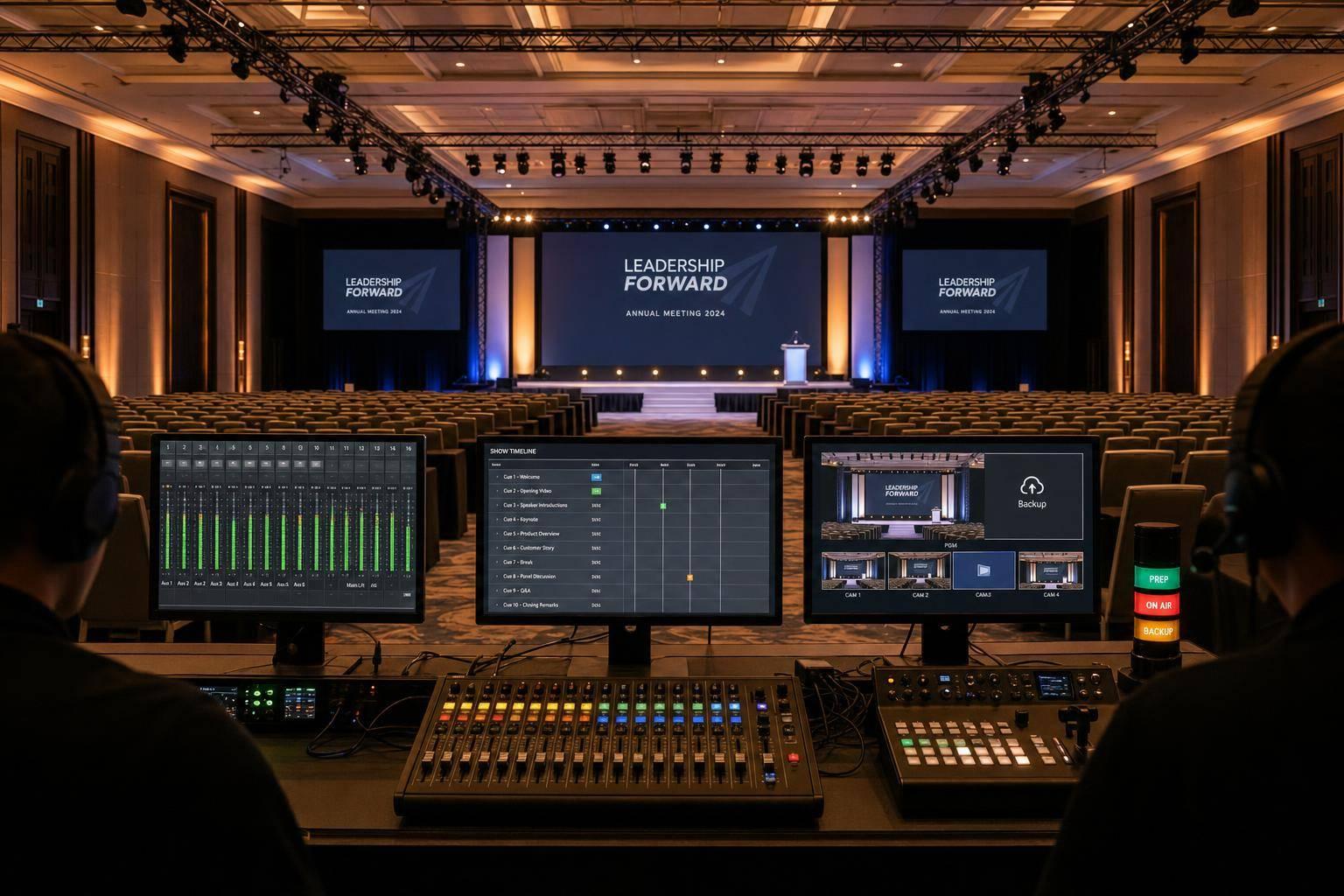
If I had to sum it up in one line: Corporate Optics stands out because one team owns the full AV plan, the live show, and the backup path.
That matters because annual meetings and corporate conferences can fail in a few common ways: bad audio, weak screens, missed cues, stream dropouts, and too many vendors with no single owner. For high-stakes sessions, even a short issue can hurt the room, the stream, and the message. In many event studies, audio problems rank as a top attendee complaint, and hybrid events add more points of failure.
Here’s the short version of what makes the approach work:
- One point of control from planning through wrap
- A timed run of show with crew roles, cues, and rehearsals
- Room-based AV design for staging, sound, screens, and lighting
- Separate stream audio instead of feeding remote viewers the room mix
- Backup plans for slides, mics, encoders, and internet paths
- Post-event files and reporting for recordings, analytics, and records
What I like here is the focus on simple event math: when one team runs staging, audio, video, lighting, streaming, and show calling from the same plan, there are fewer gaps. That usually means smoother transitions, clearer executive delivery, and a better experience for both in-room and remote viewers.
Quick comparison
| Area | When production is split | When one team runs it |
|---|---|---|
| Ownership | Unclear | Clear |
| Show cues | Often patched together | Built into one plan |
| Audio for remote viewers | Often taken from room PA | Mixed on a separate bus |
| Agenda changes | Slower handoff | Faster response |
| Troubleshooting | Finger-pointing | One chain of command |
| Post-event records | May be scattered | Kept in one workflow |
If you’re judging an AV partner for an annual meeting or conference, this is the main test: Can they plan, run, and recover without confusion when the agenda changes at 8:15 a.m. on show day? Based on this article, Corporate Optics is built around that job.
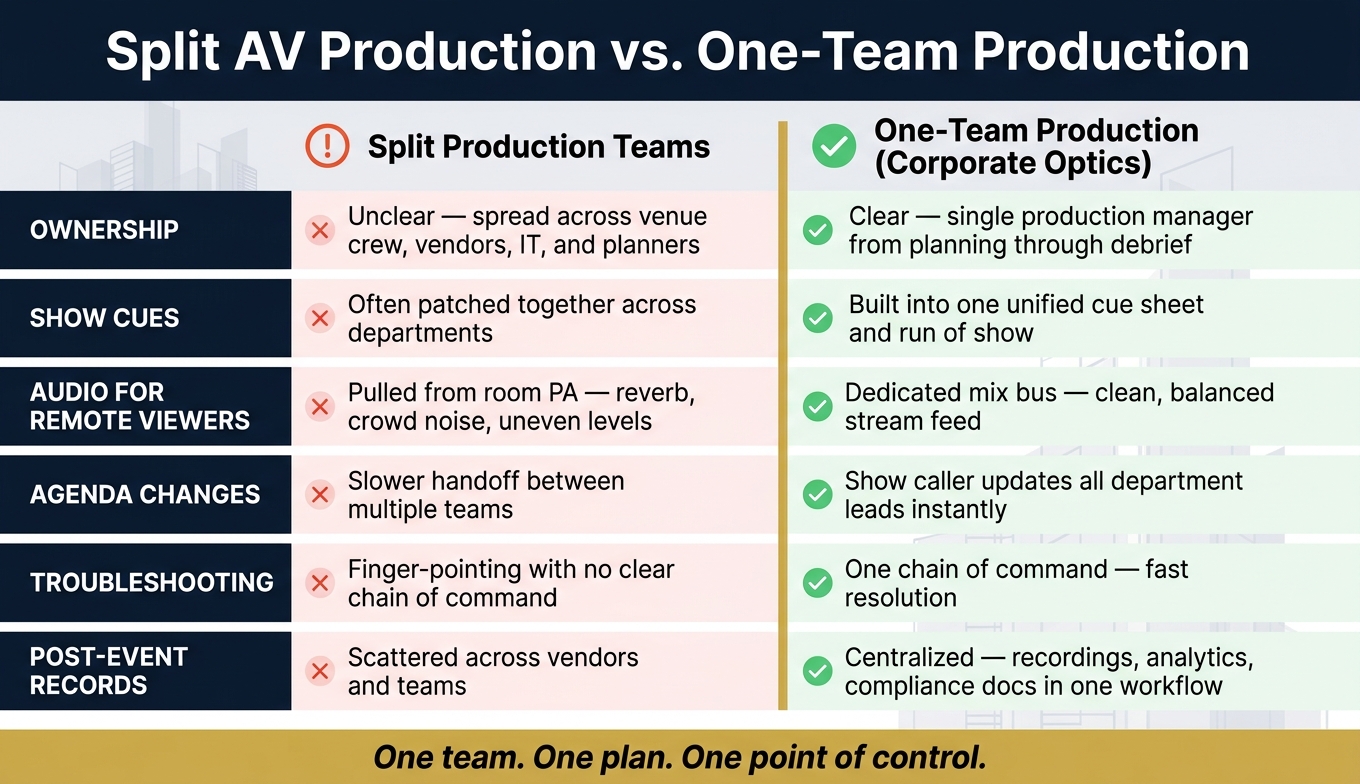
Split AV Production vs. One-Team Production: Corporate Event Comparison
Event A/V Essentials Part 5: Creating Your Onsite Production Schedule - Logan Clements
sbb-itb-ae35a94
The production problems that put corporate events at risk
Even well-funded corporate events can go sideways when the production base isn’t locked in. Most show-day failures don’t start with bad gear. They start with planning holes, loose handoffs, and workflows nobody tested.
Planning gaps, agenda changes, and unclear technical ownership
Show-day chaos usually starts with a missing technical itinerary, not broken gear. Without a detailed technical itinerary, the crew ends up improvising cues, transitions, and playback. Then the usual last-minute changes - late slides, room swaps, and fuzzy ownership - turn into audio gaps, layout issues, and overtime risk.
Things get worse when no one team owns the full technical picture. Responsibility gets split across the venue’s in-house crew, external vendors, internal IT, and the event planner. That leads to overlapping equipment orders, no clear owner for mid-show troubleshooting, and finger-pointing when something breaks.
Audio, video, staging, and lighting failures during executive sessions
Poor audio, hard-to-read video, cramped staging, and flat lighting weaken executive delivery and make the room feel unfinished.
Poorly tuned systems can create uneven coverage and harsh frequencies. Wireless mic dropouts from systems sharing the same wireless spectrum tend to hit at the worst time - like a CEO’s financial update or a board chair’s strategic announcement. A projector that wasn’t specified for the room’s ambient light level can wash out slides and make financial data tough to read.
Visual setup matters too. Without separation between the presenter and the background, the visual hierarchy falls apart. And for live streams and recordings, every flaw gets amplified. Cameras struggle with high-contrast scenes, and the footage looks unprofessional no matter how strong the content was.
Live streaming and hybrid issues that weaken remote participation
Hybrid events stack more risk on top of the same planning mistakes. They add upload bandwidth, encoding, camera, and backup-connection issues. If those systems aren’t tested together, remote attendees lose audio clarity, continuity, and engagement.
One of the most common problems is poor stream audio mixing. When the broadcast feed is just pulled from the room’s PA, remote viewers hear reverb, crowd noise, and uneven levels between speakers and media playback. It sounds rough. And without a backup encoder or secondary internet connection, one failure can take down the entire remote experience with no recovery path.
Calling hybrid risk an internet problem doesn’t tell the whole story. The deeper issue is a lack of unified production control across in-room and remote systems.
That’s why end-to-end technical production matters. That’s why Corporate Optics builds a single production plan across staging, AV, streaming, and show control.
How Corporate Optics solves these problems with end-to-end technical production

Corporate Optics treats each annual meeting and corporate conference as one connected production, not a stack of separate tasks. A dedicated production manager stays with the event from early planning through the debrief, so decisions, handoffs, and backup plans stay in one place. That same structure runs through planning, staging, streaming, and live show control.
Planning, technical production itineraries, and speaker support
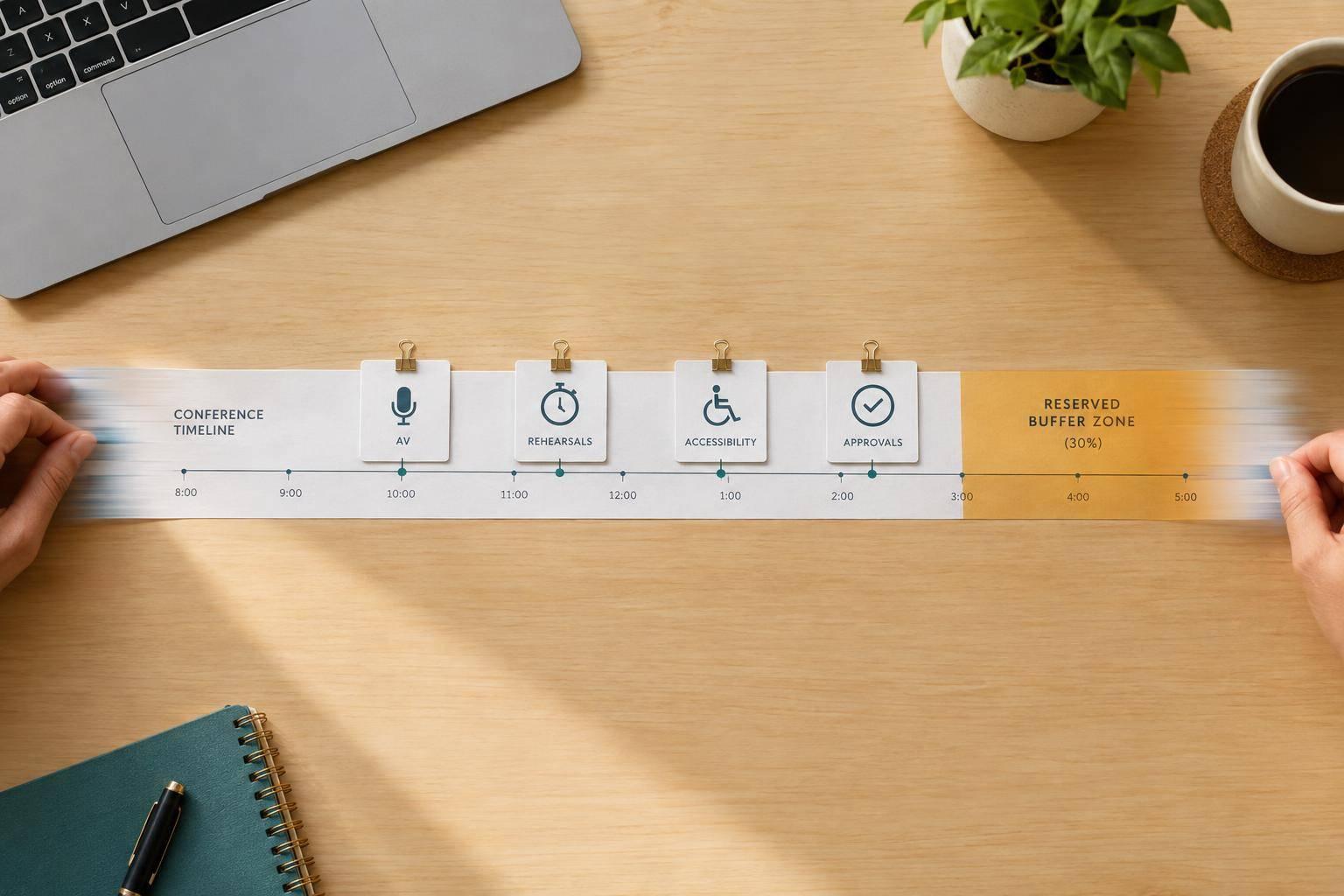
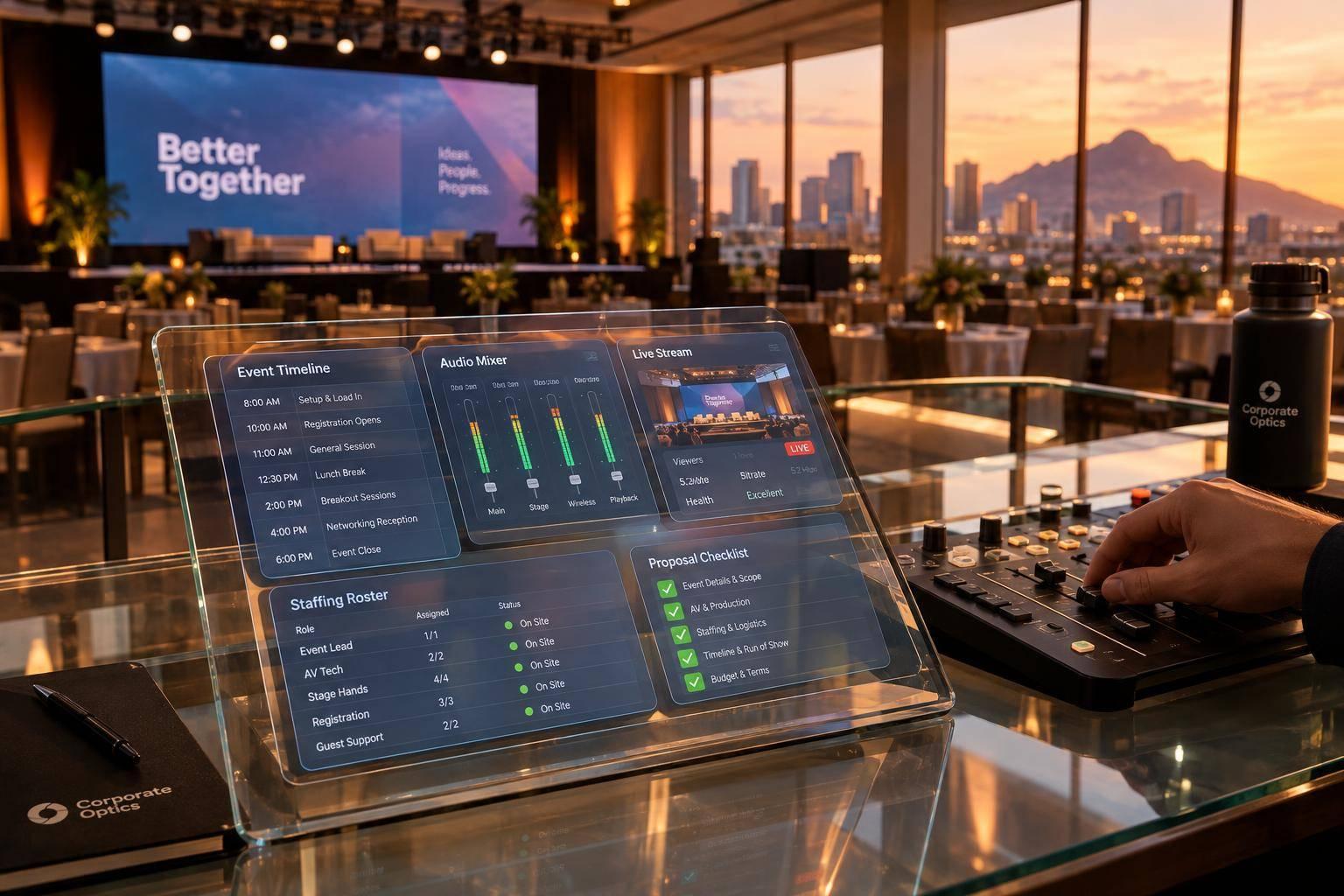
The backbone of the process is a Technical Production Itinerary (TPI). It serves as the master document for the event, mapping every technical task to a specific timestamp. Load-in, line checks, rehearsals, general sessions, breakouts, and teardown all sit in one schedule, along with assigned crew roles and room-by-room equipment lists. Session transitions are also spelled out in matching show cues tied either to exact timing or to show-caller “go” commands.
A content intake tracker records every presentation file, including version number, aspect ratio, embedded video, and file owner. That cuts out the last-minute scramble to track down slides on show day. A revision-controlled agenda keeps updates synced with both the show cues and the TPI, so the technical plan stays lined up with the business agenda. The payoff is simple: leadership can stay focused on the message instead of getting pulled into tech problems.
For executive speakers, Corporate Optics sets aside dedicated rehearsal blocks to test slides, teleprompter scripts, and walk-on and walk-off timing under live show conditions. A speaker support tech or producer works one-on-one with each executive and covers:
- Mic technique
- Confidence monitor use
- Cue awareness
For earnings calls or investor updates, final slide versions and disclaimers are locked into the presentation system with clear version control.
Staging, sound, video, and lighting for in-room performance
Corporate Optics builds each stage environment around two priorities: executive clarity and brand consistency. Stage layouts give presenters space to move in a natural way, and confidence monitors are placed so speakers can keep eye contact with the audience instead of searching for the next slide. Scenic pieces like branded backdrops, LED walls, and modular elements come from corporate brand guidelines and stay centered on the message.
Screen layouts follow a simple structure. The center screen carries slides. Side screens show live camera images. Lower-thirds handle speaker titles. In multi-screen setups, the goal is to guide attention instead of pulling it in three directions at once.
On audio, mic choice depends on the job. Lavalier or headset mics work for presenters who move around. Handheld mics fit Q&A. Podium gooseneck mics suit fixed-position speakers. The room is tuned with EQ before the first session starts, and a lead audio engineer watches levels throughout the show, managing dynamics so every speaker comes through clearly no matter how soft or loud they speak.
Lighting follows key, fill, and backlight principles so executives look natural both on camera and on the room screens. Color temperature is coordinated with the video team to avoid overexposure, and lighting cues are programmed by segment. That means the shift from a keynote look to a panel look feels smooth and deliberate. Those same standards carry into the stream, where audio and camera control stay separate from house sound.
Live streaming, hybrid workflows, and on-site show control
For hybrid and virtual audiences, Corporate Optics builds a streaming workflow with primary encoders running on wired network connections. For high-stakes sessions like CEO keynotes or board presentations, a backup encoder runs on a separate network path. That extra layer matters when there’s no room for a dropped stream.
The stream audio comes from a dedicated mix bus, separate from the room PA, so remote viewers get a clean and balanced feed instead of whatever happens to work in the room.
Camera feeds run through a video switcher operated by a technical director following a documented shot plan. That includes stable framing, consistent headroom, and deliberate cuts between wide, medium, and close-up angles. Before the first session goes live, all sources are checked for color and resolution consistency.
On-site, a show control hub anchors each major room. The show caller, technical director, lead audio engineer, lighting director, and streaming tech all work from the same show cues and the same intercom channel. If an executive needs to move up in the agenda or a panel runs long, the show caller updates the cue sequence and tells every department lead right away. No dead air. No scrambling.
These controls lower on-site risk and make the experience better for every audience. The result is smoother transitions, cleaner audio, stronger visuals, and a more dependable experience both in-room and online.
Key deliverables and outcomes clients can expect
Those controls turn into clear deliverables before, during, and after the event. Corporate Optics breaks the work into three phases: pre-event, on-site, and post-event.
Pre-event plans that reduce risk before show day
Before show day, clients get room and floor plans that cover seating, stage position, sightlines, and ADA access. They also receive technical specs for power, audio, video, and bandwidth, along with staging diagrams that map podium placement, confidence monitor positions, scenic elements, and camera locations. That way, venue, IT, security, and executive teams are all working from the same playbook.
Clients also receive finalized cue sheets and a show-day run of show. Corporate Optics sets a content lock date for executive session presentation files and graphics, so the team can test playback before rehearsal. Contingency plans cover backup audio paths, spare microphones, alternate slide playback devices, and response protocols for late agenda changes. Corporate Optics handles logistics, vendor touchpoints, rehearsals, and contingency planning to keep show day predictable. The payoff is simple: the team can focus on execution instead of scrambling to fix problems.
On-site execution that improves attendee experience and executive confidence
On show day, Corporate Optics deploys a staffed production team that can include a show caller or producer, audio engineer, video director, lighting director, graphics operator, camera operators, streaming technician, and stage manager. Each person works from the same cue sheet and show-control workflow.
That shows up in ways people notice right away. Audio is clearer. Transitions move faster. Executives step on stage with more confidence. A dedicated audio engineer manages EQ and levels in real time so speakers are heard clearly. Large-screen camera feeds help bigger audiences catch facial expressions and slide details. Stage management handles walk-ons and transitions so executives reach the podium with microphones live, slides queued, and lighting pre-set. If a speaker changes slide order or goes off script, the graphics operator and show caller can adjust without throwing the session off track. After the event, that same workflow carries over into recordings, clips, and performance data.
Post-event assets and reporting that extend event value
After the event, Corporate Optics can deliver recordings of keynotes and plenary sessions, segment-based recordings of individual speakers or panels, and copies of final presentation files and graphic assets. Short clips for internal channels and social media can also be formatted for intranet posts or executive follow-up.
Reporting can include stream analytics such as total viewers, peak concurrent viewers, average watch time, and geographic distribution. Engagement data can track Q&A submissions, poll participation, and chat volume by session. A technical performance report documents streaming uptime, any audio or video incidents, and how contingency plans performed. For annual meetings and investor-focused events, archived recordings and documentation also create an auditable record of the event content, supporting legal, governance, and compliance needs.
Why Corporate Optics is a leading choice for high-stakes corporate events
Those deliverables matter because high-stakes events live or die on execution. Things tend to go sideways when no one owns the full production chain. If staging, audio, video, lighting, and streaming are split across different teams working on different timelines, gaps show up fast. Cues get missed. Decisions slow down. Executives step on stage and run into problems that should've been caught in rehearsal.
That bar is even higher for annual meetings and corporate conferences, where credibility depends on best practices for conference event production and flawless execution. Hitting that mark takes more than good gear. It takes a team that owns the plan, runs the show, and adjusts in real time when things change.
That’s why Corporate Optics stands out for annual meetings and corporate conferences. Corporate Optics brings the same structured pre-production workflow, staffed show-day team, and post-event documentation to every engagement - all coordinated under one production plan. That means fewer errors, stronger executive delivery, and smoother hybrid participation.
For annual meetings and corporate conferences, Corporate Optics coordinates every technical element under one run of show. If the agenda shifts, the team adjusts without breaking the run of show. The end result is a controlled, credible event that protects the message and the brand.
FAQs
What types of events does Corporate Optics support?
Corporate Optics supports corporate annual meetings, leadership conferences, and high-stakes shareholder and board meetings. They also provide full-service support for town halls and other executive broadcasts.
Support is available for in-person, hybrid, and fully virtual events. That includes multi-camera live streaming, branded virtual environments, interactive tools like live polls and Q&A, and multi-room breakout conferences that call for tight show control and reliable on-site execution.
How early should we start AV planning for an annual meeting?
Start AV planning as early as you can. A solid rule of thumb is 8–16 weeks for executive summits and custom-built environments, 4–6 months for large conferences with complex logistics, and 12 months or more for large-scale events.
That extra runway gives your team time to lock in technical needs, logistics, site surveys, CAD floor plans, and technical validation. And that matters. It cuts down on last-minute scrambles, lowers risk, and makes the whole event feel a lot less like a fire drill.
What happens if the agenda changes on show day?
A single production partner handles changes through one internal workflow instead of juggling multiple vendors. Your technical director and show caller send updates through one point of contact, check technical feasibility, and share revised cue sheets with the audio, lighting, and video teams in real time.
That gives the crew room to adjust transitions and speaker needs smoothly, so the program stays on track without awkward pauses or missed handoffs.
Related Blog Posts



Streamline your workflow, achieve more

Lorem ipsum dolor sit amet, consectetur adipiscing elit. Maecenas ac velit pellentesque, feugiat justo sed, aliquet felis.



Lorem ipsum dolor sit amet, consectetur adipiscing elit. Maecenas ac velit pellentesque, feugiat justo sed, aliquet felis.