Recommended Global Broadcast Vendors For Secure, Production-Level Company Webinars

Chief Executive Officer

Looking for a secure, scalable, and professional platform for corporate webinars? Here's what you need to know:
- Security: Choose platforms with robust encryption, compliance certifications (GDPR, HIPAA), and advanced access controls.
- Scalability: Ensure your vendor can handle audience sizes from small meetings to over 100,000 participants.
- Production Quality: Look for features like 4K video, AI tools, and white-glove services for polished presentations.
- Integrations: Platforms that connect with tools like Salesforce, HubSpot, and Marketo streamline lead tracking and follow-ups.
- Customization: From branded registration pages to interactive tools like polls and Q&A, personalization enhances engagement.
Top Vendors to Consider:
- Corporate Optics: Emmy-winning production quality with SOC 2 compliance.
- Zoom Webinars: Scales up to 50,000 attendees with AI-powered tools.
- Adobe Connect: Persistent virtual rooms and extensive compliance options.
- Livestorm: Browser-based simplicity with GDPR compliance.
- ON24: Advanced engagement tools and AI-driven content creation.
- GlobalMeet: High reliability with operator-assisted services.
- BlueJeans Events: Dolby Voice audio and 150,000 attendee capacity.
- Cisco Webex Events: Enterprise-grade security and real-time translation.
Quick Comparison
| Vendor | Max Attendees | Key Features | Starting Price |
|---|---|---|---|
| Corporate Optics | Custom (500+) | Emmy-winning production, SOC 2 compliance | Custom pricing |
| Zoom Webinars | 50,000 | AI tools, live streaming, breakout rooms | $79/month |
| Adobe Connect | 1,500 | Persistent rooms, SSL encryption, customizable pods | $130/month |
| Livestorm | 3,000 | Browser-based, GDPR compliant, CRM integrations | $99/month |
| ON24 | 100,000+ | AI-driven content, advanced analytics | Custom pricing |
| GlobalMeet | 100,000+ | Operator-assisted, encrypted streaming | Custom pricing |
| BlueJeans Events | 150,000 | Dolby audio, interactive tools | $500/year |
| Cisco Webex Events | 100,000 | Real-time translation, enterprise-grade security | $675/year |
Select a vendor based on your audience size, security needs, and desired production quality. Whether it's a small internal meeting or a global event, the right platform ensures a secure and polished experience.

Top 10 Corporate Webinar Platforms: Features, Capacity & Pricing Comparison
Top Webinar Platforms 2025: Best Live & Virtual Event Software
sbb-itb-ae35a94
What to Look for When Selecting a Broadcast Vendor
When choosing a broadcast vendor, security infrastructure should be at the top of your checklist. Look for features like mandatory Single Sign-On (SSO) enforcement and HRIS connectors to ensure compliance with corporate identity standards. Vendors offering end-to-end encryption, encrypted streaming, and role-based access controls (RBAC) provide added protection against unauthorized access. For businesses in regulated industries, it's critical to select vendors that support local infrastructure deployment and sovereign cloud compliance to meet strict regional hosting rules.
Next, think about scalability. Your platform must handle growth without sacrificing performance. For instance, GlobalMeet boasts a 99.999% uptime record and can scale events from 500 to 15,000 attendees with less than 15 minutes' notice. Browser-based access, which avoids the need for software downloads, is another key feature - it simplifies IT processes and encourages higher attendance rates. Some vendors also offer white-glove production services, where technical experts manage everything behind the scenes for high-stakes events, ensuring everything runs smoothly.
Integration with business tools is another crucial factor. Marketing teams, for example, gain a competitive edge with native CRM and Marketing Automation integrations (think Salesforce, HubSpot, or Marketo). These integrations capture detailed behavioral data, like poll responses and clicks on calls-to-action. However, it's worth noting that only 6–8% of webinar practitioners currently use native CRM integrations - most still rely on manual CSV exports.
For a polished broadcast, professional-grade production features are essential. Persistent room architectures save time by allowing presenters to reuse custom layouts without reconfiguring them. Simulive broadcasting is another standout feature - it lets hosts pre-record content and stream it as a live event, while still interacting with the audience through live chat and Q&A. This approach reduces the risk of technical hiccups during live events. Advanced platforms may also support RTMP for multi-platform simulcasting and include AI-powered tools for auto-generating captions or creating highlight clips.
Finally, don't overlook compliance and audit capabilities. These are vital for managing regulatory risks while maintaining the high production standards expected in corporate broadcasts. Enterprise-grade platforms often include detailed logs tracking participant join times, session durations, and interactions like polls or quizzes. They also integrate with data governance systems to support eDiscovery and enforce retention policies. Make sure the vendor's security program is led by certified professionals (e.g., CISSP or CISM) and aligns with frameworks such as NIST 800-50 and NIST 800-16.
1. Corporate Optics
Corporate Optics is designed to meet the exacting demands of corporate webinars by blending strong security measures, the ability to handle large audiences, and top-tier production capabilities.
Security and Compliance Features
The platform prioritizes security with SOC 2 Type II compliance, which confirms it has passed stringent third-party audits for security, availability, and confidentiality. Additionally, it uses encrypted streaming protocols to protect video content, ensuring broadcasts remain private and secure.
Scalability for Large Audiences
Corporate Optics effortlessly handles large-scale events by integrating tools like CONNECTSTUDIO, STREAMSTUDIO, and CREWSTUDIO with enterprise platforms such as Zoom and Microsoft Teams. This setup provides a comprehensive service that spans creative video production, animation, and technical execution. Whether small or global in scope, the platform maintains consistent quality across all events.
Professional-Grade Audiovisual Support
Corporate Optics raises the bar with Emmy Award-winning production quality. It features advanced audio systems and digital mixing consoles to deliver low-latency sound management. On the visual side, 4K broadcast camera systems like the Sony HDC-4300 and high-lumen projectors ensure webinars achieve the same level of quality as network television productions.
Customizable and Interactive Features
By incorporating prompts.ai, Corporate Optics enhances corporate events with tools for customizable stage design, speaker coaching, and detailed post-event analytics, making every aspect of the webinar tailored to your needs.
2. GoToWebinar
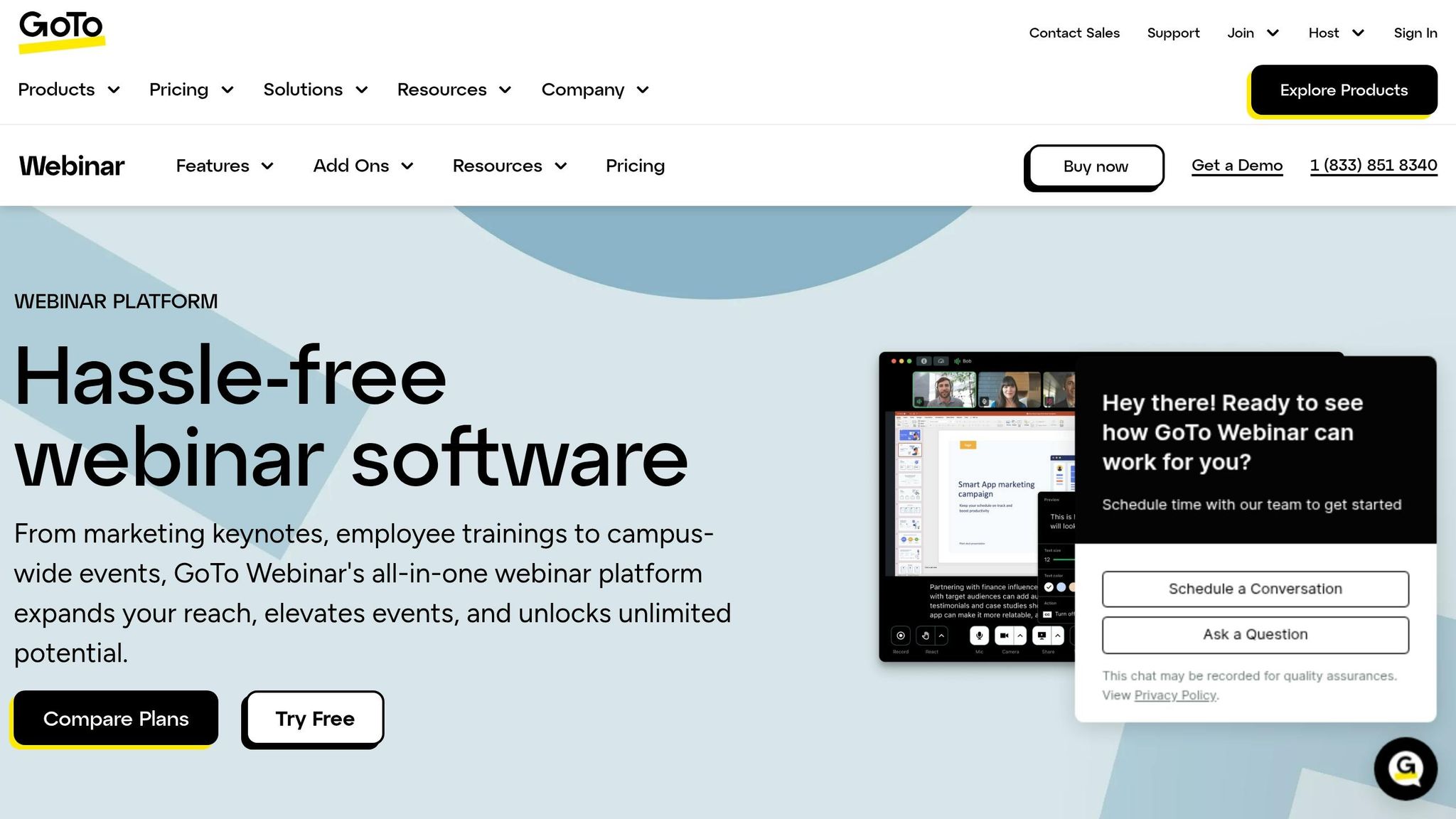
GoToWebinar is a dependable platform designed to handle company webinars with secure and scalable performance. Below, we’ll explore its security features, ability to manage large events, professional audiovisual tools, and customization options.
Security and Compliance Features
GoToWebinar prioritizes security with 128-bit Advanced Encryption Standard (AES) for fully encrypted sessions and Transport Layer Security (TLS) for secure website connections. It meets GDPR requirements and supports HIPAA compliance, making it suitable for organizations handling sensitive health data. Features like secure logins and password-protected sessions ensure unauthorized users are kept out.
Scalability for Large Audiences
With over 2.8 million events hosted annually worldwide, GoToWebinar offers flexibility for events of all sizes. It provides three subscription tiers to meet different needs: Reach (up to 500 attendees), Elevate (up to 1,000 attendees), and Unlimited (customized capacity). This makes it easy for businesses to scale their webinars without needing to switch platforms.
Professional-Grade Audiovisual Support
The platform includes features to enhance production quality. Practice Mode allows presenters to rehearse and troubleshoot technical setups before going live. The Simulive option enables pre-recorded content to be broadcast as a live event while keeping interactive features like polls and Q&A sessions. For audio, the platform supports VoIP conferencing, and multi-monitor setups help manage more complex presentations.
Customizable and Interactive Features
GoToWebinar helps maintain brand consistency with customizable registration pages, email invitations, and automated reminders. Interactive tools such as live polls, Q&A sessions, and breakout rooms (available on Elevate and Unlimited plans) keep audiences engaged. Attendee certificates are also offered for added value. Additionally, the platform integrates seamlessly with CRM systems like Salesforce, HubSpot, Marketo, and Pardot, enabling businesses to track registrant data and customer journeys.
Raina Guha, Marketing Manager at Amazon Ads, highlighted the platform’s evolving features and analytics, which helped educate over 30,000 advertisers in a single year.
3. Zoom Webinars
Zoom Webinars has cemented its place as a go-to platform for large-scale corporate events, hosting over 70 million webinars in 2024 and serving 250 million attendees. Its design caters to the exacting demands of corporate communication, offering secure and professional broadcasting capabilities.
Security and Compliance Features
Zoom Webinars prioritizes security with enterprise-grade measures like Single Sign-On (SSO) and advanced access controls to safeguard content and audience data. It also includes tools for managing panelists and moderating sessions effectively. A standout feature is the private backstage area, allowing speakers and moderators to collaborate securely before going live.
Chris Halton, SVP of Media Technology and Operations at the National Basketball Association, remarked, "The NBA required control over moderating these virtual press conferences and interviews, and Zoom Webinars was perfect for that".
Scalability for Large Audiences
The platform’s scalability is impressive, accommodating everything from small meetings to events with up to 1 million participants and 1,000 panelists. It supports sessions lasting up to 30 hours, making it ideal for extended training programs or multi-part events. Zoom Mesh ensures high-quality streaming by optimizing bandwidth, even for thousands of internal viewers. In 2024 alone, users logged 32 billion webinar minutes on the platform, highlighting its ability to handle massive, sustained usage.
Professional-Grade Audiovisual Support
Zoom Webinars delivers high-definition video and audio paired with advanced production tools, offering various layouts and scenes to achieve a polished broadcast feel. It supports RTMP streaming and Simulive, with AI-powered features enhancing the experience. The Zoom AI Companion helps with messaging, creates images for event pages, and generates smart chapters for recordings, all while keeping interactive features active during pre-recorded broadcasts.
Jessica Joseph, SVP of Operations at the National Kidney Foundation, shared, "We just got the best feedback from attendees, and even the speakers that were a little skeptical were blown away by the amount of engagement and how smoothly it all went".
Customizable and Interactive Features
Zoom Webinars extends its functionality with customizable options. Hosts can design registration pages, email reminders, and virtual backgrounds to align with their branding. Interactive tools like Q&A with upvoting, live polls, chat, and breakout rooms encourage real-time participation. The platform also supports automatic captions in up to 20 languages, making it accessible to global audiences. The AI Companion further personalizes events, while integrations with CRM and marketing tools like Salesforce, HubSpot, and Marketo streamline lead management and follow-ups.
Pricing starts at $690 annually for up to 500 attendees, with the Webinars Plus plan - featuring backstage access and AI tools - available at $290.83 per month when billed annually.
4. Adobe Connect
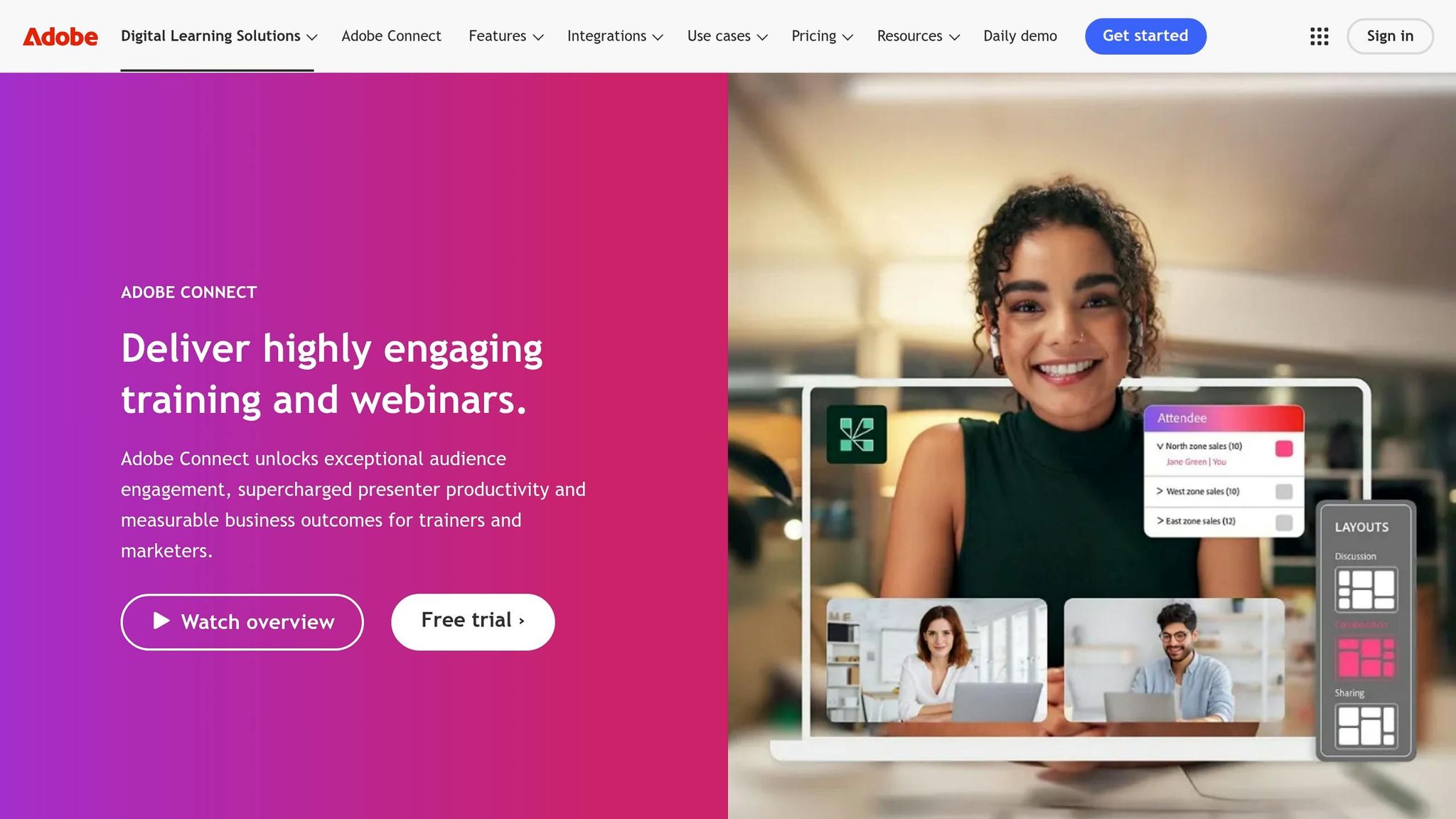
Adobe Connect stands out for its ability to create secure, high-quality webinars with consistent virtual environments. Its persistent virtual rooms retain layouts, uploaded files, and chat history across sessions. For example, as of March 2026, the Open University uses Adobe Connect to serve 200,000 learners, showcasing how the platform scales effectively for large audiences.
Security and Compliance Features
Adobe Connect is built to meet strict regulatory standards across industries, holding certifications such as SOC-2, ISO27001, GDPR, DISA IL4, FedRAMP, HIPAA, FERPA, and GLBA. To address diverse data residency and deployment needs, organizations can choose between private single-tenant clouds, on-premises setups, or standard cloud-hosted options.
Security features include SSO integration and detailed participant management, allowing real-time role adjustments during webinars. It also offers a Backstage area, a private space where presenters can collaborate before going live. These features, combined with its scalability, make Adobe Connect a reliable choice for hosting secure webinars of any size.
Scalability for Large Audiences
Adobe Connect accommodates room capacities ranging from 100 to 1,500 participants, with a Shared Account licensing model that supports unlimited concurrent events based on user licenses. Its Simulated Live Webinars feature allows pre-recorded content to be presented at scheduled times, while still enabling live interaction through chat, polls, and Q&A.
Pricing starts at $190 annually per host for rooms with a 100-participant capacity, scaling to $4,900 per year per host for rooms that can hold up to 1,500 participants.
Professional-Grade Audiovisual Support
Adobe Connect enhances the webinar experience with features like automated transcription, closed captions, and second language audio tracks for global audiences. The Prepare Mode allows hosts to modify layouts and content during live sessions without disrupting the broadcast. The platform also meets accessibility standards such as WCAG 2.1, Section 508, WAI-ARIA, and EN 301 549.
An example of its success is Audi of America, which transitioned from in-person training to virtual classrooms using Adobe Connect, maintaining strong engagement across its automotive network.
Customizable and Interactive Features
Adobe Connect offers a range of customizable tools, including Pods for Polls, Q&A, Chat, Notes, Web Links, Files, and Quizzes. Organizations can personalize room designs with custom backgrounds, logos, and brand colors, as well as create custom URLs using their enterprise domain names.
The platform’s AI Assistant provides real-time support and can generate SEO-optimized blog posts from webinar recordings. Interactive recordings allow viewers to download files and click links during playback, creating a more engaging experience.
"Adobe Connect boosts engagement. This shift is changing perceptions: Training is no longer a chore but something people are genuinely open to." – Leading industrial sales organization, IDC Research Report.
Adobe Connect also integrates seamlessly with Adobe Marketo Engage and Adobe Learning Manager, simplifying lead management and supporting blended learning programs. These integrations align perfectly with its focus on delivering polished, production-level corporate webinars.
5. WebinarJam
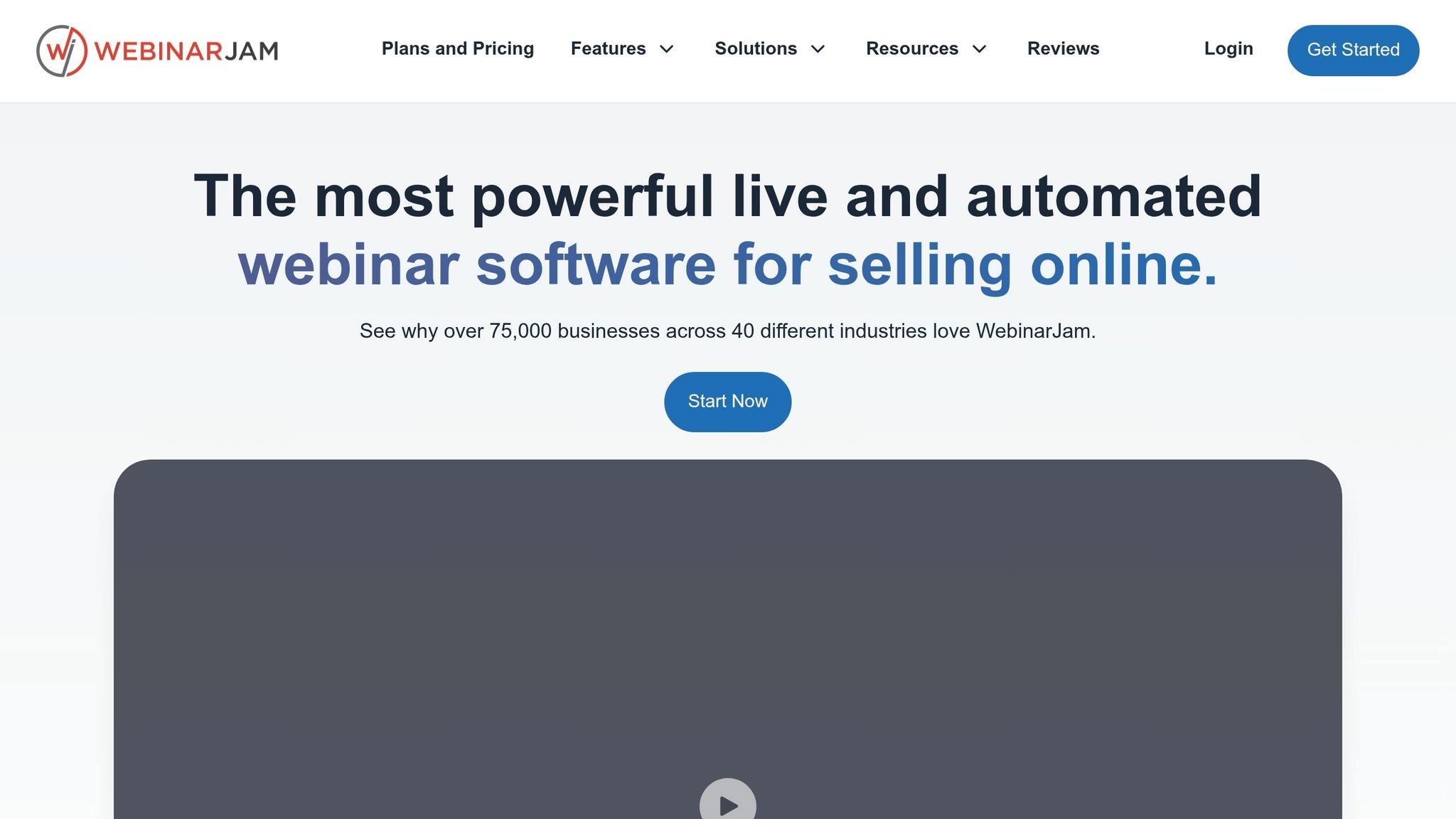
WebinarJam has hosted over 1.1 million webinars, connecting more than 200 million live attendees across 75,000 businesses in 40 industries. It operates entirely through browsers, eliminating the need for downloads and making access seamless. Here's how WebinarJam delivers secure, scalable, and interactive webinar experiences.
Security and Compliance Features
WebinarJam prioritizes security by leveraging Cloudflare Enterprise to counter DDoS attacks and block malicious bots. It runs on Amazon Web Services (AWS) via private networks that aren't publicly accessible. All connections are secured with SSL/TLS encryption, and sensitive data is stored in encrypted form. Multi-factor authentication options include authentication apps, one-time passcodes, and recovery codes. The platform adheres to PCI and SCA standards for payment security and offers GDPR-compliant features like cookie consent banners and unsubscribe links for European users. As of 2025, it also complies with Texas telemarketing laws (SB 140), including automated "Quiet Hours" for SMS and calls [43,44].
During webinars, hosts have tools to manage disruptions, such as muting participants, deleting messages, or removing attendees. The Panic Button, available on Professional and Enterprise plans, allows hosts to reboot the webinar room instantly in case of technical issues while preserving the recording. Each speaker gets a secure, individual login with separate controls for their camera, microphone, and screen sharing, reducing the risk of password sharing.
Scalability for Large Audiences
WebinarJam accommodates audiences of varying sizes with capacity tiers for 100, 500, 2,000, and 5,000 attendees, with annual pricing ranging from $499 to $1,999 [47,49]. Up to six presenters can participate simultaneously, making it ideal for panel discussions. Because the platform is browser-based, it ensures quick and hassle-free access for attendees, regardless of device compatibility. The Rehearsal Room feature allows presenters to test their setups in a secure environment before going live. However, chat functionality is limited to the first 2,000 attendees.
Customizable and Interactive Features
WebinarJam is packed with tools to enhance engagement and maintain a polished, branded experience for corporate events. Features like timed offers and call-to-action buttons encourage immediate responses from attendees. The Attendee Spotlight feature lets hosts bring participants onto the virtual stage for live Q&A sessions or testimonials. Organizations can customize registration pages, marketing funnels, and branding at every stage. Automated email and SMS reminders help maximize attendance, and chat logs and poll results remain accessible during live sessions and replays. Every session is automatically recorded, making it easy to repurpose content as evergreen material [47,52].
"WebinarJam has a clean interface. The registration/email support is great and the presenter options easy to use." – Dave B., CMO
Presenters can use the configuration wizard to pre-set polls, offers, and slides, as live session content isn't saved. To prevent spam, moderators and presenters are limited to five chat messages every five seconds.
6. Livestorm
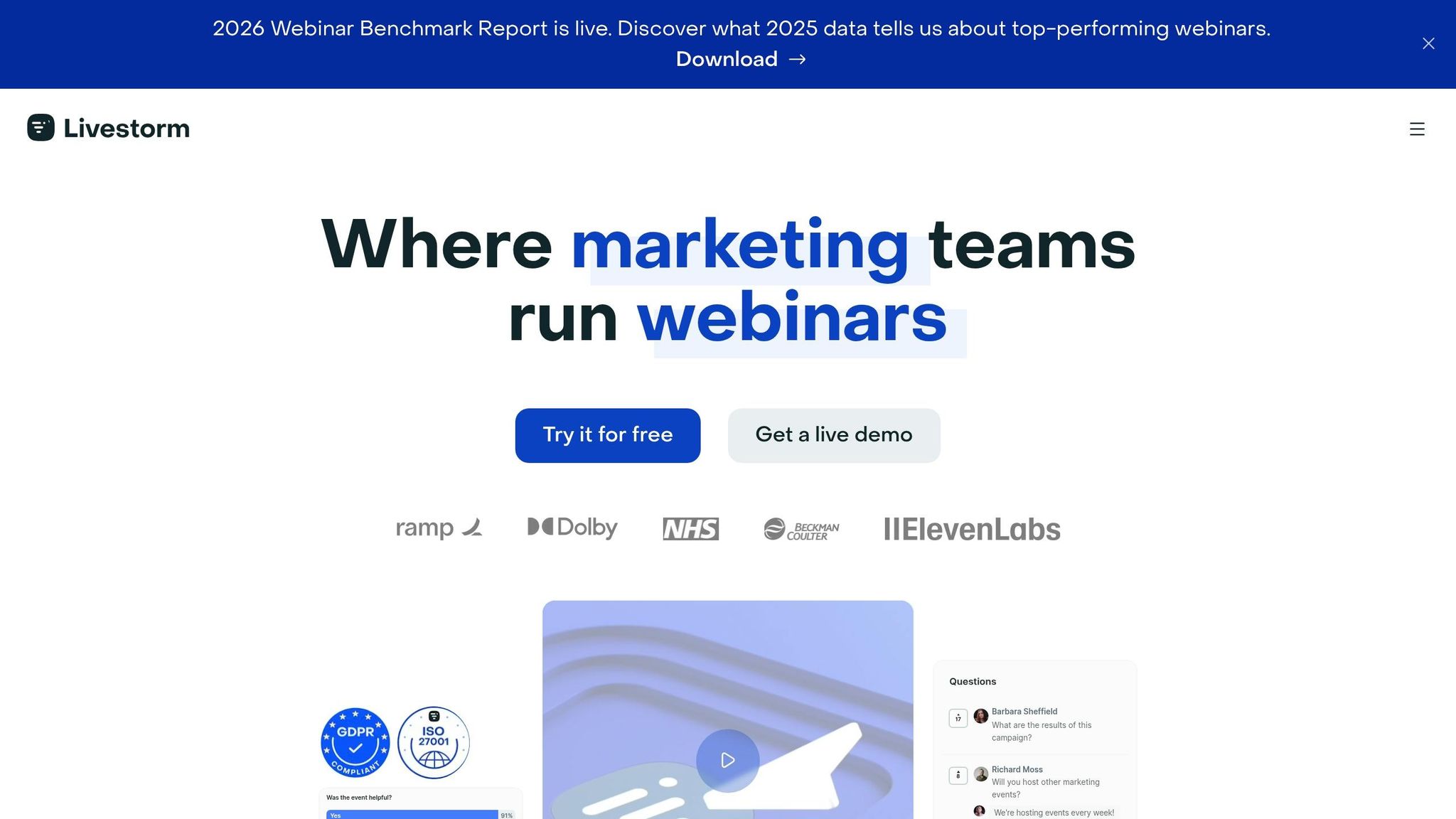
Livestorm is a browser-based platform, meaning attendees can join events without needing to download or install software. This eliminates potential risks tied to desktop applications and contributes to its impressive 9.2/10 customer rating. The platform supports up to 3,000 live attendees per event and offers a 99.98% uptime Service Level Agreement for Enterprise users. Alongside its performance, Livestorm emphasizes strong security and compliance measures.
Security and Compliance Features
Livestorm is ISO/IEC 27001 certified and fully GDPR compliant, with all data stored on servers in Ireland. Data is backed up every 24 hours. The platform also boasts an A+ rating from Qualys SSL Labs for its encryption, using TLS 1.2 and 1.3 protocols with AES-256 encryption and SHA-256 with RSA 2048-bit signatures to protect data in transit. Media traffic is secured with SRTP and DTLS-SRTP protocols.
For Enterprise users, Livestorm provides SAML Single Sign-On (SSO) integration with Okta, Azure, and OneLogin. Customers can also choose whether live video traffic is routed exclusively through EU or US servers. To prevent unauthorized access, each registrant receives a unique, non-transferable access link instead of a generic meeting ID. Hosts can further enhance security by setting registration caps, requiring work email addresses to minimize spam, and limiting speaking permissions to designated presenters.
"For security reasons, our team avoids installing applications and tools as much as possible - this is why Livestorm immediately appealed to us!" – Richard Edwards, VP of Infrastructure, Freshly
These security features make Livestorm a solid choice for hosting secure, large-scale events.
Scalability for Large Audiences
Thanks to its browser-based design, Livestorm easily scales to accommodate growing audience sizes. While the platform supports 3,000 live attendees, organizations can use the Restreaming add-on to broadcast events in full HD to LinkedIn, YouTube, and X simultaneously. Enterprise plans include unlimited events and licenses, enabling large organizations to host frequent sessions across multiple teams without additional charges. The platform supports 24 languages for event materials and allows users to select video hosting regions to align with local regulations.
Enterprise users report an average 75% participation rate. For critical events, Livestorm offers "Live Event Shadowing", where an expert monitors the session to ensure everything runs smoothly. Sessions can last up to 12 hours on Enterprise plans, with support for up to 25 speakers in a single event room.
Customizable and Interactive Features
Livestorm enhances engagement with tools like real-time polls, upvotable Q&A, emoji reactions in chat, breakout rooms, screen sharing, media sharing, and direct PowerPoint embedding. Participants can use a "Raise Hand" feature to request speaking time, and hosts can assign attendees to breakout rooms either manually or automatically.
The platform also allows customization of registration pages and email sequences, using either text or custom HTML. Event rooms can be tailored with logos, background images, and color schemes. According to a Forrester study, Livestorm users saw a 181% ROI from lead generation, with over $270,000 in profit generated through leads and reduced administrative costs. For international audiences, Livestorm offers live captions (Beta) for real-time transcription and live interpretation via Interprefy.
"Engagement on Livestorm is great: our 45-minute event ended up going past the 60-minute mark because the questions just kept coming!" – Laura Parra, Field Marketing Specialist
7. ON24
ON24, recognized as the top choice in G2's Winter 2026 Enterprise Grid for Webinar Software, is known for its reliable enterprise-level performance, advanced engagement tools, and secure, scalable webinar solutions. These achievements highlight ON24's focus on delivering secure and dependable solutions for professional-grade webinars.
Security and Compliance Features
ON24 ensures uninterrupted access during critical events by offering guaranteed uptime Service Level Agreements (SLAs) to its enterprise users. It also integrates securely with leading CRM and marketing automation platforms like Salesforce, HubSpot, and Marketo Engage, creating a centralized hub for sensitive engagement data. This seamless integration supports the platform's emphasis on security and efficiency. For instance, Sophie Neate, Global Digital Marketing and Content Manager at ABB's Electrification Service Division, reported a $2.3 million boost in pipeline revenue in 2026 by leveraging the ON24 and Salesforce Pardot integration.
"Our ON24 and Salesforce Pardot integration works really, really well together, and we definitely rely on that... to save time, trigger sales action, and have a single source of truth."
Enterprise users also benefit from 24/7 support and dedicated account managers, ensuring consistent assistance when needed.
Scalability for Large Audiences
ON24's AI Propel+ turns events into global campaigns, delivering highly personalized messages to large audiences. The platform's simulive broadcasts minimize technical risks for large-scale productions, while its content translation capabilities - covering over 20 languages - make it accessible to diverse audiences worldwide. ServiceNow, for example, saw a 50% increase in webinar attendance after adopting ON24.
"The engagement analytics give our SDR team the ammunition they need to go and have strategic conversations."
Autodesk also achieved impressive results, including a 12× ROI on its pipeline within six months and an 80% boost in lead follow-up efficiency, which shortened sales cycles by 10%.
Customizable and Interactive Features
ON24 offers over 20 interactive options for audience engagement, such as polls, Q&A sessions, breakout rooms, and interactive widgets. The platform allows full customization of event consoles, including branding and color schemes, ensuring a tailored experience. Its AI-powered Analytics and Content Engine (ACE) takes things a step further by automatically generating transcripts, ebooks, blogs, and video highlights from webinar presentations. This extends the value of the content beyond the live event.
Audiences spend an average of 55 minutes engaging with live ON24 webinars, and nearly half (48%) access the content on-demand. Gene Lanzoni, Vice President of Enterprise Content Marketing at Guardian, shared how ON24 helped his company adopt a digital-first strategy in 2026. This transition saved months of manual effort, reduced setup costs by hundreds of thousands of dollars, and generated over $58 million in revenue, including a 92% increase in revenue directly attributed to webinars.
"All event consoles, engagement tools, and interactive features are fully customizable and user-friendly."
8. GlobalMeet
GlobalMeet has built a reputation as a dependable solution for high-stakes corporate events, combining security with reliable performance. Serving half of the world’s largest banks and financial institutions, the platform boasts an impressive 99.999% uptime record spanning decades. With over 343,000 events hosted, involving 96 million attendees and 232 million hours of content delivered, it’s a go-to choice for organizations that cannot risk technical hiccups during critical communications.
Security and Compliance Features
GlobalMeet prioritizes security with several layers of access control. Features like password protection for both registration and event login ensure only authorized participants can join. The platform’s authorized link verification adds another layer of control, allowing access only through links hosted on approved sites, such as a company intranet. For even tighter security, administrators can manage access by approving or blocking specific email addresses, domains, or IPs. For highly confidential meetings, pre-approved attendee lists can be implemented.
"Ensuring secure access, monitoring audience engagement, and maintaining regulatory compliance are now essential - not just to avoid breaches and penalties, but to protect brand reputation and stakeholder trust."
GlobalMeet also includes CORE, a resiliency feature designed to maintain secure communications during large-scale digital disruptions or cloud outages. The platform ensures compliance with regulations like the EU's Digital Operational Resiliency Act (DORA) and adheres to accessibility standards such as WCAG, VPAT, and ACR. For high-profile events, operator-assisted conferencing and white-glove production services provide an added layer of security and professionalism.
Scalability for Large Audiences
Whether hosting events for 500 attendees or over 100,000 participants, GlobalMeet has the capacity to handle it. Its event producers have even scaled events from 500 to 15,000 attendees with less than 15 minutes' notice. A global content delivery network (CDN) ensures seamless and secure video delivery, making it ideal for global staff training or benefits communication. This scalability is enhanced by advanced audiovisual tools that elevate the quality of broadcasts.
Professional-Grade Audiovisual Support
GlobalMeet offers professional event producers who handle all technical aspects, from planning and design to execution, ensuring smooth multimedia communications. Its Video Bridge technology supports high-quality broadcasts using professional systems, webcams, or studios. The Simulated Live feature enables pre-recorded events or live replays to be broadcast at scheduled times, ensuring a polished final product.
In October 2025, Michelle Kovac, IBM TechXchange’s Program Director, shared how her team achieved over 100× ROI through a virtual event program powered by GlobalMeet. The platform also supports high-definition visuals and multimedia content, enhancing storytelling and brand engagement.
"When Your Message Matters™, our experienced event professionals plan, design, implement, and optimize all the technical details for you to ensure reliable and secure multimedia communications anywhere in the world."
Over the past five years, GlobalMeet has issued more than 3 million Continuing Professional Education (CPE) certificates, highlighting its ability to manage large-scale training and certification programs.
9. BlueJeans Events
BlueJeans Events is a browser-based platform designed to deliver high-quality broadcasts without the need for complex external production. It can accommodate up to 150,000 registered attendees and allows 100 interactive presenters to participate at the same time. This makes it a great option for events ranging from company-wide town halls to global product launches. Annual licenses start at $500 for events with up to 100 participants, with pricing based on the maximum event capacity. Here's a closer look at how BlueJeans Events excels in security, audiovisual quality, and interactive features.
Security and Compliance Features
BlueJeans Events prioritizes security with features like end-to-end encryption and password protection to keep event content safe. You can require attendee registration or limit access to users within your organization. A centralized dashboard gives moderators role-based control over audio, video, and layouts, ensuring smooth event management. For added reliability, the Command Center provides real-time analytics on live event performance and platform usage, helping to mitigate technical issues.
Professional-Grade Audiovisual Support
This platform stands out by offering Dolby Voice audio along with 1080p HD video, setting it apart from other virtual event tools. With BlueJeans Studio, teams can handle branding and layout management in-house, making broadcasts look polished and professional. Matthew Welch, an IT Specialist at CHOP, shared his experience:
"We have been using BlueJeans Events for more than 2 years and it has never failed. It is intuitive to use and has the features needed for all events".
Thanks to its HTML5-based design, attendees can join events instantly from any device or browser without needing to download additional software.
Customizable and Interactive Features
BlueJeans Events offers a range of interactive tools, including moderated Q&A sessions, live polls, chat, and hand-raising features that allow selected attendees to join presenters on the virtual stage. Accessibility is also a priority, with automated closed captioning and simultaneous interpretation available in over 70 languages, making it suitable for global audiences. For organizations with large numbers of attendees in one location, the BlueJeans Accelerator minimizes buffering and reduces network strain by caching multiple video streams into a single stream. Additionally, the platform integrates seamlessly with tools like Salesforce, Marketo, Slack, Microsoft Teams, and Facebook Live.
10. Cisco Webex Events
Cisco Webex Events is built to accommodate anything from intimate team meetings to large-scale global broadcasts, with support for up to 100,000 attendees. The platform offers flexible capacity tiers, starting with 1,000 participants, and includes a dedicated Webcast mode for audiences over 3,000. Pricing for standard Webex Webinars begins at $675 per user annually (or $225 per month), with custom pricing options available for larger enterprise needs. In April 2026, Cisco IT completed a significant transition of its global communication infrastructure to the Webex cloud ecosystem. This migration included 38 contact centers, handling over 8 million annual calls in 13 languages, and now supports 82,000 employees.
Security and Compliance Features
Webex Events takes security seriously, boasting certifications like ISO 27001, 27017, 27018, 27701, SOC 2 Type II, SOC 3, and CSA STAR Level 1. Data is encrypted both at rest and in transit using AWS Key Management Service (KMS), ensuring robust protection. The platform complies fully with GDPR and CCPA regulations and hosts all data on Amazon Web Services (AWS) within the U.S., with continuous disk-to-disk backups in place. Administrators can leverage the Pro Pack for Webex Control Hub to manage security settings, compliance, and operational insights from a centralized platform. As Webex Events emphasizes, "Trust is the foundation of Webex Events products. Our clients trust us to handle their information and attendee data with the highest levels of care".
Professional-Grade Audiovisual Support
Webex Edge Audio ensures high-quality, wideband audio while cutting down on PSTN-related costs. The Webex Assistant enhances accessibility with real-time transcription and closed captioning in over 100 languages, making it ideal for global audiences. Features like Immersive Share allow presenters to overlay their video feed onto shared content for a polished, broadcast-quality look. Stage Management tools give hosts complete control over what attendees see during events. For added preparation, teams can use Practice Sessions to rehearse privately, and a dedicated Production Services team is available for critical events. Standard file storage includes 20 GB per user, with options to expand in 100-GB or 500-GB increments.
Customizable and Interactive Features
Webex Events integrates seamlessly with Slido, offering six polling options, moderated Q&A sessions, and live chat to keep audiences engaged. The platform supports real-time translation in over 100 languages and allows live human interpreters to join sessions directly. For organizations with existing IT setups, Webex Hybrid Services enable smooth integration with on-premises systems through Directory Service, Video Mesh, and specialized Data Security Services. Tseliso Thipanyane, CEO of the South Africa Human Rights Commission, praised the platform, saying: "In contrast to Zoom’s security, I realized Cisco Webex is quite safe. Setup for Webex is fast. From our first trial run, we realized that Webex seamlessly filled our communication gap".
Vendor Comparison Table
The table below highlights key features related to security, scalability, and production for the platforms reviewed. It’s designed to provide a quick reference for evaluating options based on your organization’s webinar needs.
| Vendor | Max Attendees | Key Security Features | Standout Production Features | Starting Price |
|---|---|---|---|---|
| Corporate Optics | Custom (500+) | End-to-end encrypted streaming, access control, enterprise-grade infrastructure | White-glove services, custom scenic design, Emmy-winning production, AI-powered engagement | Custom pricing |
| Zoom Webinars | 50,000 | Panelist management, waiting rooms, breakout rooms, secure platform | Live streaming to social platforms, Q&A, polling, registration customization | $79/month |
| Adobe Connect | 1,500 | GDPR compliant, SSL encryption, meeting access controls | Persistent room architecture, customizable pods, breakout rooms, whiteboard tools | $130/month |
| Livestorm | 3,000 | EU-hosted, GDPR compliant, enterprise-grade security | Browser-based access (no downloads), automated workflows, CRM integrations | $99/month |
| ON24 | 100,000+ | SOC 2 Type II, data encryption, compliance certifications | Audience Configuration Engine (ACE) with advanced engagement scoring and AI-generated content | Custom pricing |
| GlobalMeet | 100,000+ | Encrypted streaming, access control, robust infrastructure for confidential events | White-glove operator-assisted conferencing and dedicated event management | Custom pricing |
This table simplifies the decision-making process by summarizing the core offerings of each vendor in one place, making it easier to match features with your specific requirements.
Conclusion
Picking the right broadcast vendor comes down to understanding your specific business needs. The vendors highlighted in this article all provide high-quality production and strong security features, but the best choice will depend on your unique requirements.
Start by identifying your priorities. For instance, the needs of a small training session are vastly different from those of a global investor meeting. Industries such as financial services and healthcare often require compliance with certifications like SOC 2, GDPR, or HIPAA, while others may prioritize ease of use and seamless integrations. Matching these needs with your budget, event scale, and support expectations will help you make the right decision.
Consider how much support your team requires. If you're hosting a high-stakes event, managed services with 24/7 support and proven reliability can safeguard against technical issues that could derail your plans. Alternatively, if your team can handle the execution internally, a self-service platform might be enough.
Use the comparison table to narrow down your options. Check browser compatibility for international audiences, ensure CRM integrations can track engagement effectively, and ask for white-label demos if branding is a priority. With over half (51.2%) of go-to-market professionals viewing webinars as critical to their strategy, the right vendor can significantly enhance your ability to connect with customers, employees, and stakeholders.
Ultimately, weigh factors like audience size, security needs, support options, and budget carefully. Choose a vendor that can deliver secure, polished, and engaging webinars to help you achieve your business goals.
FAQs
What security features are non-negotiable for company webinars?
When hosting company webinars, ensuring security is non-negotiable. Here are some key features to keep your sessions safe and professional:
- Controlled Access: Use registration systems, private links, or authentication methods to ensure only authorized participants can join.
- Strong Encryption: Protect sensitive information by implementing robust encryption protocols for both live sessions and data transmission.
- Secure Login and Attendee Management: Require secure logins and manage attendees carefully to prevent unauthorized access.
- Data Protection: Safeguard participant data with appropriate privacy measures and compliance with data protection regulations.
- Disruption Prevention: Employ tools to block potential disruptions, such as muting participants or removing uninvited guests.
- Recording Security: Securely store and manage webinar recordings to prevent unauthorized access or sharing.
By prioritizing these features, your webinars can remain safe, professional, and seamless.
How do I estimate webinar capacity needs ahead of time?
When planning webinar capacity, think about the maximum number of attendees you anticipate. This can vary widely - anywhere from 500 to as many as 1 million participants - depending on the platform you choose. Start by evaluating your target audience size, the goals of your event, and how you plan to engage participants. Then, select a platform license that aligns with your expected attendance. Look for options that provide scalability, interactive features, and reliable, high-quality streaming to ensure everything runs smoothly.
Which integrations matter most for lead tracking and follow-up?
Integrating with CRM and marketing automation platforms plays a key role in managing leads efficiently. Tools like HubSpot simplify the process by consolidating data, monitoring engagement, and automating communication. This ensures your follow-up efforts are organized and smooth, saving time while keeping interactions consistent.
Related Blog Posts
- The Best Partner For Secure Internal Town Halls And Webcast Streaming
- Production Partners For Secure Government Virtual Conferences
- Best Companies To Run Quarterly Business Review Town Halls With Live Audience + Webcast
- Consider These Leading Global Broadcast Companies For Secure, Production-Level Webinars



Streamline your workflow, achieve more

Lorem ipsum dolor sit amet, consectetur adipiscing elit. Maecenas ac velit pellentesque, feugiat justo sed, aliquet felis.



Lorem ipsum dolor sit amet, consectetur adipiscing elit. Maecenas ac velit pellentesque, feugiat justo sed, aliquet felis.