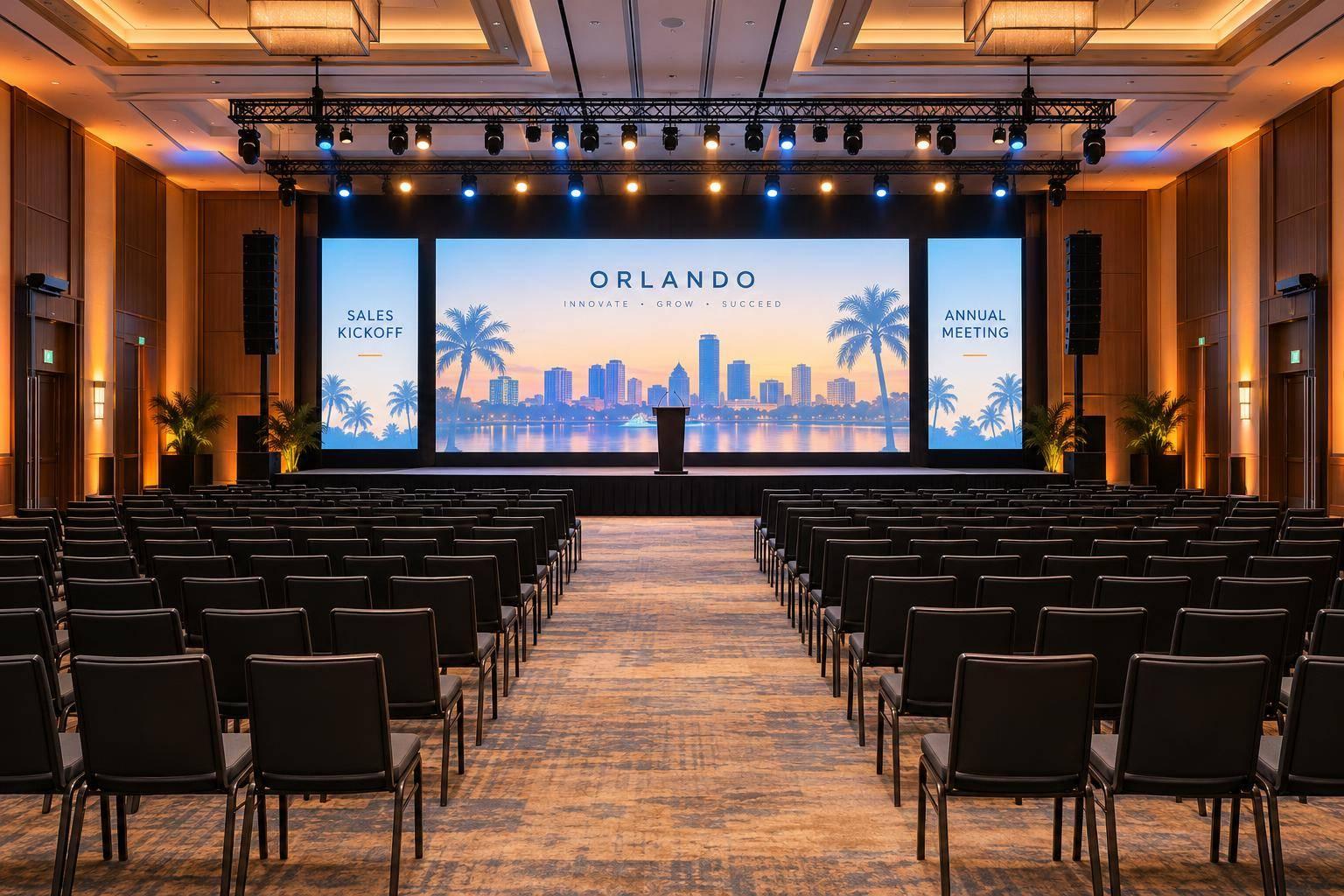
Leading AV Teams To Produce Your Company Annual Meeting On Short Notice

Chief Executive Officer
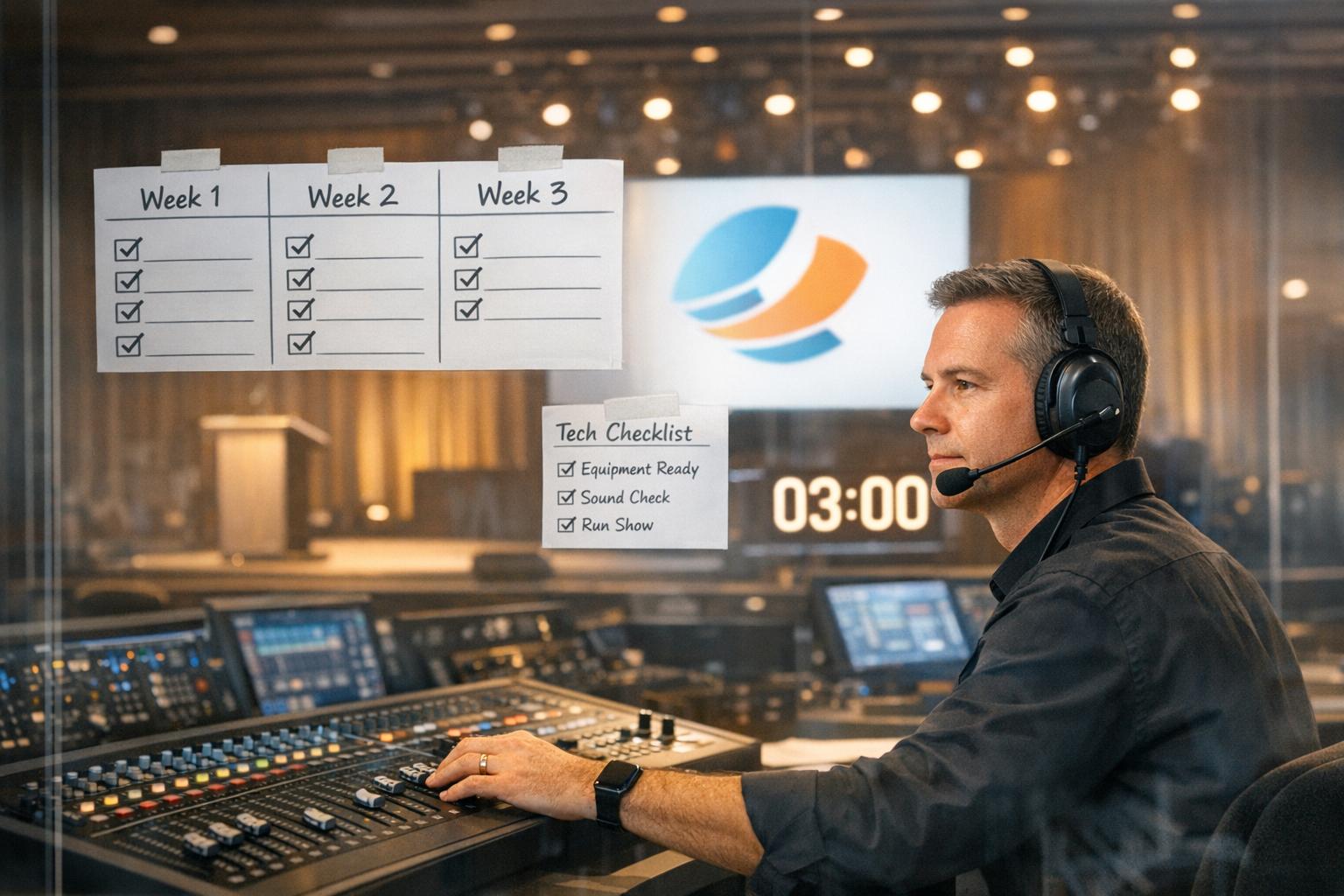
Need to organize an annual meeting in just three weeks? Here's how to quickly assemble an AV team, secure equipment, and deliver a polished event - despite tight deadlines and industry resource shortages.
Key Takeaways:
- Plan fast and prioritize: Confirm the date, venue, and format (in-person, virtual, or hybrid). Simplify wherever possible - focus on key speakers and core content.
- Build the right team: Partner with conference production companies that combine full-time staff and vetted freelancers. Skip brand-specific equipment requests to save time and costs.
- Set a clear timeline: Use parallel workflows to handle logistics, content, and marketing simultaneously. Prioritize critical milestones like tech rehearsals 48–72 hours before the event.
- Prepare backups: Ensure redundancy for microphones, internet, and power. Have backup staff and equipment ready to avoid disruptions.
- Communicate effectively: Share production plans early, hold daily check-ins, and run full technical rehearsals to ensure smooth execution.
The challenge: With 38% of AV workers still out of the industry and demand for live events doubling since 2019, resources are tight. But by focusing on essentials, clear communication, and smart planning, you can deliver a professional meeting without compromising quality.
Read on for detailed strategies to pull off your event successfully.

5-Step Guide to Producing Company Annual Meetings on Short Notice
How to Source an A/V Vendor for Your Next Event - Part #1: Why & When - Logan Clements
sbb-itb-ae35a94
1. Quick Assessment and AV Team Assembly
When you're dealing with a last-minute event, speed is everything. The first step? Nail down the basics. Confirm the date, start and end times, and the venue address. Then decide if the event will be in-person, virtual, or hybrid, as this choice will directly impact production needs, from internet bandwidth to equipment setup.
Next, evaluate the venue itself. Look at the room size, lighting, available AV equipment, internet capabilities, and estimate the number of attendees. Setting a budget early on is key - it helps avoid delays and ensures practical solutions are within reach.
"If it's last minute for you, then it's definitely last minute for a provider." - CTS AVL
Think about the type of content you'll present - slides, videos, or live polls - and how many presenters you'll have. This will determine key needs like the number of microphones or tech for switching between speakers. On a tight schedule, simplicity is your friend. Scale back where possible, such as limiting the number of speakers to 15–20 instead of 30+, to ease the workload on your AV team.
1.1 Define Event Goals and Limitations
Even if your plans aren't fully fleshed out, share a preliminary production packet with your AV team as soon as possible. Include rough timelines and essential details like the date, location, budget, and partner availability. This allows them to start planning while you iron out the finer points.
Be crystal clear about the event's primary goal - whether it’s to educate, inspire, or collaborate. This clarity helps the AV team suggest the right mix of equipment and crew to match your needs. Be prepared for potential delays, like waiting on logo approvals, and only flag tasks as urgent when absolutely necessary. Once goals and limitations are clear, you can focus on building the right team to bring your vision to life.
1.2 Assemble a Skilled AV Team
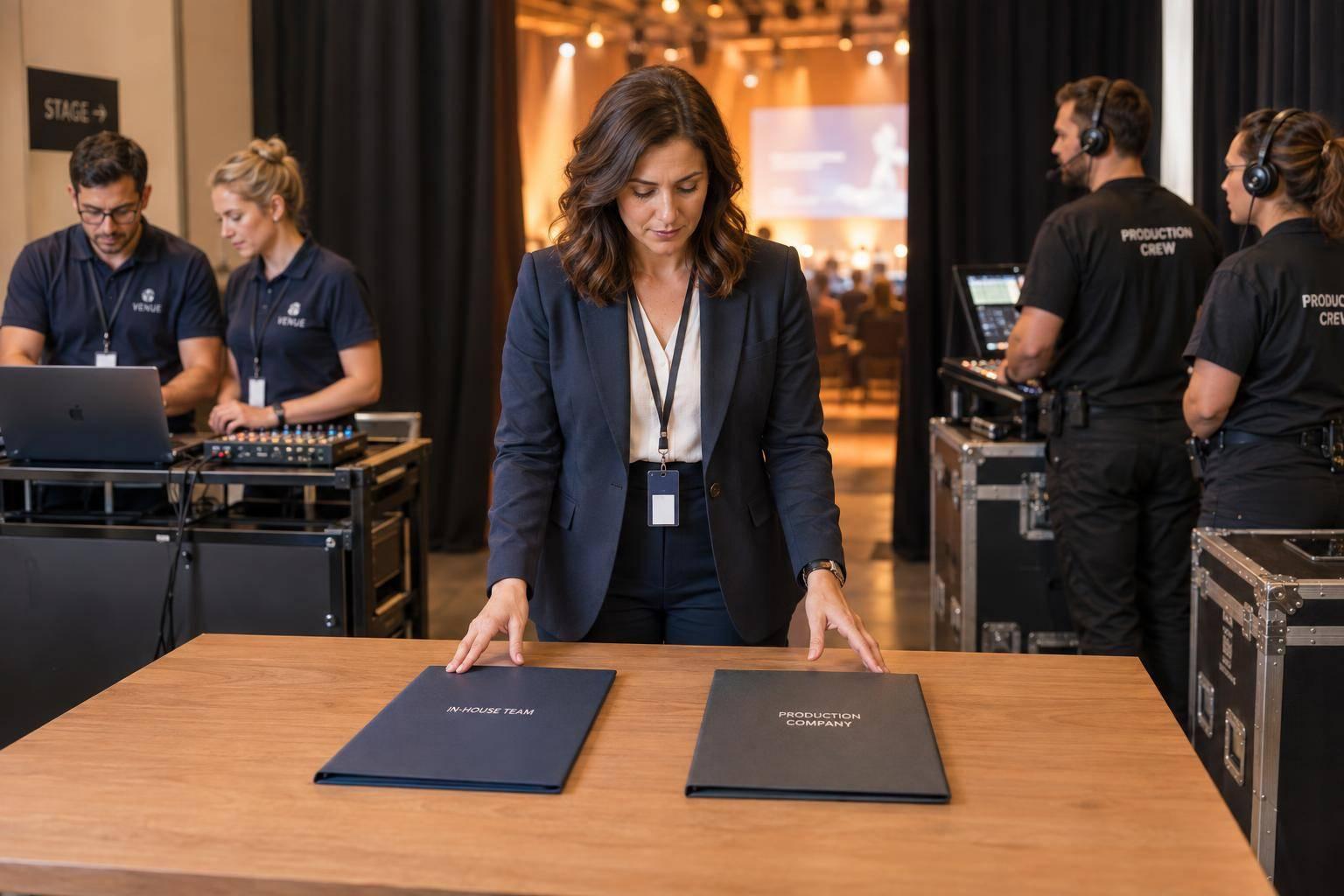
With your event goals locked in, it’s time to build your AV dream team. Look for production agencies that employ both full-time technicians and a roster of experienced freelancers. This approach ensures flexibility and access to skilled professionals, even in a competitive market.
"It's important that an event production agency has full-time technicians in addition to a curated list of trusted, vetted freelancers who they work with frequently, are highly experienced, and can integrate seamlessly with their team." - One Way Event Productions
Form a task force that includes internal decision-makers and your AV production partner to handle technical details efficiently. Once you’ve signed the contract, introduce the AV team to all key players - venue contacts, talent, and production leads - to avoid coordination hiccups. Skip requests for specific brand-name equipment, as this can limit your options and drive up costs. Stick to tools and platforms your team already knows to save time and avoid unnecessary learning curves.
Don’t overlook the basics: provide meals, rest breaks, and nearby lodging for the crew. These small details can make or break team morale, especially in a tight labor market where crews have the flexibility to turn down jobs with poor working conditions.
With your team in place, focus on creating a streamlined production timeline to keep everything moving forward efficiently.
2. Creating a Compressed Production Timeline
Once your team is assembled, the next step is crafting a streamlined timeline to avoid last-minute chaos. With limited time, it's important to switch from the usual step-by-step planning to parallel processing, where logistics, content creation, and marketing progress simultaneously instead of waiting for one phase to end before starting the next.
Use an agile approach with short, one-to-two-week sprints. Each sprint focuses on specific tasks, allowing your team to adapt quickly as new challenges arise. This is especially important since over 50% of webinar registrations now happen less than a week before the event, emphasizing how short lead times have become standard in the industry.
"Compressed timelines don't have to compromise quality - they simply demand smarter workflows, tighter priorities, and the confidence to know when 'good enough' enables excellence where it truly counts." - Live Group
Follow the 80/20 quality rule: focus your efforts on the 20% of tasks that deliver 80% of the value. That means prioritizing essentials like content, speaker prep, and tech reliability over minor details like décor or printed materials. Keep everyone aligned with 15-minute daily stand-ups, where the team reviews progress, plans for the day, and addresses any roadblocks.
2.1 Break Down the Event Workflow
Divide the production into overlapping phases: pre-production, equipment setup, rehearsals, and live execution. For example, while your AV team secures equipment, the content team can finalize speaker materials, and marketing can begin promoting registrations.
Use tiered detail management to handle planning in stages:
- First, secure high-level logistics like date, venue, and budget.
- Next, confirm attendee logistics, including headcount and event format (in-person, virtual, or hybrid).
- Finally, tackle smaller details like rehearsal schedules and attendee communication.
Build in buffer time for delays, such as waiting for approvals. Set clear expectations, like 24-hour turnarounds for critical decisions, to keep everything moving. Use project management tools like Monday.com or Asana to automate routine tasks and keep workflows transparent, freeing up your team to address more complex issues .
Plan a primary technology test 48 to 72 hours before the event - not the night before. This allows time to resolve any equipment or connectivity issues calmly. And remember, a walk-through isn’t enough. Conduct full technical rehearsals that replicate the live experience, including transitions, mic handoffs, and video playback.
2.2 Prioritize Critical Milestones
Not every task is equally important. Identify your non-negotiables early - things like safety protocols, tech testing, and speaker prep must take priority. Evaluate everything else by asking, "Does this directly improve the attendee experience?"
| Milestone Phase | Critical Tasks | Priority Level |
|---|---|---|
| Immediate (Day 1-3) | Define goals, lock budget, secure venue/AV partner, launch marketing | High |
| Mid-Planning (Week 1-2) | Share 50% production packet, confirm speakers, parallel logistics | Medium |
| Pre-Event (48-72 hrs) | Final tech rehearsals, pressure tests, redundancy checks | High |
| Live Execution | Show calling, real-time engagement monitoring, backup activation | High |
Secure presenter and leadership schedules for rehearsals and content reviews early to avoid conflicts. Simplify where possible - reducing speaker numbers from 30+ to 15–20 can make coordination much easier. Assign a dedicated show caller to oversee timing and ensure smooth transitions between AV, talent, and program teams, especially for complex productions.
"Twenty percent of your activities will drive 80% of the value. In a last-minute event, focus your limited time on what truly matters: core content and speakers, technology reliability, attendee communications, registration experience, and day-of execution." - Live Group
Decide early which elements need a backup plan and which can be scrapped if time runs out. This "Plan B vs. Let It Go" strategy ensures you focus resources on the essentials. With about 38% of the audiovisual workforce still not fully recovered since 2020 and live event volume doubling since 2019, the demand for skilled technicians and equipment is intense . Prioritizing wisely helps you secure what you need when you need it.
With your timeline locked in, the next step is ensuring you have the resources to bring it all together.
3. Securing and Allocating Required Resources
Pulling off an annual meeting under tight deadlines requires careful planning, especially when it comes to securing equipment and staffing. The audiovisual (AV) industry is grappling with a labor shortage - 38% of the professional workforce hasn’t returned since the 2020 shutdown, while live event demand has doubled compared to 2019 . This means both gear and skilled technicians are in short supply, and last-minute bookings only add to the challenge.
The key is flexibility. Don’t get stuck on specific brand names for equipment. As Channel Audio Group points out, "If you insist on specific equipment brands... you may have limited options, which could significantly increase the cost". Instead, focus on what the equipment needs to do. By prioritizing performance specs over brand names, you unlock access to a broader range of options from your AV partner’s inventory and subrental network.
Early communication is crucial. Start coordinating with your AV partner as soon as the contract is signed. Connect them with venue staff, talent, and production leads right away to avoid missteps. This approach ensures you can secure the necessary equipment and staffing without unnecessary delays.
3.1 Identify and Source Key AV Equipment
Once you’ve embraced a flexible mindset, narrow down the essential equipment for your event. Focus on hard-to-source items like high-brightness projectors, LED walls, wireless microphones, sound reinforcement systems, and video switchers. For hybrid meetings, a reliable internet connection is non-negotiable. Always opt for a dedicated hardline instead of venue Wi-Fi, and have a backup connection ready.
Your core AV setup will likely include:
- Microphones and speakers
- Projectors or video walls
- Stage lighting
- Media servers
For hybrid or streaming events, add encoding equipment, cameras, and dependable bandwidth to keep remote participants engaged.
"A great hybrid event still depends on 1990s wisdom: a hardline and a backup plan." - AVFX
To simplify procurement, consider bundled AV packages like those offered by Corporate Optics. These packages combine essential tools - microphones, projectors, lighting, and streaming tech - into a single order, saving time and reducing the need to juggle multiple vendors. If you’re working on ultra-short notice (less than 24 hours), look into pre-packed equipment kits that are ready to go.
Develop a "call-first" list of two or three subrental partners with nationwide reach. This ensures quick access to overflow gear when your primary provider runs out. Decide early on which items to own versus subrent - like specialty lenses or extra LED panels - to avoid wasting time on internal debates during crunch time.
3.2 Prepare Backup Plans for Equipment and Staff
Redundancy is your safety net. For every critical component, have a backup plan in place. This means duplicate wireless frequencies, isolated signal paths, multiple video playback systems, and backup power sources. If a keynote video is central to your event, don’t rely on a single laptop. Host it on multiple servers to avoid disruptions.
"Redundancy isn't paranoia - it's professionalism. We don't 'hope' the audio works. We bring backups for everything." - AVFX
Schedule your main technical test 48 to 72 hours before the event. This gives you enough time to resolve any issues and conduct full rehearsals with the same equipment and crew that will run the live show.
Staffing is just as critical as equipment. Keep a vetted list of freelance technicians who can step in during busy seasons or unexpected shortages. The current labor shortage means technicians are more selective, often avoiding events with long hours or poor working conditions. To attract and retain top talent, provide nearby accommodations, schedule proper meal breaks, and avoid overworking your crew .
"The hidden cost of last-minute shortages isn't just freight - it's burnout. Refuse to solve every problem by working people into the ground." - Jordan Goodfellow, GigRent
| Resource Strategy | Benefit for Tight Deadlines | Impact on Budget |
|---|---|---|
| Subrental Partnerships | Quick access to specialized or extra gear | Reduces spending on rarely used items |
| Standardized Pull Sheets | Saves time on paperwork and preparation | Cuts down on labor costs |
| Flexible Brand Specs | Expands the pool of available equipment | Allows for more cost-effective choices |
| Venue-Integrated AV | Faster setup and teardown | Lowers external staffing and shipping costs |
Prepare emergency show files with standardized pull sheets, preferred equipment models, and contact lists. This will help you quickly adapt if something goes wrong or if the event scope changes unexpectedly. With solid backup plans in place, you’ll be ready to handle surprises without missing a beat.
Once your resources are secured and backups are in place, you can shift your focus to communication and rehearsals to ensure everything runs smoothly.
4. Streamlining Communication and Rehearsals
When time is tight, poor communication can completely derail a production. In an industry where every moment counts, especially with limited resources and talent, effective communication is just as important as having the right equipment or staff. Clear and ongoing communication ensures everyone stays aligned, minimizing confusion and delays.
The key to a smooth production lies in setting clear expectations from the outset. As Clay McDaniel, Director of AV Technical Production at Shepard, explains:
"At the very beginning, communication is what establishes the expectations".
This is especially important when working with corporate stakeholders who might not understand AV terminology. Frequent check-ins early in the process help close communication gaps and prevent costly errors, laying the groundwork for seamless daily coordination and comprehensive technical rehearsals.
4.1 Establish Daily Check-Ins and Coordination
Daily coordination meetings can make a huge difference, even if they’re as short as 15 minutes. These quick check-ins help keep everyone on the same page, including freelancers brought on at the last minute. They also reduce the need for constant back-and-forth communication. Share initial production packets as early as possible - don’t wait for every detail to be finalized.
Another key step is connecting all major event leads - venue staff, client representatives, production managers, and talent coordinators - as soon as the contract is signed. This ensures no one is left out of the loop. Early collaboration is critical, especially when access to top-tier personnel or equipment may be limited.
While daily check-ins maintain alignment, a full technical rehearsal ensures the setup operates flawlessly under live conditions.
4.2 Conduct Full Technical Rehearsals
A simple walk-through won’t cut it. What you need is a full technical rehearsal that mirrors the actual event, covering everything from transitions and cue timing to microphone handoffs and video playback. AVFX emphasizes this point:
"A walk-through is not a rehearsal. A rehearsal is not just hitting the clicker. Real tech runs simulate full show flow: transitions, cue timing, mic handoffs, video playback, live switching, presenter entry/exit, virtual interaction delays".
Schedule this comprehensive rehearsal 48–72 hours before the event with the same production team and equipment you’ll use on the big day. This step transforms your planning into flawless execution. Test backup systems like redundant power sources, audio-visual feeds, and internet connections, especially if the event includes a hybrid meeting component. Assign a show caller to oversee timing and transitions across all teams, including AV, talent, and program staff.
Make sure to test every piece of equipment - laptops, media players, slide advancers, teleprompters - and confirm that all adapters (like HDMI or USB-C) are working properly. Run a 30-minute dry run and record it to troubleshoot any issues that might arise during the live event. Finally, allocate extra time specifically for testing and syncing media to ensure everything runs smoothly when it matters most.
5. Executing the Event and Monitoring Performance
After all the planning and rehearsals, it’s time to bring the event to life. As Bradford Wynn from The Wynning Experience wisely notes:
"Control at live events is engineered long before doors open".
How your team handles real-time challenges will determine whether minor hiccups stay under the radar or evolve into noticeable disruptions.
5.1 Manage Live Event Execution
With thorough rehearsals behind you, execution should follow a clear and structured plan. Effective communication is critical. Equip your production, stage, and floor teams with dependable intercom or headset systems, assigning specific channels for tasks like tech support, security, and executive communication. The show caller will act as the conductor, managing timing, calling cues, and ensuring seamless transitions between AV, talent, and program elements.
Establish an authority chart that clarifies who has the power to mute microphones, pause presentations, or switch video feeds. For unexpected situations, implement a discreet signal - like a safe word or hand gesture - that allows the team to intervene without drawing attention.
A backstage producer should keep an eye on audience reactions and monitor social media for early signs of potential issues. This proactive approach helps address problems before they escalate. As CTS AVL advises:
"For audio problems, always start at the destination and work backwards to find the break in the chain".
Make sure redundancy systems, such as backup microphones and duplicate feeds, are tested and easily accessible. If a significant issue arises, consider moving a scheduled break forward to buy time for troubleshooting. Technicians should resolve the problem before informing the client, and if the audience notices, a quick, light-hearted acknowledgment can help maintain a positive atmosphere.
5.2 Conduct Post-Event Analysis
The event doesn’t end when the doors close. Immediate post-event analysis is crucial for turning live feedback into actionable improvements. Within 48 hours, document both successes and challenges while the details are still fresh. Internal crew debriefs are essential for reviewing technical execution - every cue, camera angle, and soundcheck should be evaluated. Tim O'Neill, Director of Production Operations at CTS, highlights:
"The team most equipped to execute an event successfully is the team that has role clarity and is laser-focused on accomplishing the client's objectives".
Track metrics like incident frequency, response times, audience engagement during Q&A sessions, and Net Promoter Scores. Compare your actual spending to the budget to pinpoint any discrepancies. Assess how well your team handled last-minute surprises or technical glitches. Use your Run of Show document as a reference to see if every segment, transition, and break went as planned.
This review process not only fine-tunes your current production but also prepares you for future events. With live event demand increasing, the next challenge could be closer than you think.
Conclusion
Combining quick planning with smart resource management ensures that every decision contributes to the success of your event. Organizing a company annual meeting on short notice doesn’t have to mean compromising on quality. Start by assembling your team early - bring internal decision-makers and your AV partner into the fold right away to eliminate communication delays and speed up decision-making.
Prioritize your time on the essentials: core content, reliable technology, and supporting your executive speakers. Cut back on non-critical aspects, such as extravagant decor, to keep things simple. As Live Group notes:
"Short-notice events aren't going away - they're now standard in modern event management as business accelerates and uncertainty increases."
Don’t overlook redundancy for critical systems. Backup microphones, duplicate internet lines, and alternative power supplies can prevent major disruptions. These precautions not only protect your event but also give your organization an edge in today’s competitive and fast-paced environment.
The event industry has changed significantly. Planning timelines have shrunk by about a third, and live event volume in 2023 nearly doubled compared to 2019, creating increased demand for equipment and labor. This makes adaptability more important than ever. After your event, take time to review what worked, update your templates, and fine-tune your processes to make future short-notice events even smoother.
FAQs
What’s the minimum AV setup for a 3-week annual meeting?
For a 3-week annual meeting, the basic AV setup usually consists of a few key elements:
- Professional-grade audio systems to ensure clear sound throughout the venue.
- Multiple microphones, including handheld and lapel options, to accommodate various speakers and presentations.
- Visual displays like LED walls or projectors for presentations, videos, and other visual content.
- Reliable internet connectivity to support live streaming, virtual participation, or any online requirements.
It's equally important to have backup equipment on hand and to conduct thorough testing before the event starts. This preparation helps prevent technical issues and ensures everything runs smoothly.
How do I lock in crew and gear fast when resources are tight?
To get crew and gear in place quickly when resources are tight, focus on smart planning and prioritizing what’s essential. Use a live inventory system to keep tabs on your equipment and prevent last-minute issues. Build strong relationships with reliable partners who can help you source items or offer alternatives on short notice. When it comes to your crew, know your team’s limits, have backup plans ready, and reach out to vendors early to lock in their availability. Success hinges on preparation and solid vendor connections.
What should I test 48–72 hours before showtime?
As the big day approaches, it's time to ensure everything runs smoothly. Here's a checklist to guide you through the final preparations:
- Sound and Microphones: Double-check that all microphones are working and that audio coverage is clear and consistent across the venue. Test for any feedback or interference issues.
- Video and Visuals: Inspect screens, projectors, and streaming setups to ensure all visuals are displaying correctly. Confirm that presentations and videos are formatted properly.
- Lighting: Test stage and audience lighting to make sure brightness levels are appropriate. Adjust any dim spots or overly harsh lights.
- Power and Compatibility: Verify that all equipment is compatible and perform a power audit to prevent any unexpected outages or overloads.
- Rehearsals: Conduct a full run-through of the program with speakers, performers, and the AV team. This helps identify and resolve any timing or technical issues.
- Backup Systems: Test your contingency plans, including backup equipment, to ensure you're prepared for any technical hiccups.
These steps can make all the difference in delivering a seamless and professional event.
Related Blog Posts
- 4 Meeting Production Companies That Excel At Seamless AV (audio/video), Lighting, and Stage Design for Corporate Conferences, and events
- Best Meeting Production Companies For General Session & Breakout Session AV Support
- 3 Quick Turn Around Event Production Companies For Audio Visual Work
- Need a Quick Turnaround AV Production Company? Reach Out To These Teams



Streamline your workflow, achieve more

Lorem ipsum dolor sit amet, consectetur adipiscing elit. Maecenas ac velit pellentesque, feugiat justo sed, aliquet felis.



Lorem ipsum dolor sit amet, consectetur adipiscing elit. Maecenas ac velit pellentesque, feugiat justo sed, aliquet felis.