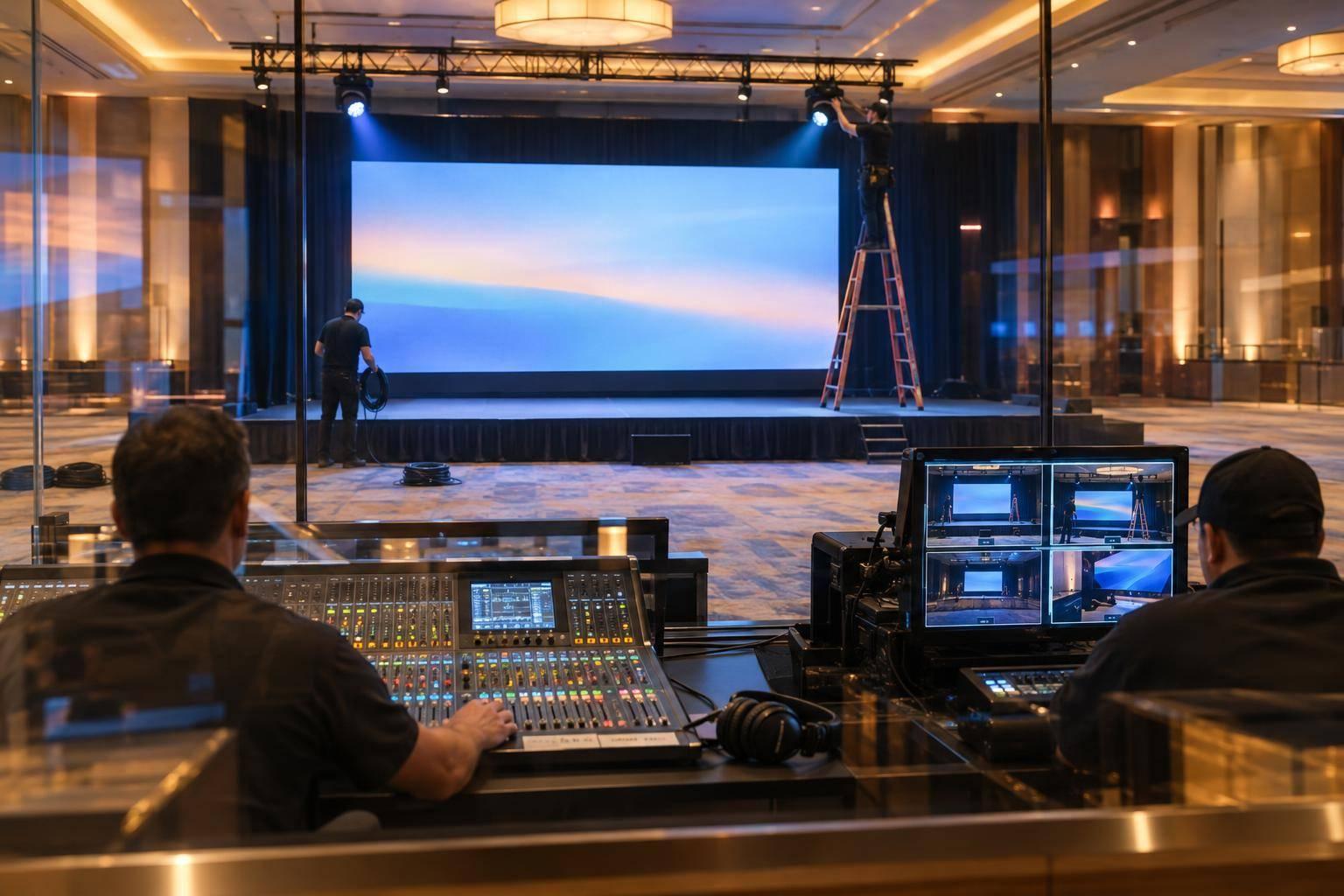
How To Produce A Shareholder Meeting: Staging, Streaming And Compliance Tips.

Chief Executive Officer
I plan shareholder meetings around one rule: shareholders must be able to follow the meeting and exercise their rights - not just watch a stream. Before choosing equipment, I confirm the meeting format with counsel and set the rules for access, voting, questions, and accessibility.
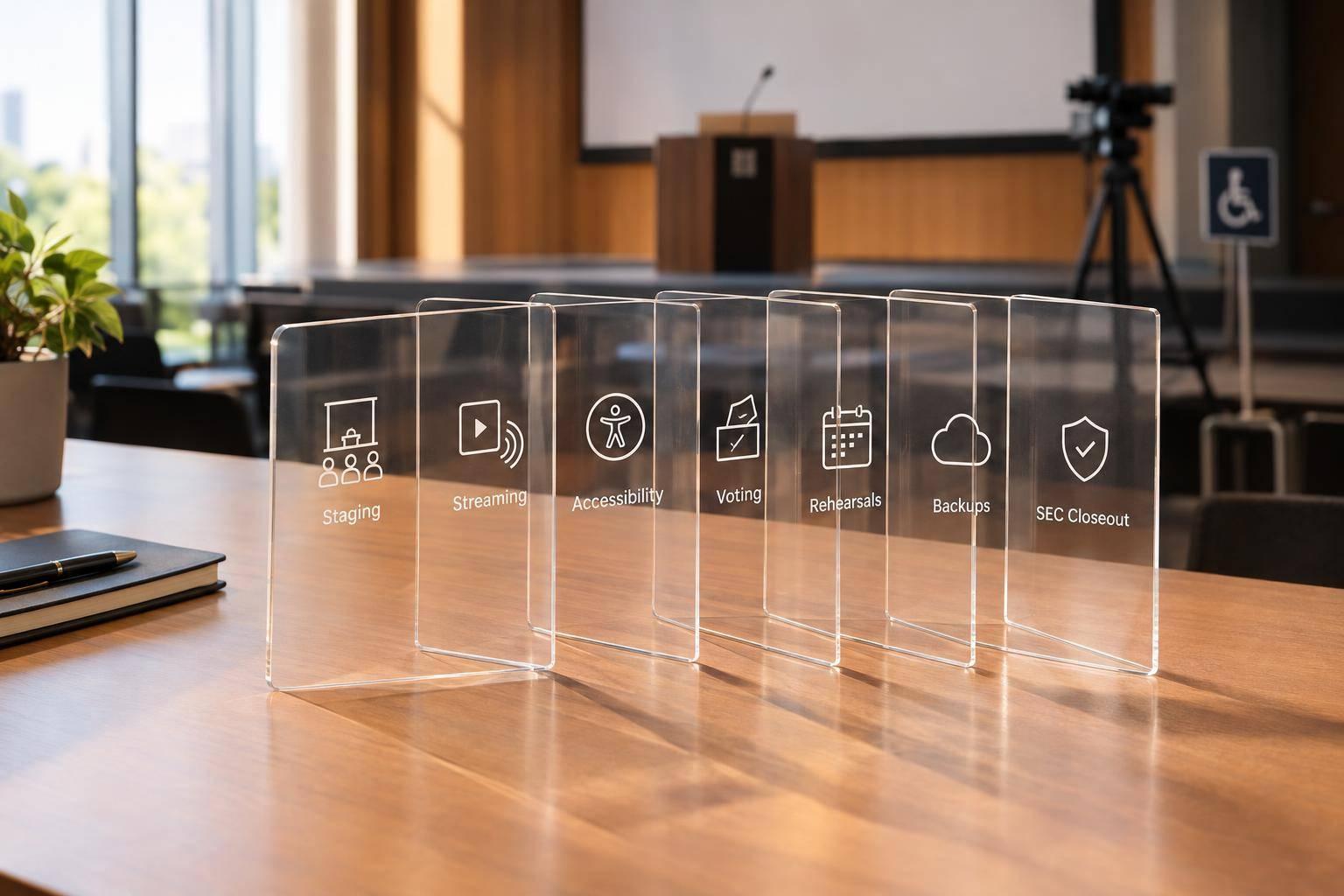
My production checklist covers five areas:
- Rules and roles: Assign owners for meeting procedure, technical delivery, voter checks, and records.
- Stage and stream: Make speakers easy to hear, slides easy to read, and captions available.
- Rehearsals and backups: Test the full shareholder experience, including login problems, voting failures, and a separate backup connection.
- Live decisions: Monitor shareholder meeting engagement tools - not just video - and agree on when to pause, switch systems, or adjourn.
- Closeout: Verify vote totals, secure records, and complete required filings. For SEC-reporting companies, Form 8-K Item 5.07 generally has a four-business-day reporting deadline.
My starting point is simple: test participation, not just playback. A recording preserves what happened; <u>it does not replace live voting or questions</u>.

Shareholder Meeting Production: Five-Step Checklist
1. Confirm Meeting Rules and Assign Responsibilities
Create a responsibility matrix that lists an owner, backup, approval deadline, and completion log for each task. Assign roles clearly:
- Producer: Technical delivery and issue escalation.
- Corporate secretary: Notices, procedure, and records.
- Legal counsel: Review of legal requirements and disputes.
- Voting administrator: Credentials, ballots, and results.
- Accessibility owner: Accessible access and testing.
These owners also set the technical limits for the room, stream, and backup plan. Keep vote certification separate from broadcast operation. These decisions guide the technical setup.
Set the Meeting Format, Eligibility, and Voting Rules
Check state law, the charter, bylaws, board resolutions, shareholder agreements, SEC proxy rules, and exchange rules. Then document the authority for the chosen meeting format.
Before publishing instructions, finalize the venue or access method, date, start time and time zone, record date, quorum, proposals, proxy deadlines, and proxyholder requirements. Send the notice and proxy materials to legal counsel and the corporate secretary for sign-off.
Have the voting administrator prepare a proposal-by-proposal vote matrix that covers approval thresholds, abstentions, broker non-votes, and procedures for opening and closing the polls. Use record-date share records to establish eligibility. Explain how record holders, beneficial owners, and proxyholders verify their identities, and define how live votes will be reconciled with previously submitted proxies.
Plan Shareholder Access and Accessible Participation
Publish one instruction page, approved by counsel and the corporate secretary, that clearly separates public viewing - watching without participation rights - from authenticated participation. Explain who can vote and submit questions, whose shares count toward quorum, and how participants can recover lost credentials or contact support.
State the question deadlines, relevance rules, time limits, and process for handling duplicate and unanswered questions.
Give the accessibility owner a checklist covering:
- Keyboard and screen-reader access to registration, materials, voting, and question forms.
- Accurate real-time captions and a channel for accommodation requests.
- Step-free routes, accessible seating and restrooms, and assistive listening for any in-person component.
Approve the full participant flow so shareholders can register, verify their identities, vote, and request help without barriers. Assign an escalation owner for problems with identity verification, voting access, or captions. Use these participation rules to guide the room layout, stage layout, microphone placement, camera plan, and streaming setup.
sbb-itb-ae35a94
2. Design the Stage, Audio, Cameras, and Stream
Once the rules and participant flow are set, build the room and stream around them. Budget first for crew, connectivity, microphones, captions, interpreters, and backup systems. Draw a signal-flow map that shows how microphones, cameras, slides, captions, and recordings connect to the live stream.
Place Speakers, Microphones, and Screens
Position presenters to face both the audience and camera. Use even front lighting, and avoid bright windows behind them. Make sure slides are readable from the back of the room and on mobile devices.
Use a riser only if it improves visibility, with an accessible route and reserved seating that offers clear sightlines. Keep confidence monitors out of audience and camera sightlines. Send slides directly to the stream rather than filming the room screen.
| Configuration | Best use | Advantages | Limitations | Backup needs |
|---|---|---|---|---|
| Wired lectern microphone plus audience-facing presentation screen | Formal reports and prepared remarks | Stable audio; simple operation; clear presentation view | Presenter must stay at the lectern | Spare wired microphone, cable, and alternate lectern input |
| Wireless lavalier plus confidence monitor | Executives moving between stage positions | Natural delivery and consistent camera framing | Battery, interference, and clothing-noise risks | New batteries, spare transmitter, wired fallback |
| Board-table gooseneck microphones plus large shared screen | Board-led meetings and resolutions | Each director can be heard, and the agenda stays visible | Requires careful gain control and disciplined turn-taking | Spare microphone, mixer channel, and printed agenda |
| Direct slide feed and confidence monitor | Hybrid or broadcast-heavy meetings | Sharper charts and text online than a camera shot of the screen | Requires a playback or graphics operator | Duplicate presentation laptop, adapters, and exported PDF |
Plan Camera Positions and Live Switching
Plan for a stage-wide view, a tighter presenter view, and a view of the question-microphone area or audience when shareholders ask questions in person. Keep framing consistent across presenters so remote shareholders can follow the meeting. Place equipment outside accessible routes.
Assign a technical director to preview and switch between separate camera, slide, graphic, video, and remote-presenter feeds while the producer calls transitions. Keep private notes, credentials, preliminary vote totals, and control panels off the public feed. Disable pop-up notifications, too.
Test the Stream and Prepare Independent Backups
Before sending access instructions, test the full path at the venue. Check camera and microphone levels, slide readability, switching, remote-presenter audio, captions, interpretation, playback, recording, chat or Q&A controls, voting links, shareholder authentication, and reconnection after a dropped connection.
Test on both a computer and a mobile device, with captions enabled, and include assistive-technology workflows. Log pass/fail results, owners, and correction deadlines. Confirm that captions stay readable through every source change; WCAG Success Criterion 1.2.4 addresses live captions at Level AA.
| Delivery method | Use | Failure addressed | Limitations |
|---|---|---|---|
| Primary live stream | Normal live access | None by itself | Depends on working connectivity, encoder, and service |
| Independent backup stream | Restore live access | Failed primary connection, encoder, or delivery path | Must avoid the failed component; needs tested access instructions |
| Local recording | Preserve proceedings | Loss of the online archive or cloud recording | Does not preserve live participation, voting, Q&A, or authentication |
Test a separately provisioned internet connection and backup encoder - not just a spare hotspot on standby. Protect network and production equipment with UPS units that provide power through the switchover. Keep spare microphones, cables, adapters, and presentation files ready.
Have counsel and the corporate secretary approve a failure plan. It should name the person responsible for switching to the backup, specify the shareholder notice and voting-window steps, define when to pause or adjourn, and set out a low-bandwidth audio-only or alternate access procedure.
Use the verified setup in rehearsal.
3. Rehearse and Run the Meeting
Once the room, stream, and backup paths are approved, run the meeting against a timed plan. Create a timed cue sheet showing each segment’s scheduled time, duration, owner, backup owner, and technical cue. Include login, quorum, proposals, voting, Q&A, results, adjournment, and stream closeout. Add escalation contacts for the chair, corporate secretary, voting administrator, webcast producer, platform support, counsel, and accessibility lead.
Rehearse Speakers and Shareholder Workflows
Hold at least one full dress rehearsal in the actual meeting room or an equivalent setup. Test every live cue: mic handoffs, backup mics, speaker positions, lighting, camera shots, slide changes, video playback, screen sharing, audio, on-screen name banners (lower-thirds), and operator prompts. Each speaker should practice starting, muting, unmuting, changing slides, answering questions, and handing control to the next participant. Follow the cue sheet in order, logging delays, audio feedback, framing errors, and unreadable text.
Have representative users test registration, eligibility checks, login recovery, captions, audio, questions, voting, reconnection, and help escalation under peak load. Include beneficial owners, proxyholders, international participants, screen-reader users, and telephone participants where offered. Confirm that shareholders can authenticate, follow the agenda, vote, ask questions, and recover from interruptions.
Also test the published help route. It should reach staff who can tell technical problems apart from eligibility or voting disputes and escalate to the registrar or counsel.
Use the rehearsal results to refine the live cue order and remove steps that slow shareholder participation.
Manage Voting, Participation, and Incident Updates
A live stream can work while authentication, voting, or Q&A fails. Assign separate owners to monitor authentication successes and failures, waiting-room traffic, audio and video availability, caption accuracy, question queues, voting access, vote receipts, disconnections, and quorum status.
Clearly announce voting windows and question procedures. Have the voting administrator reconcile proxy and live votes against the authorized voter file. The inspector of elections or another authorized official should apply the approved counting procedures. Never treat viewer counts as proof of voting eligibility. Delaware law requires reasonable measures to verify remote voters’ stockholder or proxyholder status and record remote votes.
Use a private incident channel and counsel-approved holding messages. Only the chair or meeting official should decide whether to pause, extend voting, switch to backup systems, or adjourn under the approved rules.
Tell shareholders which participation functions are affected, what they should do, and when to expect the next update. Don’t promise a resolution time unless it’s known. Keep a timestamped log covering the issue, time, impact, decision, notice, resolution, and question handling.
Conclusion: Verify Records and Close Out the Meeting
After polls close, lock the record, verify results, and complete filings. Use a final checklist to reconcile attendance, authenticated shareholders, proxies, shares represented, and quorum. Match proxy and live votes to the official tabulation, keeping for, against, withheld, abstentions, and broker non-votes separate. Record invalid, duplicate, late, or revoked proxies separately, and don’t treat broker non-votes as abstentions by default.
Within one business day, secure recordings and logs. Deliver the minutes, inspector’s report, voting files, submitted questions, presentation deck, and incident records to the corporate secretary. Store these materials with restricted access under a retention schedule approved by counsel.
Before publishing results, get written confirmation from the inspector of elections or authorized tabulator that the count is complete and the correct voting standard was applied. Then complete required filings and shareholder communications. For SEC-reporting companies, Form 8-K Item 5.07 generally requires reporting within four business days. If final results aren’t ready, report preliminary results and file an amendment later.
FAQs
How far ahead should I start planning a shareholder meeting?
Start planning your Annual General Meeting (AGM) 9 to 12 months in advance. This gives your legal and investor relations teams time to agree on a plan, book a venue, confirm technical partnerships, and work through governance requirements, voting procedures, and production details.
Smaller investor events may need less lead time. For an AGM, create a detailed production timeline for the final 20 to 24 weeks to keep key milestones on track.
How should I prioritize a limited meeting production budget?
Set priorities based on event risk, and plan voting, streaming, and staging together. Fund reliability and compliance first, including redundant internet connections, backup encoders, and manual voting procedures that have been tested and approved by counsel.
Then budget for clear microphones, a dedicated program audio feed, high-quality cameras, and a reliable video switcher. Include professional production support for shareholder authentication, accessibility compliance, and secure, tamper-evident storage for recordings.
Could technical failures invalidate shareholder votes?
Yes. Technical failures may invalidate votes if the meeting doesn’t meet legal standards for communication or participation. If outages stop shareholders from exercising their rights, the meeting may need to be adjourned and reconvened.
Companies must have an approved manual voting procedure and keep a detailed audit trail of all actions and technical interventions. They must also ensure that the inspector of elections can independently verify the final vote count.
Related Blog Posts



Streamline your workflow, achieve more

Lorem ipsum dolor sit amet, consectetur adipiscing elit. Maecenas ac velit pellentesque, feugiat justo sed, aliquet felis.



Lorem ipsum dolor sit amet, consectetur adipiscing elit. Maecenas ac velit pellentesque, feugiat justo sed, aliquet felis.