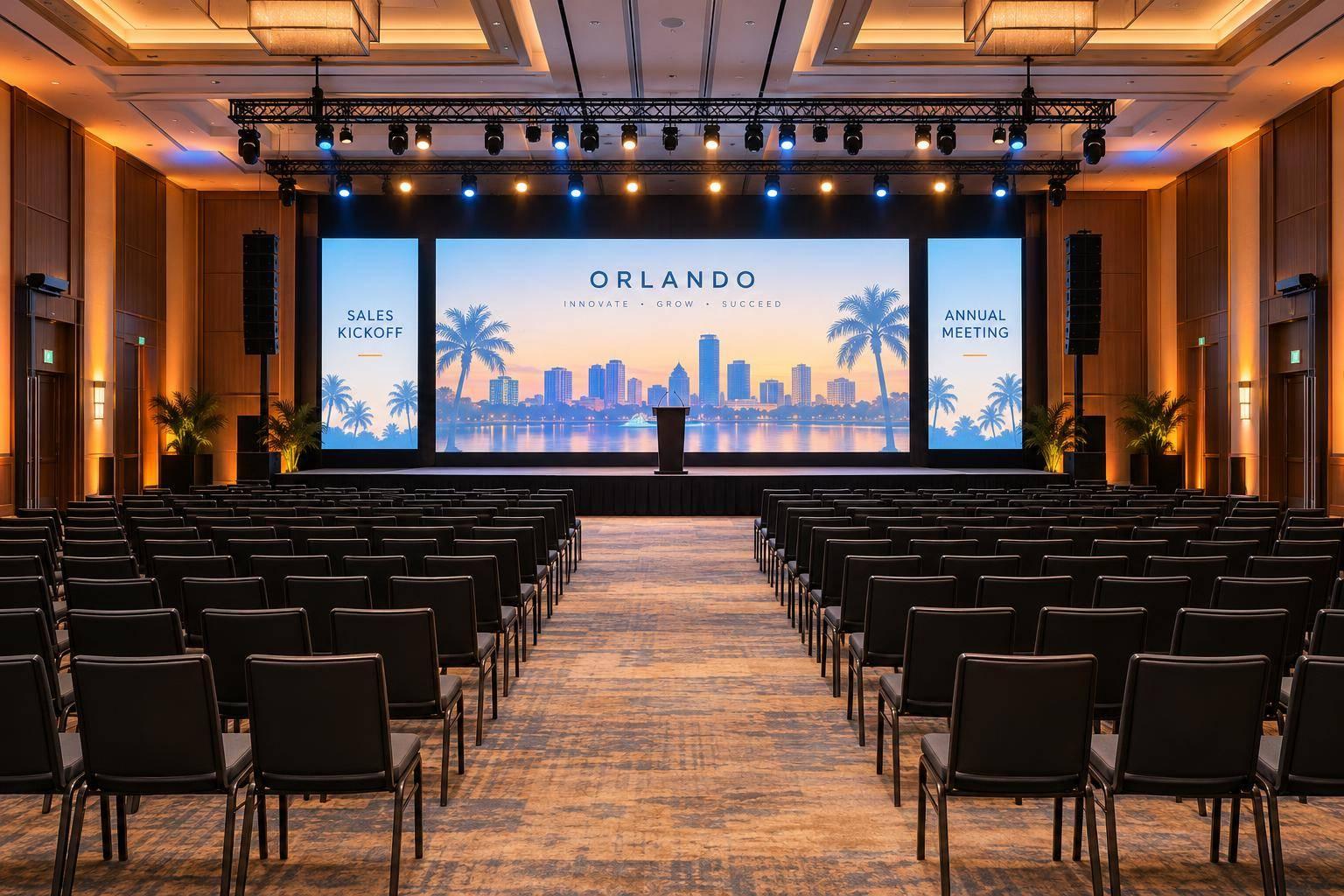
Tips To Planning A Corporate Award Ceremony With Professional Production

Chief Executive Officer
Planning a corporate award ceremony requires attention to detail and a focus on professional production to create a memorable experience. Here's a quick summary of the key steps to ensure a successful event:
- Define Clear Goals: Decide the purpose of your ceremony - team recognition, morale boosting, or showcasing company values. Tailor production to your goals.
- Assemble a Planning Team: Assign roles like Event Manager, Show Caller, MC, and AV specialists to handle different aspects of the event.
- Set a Budget and Timeline: Allocate 15-20% of your budget to audiovisual (AV) systems and plan 6-12 months ahead to avoid last-minute issues.
- Choose the Right Venue: Ensure the venue meets technical requirements like power, internet, and rigging capabilities.
- Collaborate with Production Experts: Work with professional AV partners to handle technical setups, stage design, and seamless execution.
- Design a Smooth Agenda: Balance award presentations with entertainment and breaks to keep the audience engaged.
- Run Rehearsals: Conduct full technical rehearsals 24-48 hours before the event to test equipment and finalize the flow.
Professional production elevates the experience with clear audio, dynamic visuals, and expert coordination. Whether it's a small internal event or a large-scale gala, these steps will help you deliver a polished and impactful ceremony.
Set Event Goals and Form a Planning Team
Determine Your Event Goals
To kick things off, think about what success looks like for your ceremony. Write down a simple, one- or two-sentence definition - this could be boosting team morale, reinforcing company values, or bringing remote teams into the fold. Are you celebrating individual achievements? Showcasing your company culture to clients or sponsors? Your goals will shape every production decision. For example, the setup for a 50-person internal event is very different from a 500-person gala with hybrid streaming for remote attendees.
"A well-produced award ceremony doesn't just show recognition - it makes people feel recognized." – Cooper Kelly, One of a Kind Event
Steve Friedman, Co-Founder of CPG, adds: "Award ceremonies provide recognition to employees, franchisees or dealers and recognition is one of the keys to engaging those stakeholders. It helps demonstrate in a meaningful way that the organization appreciates their contributions to its success".
If your goal is to make honorees feel valued, focus on production elements like clear audio and professional lighting, which can elevate the experience and make every moment shine.
Build Your Planning Team
Once your goals are set, it’s time to assemble a team to bring your vision to life. Start by assigning key roles:
- Event Manager: Handles budgeting, venue selection, and overall logistics.
- Show Caller: Manages timing, cues, and transitions to ensure everything runs smoothly.
- Judging Panel: Oversees award categories and selects winners.
- MC or Host: Keeps the program engaging and ensures the audience stays connected.
Involve production specialists, like Corporate Optics, early in the planning process. As AVFX points out, "Event production is not a plug-and-play function - it's a co-architect of your entire event experience". By collaborating early, they can help identify potential technical issues, such as power constraints or poor sightlines, before they become major problems. Share your event vision and floor plan with them from the start to ensure the venue can support your stage, rigging, and screen layouts. This proactive approach ensures that the "engine" of your event - sound, lighting, and visuals - runs seamlessly, creating moments people won’t forget.
| Role | Responsibilities | Key Collaboration |
|---|---|---|
| Event Manager | Budgeting, venue selection, and guest logistics | Management & Corporate Optics |
| Corporate Optics Specialist | Technical design, AV setup, and equipment testing | Show Caller & Presenters |
| Show Caller | Orchestrating cues and maintaining event flow | AV Crew & MC |
| Judging Panel | Defining categories and selecting winners | Internal Strategy Teams |
| MC/Host | Audience engagement and stage presence | Show Caller & Scriptwriters |
sbb-itb-ae35a94
Setup For Awards Show - Event production for private and corporate , road shows and conferences.
Create a Budget and Timeline

Corporate Award Ceremony AV Budget Guide by Event Size
Budget for Production Costs
Investing in professional production is crucial for a successful event. Industry guidelines suggest allocating 15-20% of your total event budget to audiovisual (AV) systems. For larger events with more intricate setups, this can increase to 25%. Sanjay Patel, CEO of Alliant Events, emphasizes:
"Professional audio visual production requires substantial financial commitment that many organizers underestimate. Industry standards allocate 15-20% of total event budgets to AV systems, yet inexperienced planners often budget only 5-8%, creating inevitable quality compromises".
When breaking down your AV budget, note that labor typically accounts for 40-60% of the total cost, covering specialized roles and equipment management. Equipment expenses include items like microphones, LED walls, projectors, cameras, lighting rigs, and staging infrastructure. Don’t forget to factor in venue-specific fees for rigging, power distribution, and streaming bandwidth.
| Event Scale | Typical AV Budget Range | Essential Components |
|---|---|---|
| 50-100 Attendees | $4,065 – $10,840 | Basic sound, projection, lighting |
| 100-300 Attendees | $10,840 – $33,875 | Multi-screen displays, wireless mics, recording |
| 300-1,000 Attendees | $33,875 – $101,625 | Professional lighting, video walls, streaming |
| 1,000+ Attendees | $101,625+ | Broadcast-quality systems, redundancy, crew |
It's wise to set aside a contingency fund of 10-15% of your estimated AV cost to cover unexpected expenses or last-minute adjustments. To avoid surprises, request itemized quotes that detail labor costs by role and specify setup, show, and strike hours, minimizing overtime charges.
Build a Timeline with Key Milestones
Once your budget is in place, map out a detailed timeline to ensure smooth execution. Starting 9-12 months in advance is ideal for securing top vendors and avoiding rush fees. During this period, you should establish your event goals, finalize your budget, book the venue, and secure a trusted production partner like Corporate Optics.
From 6-9 months out, focus on launching award nominations, confirming your judging panel, and booking your host or entertainment. Between 3-6 months before the event, finalize stage designs, award categories, and ramp up your event marketing efforts.
As the event approaches, within 1-3 months, finalize scripts, seating arrangements, and the technical run-of-show. Conduct site visits for resort ballrooms and ensure all speakers submit their final presentation materials at least 72 hours in advance for compatibility checks. Schedule full technical rehearsals 24-48 hours before the event to address any last-minute issues while they’re still manageable. For complex setups, plan for 8-12 hours of technical load-in time, and build this into your schedule to avoid delays.
Select Your Venue and AV Partner
Assess Venue Requirements
The venue you choose plays a critical role in determining the quality of your event's production. Before committing to a venue, conduct a technical site survey to evaluate key factors like ceiling heights, power outlet locations, and internet speeds. Sanjay Patel, CEO of Alliant Events, emphasizes:
"Venues become expensive mistakes when they cannot accommodate necessary equipment".
Start by reviewing the venue's power capabilities and structural setup. Ensure there’s sufficient power distribution with isolated circuits to handle professional-grade equipment, and confirm the availability of rigging points for lighting and sound systems. The ceiling height should allow for proper projection angles and large LED wall installations while maintaining clear sightlines for every attendee. Reliable, high-speed internet is also a must for live streaming and interactive audience tools.
Don’t overlook the venue's acoustics and logistics. Hard surfaces can lead to echoes, requiring specialized speaker placement or acoustic treatment. Additionally, confirm that the venue provides easy access for loading equipment. Sharing the floor plan with your AV partner early in the process helps ensure the space aligns with your technical needs, avoiding costly surprises later.
| Technical Factor | Requirement to Verify |
|---|---|
| Ceiling Height | Must support projection angles and stage lighting without obstruction |
| Power | Adequate distribution with isolated circuits to prevent interference |
| Rigging | Structural points for heavy lighting and audio equipment |
| Internet | High-speed bandwidth for live streaming and engagement tools |
| Acoustics | Minimal noise and manageable echo/reverberation |
Once these details are sorted, the next step is ensuring your AV partner can seamlessly integrate with the venue's specifications.
Work with Corporate Optics for Production Services

After locking in the technical requirements of your venue, collaborate with Corporate Optics to transform those specifications into a flawless production setup. Acting as an extension of your event planning team, Corporate Optics identifies potential challenges and ensures smooth execution. They perform in-depth venue assessments to confirm if the electrical supply meets your needs or if additional generators are required. They also test internet bandwidth to avoid disruptions during live presentations.
Corporate Optics uses detailed AV checklists to handle every technical aspect efficiently. From managing advanced equipment like mixers and LED video walls to ensuring presentation materials align with the standard 16:9 aspect ratio, they take care of the heavy lifting so you can focus on the event itself. They also help you establish realistic setup and breakdown timelines, reducing the risk of errors caused by rushing.
Bringing your AV partner into the planning process early on leads to better stage design, cleaner cable routing, and smoother transitions. Corporate Optics offers comprehensive services, including audiovisual design, scenic and lighting production, live streaming, speaker support, and post-event analytics - all tailored to deliver a polished, professional experience for your corporate award ceremony.
Plan the Event Experience
Design the Stage and Audiovisual Setup
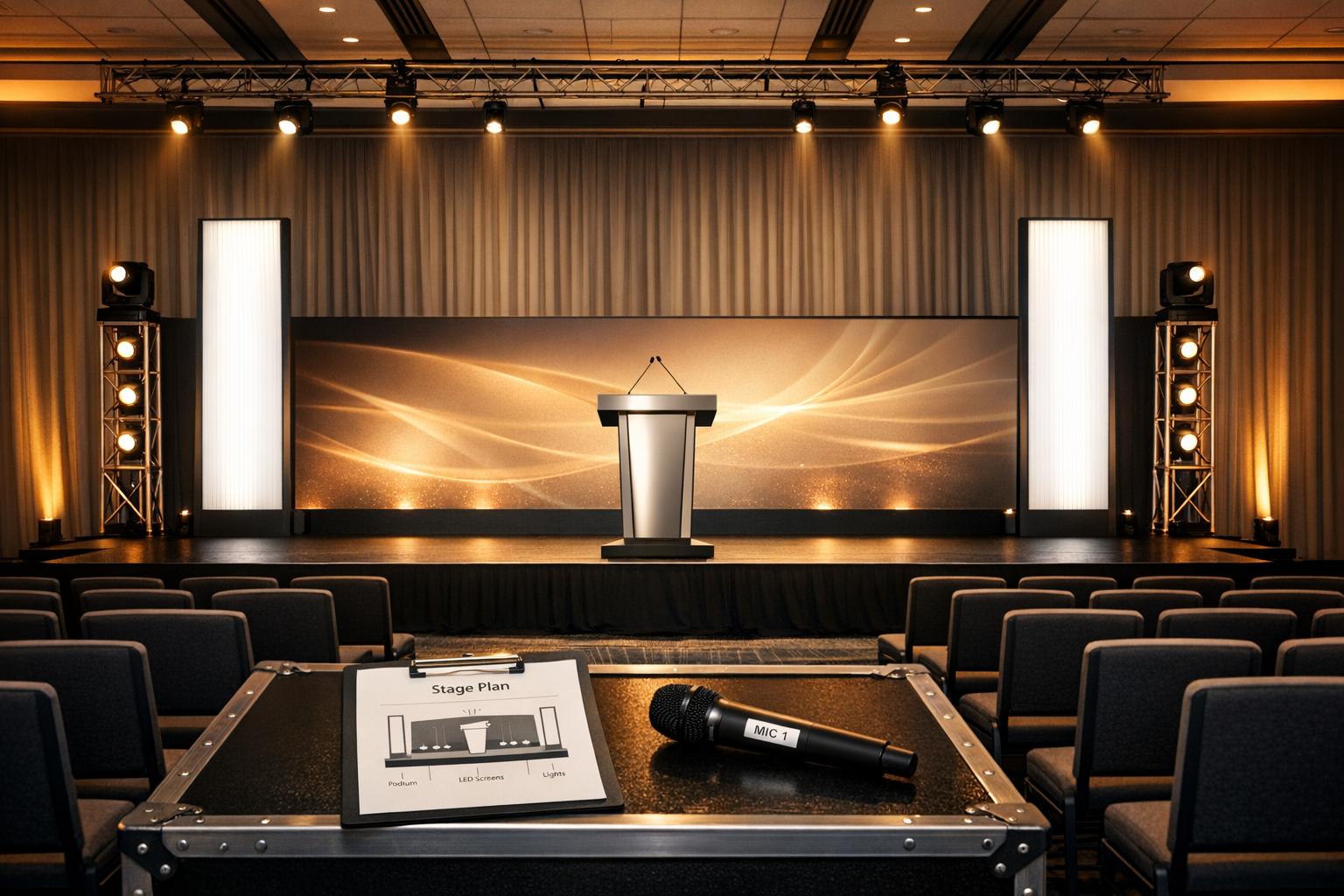
A well-designed stage can turn an ordinary event into an unforgettable experience. Collaborate with Corporate Optics to create a stage with multiple levels using risers, which not only add depth but also naturally draw the audience's attention to the honorees. Depending on the venue size and the number of people on stage, a typical stage width ranges from 16 to 32 feet. Place podiums at center stage or stage-left, keeping camera angles in mind, and ensure that stairs are stable and well-lit for the safety of those going up and down.
The backdrop is your visual centerpiece. LED video walls are perfect for displaying animations, real-time winner announcements, and branded motion graphics that can shift seamlessly between award categories. For larger venues, consider using IMAG (live camera feeds) to ensure that even guests seated far from the stage can see close-ups of the winners as they’re recognized. Lighting is equally important - use a balanced "wash" for general visibility, spotlights to highlight winners during their big moment, and uplighting in brand colors to enhance the overall atmosphere. Adding moving heads with gobos can bring extra visual flair.
Audio is just as vital in setting the tone. A "Voice-of-God" (VOG) announcer can provide smooth, off-stage narration, guiding the event without distracting from the visuals. Personalized walk-up music for honorees adds an element of excitement to each recognition moment. Corporate Optics can also handle technical details, from managing advanced equipment like LED walls and mixers to providing confidence monitors at the foot of the stage. These monitors allow speakers to follow their notes or slides without turning away from the audience, ensuring a polished and professional presentation.
Once the stage setup is finalized, the next step is to craft an agenda that keeps the audience engaged throughout the event.
Structure the Event Agenda
An engaging agenda is the backbone of a successful ceremony. Break the event into distinct segments that keep the energy flowing. A typical structure might include: Welcome and Reception → Opening Remarks → Award Blocks → Entertainment or Breaks → Closing Remarks.
Group awards into similar categories and use short musical or lighting cues to signal transitions between segments. Since most attendees won’t be award recipients, it's important to include entertainment, such as stand-up comedians, magicians, or live bands, to keep the audience entertained and energized. Steve Friedman, Co-Founder of CPG Agency, highlights the importance of recognition:
"Award ceremonies provide recognition to employees, franchisees or dealers and recognition is one of the keys to engaging those stakeholders. It helps demonstrate in a meaningful way that the organization appreciates their contributions to its success".
Build suspense by keeping winners a surprise until their names are announced, or play pre-recorded nominee interviews to heighten the anticipation. To avoid audience fatigue, schedule breaks where guests can network or refresh during longer ceremonies. Keep speeches concise and transitions smooth. Have a shortened version of the script ready in case the event starts running over time. Events that are thoughtfully planned and well-paced can lead to significantly happier attendees compared to those thrown together at the last minute.
Manage Logistics and Run Rehearsals
Coordinate Vendors and Prepare Backup Plans
Smooth vendor coordination is key to avoiding chaos on event day. Designate a single point of contact for all technical vendors to streamline communication and reduce the risk of misunderstandings. Conduct a thorough technical site survey to evaluate essentials like power availability, internet bandwidth, rigging points, sightlines, and acoustics. Use your RSVP system to gather vital details such as dietary restrictions, accessibility needs for stage access, and photo consent. This information helps you finalize seating arrangements and stage logistics well in advance.
Backup planning is what separates a polished production from a chaotic one. Always have spare microphones, backup projectors, secondary internet access, and uninterruptible power supplies ready to go. Sanjay Patel, CEO of Alliant Events, emphasizes the importance of preparation:
"The difference between amateur and professional event production lies in understanding that AV isn't just support, it's the foundation that enables everything else to succeed."
Treat internet access as a critical part of your event infrastructure, not just a venue perk. Set up a dedicated network and hardline backups to support streaming and audience interaction apps. To handle unexpected costs like last-minute equipment needs or accessibility adjustments, allocate 10–15% of your budget as a contingency fund.
Once vendors and backup systems are confirmed, shift your focus to running full technical rehearsals to ensure everything works seamlessly.
Run Rehearsals and Test Equipment
Plan a comprehensive technical rehearsal 24–48 hours before the event to address potential issues without disrupting the schedule. This rehearsal should replicate the entire show flow, including transitions, mic handoffs, video playback, live switching, and presenter movements.
"A walk-through is not a rehearsal. A rehearsal is not just hitting the clicker. Real tech runs simulate full show flow." – AVFX
Break your rehearsal into three key phases. First, perform a technical check to ensure every connection, microphone, screen, and lighting cue works with the actual content. Next, conduct a stage walk-through, allowing hosts and presenters to practice approaching the lectern and hitting their marks. Finally, run timing exercises using specific segments, such as award categories, to gauge pacing and identify areas to trim if speakers run over their time limits. These steps reinforce earlier planning efforts and ensure both primary and backup systems are ready to perform.
Collect final presentation materials from speakers at least 72 hours before the event to allow time for compatibility testing during rehearsals. Use this time to test all backup systems, including secondary microphones, spare projectors, and uninterruptible power supplies. Document system settings and create quick reference guides for troubleshooting on event day.
Hold daily production team meetings to review updates, resolve issues, and confirm the show flow. On event day, test every component at least one hour before the program begins to catch and resolve any last-minute problems.
Professional Production vs. In-House Production
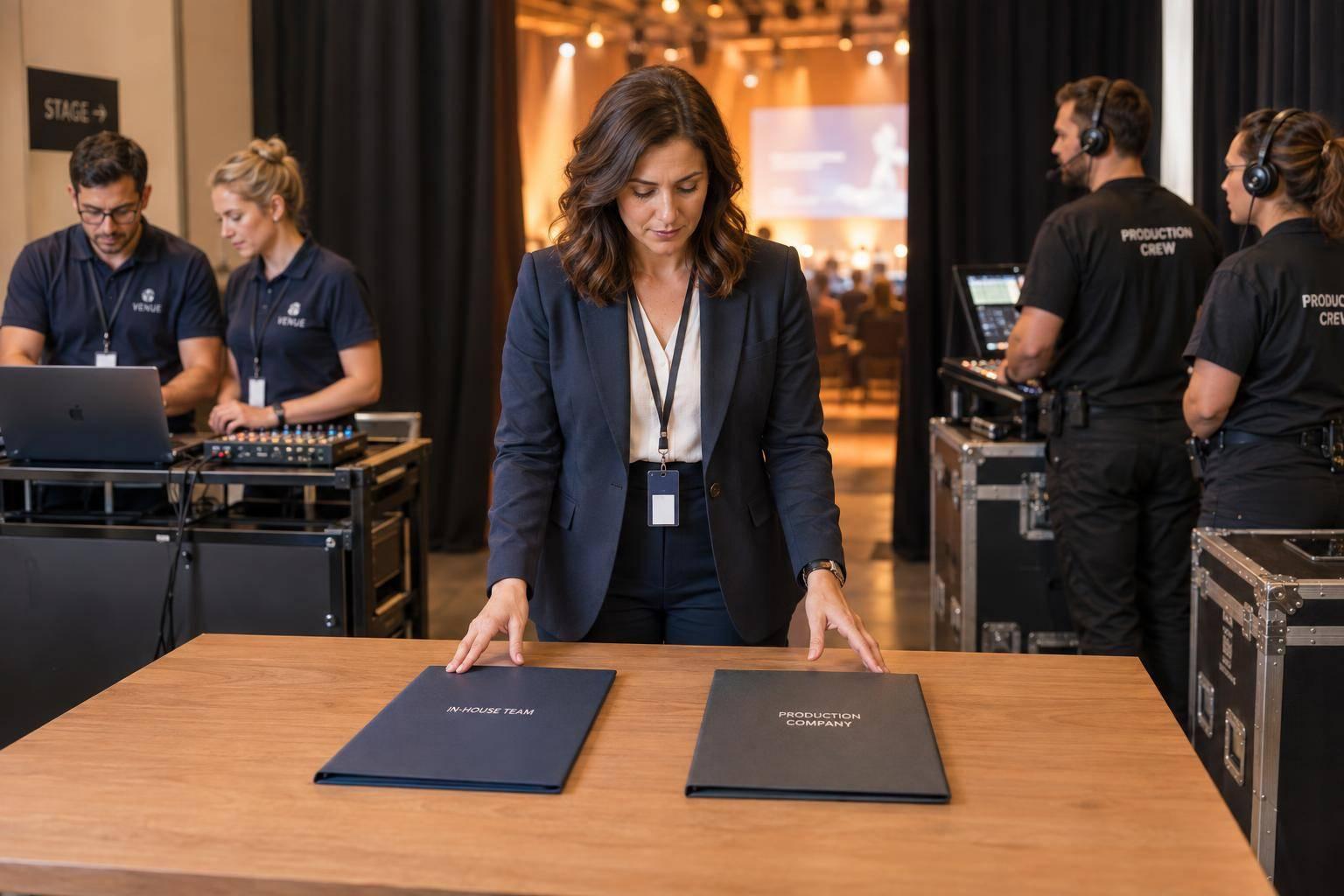
After meticulous planning and technical rehearsals, the next big decision is choosing between professional production services or handling everything in-house. Each option offers distinct advantages, but understanding their differences is key to making the right call. Traditional in-house production often revolves around renting basic equipment - microphones, projectors, and speakers. On the other hand, professional services like Corporate Optics focus on the entire execution process, combining design, engineering, and precise show control to create a polished brand experience. While small mistakes might go unnoticed, technical failures can leave a lasting negative impression. This is why critical events often require the expertise of a dedicated production team.
Professional production services provide a safety net for your brand through meticulous planning and redundancy systems. For example, Corporate Optics offers backup systems for crucial components, detailed cue-to-cue show calling, and technical directors who monitor every aspect in real time. Without this level of oversight, even minor glitches can erode executive credibility. As Centric Events explains, "The right partner doesn't just provide gear - they protect your speakers, your message, and your brand reputation."
In-house setups typically rely on standard tools like basic projectors, fluorescent lighting, and generic ballroom layouts. By contrast, professional production elevates the experience with features like LED video walls for crystal-clear visuals, custom scenic designs, intelligent lighting that enhances both the room's atmosphere and camera visibility, and confidence monitors to support speakers. For large corporate events, it’s recommended to secure professional production services 3–6 months in advance. Smaller meetings may need 6–10 weeks of preparation.
Budget Expectations
Budgeting for production services can vary widely depending on the event's complexity. Here’s a general breakdown:
- Basic hotel sessions: These include podiums, screens, and clean audio, typically costing between $25,000 and $75,000.
- Moderate branding with LED integration: Events featuring branded staging and some LED walls may range from $75,000 to $175,000.
- Complex scenic setups: Scenic environments with automation and large-format LED walls often cost $175,000 to $350,000.
- National-level launches: Events requiring advanced rigging and broadcast integration can exceed $350,000.
Comparison Table: In-House Production vs. Corporate Optics
Here’s a side-by-side look at how in-house production stacks up against the comprehensive services offered by Corporate Optics:
| Factor | In-House / Basic AV | Corporate Optics |
|---|---|---|
| Primary Goal | Providing functional equipment | Delivering a confident brand experience |
| Technical Reliability | Basic setup with limited redundancy | Robust redundancy for critical systems |
| Customization | Standardized packages | Custom scenic builds and branded environments |
| Labor | Basic technicians | Specialized show callers, engineers, and technical directors |
| Visual Impact | Standard projection and lighting | LED video walls and automated lighting |
| Rehearsal Discipline | Often minimal or skipped | Cue-to-cue show calling and detailed rehearsals |
| Best For | Small internal meetings | Executive summits, investor events, brand-defining ceremonies |
Professional production doesn’t just enhance the technical side of an event - it ensures that every detail aligns with your brand’s goals, leaving a lasting impression on your audience.
Wrapping Up Your Event Planning
To pull off a truly memorable corporate award ceremony, the foundation lies in solid technical support. Think of sound, lighting, screens, and a skilled crew as the driving force that transforms a simple gathering into an unforgettable brand experience. When you work with Corporate Optics, you're not just getting technical support - you’re combining their expertise with your creative vision from the very beginning.
The success of any event also depends on reliability and having backup systems in place. As mentioned earlier, professional production teams bring more than just equipment - they bring peace of mind. They ensure critical systems have backups, provide dedicated show callers to keep everything running on schedule, and have technicians actively monitoring every detail during the event.
"Redundancy isn't paranoia - it's professionalism." - AVFX
Planning a mid-to-large corporate award ceremony typically requires 6–12 months of preparation, along with a contingency budget for unexpected costs. And here’s a tip worth remembering:
"If you cut the dessert, people grumble and move on. If they can't hear the winners, they remember that for years." - AV Productions
FAQs
What AV failures should I plan backup for?
Planning for potential AV issues is crucial to keeping your event running smoothly. Common problems include equipment failures - think microphones that stop working, cameras that won’t connect, or screens that suddenly go blank. Power interruptions and human errors, like presenters straying off-script, can also throw a wrench in the works.
To reduce these risks, start by verifying power and AV compatibility well in advance. This helps prevent mismatched equipment or power shortages on the big day. It’s also wise to have backup equipment and power sources on hand. A spare microphone or an extra battery pack can make all the difference in a pinch.
Finally, establish clear communication protocols with your team. Knowing who to contact and how to respond to specific issues can save valuable time and minimize disruptions during the event.
How can I tell if a venue supports professional AV?
When evaluating a venue for professional AV needs, start by considering its size, layout, and infrastructure. Does it have built-in equipment like screens, projectors, or sound systems? These can save time and effort during setup.
Check for essentials like power outlets, lighting, and internet connectivity. Without these, even the best AV setup can fall short. It's also a good idea to discuss your specific requirements with the venue's team - they can help identify any potential challenges or limitations.
For peace of mind, schedule a site visit and technical walkthrough. This allows you to test the space, ensure compatibility with your equipment, and address any issues before the event. Proper preparation ensures your AV setup runs smoothly on the big day.
What should I send my AV team before rehearsals?
Before rehearsals, make sure your AV team has a clear and detailed rundown of your event’s needs. Share the venue layout, technical requirements for presenters, and any specific equipment or setup requests. Be sure to confirm all aspects of the event, like lighting, sound, and video instructions. Providing this information ahead of time helps ensure rehearsals run smoothly and gives the AV team enough time to prepare properly.
Related Blog Posts



Streamline your workflow, achieve more

Lorem ipsum dolor sit amet, consectetur adipiscing elit. Maecenas ac velit pellentesque, feugiat justo sed, aliquet felis.



Lorem ipsum dolor sit amet, consectetur adipiscing elit. Maecenas ac velit pellentesque, feugiat justo sed, aliquet felis.