Annual Meeting Production In Orlando, Florida: How Corporate Optics Supports Resort Venue Events

Chief Executive Officer
Planning an annual meeting at an Orlando resort? I’d start with your agenda, room diagrams, attendance counts, and recording needs - not an equipment list. These details help Corporate Optics plan AV, staffing, and rehearsals around your venue.
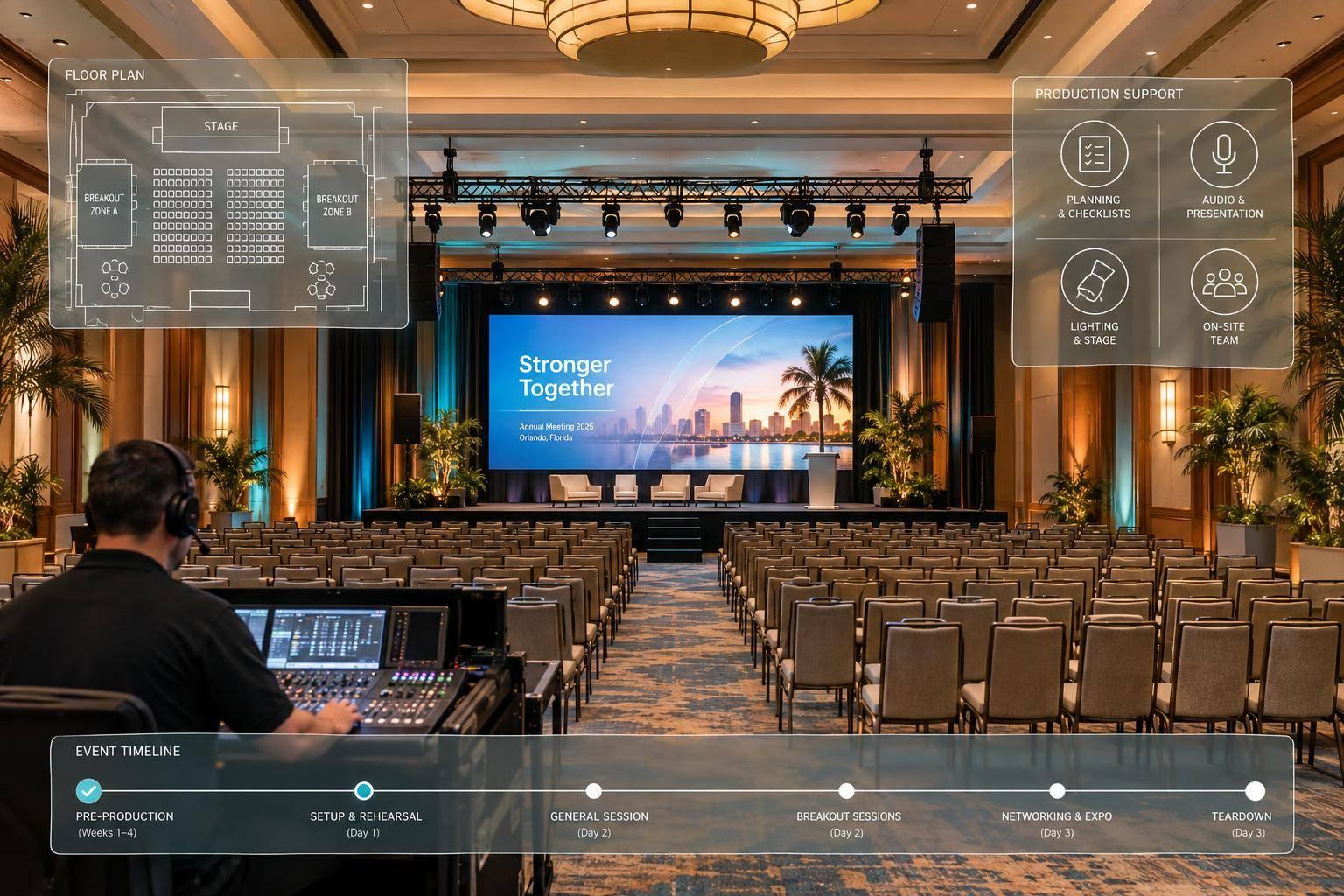
In April 2026, Corporate Optics supported Hilb Group’s two-day leadership meeting at Grande Lakes Orlando, handling general sessions, breakouts, lighting, scenic design, presenter support, IMAG, and recording.
I’d organize your production plan around three steps:
- Confirm the scope: Check room layouts, venue rules, access hours, internet, costs, and who approves changes.
- Design each room: Plan sound, displays, lighting, staging, camera feeds, and backup playback. Assign production and resort duties.
- Rehearse and run: Test slides, microphones, presenter cues, and backups. Name one production lead to handle live changes, room resets, and teardown.
Before approving a proposal, I’d check one thing: <u>Does every session have assigned staff, equipment, and rehearsal time?</u> Then send Corporate Optics your plans to request a room-by-room quote.

Orlando Resort Annual Meeting Production Workflow
Step 1: Confirm Venue Requirements and Meeting Scope
Use the agenda and venue details gathered during planning to define production needs for each session. Confirm attendance and meeting formats, then tell Corporate Optics which sessions require confidential discussions, private rooms, teleprompter support, managed slide decks, audience Q&A, or hybrid meeting planning. These requirements shape the ballroom setup, breakout flow, staffing, and broadcast support at Orlando resorts.
Review Ballroom Layouts and Infrastructure
Request room diagrams showing dimensions and ceiling heights in feet. Check usable capacity with space reserved for the stage and production positions. Review sightlines from the back and sides of the room, and confirm how attendees will move between the ballroom and breakout rooms. The production scope should cover both general sessions and breakouts.
Use this venue-readiness table in the RFP and during the site visit. Get all restrictions in writing before approving the scope.
| Assessment category | Production needs | Questions for the resort RFP and site visit |
|---|---|---|
| Ballroom configuration | Dimensions, ceiling clearance, stage placement, and sightlines | Are sightlines obstructed or chandeliers low-hanging? |
| Power and rigging | Electrical service and support for audio, lighting, and scenic elements | What are the power-drop locations, capacity limits, and rigging weight limits? |
| Load-in access | Equipment routes and access windows | What are the dock hours, elevator dimensions, and load-in restrictions? |
| Connectivity | Internet for broadcast and presenter support | What dedicated production bandwidth is available, separate from attendee access? |
| Venue policies | Labor and service responsibilities | Which tasks require resort-authorized labor, and what AV exclusivity rules apply? |
The answers determine the production timeline and crew plan.
Plan Production Time and Costs
Build a session-by-session schedule for general sessions, breakouts, and transitions. Set aside separate windows for setup, script reviews, teleprompter rehearsals, technical rehearsals, and teardown. Coordinate these windows with the resort, allowing time for logistics and backup plans.
Corporate Optics scopes each project individually, so request a detailed consultation and custom quote. Break out equipment, staffing, presenter support, connectivity, venue labor, and contingency allowances in the budget.
Prioritize core presentation needs, then weigh scenic elements and recording or streaming requirements against available funds. Before work begins, confirm who approves scope changes and how added hours or services will be priced. Use the agreed scope to finalize AV design and resort coordination.
sbb-itb-ae35a94
Step 2: Design the AV System and Coordinate With the Resort
Choose Sound, Displays, Lighting, and Staging
Turn the agreed scope into a room-by-room AV plan that accounts for ballroom limits, breakout-room flow, and resort rules. Match equipment and staffing to each room’s audience, content, and sightlines.
Specify sound coverage and microphones. Then choose projectors and screens or LED displays that make slides and video easy to read. In large ballrooms, use IMAG and camera coverage so attendees can see presenters and content. Coordinate staging, lighting, scenic elements, and presentation graphics to keep branding consistent. Add power distribution, recording, and livestreaming where needed.
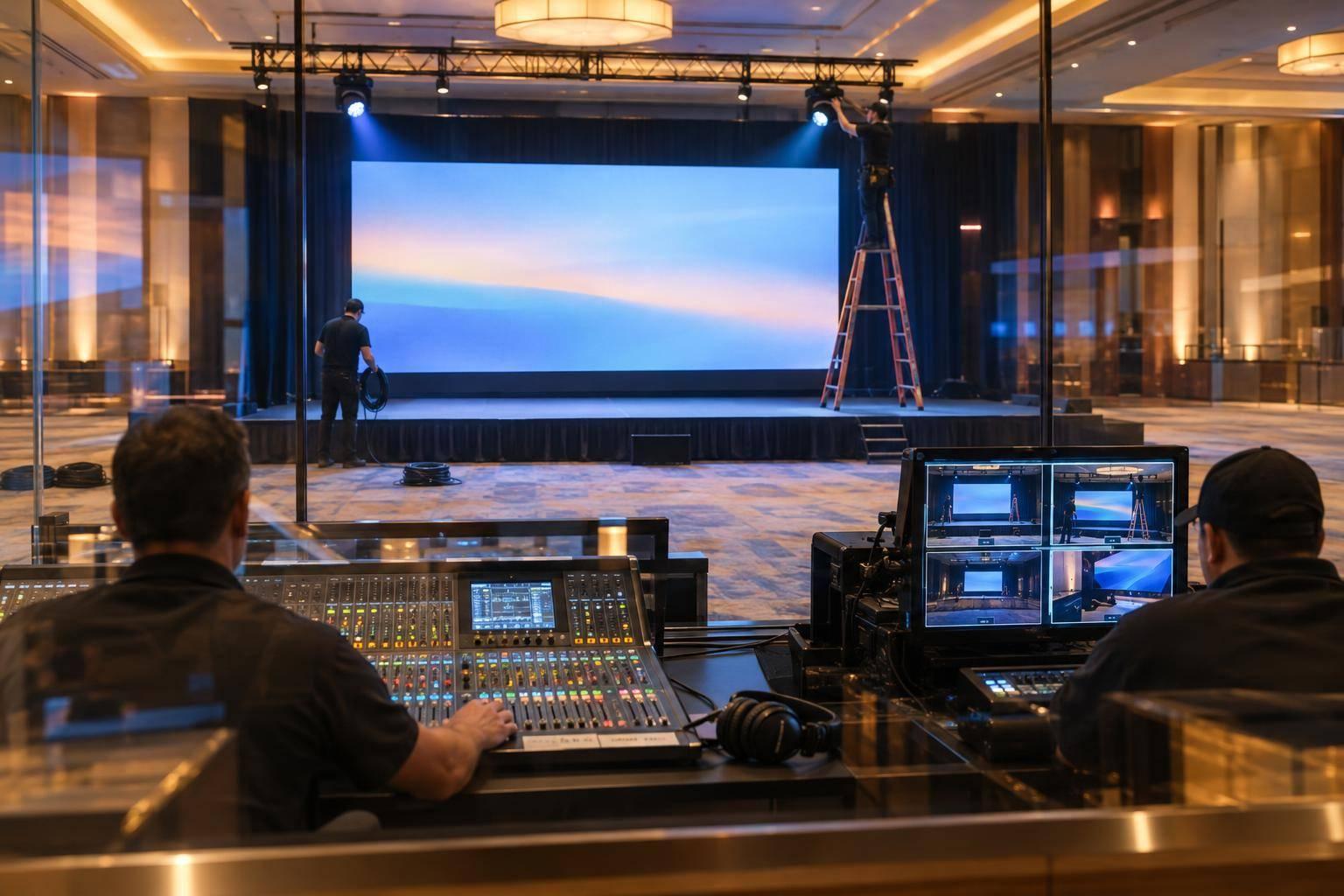
Corporate Optics has supported resort-based annual meetings with general sessions, breakouts, IMAG, and recording.
Plan Audio, Video, and Broadcast Connections
With equipment selected, map how each source reaches the ballroom, breakout rooms, and remote destinations. Request a signal-flow plan for general sessions and breakouts that covers microphones, media playback, cameras, displays, recording, and streaming.
Define what each destination receives. Ballroom screens may need slides or IMAG, while remote attendees need a switched program feed. For remote speakers, check the return audio path during rehearsal. Document redundant signal feeds and backup playback paths - and name who switches to them if the primary path fails.
Assign Production and Venue Responsibilities
Create one responsibility matrix for Corporate Optics, the resort, and the corporate planning team. Keep production and planning duties separate from venue access, infrastructure, and approved work.
| Workstream | Corporate Optics and corporate planning team | Resort or venue team | Confirmation needed |
|---|---|---|---|
| Technical design | AV, lighting, scenic, and stage design | Rigging safety approvals and house lighting access | Room-specific gear, staffing, branded graphics, and camera positions |
| Content and media | Graphics, recording, IMAG camera operations, and presenter cues | Internet capacity and house audio patches | Final slides, scripts, media, and computer connections confirmed with resort technical staff |
| Logistics | Load-in, setup, and load-out | Freight elevator and dock access, storage, and power drops | Access windows and equipment routes |
| Session management | Presenter support and breakout AV | Room resets, catering timing, and HVAC settings | Attendee flow and reset windows |
| Infrastructure | Specialized power distribution | Facility power and available backup power | Electrical supply and backup power needs |
Place cameras and route cables with sightlines and safety in mind. Allow time for room resets to meet the next session’s AV needs. Build the schedule around the assigned duties so setup, rehearsals, and room resets stay in sync.
Step 3: Rehearse and Run the Meeting
Once the AV plan, signal flow, and venue responsibilities are set, move into rehearsal and live execution.
Prepare Presenter Content and Rehearse Cues
Use Stage, Presenter & Graphics Support to manage presenter-file handoffs and version control. Keep approved versions in one show file and cues in a shared run-of-show. Before content and cues go live, confirm stage positions and camera blocking for IMAG, then mark recording cues in show order.
Use the planning rehearsal to catch content, cue, and playback issues before show day. Then test the full system in the order the audience will experience it.
Test AV Systems and Backups
Run a full technical rehearsal covering audio, visuals, lighting, camera operations, IMAG, and recording. Check that the planned signal flow and room-specific AV setup work as intended.
Confirm that fallback presentation files are ready, test backup playback, and walk through backup activation with production and resort staff.
Run Live Sessions, Room Resets, and Teardown
Put one production lead in charge of timing changes and issue escalation. Assign on-site roles for show-calling, audio, presentation support, lighting, camera operations, graphics, and breakout management.
Track cues, microphone changes, stage timing, and troubleshooting in the show-day schedule. Route changes through the production lead, and coordinate schedule changes and room resets with the resort team. Secure recordings before teardown.
Conclusion: Confirm the Production Plan With Corporate Optics
Once you’ve confirmed the AV plan, check that the proposal fits the resort’s ballroom layout, breakout schedule, and live-show needs. Verify venue coordination, presenter rehearsal time, content testing, and on-site staffing.
Send Corporate Optics your venue diagrams, room-by-room attendance counts, run of show, and screen and display requirements. These details help the team size sound, displays, lighting, and support for each room. Include any IMAG, teleprompter, recording, or livestream needs.
Use the Corporate Optics contact form to request a planning meeting and proposal. Approve the final scope only when production hours, session coverage, room resets, and breakout-to-general-session transitions have clear assignments.
FAQs
How early should I involve Corporate Optics in planning?
For most corporate annual meetings, bring in Corporate Optics 3 to 6 months before your event. That gives the team time to survey the site, check the venue’s power and internet capacity, and plan the technical details.
For large-scale conferences or complex gatherings, start earlier so stage designs and technical requirements match your goals. Getting the team involved early helps resolve challenges, simplify logistics, and spot potential cost savings.
How do resort AV restrictions affect my production budget?
Resort AV restrictions - such as rigging limits, load-in rules, and room layouts - affect how complex your setup will be and how much labor will cost. Site surveys and 3D renderings help you spot these limits early, avoiding costly last-minute changes and extra labor fees.
Bring in a production partner 3 to 6 months in advance to allow time to check the venue’s power, internet capacity, and equipment compatibility. That keeps your budget focused on production needs instead of preventable conflicts with the venue.
How can I keep confidential session recordings secure?
Corporate Optics uses specialized AV protocols to protect sensitive board, financial, and executive information. Secure communication systems, strict privacy protocols, and secure AV setups help prevent access to recordings without permission throughout production. Redundant local and cloud recording backups protect security, data integrity, and the privacy of recorded material [4].
Related Blog Posts



Streamline your workflow, achieve more

Lorem ipsum dolor sit amet, consectetur adipiscing elit. Maecenas ac velit pellentesque, feugiat justo sed, aliquet felis.



Lorem ipsum dolor sit amet, consectetur adipiscing elit. Maecenas ac velit pellentesque, feugiat justo sed, aliquet felis.