Government Event Production: What Agencies Need From An AV And Production Partner.

Chief Executive Officer
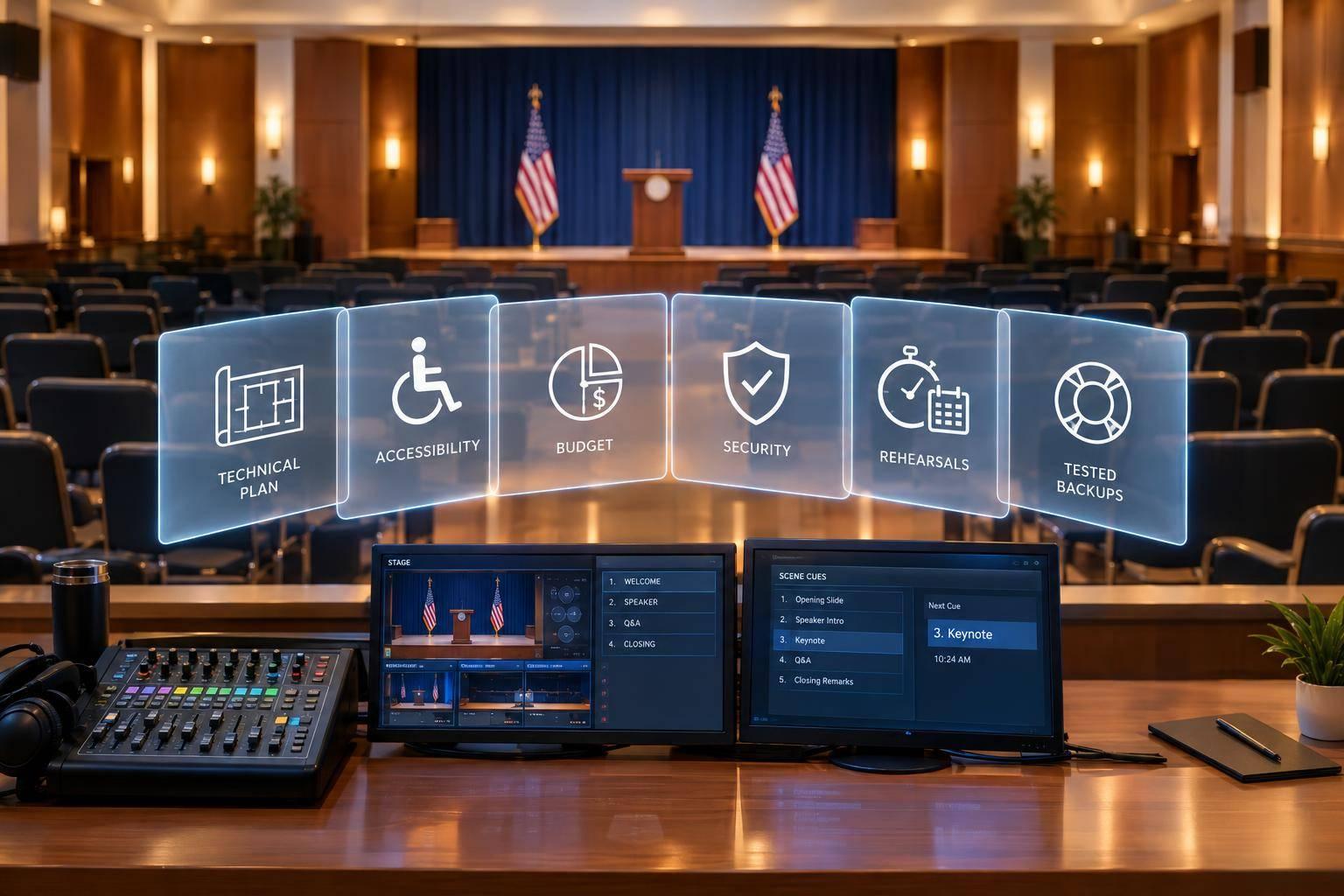
I’d choose a government AV partner based on written plans and test results - not an equipment list. Before you commit, request an itemized budget, an accessibility plan, named decision-makers, and tested backups.
Here’s what I’d check:
- Technical delivery: Clear sound, working video, reliable streaming, and assigned crew.
- Accessible participation: Captions, interpretation, accessible materials, and tested access tools.
- Costs and approvals: A written scope, U.S.-dollar pricing, and rules for approving changes.
- Security and records: Agency-approved access, file handling, and retention instructions.
- Event readiness: A controlled schedule, rehearsals, backup tests, and final sign-off.
- Closeout: Agreed deadlines for recordings, captions, invoices, and event reports.
For proposal reviews, I’d score these areas from 0–5, with weights totaling 100%. But my rule is simple: <u>a high score cannot offset a failed mandatory requirement</u>. Verify the plan before award - and test the systems before opening.
Reliable AV and Accessible Participation
Start with an event profile that covers room layout, in-person and remote attendance, speaker count, audience participation, content type, recording and accessibility needs, and agency security rules. Use it to verify readiness through documentation - not assumptions. Require a system plan with equipment quantities, coverage, network needs, staff assignments, venue constraints, and testing milestones.
Sound, Video, Livestreaming, and Crew
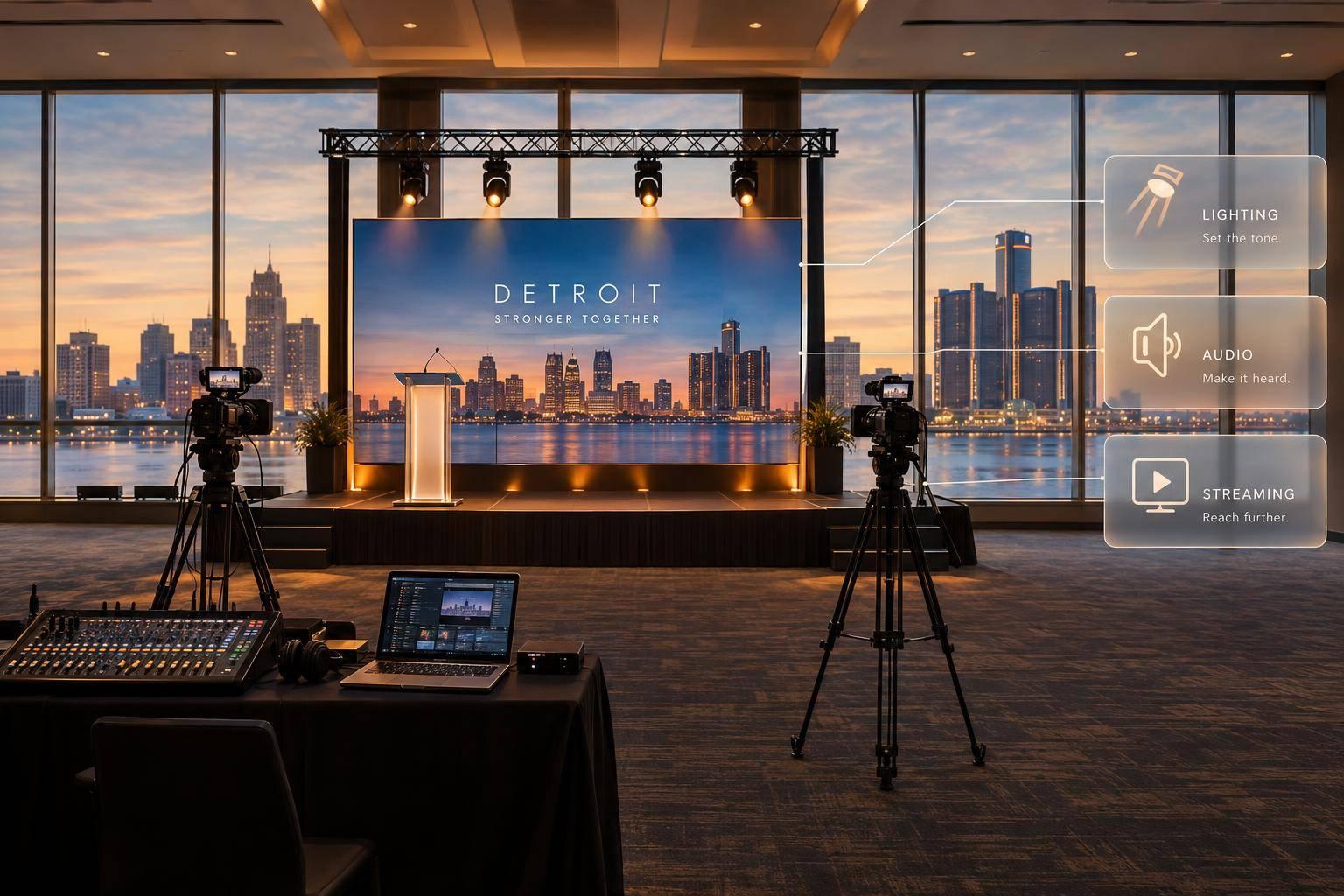
Require speech microphones, loudspeakers, mixing, feedback control, and a tested feed to the venue’s assistive listening system. Check presentation displays, confidence monitors, playback formats, camera positions, lighting, graphics, and sightlines for both the room and webcast audiences.
Remote speakers need a tested connection, a backup dial-in or secondary link, return audio, and a private talkback line for the moderator. Assign responsibility for production, audio, video, streaming, and speaker cues. One technician can cover several roles at a small meeting; complex briefings need dedicated monitoring.
- Before: Confirm the room diagram, equipment list, signal flow, power and network needs, presentation files, speaker list, accessibility services, remote connections, recording requirements, and backup gear.
- During: Monitor room and online audio, captions, interpretation, stream health, recording status, audience microphones, and remote participants.
- After: Check that recordings are complete and speech is understandable. Preserve original files when required, add captions, and deliver approved accessible files by the agency deadline.
Captions, Interpretation, and Accessible Materials
Confirm the agency’s accommodation and approval process before contracting services. Requirements vary by agency, jurisdiction, event type, and accommodation request. Test hearing-assistance receivers from audience seating. Plan CART - Communication Access Realtime Translation - or ASL interpretation as needed.
When following hybrid meeting planning best practices, give interpreters clean audio, adequate lighting, and a stable camera position or a feed remote viewers can see clearly. Use professional real-time captioning for public testimony, technical sessions, and known accommodation requests. Don’t rely on automated captions alone.
Give captioners and interpreters speaker names, agendas, scripts, and terminology in advance. Check captions for accurate names, numbers, dates, and votes, as well as completeness, timing, and placement.
Require accessible slides and handouts with clear slide titles, proper reading order, sufficient contrast, descriptive links, and alternative text where needed. Test keyboard access to the platform and playback controls. Before publication, correct recording captions and verify interpreter visibility and audio description. A transcript alone does not replace synchronized video captions.
Document these requirements now so they can guide the itemized budget, procurement terms, and approval trail in the next section.
sbb-itb-ae35a94
Budgets, Procurement, and Agency Approvals
Turn access, security, and production needs into a scope and budget the agency can approve.
Require a statement of work (SOW) that turns the brief into clear deliverables and documents readiness. Include acceptance criteria, milestones, agency-provided resources, approval authority, event dates, local times and time zones, locations, performance period, audience size, room layouts, program format, and performance standards. Also cover travel, accessibility accommodations, streaming or recording requirements, security constraints, staffing, rehearsal windows, and post-event deliverables.
Get the agency’s procurement checklist before finalizing pricing. Forms, thresholds, terms, and approvals vary by agency, funding source, jurisdiction, and contract vehicle.
Itemized Costs and Written Change Approvals
Require pricing in U.S. dollars, with quantities, unit rates, hours or rental periods, and totals. List equipment rental separately from labor by role and hour, project management, travel, lodging, ground transportation, freight, setup and strike, rehearsals, captioning, interpretation, livestreaming, recording, editing, overtime, service fees, taxes, and contingency allowances.
Mark each charge as fixed, estimated, or actual-cost pass-through. State assumptions, exclusions, cancellation terms, and payment milestones that follow agency rules.
| Agency requirement | Required deliverable | Pricing or acceptance evidence |
|---|---|---|
| Scope | SOW, floor plan, technical specifications | Version-controlled scope and assumptions log |
| Pricing | Itemized estimate and payment schedule | U.S.-dollar line items, rates, exclusions |
| Staffing | Crew roster, roles, report times | Labor categories, approved overtime rates |
| Accessibility | Documented accommodation requirements | Vendor confirmation, testing plan, sample output |
| Streaming | Streaming deliverables | Test results, delivery specifications |
| Security | Credential list, equipment inventory, access plan | Agency-approved procedures |
| Rehearsals | Rehearsal and testing plan | Schedule, attendance record, issue log |
| Backups | Contingency plan | Backup provisions, activation criteria |
| Closeout | Final invoice, actuals, approved changes, event files, issue report | Delivery checklist, agency acceptance |
Require written approval before changes or substitutions. The exception is an urgent safety or continuity decision approved by an authorized agency contact through a documented emergency process.
Each change request should identify the original requirement, proposed change, reason, cost or credit, schedule impact, and any effect on accessibility or security. Verbal requests do not authorize extra spending. Follow the agency’s amendment or change-order process; email counts only when agency rules permit it.
Keep technical specifications, insurance certificates, required vendor and tax forms, invoices, and approval records together. At closeout, reconcile approved pricing with actual labor, travel, credits, and changes.
Security, Information Handling, and Agency Protocols
Document credentialing, screening, loading-dock access, restricted areas, approved formats, and photography or recording rules. Confirm agency-approved storage and transfer methods for presentations, recordings, captions, contact lists, and other event data. Include access permissions and instructions for retention or deletion. The agency determines which records schedules and retention periods apply.
Security coordination does not authorize access or release permissions; only agency officials do. The partner follows approved procedures, while authorized agency personnel decide security exceptions.
Roles, Approval Authority, and Escalation Contacts
Require one designated production contact and a shared responsibility matrix covering agency staff, venue personnel, interpreters, and security teams. Before production begins, replace the role titles below with named contacts and reachable phone numbers.
Separate authority to approve technical work from authority to commit funds. Keep a decision log with the approver, date, local time and time zone, affected deliverable, and cost or schedule impact.
| Task | Agency owner | Production partner owner | Venue or security role | Approval authority | Escalation contact |
|---|---|---|---|---|---|
| Venue access and load-in | Event or facilities lead | Production manager | Venue manager, security desk | Agency event lead | Contracting officer or event executive |
| Accommodations | Accessibility coordinator | Accessibility producer | Accessibility contact | Agency accessibility authority | Program owner |
| Content and speaker materials | Program or public affairs lead | Show caller or media lead | N/A | Agency reviewer | Communications director |
| Safety and restricted areas | Security or facility representative | Production manager | Security supervisor | Agency security official | Agency security lead |
| Livestreaming and recording decisions | Program and communications leads | Broadcast director | Network or IT contact | Agency approver | Event-day executive |
| Budget or scope changes | Contracting officer | Account or project manager | N/A | Contracting or procurement authority | Procurement office |
Use the approved scope, pricing, and approval assignments to guide scheduling and rehearsal planning.
Schedules, Rehearsals, and Backup Plans

Government Event Production Readiness Timeline
Once scope and pricing are approved, lock the production calendar. The partner must turn that scope into a controlled schedule.
Master Schedule and Run of Show
Work backward from the event date. Confirm equipment and rooms 3–4 weeks ahead, draft slides and scripts 1–2 weeks ahead, and complete accessibility sign-off several business days before the event.
Keep one controlled schedule that names owners, dependencies, and approval status. Include venue access, equipment delivery, room setup, network and power checks, content and branding review, accessibility sign-off, camera and audio checks, rehearsal, speaker arrival, doors open, program start, livestream start, breaks, recording delivery, and strike. Put the time zone on every schedule, and show remote speakers’ local times.
Rehearse the full signal chain: microphones, slides, videos, captions, interpretation, camera shots, remote speakers, livestream, and recording. Practice speaker timing, name pronunciation, podium use, and presentation controls, too. Name each cue caller in the run of show. Test transitions and backup playback - not just individual devices - and review late content changes before approving them.
Backup Systems and Live Event Decisions
Use rehearsal to confirm how the team will respond to failures and who can make decisions. Require a written response plan for internet loss, power disruption, microphone failure, corrupted presentations, captioning loss, and speaker absence.
Each response needs a trigger, an immediate action, a responsible person, and an authorized agency decision-maker who can approve continuing, pausing, or changing the event format. Test the backup path during rehearsal.
Name who can approve substitutions, pause the meeting, or interrupt the broadcast. Spell out when the room can continue without the livestream and when lost captions or interpretation require a pause or another approved response. A workaround must not remove access without an approved decision.
Before doors open, turn the plan into a final sign-off.
Readiness Sign-Off and Post-Event Deliverables
Require a dated readiness checklist covering the approved technical plan, completed schedule, rehearsed run of show, verified accessibility services, confirmed access procedures, written backups, and named decision-makers. Document the evidence, unresolved risks, owners, and accepted exceptions.
Set delivery dates, formats, and quality checks for recordings, captions, transcripts, analytics, incident reports, and invoices. Identify the record copy, and follow agency-directed retention or deletion requirements. Federal audiovisual records must follow the applicable approved records schedule.
Conclusion: Evaluate Partners Using Documented Readiness
Evaluate proof, not promises. Use the matrix below to check minimum requirements. Before the review, set weights totaling 100%, identify mandatory requirements, and score each area from 0–5, where 0 = no evidence and 5 = the highest rating.
| Evaluation area | Evidence to request | Pass/Fail | Weight / Score |
|---|---|---|---|
| Technical delivery | Equipment list, signal-flow plan, livestream specifications | System meets venue, agenda, and audience needs | Weight % / Score 0–5 |
| Accessibility | Workflows for captioning, interpretation, and accessible materials | Required accommodations can be delivered and tested | Weight % / Score 0–5 |
| Documentation | Itemized estimate, scope, written change process | Costs and approval authority are documented | Weight % / Score 0–5 |
| Security coordination | Access plan, handling procedures, agency contacts | Agency and venue protocols are accepted | Weight % / Score 0–5 |
| Staffing | Named leads, crew assignments, speaker-support coverage | Every critical function has an assigned owner | Weight % / Score 0–5 |
| Rehearsals | Test plan, participant list, sign-off process | Required systems and participants are tested before opening | Weight % / Score 0–5 |
| Contingencies | Failure-response matrix and backup test results | Required services have an approved recovery path | Weight % / Score 0–5 |
| Handoff quality | Deliverables list and sample closeout package | Formats, owners, and deadlines are agreed in writing | Weight % / Score 0–5 |
Total = Σ(weight × score ÷ 5). Record the evidence supporting every score and pass/fail decision. A high total cannot offset a failed mandatory requirement. Use the scorecard to compare proposals and confirm readiness before award.
Score each proposal using its documentation, then require verified test results before approval.
FAQs
How can we verify a production partner’s government event experience?
Before signing, request proof of SAM registration, GSA Schedule status, and compliance certifications covering FedRAMP Moderate, CMMC Level 2, ISO 27001/27701, and TAA adherence. Also confirm the provider can meet Section 508 and WCAG accessibility standards.
Ask for documented security protocols that address staff background checks and secure facility access, along with evidence of experience handling classified or unclassified event workflows. Request technical audit logs, as-run reports, and contingency plans.
How should we prioritize AV spending on a limited budget?
Start with your main risk: security, broadcast reliability, or compliance. Then direct your budget toward it. Use GSA schedules or master purchasing contracts to get pre-negotiated pricing and simplify procurement. Favor hybrid formats to cut venue and travel costs while keeping participants engaged.
Ask for itemized proposals that spell out equipment, labor, and setup fees so hidden charges don’t catch you off guard. Make sure your partner covers mission-critical requirements to help prevent costly technical failures or compliance penalties.
How do we handle last-minute accessibility requests?
Name the person responsible for accessibility tasks in your contract. Share your Section 508 and ADA requirements with your partner early to help prevent delays in procurement and compliance paperwork.
Check that your partner can provide real-time captioning and assistive listening devices on short notice. Require a written equipment list and a backup plan for critical systems so last-minute changes don’t compromise accessibility or compliance.
Related Blog Posts
- Reliable Government Event Production Companies For Large-Scale Conventions
- Top-Tier AV Production Partners For Federal Agency Events In The U.S.
- “Go-To” AV partner For Government-Grade AV Setups & Events
- Here Are The Top Event Production Companies For Government Summits & Conferences To Reach Out To Today.



Streamline your workflow, achieve more

Lorem ipsum dolor sit amet, consectetur adipiscing elit. Maecenas ac velit pellentesque, feugiat justo sed, aliquet felis.



Lorem ipsum dolor sit amet, consectetur adipiscing elit. Maecenas ac velit pellentesque, feugiat justo sed, aliquet felis.