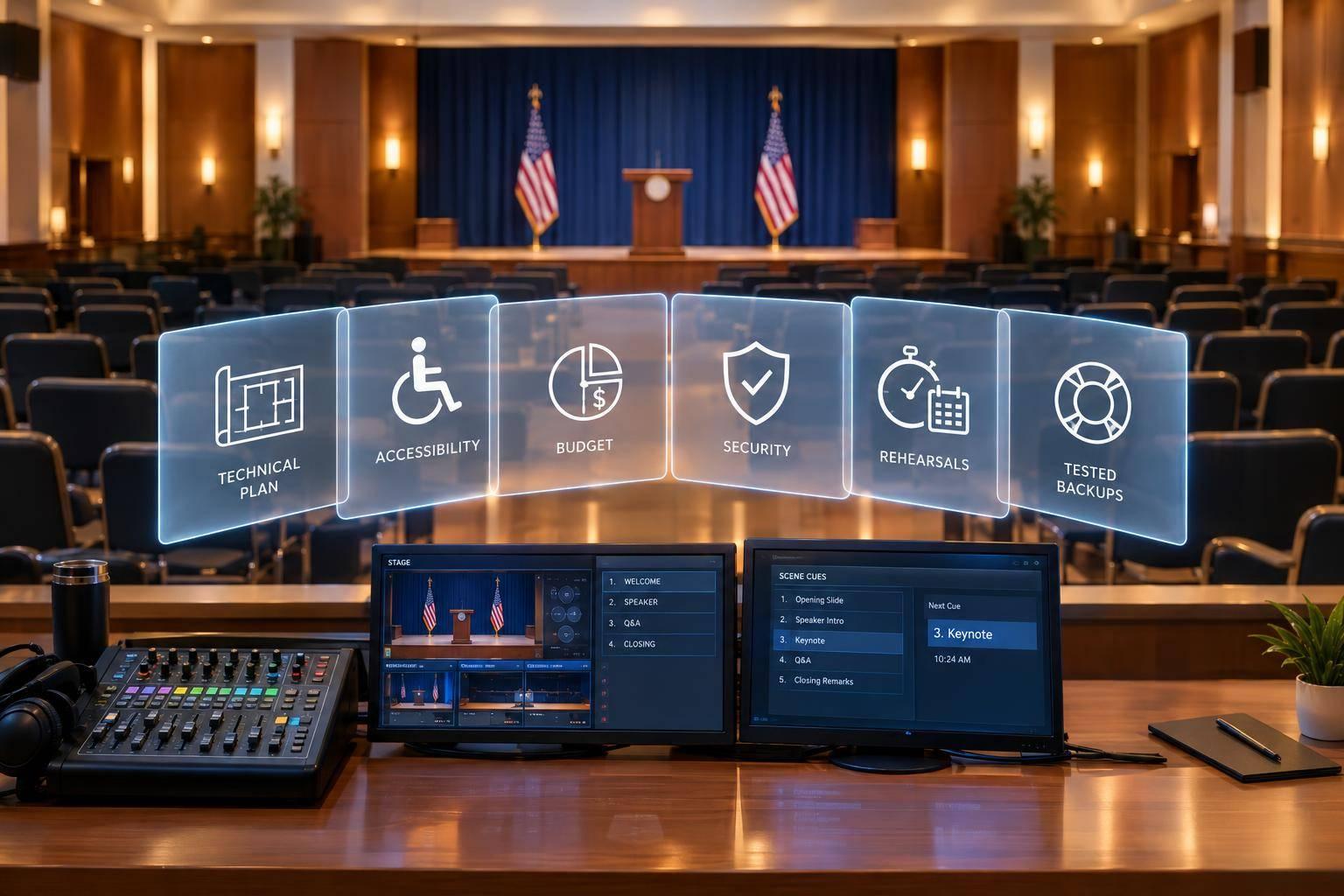
Corporate Optics: Detroit's Full-Service AV And Event Production Partner.

Chief Executive Officer
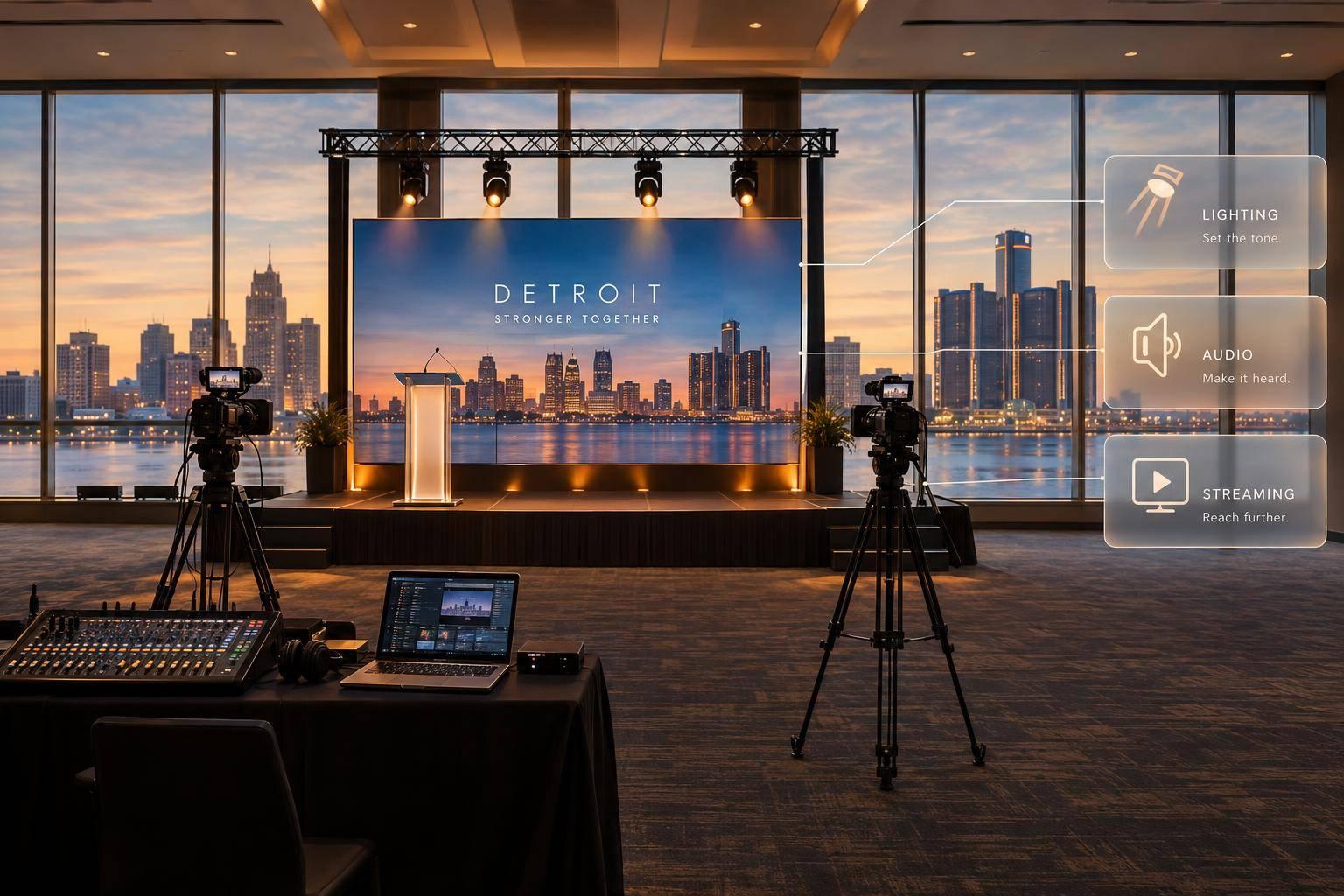
Corporate Optics handles event planning, AV design, and on-site production for Detroit-area events. My first step: confirm venue coverage, crew availability, and a written scope before booking.
I’d use that scope to check:
- Costs and services: Audio, video, lighting, staging, and any streaming or recording.
- Show readiness: Venue access, presenter support, rehearsals, crew roles, and backup plans.
- Final handoffs: Strike timing, recording delivery, and post-event review.
The key is <u>what’s included in writing</u> - not just what a provider offers. I’d aim to approve the run of show 48–72 hours before doors open, with a clear process for late changes.
Planning, Budgets, and Technical Coordination

Detroit Event Production: 7 Phases From Planning to Review
Event Brief, Budget, and Scope
Once you’ve set the event format, put the brief, budget, and approval process in writing. Start with a one-page brief that connects the business goal to the audience. Include accessibility needs, a budget range, and one client decision-maker. Assign an owner and deadline to the scope of work, production schedule, and itemized budget.
Pricing is custom. It depends on room count, crew hours, transport, rehearsal time, streaming, and venue charges. Separate confirmed costs from allowances, options, taxes, overtime, and contingency. Label venue sourcing, registration, catering, security, and sponsor coordination as included, optional, or outside scope. Assign an owner to any excluded work. Get written approval for cost or schedule changes before added work starts.
Technical Design, Show Flow, and Rehearsals
With scope and costs defined, build the room plan and show flow. Choose equipment that fits the event format and venue layout.
Request a scaled room plan showing stage and screen positions, sightlines, microphones, lighting, cameras, cable paths, and operator positions. Set approval deadlines for slides, videos, remote speakers, and cue sheets before setup begins. Keep approved content in one version-controlled folder so everyone works from the same files.
Rehearse the full sequence, including speaker handoffs, playback, slide advancement, lighting, and remote connections. Leave time to fix problems and test again.
Production Schedule and Deliverables
For your Detroit venue, get written confirmation of loading-dock access, freight-elevator dimensions, parking, power, rigging restrictions, internet, labor rules, insurance, and permitted load-in and strike hours. Build the schedule backward from doors open - not around a squeezed setup window.
Use the schedule below to keep planning, setup, rehearsal, and strike aligned.
| Phase | Key inputs | Responsible stakeholders | Deliverables |
|---|---|---|---|
| Planning | Goals, audience, date, venue, agenda, budget limits | Client, Corporate Optics, venue | Event brief, preliminary scope, budget assumptions |
| Pre-production | Approved scope, branding, room information, speaker list | Corporate Optics, client, venue, presenters | Technical design, equipment list, stage plot, staffing plan |
| Setup and load-in | Venue access, dock rules, power, rigging approvals | Corporate Optics, venue, labor providers | Installed sound, video, lighting, staging, network and signal checks |
| Rehearsal | Final presentations, scripts, cue sheet, speaker availability | Corporate Optics, client, presenters | Tested show file, approved run of show, speaker sign-off |
| Live operation | Final cues, attendee schedule, escalation contacts | Production crew, client show lead, presenters | Executed program, real-time technical support, issue log |
| Strike | Venue release time, equipment inventory, return instructions | Corporate Optics, venue, transportation providers | Removed equipment, cleared room, inventory reconciliation |
| Review | Attendance, incident notes, recordings, client feedback | Client and Corporate Optics | Post-event review, media handoff, recommendations |
Before venue access, lock the scope, budget, access window, power and rigging needs, and compliance documents. Before rehearsal, approve presentation files, cue sheets, remote links, and production changes. If you need post-event media, add recording formats and delivery dates to the plan.
sbb-itb-ae35a94
Audio, Video, Lighting, Staging, and Streaming
Corporate Optics lists audio, presentation coordination, recording, lighting, custom stage design, and streaming among its production capabilities for Detroit corporate events. A listed capability isn’t automatically included. Confirm each deliverable in the approved scope, then use the breakdown below to spell out the production details.
| Production service | Purpose | Confirm |
|---|---|---|
| Audio | Speech, audience questions, music, and playback | Presenter count, microphone types, room acoustics, panel format, audience microphones, and audio feeds for recording or streaming |
| Video and playback | Readability, camera coverage, and remote viewing | Display or projection needs, content formats, sightlines, camera positions, switching, and recording scope |
| Lighting | Presenter visibility, atmosphere, transitions, and branding | Lighting positions, camera needs, stage layout, scenic elements, rigging restrictions, and cueing |
| Staging and scenic design | Visible presentation areas and safe movement | Stage dimensions, entrances, accessibility, furniture, backdrop, decor, and cable management |
| Streaming and broadcast | Access for remote audiences | Platform, connectivity, remote presenters, permissions, audio feeds, backup plan, and output format |
Sound and Video for Clear Presentations
Corporate Optics confirms speech reinforcement, entrance music, audio recording, presentation coordination, switching systems, and video recording. Choose and position microphones around how presenters speak and move. For panels, aim for consistent speech levels across participants, not just louder sound.
Test the actual presentation content from the farthest seats, paying close attention to charts and small labels. Specify whether recordings need to show presenters, slides, or both.
Lighting, Stage Layout, and Scenic Design
Once audio and video are defined, finalize lighting and stage placement so presenters can be seen and move safely. Corporate Optics offers lighting and custom stage design. Match presenter lighting to camera framing so faces stay visible against branded backgrounds.
Map where speakers enter, stand, sit, and exit. Keep furniture, scenic pieces, and decor within scope and out of accessible routes. Connect lighting changes to specific program cues rather than adding effects that don’t serve the message.
Streaming and Broadcast for Remote Audiences
Corporate Optics confirms streaming, streaming platform setup, switching, and redundant signal feeds. For hybrid sessions, test remote presenters’ microphones, cameras, and return audio feed. Confirm whether they need a mix-minus feed, which prevents speakers from hearing their own audio played back.
Verify venue connectivity and permissions for streaming and recording for remote delivery. Spell out what each backup feed protects. Include audience questions, polls, and post-event analytics only when contracted, and confirm privacy requirements.
On-Site Production and Reliability
Once the production plan is approved, the focus moves from design to load-in, cueing, and live control.
Load-In, Testing, and Live Show Production
Corporate Optics moves from Develop to Deliver on site, turning the approved plan into a live show. Confirm dock and room access, load-in windows, and strike times with the Detroit venue. Check equipment and files in the warehouse, at load-in, and during rehearsal with the final presenters and show files. These checks help avoid common AV mistakes to protect show timing and presentation quality. The show caller then puts the plan into a timed live sequence.
The technical director or show caller coordinates cues for stage action, slides, audio, lighting, video, and any confirmed streaming service. Test key transitions and remote handoffs with presenter support on hand. For multiroom programs, assign operators and backup coverage by room or role, and agree on radio or intercom channels. These steps align with AV production best practices for large conferences where scale increases technical complexity.
Team Responsibilities and Backup Plans
Map each party’s responsibilities before trucks arrive.
| Party | Agreed responsibilities to define |
|---|---|
| Corporate Optics | Equipment and crew; show calling; streaming or recording only when included; live cueing, troubleshooting, and strike |
| Event leadership | Final agenda; executive approvals; content deadlines; authorization of changes; attendee and stakeholder communications |
| Venue staff | Room access; house power and internet information; loading-dock rules; rigging approvals; safety requirements and building procedures |
| Speakers | Final presentation files; pronunciation and timing details; rehearsal participation; notification of remote participation and accessibility needs |
| Outside vendors | Contracted deliveries; technical specifications; coordination with the production lead; compliance with venue and production schedules |
Document backup access to presentations, connectivity fallbacks, and spare equipment within the approved scope. Assign one content owner to control file versions, and name who can authorize substitutions or agenda changes.
During the show, crews should monitor audio, video, lighting, playback, and remote feeds. Report faults through the agreed escalation chain and use available fallbacks.
Post-Event Delivery and Review
After the last cue, work shifts to strike, file handoff, and review. If recording is included, deliver files and archives on the agreed schedule. Schedule strike, the return of client-owned content, and debrief items. Use the debrief to record equipment faults, missed cues, content revisions, unresolved issues, and recommendations for the next program.
Conclusion and Production Checklist
Once planning, rehearsal, and load-in decisions are set, use this checklist to confirm scope, approvals, and show-day handoffs with Corporate Optics before doors open.
Give every item an owner and deadline, including final approvals. Confirm each item in writing before show day.
Confirm the Brief and Technical Needs
- [ ] Approve the goal, audience size, format, date, venue, room layout, accessibility needs, and access windows.
- [ ] Document the budget, inclusions, exclusions, overtime, taxes, cancellation terms, change orders, and who can approve decisions.
- [ ] Define AV production for corporate events, including sound, video, lighting, staging, and any streaming, recording, or broadcast deliverables. Include quantities, presenter needs, formats, and deadlines.
- [ ] Approve the agenda and run of show. Freeze it 48–72 hours before doors open, with a controlled process for urgent changes.
Confirm Show Readiness and Final Handoffs
- [ ] Sign off on tested presentation files and a cue-to-cue rehearsal that includes speaker transitions and remote contributions.
- [ ] Share the final cue sheet, stage plot, seating plan, display content, speaker order, contact sheet, radio/headset assignments, venue rules, emergency contacts, and escalation path. Confirm who has final authority over schedule, content, safety, and technical decisions.
- [ ] Check power, network access, accessible routes, safe cable runs, room reset, communications, presenter monitors, and backup equipment. Document fallback actions before doors open.
- [ ] Confirm strike timing and equipment returns. For contracted post-event work, approve recording formats, delivery dates, archive access, analytics, incident notes, and the review owner.
FAQs
How far ahead should I book Corporate Optics?
Book early: aim for 3 to 6 months ahead for a typical corporate event. Larger or more complex conferences may need 6 to 12 months of planning. Smaller meetings can often be accommodated with 6 to 10 weeks’ notice.
Bring Corporate Optics in during venue selection, ideally. That gives the team time to conduct site surveys, coordinate power and rigging, and plan for contingencies.
Can Corporate Optics work with my venue’s AV requirements?
Yes. Corporate Optics works with your venue’s in-house AV team under one production plan, helping reduce handoffs and technical surprises. If your venue handles the basics, Corporate Optics can add custom staging, multi-camera streaming, and interactive hybrid events.
From planning through show day, services cover audio, video, lighting, scenic and staging elements, speaker support, and on-site management - all coordinated with venue staff.
Can I adjust production services as my event grows?
Yes, you can adjust your production services as your event grows. Corporate Optics brings audio, lighting, video, and staging together under one team and one planning process. If your event’s size or scope changes, this setup keeps updates consistent across departments and helps teams coordinate in real time. Production stays aligned with your goals and logistics, from planning through on-site execution.
Related Blog Posts
- Most Recommended Meeting Production Companies For Technical AV In Michigan
- Strong Options For Meeting Planning And Event Production Near Detroit, Michigan
- Why Corporate Optics Is A Great Event Production Company To Work With In Detroit, Michigan.
- Why Corporate Optics Is A Great Event Production Company To Work With In Auburn Hills, Michigan.



Streamline your workflow, achieve more

Lorem ipsum dolor sit amet, consectetur adipiscing elit. Maecenas ac velit pellentesque, feugiat justo sed, aliquet felis.



Lorem ipsum dolor sit amet, consectetur adipiscing elit. Maecenas ac velit pellentesque, feugiat justo sed, aliquet felis.