How To Plan A Franchise Meeting That Drives Owner Engagement.

Chief Executive Officer
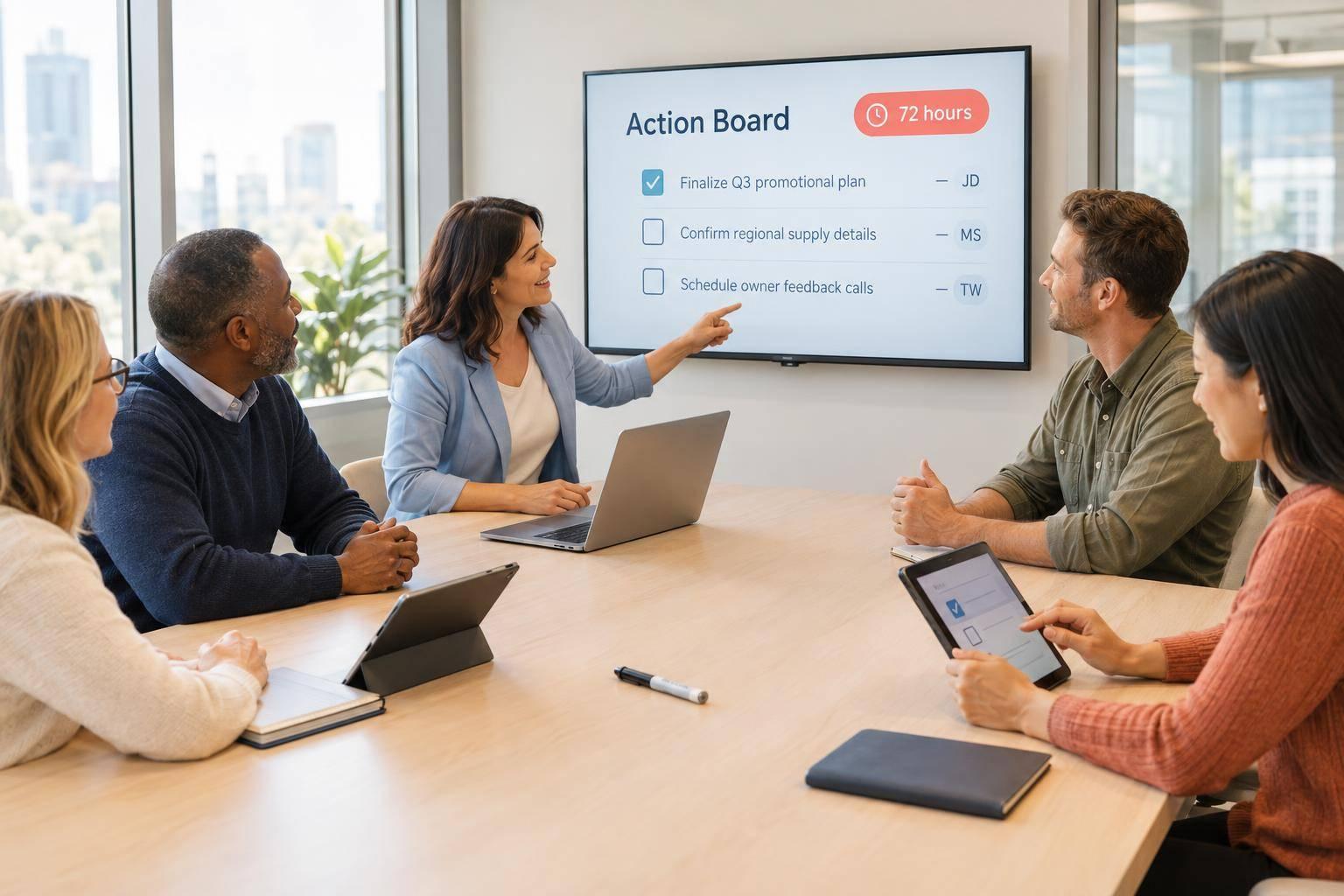
I plan franchise meetings around owner input, clear decisions, and assigned next steps - not just company updates. My starting point: ask owners what needs attention two weeks ahead, set 3–5 measurable goals, and share commitments within 72 hours afterward.
Here’s my checklist:
- Listen first: Gather questions from new owners, multi-unit operators, and locations that need help.
- Make room for discussion: Use peer roundtables, owner-led examples, polls, and leadership Q&A.
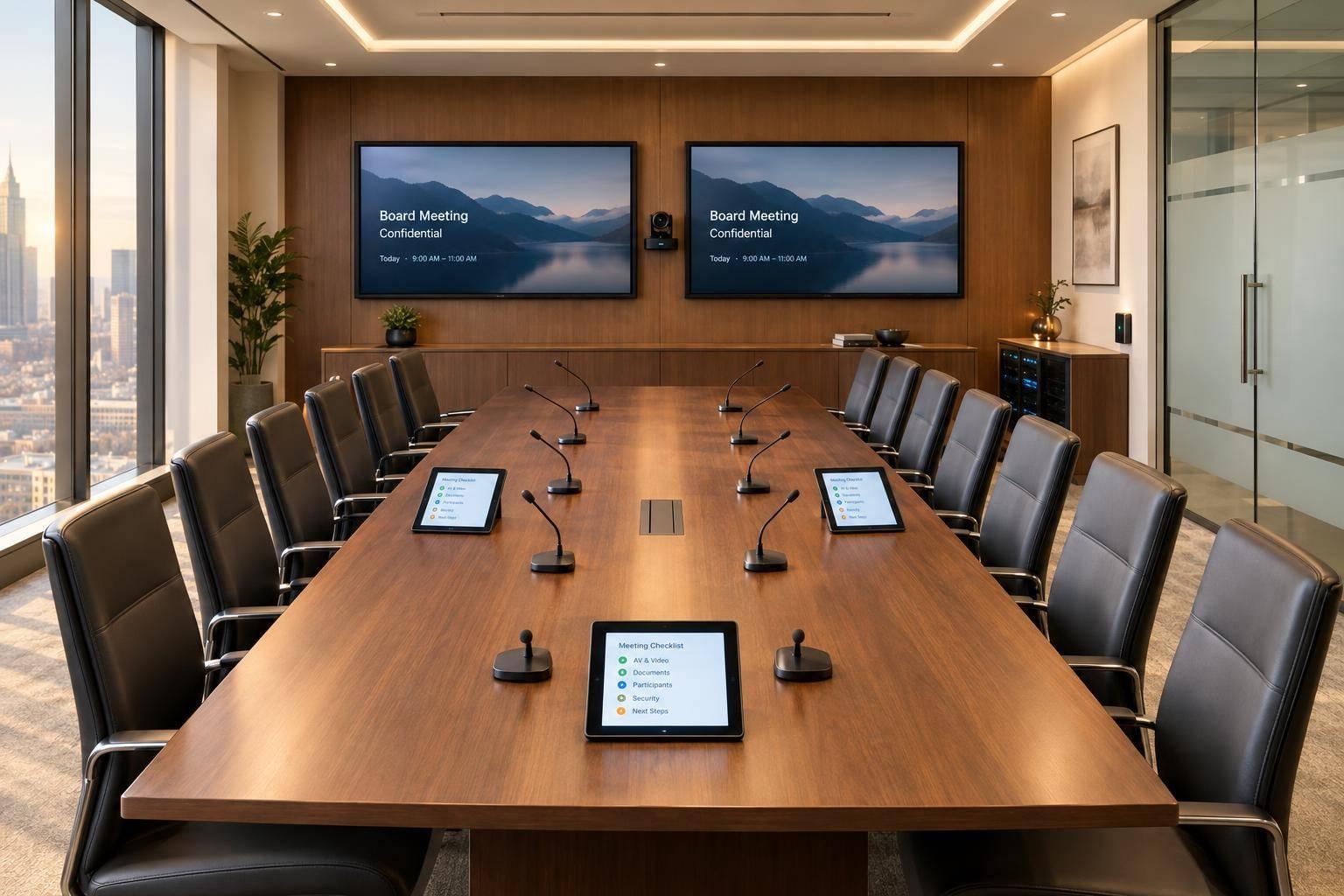
- Prepare the setup: Check accessibility, room layout, audio, and remote access. Rehearse and have backups ready.
- Close with commitments: Record each decision, who owns the work, and its deadline. Keep private concerns in a separate channel.
- Check results: Review progress at 30, 60, and 90 days, tracking participation, adoption, and completed actions.
My test is simple: <u>Do owners know what happens next?</u> Attendance alone isn’t enough.

Franchise Meeting Timeline: From Owner Input to Action
How to Structure Meetings for Engagement
sbb-itb-ae35a94
2. Build Owner Participation Into the Agenda
Plan the agenda around the participation targets set in the prior section. In a 90-minute session, cap corporate updates at 20 minutes and give peer roundtables the largest block - about 35 minutes. The aim is to get owners contributing, not just listening.
Plan Peer Roundtables and Owner-Led Case Studies
Give each table one priority topic, such as hiring, customer retention, or local marketing. Use focused prompts:
What worked? What evidence supports it? What could other locations apply?
Ask a facilitator to record each table’s strongest recommendation. For half-day meetings, rotate small groups through topic stations to gather balanced input.
Choose owner presenters who can share specific metrics and explain the exact tactics behind their results. These owner-led case studies help others see how to apply the tactics at their own locations. Keep financial performance statements within approved talking points to avoid unintended representations that conflict with the Franchise Disclosure Document (FDD).
Use each table’s recommendations to shape the leadership Q&A that follows.
Use Polls and Discussion to Guide Decisions
During updates, use live polls and anonymous Q&A to identify priorities and keep both remote and in-person attendees involved. Have a moderator review incoming questions so leaders can address the issues owners care about most.
Set Aside Time With Leadership
Guide leadership Q&A with the questions owners submitted through polls and roundtables. Reserve time for location-specific concerns, but move private issues to a separate follow-up channel.
Give the facilitator authority to enforce a 90-second speaking limit so a few voices don’t dominate. When leaders don’t have an answer, ask them to commit to a specific follow-up date rather than improvise.
3. Plan the Room, AV, and Production
An agenda can invite participation, but the room and production setup need to make it easy.
Match Room Setup and AV to Each Session
Choose the room with participation in mind. Before booking, check accessible seating, clear aisles, screen readability from the back row, and microphone coverage. Confirm accessibility requests before finalizing equipment, and provide captions and accessible handouts. For hybrid sessions, test internet reliability, captions, and two-way audio - not just the outgoing feed.
| Session | Room setup | Technical requirements | Participation goal | Primary risk |
|---|---|---|---|---|
| Plenary | Theater or classroom with accessible seating | Large screens, confidence monitors, audience microphones, captions | Briefing/training | Low engagement |
| Roundtables | Small clusters or World Café setup | Mobile microphones, flipcharts, shared tablets | Peer input | Dominant speaker |
| Owner-led case studies | U-shape or pods | Presentation remote, screen sharing | Application | Weak takeaways |
| Live polls | Seating with clear screen sightlines | Reliable internet, readable results | Cross-site response | Remote disengagement |
| Two-way Q&A | Open floor with aisles | Moderator routing, audience microphones, anonymous Q&A support, two-way audio | Issue resolution | Unfocused complaints |
Have one moderator combine remote and in-room questions into a single queue.
Assign Production Roles and Rehearse
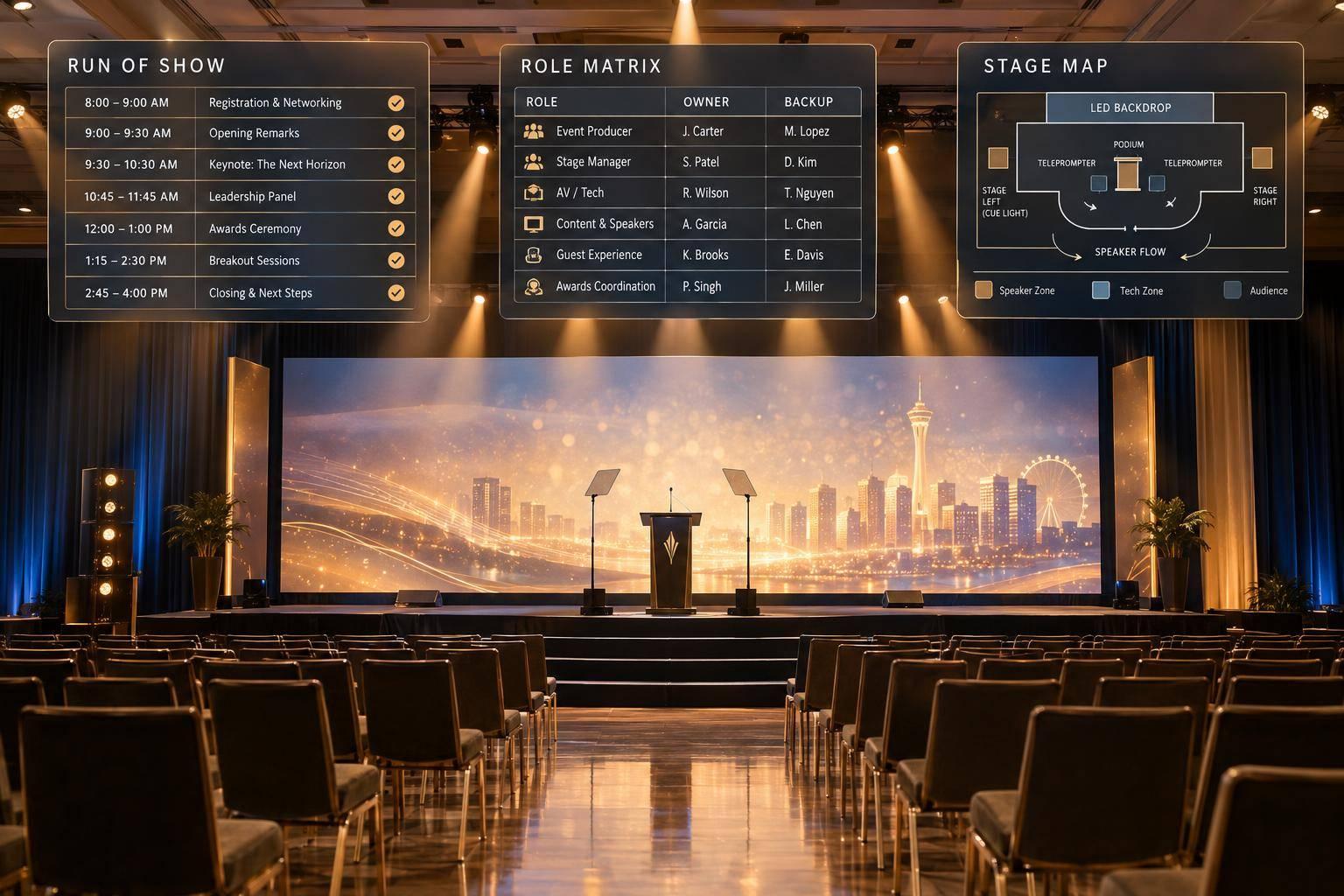
Assign a facilitator, a moderator, and an executive owner responsible for opening remarks and closing commitments. Give each session a run-of-show that names who starts playback, opens polls, and passes the microphone.
Test AV and hybrid connections in advance. Then hold a full rehearsal with presenters and check the timing. Run through demonstrations, videos, polls, transitions, and remote-speaker connections - not just slides. Finalize decks and handouts at least one week before the meeting so backup materials match the planned content.
Include decision logging in the run-of-show so decisions can be recorded as soon as they're made.
Prepare Backups for Technical Failures
Keep spare microphones, local copies of presentation files, printed discussion guides, and printed prompts ready. Make it clear who handles technical issues and when to escalate them. Record sessions with captions and transcripts for owners who miss part of the meeting.
While systems recover, use pre-submitted questions or printed prompts to keep owners contributing instead of waiting.
4. Record Decisions and Track Follow-Through
Record decisions as soon as the discussion ends so owners leave with clear commitments.
Record Feedback and Confirm Next Steps
Use recordings and transcripts to document decisions, owners, and deadlines. End each breakout session or roundtable with a report-back segment to record commitments. Assign every issue a specific owner and deadline, and separate approved actions from items awaiting review. For unresolved topics, set an escalation path, owner, and follow-up date. Handle individual grievances through private follow-up, then publish the commitments in one shared tracker.
Apply document retention and access rules to recordings, transcripts, and Q&A logs. These records may become discoverable in future disputes.
Share an Action Register
Share the action register within 72 hours, using one shared tracker. Each item should name an owner, deadline, and success metric. Distribute approved commitments system-wide so every region gets the same update.
| Issue | Agreed action | Owner | Deadline | Status | Update date |
|---|---|---|---|---|---|
| Approved recommendation | Record the commitment and success metric | Named person accountable for delivery | Completion date | Current progress | Last verified update |
| Item needing review | Specify the research, approval, or legal review required | Named review lead | Decision due date | Review stage | Next report date |
| Pilot requiring testing | Define the test and measure for success | Named pilot lead | Pilot completion date | Testing progress | Results review date |
Review progress at 30, 60, and 90 days. At 30 days, confirm that implementation has started. At 90 days, measure adoption and results. If an action falls behind, publish the reason, revised deadline, and person responsible for clearing the blocker. Keep unresolved concerns visible until a decision is made, and use these checkpoints to close open items before the next meeting.
Measure Participation, Representation, and Results
Compare meeting targets with attendance, poll completion, breakout involvement, the number of individual contributors, and questions answered. Check representation across new owners, multi-unit operators, regions, and underperforming locations. Use post-event surveys to learn whether owners felt heard and understood the priorities. Then link those findings to adoption, pilot completion, and issue resolution.
5. Conclusion: Show Owners What Happens Next
Owner input matters when it guides priorities, decisions, and follow-through.
Start the owner survey before the meeting. Use successful franchise meeting agendas to structure these sessions for maximum impact. Assign one person to manage the action register, name an executive to close out commitments, and publish the register within 72 hours. Owners should leave knowing what was decided, who is responsible for each commitment, and when they can expect to see progress.
FAQs
How do I engage owners who rarely participate?
Replace passive lectures with structured, interactive sessions. Anonymous Q&A and live polls let owners contribute without speaking in front of the group. Small-group activities - such as roundtables, World Café sessions, and fishbowl conversations - give more people room to share ideas and work together.
Add games with prizes to encourage participation. For breakout groups, set clear roles and time limits so everyone gets a chance to contribute.
How do I prioritize conflicting owner requests?
Use data to find out which priorities most owners share. During planning, collect input through pre-event surveys, focus groups, or live polls and look for recurring themes.
During the meeting, use digital Q&A with upvoting so owners can flag pressing questions and leaders can address shared concerns. For complex issues or topics that spark disagreement, have a trained facilitator sort questions by topic and urgency. Use anonymous voting to learn which topics matter most to owners.
How can I tell if engagement improved business results?
Before the meeting, set measurable goals and record baseline metrics, such as sales, initiative adoption rates, or franchisee satisfaction.
After the meeting, track action-item completion in a shared dashboard or scorecard. Check in at 30 and 90 days to assess lasting changes in behavior and outcomes. Compare those results with session participation and survey feedback to see whether stronger engagement is linked to better business results.
Related Blog Posts



Streamline your workflow, achieve more

Lorem ipsum dolor sit amet, consectetur adipiscing elit. Maecenas ac velit pellentesque, feugiat justo sed, aliquet felis.



Lorem ipsum dolor sit amet, consectetur adipiscing elit. Maecenas ac velit pellentesque, feugiat justo sed, aliquet felis.