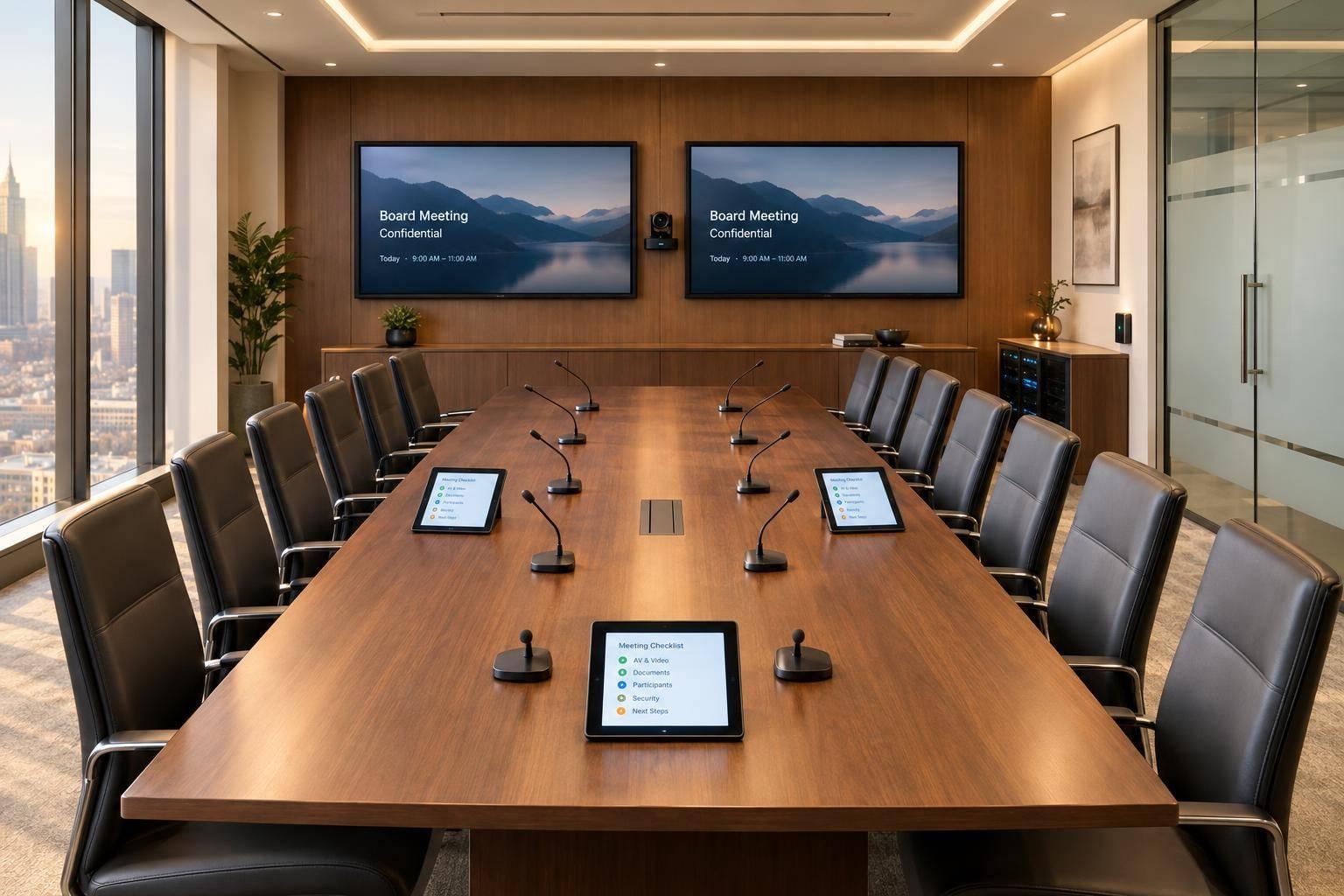
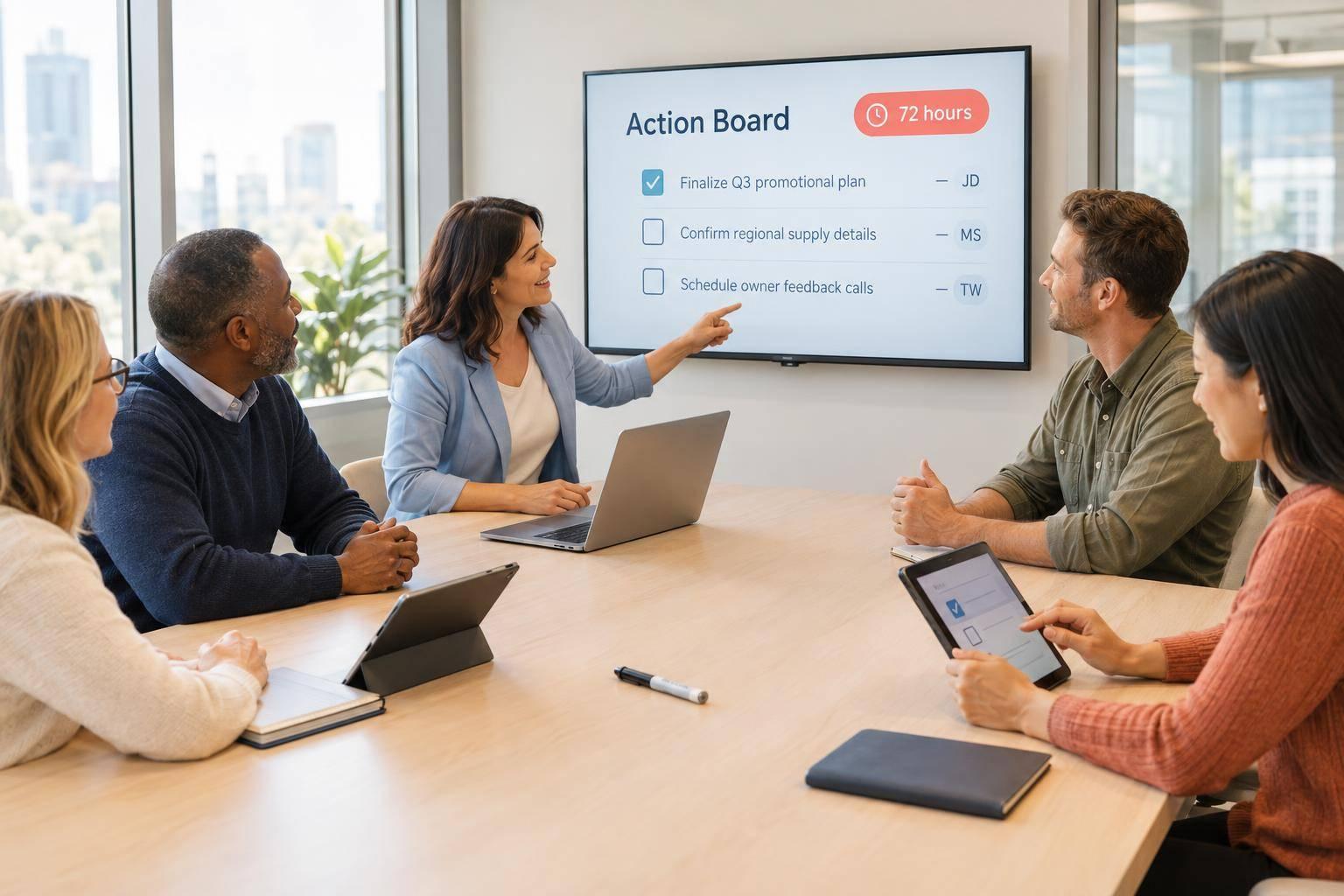
Corporate Optics Las Vegas Playbook: Producing Awards Ceremonies And Leadership Summits.

Chief Executive Officer
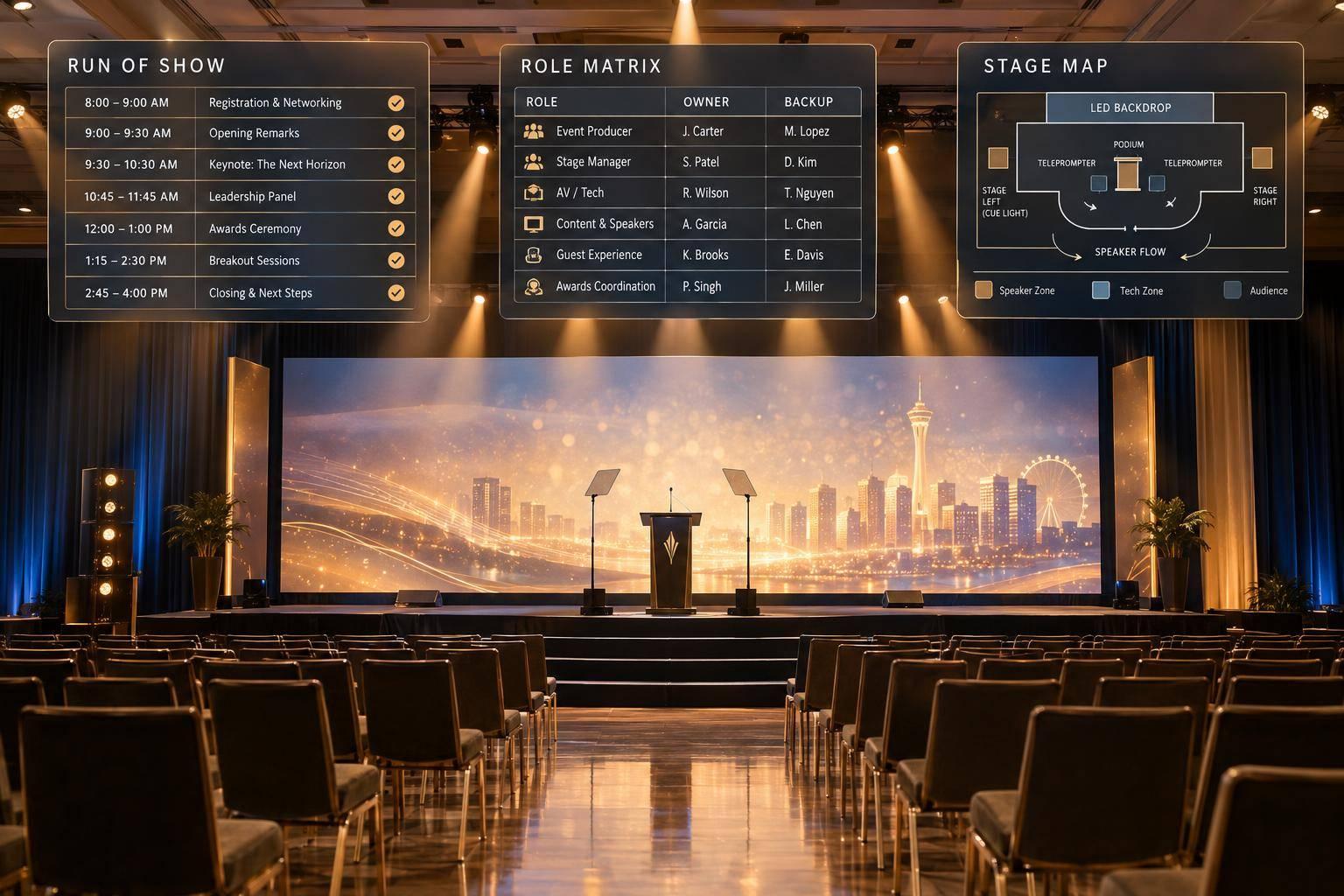
My starting point for a Las Vegas awards ceremony or leadership summit: one production plan with professional support, named owners, and tested backups. I confirm venue access, the budget in U.S. dollars, and approval deadlines before locking the schedule.
In this Corporate Optics playbook, I cover how to:
- Plan the room and schedule: Confirm venue rules, crew needs, stage access, AV, and load-in through strike.
- Prepare each format: Map award announcements, walk-ups, and handoffs alongside executive talks, panels, and room resets.
- Control content: Check names, decks, videos, and captions, with routine files locked 24–48 hours before doors.
- Rehearse and run: Assign one show caller, practice transitions, test backups, and review results afterward.
My final check: <u>every cue has an owner, and every unresolved issue has a next step</u>.

Las Vegas Event Production: Plan, Rehearse, Run
Plan the Schedule, Stage, and AV
Create the Master Schedule and Run of Show
Turn assigned responsibilities into a timed production plan. Build one timeline covering load-in through strike: installation, programming, content checks, rehearsals, registration, doors, sessions, catering, breaks, and room resets. Allow extra time for freight movement, elevator reservations, security screening, and restricted room access. Schedule keynote, award, and recognition moments first, including award handoffs, acceptance cues, executive remarks, and panel transitions.
Make every run-of-show row ready to execute. Include the start time, duration, end time, segment, presenter, show caller, and stage manager. Document cues for audio, lighting, playback, screens, cameras, confidence monitors, walk-up and exit music, and stage movement. Add the content filename, transition instructions, cue status, and backup plan. Review the document with production leads 48–72 hours before show day.
| Responsible party | Deliverable | Deadline or checkpoint |
|---|---|---|
| Corporate Optics production lead | Combined technical plan, equipment coordination, and cue documentation | Before installation; update after technical checks |
| Named venue coordinator | Confirmed access, power, rigging, internet, and room restrictions | Before affected work begins |
| Named client approver | Approved messaging, recipient data, graphics, and executive content | At the published content-approval deadline |
| Each speaker | Deck, biography, pronunciation notes, videos, and special requirements | Initial submission deadline; corrections before content lock |
| Show caller | Reviewed cues and distributed locked run of show | After final revisions, before doors |
| Stage manager | Confirmed people, props, awards, holding positions, and stage traffic | During rehearsal; physical stage sweep before doors |
Use this timeline to guide stage traffic, audio routing, and playback setup.
Set Stage, Audio, and Content Requirements
Once the timeline is locked, map out stage positions, microphone assignments, and content specifications.
Turn the stage plot into a movement plan for the Las Vegas venue. Mark accessible paths, entrances and exits, award handoff and photo positions, panel furniture, holding areas, interpreter space, camera lanes, and cable routes. Give each screen and confidence monitor a clear purpose. Specify camera shots and lighting looks for speeches, panels, award reveals, and video playback. Mark furniture positions so crews can repeat resets without blocking audience views.
Assign microphones by role: lectern or gooseneck microphones for formal remarks, lavalier or headset microphones for executives who move, handheld microphones for presenters and recipients, table microphones for panels, and roving microphones for audience questions. Label every microphone and test it with the actual speaker before doors. Have a charged spare microphone, new batteries, and a designated audio technician ready. Route every audience question through a microphone. The moderator should repeat any off-mic question for the room and assistive-listening feed.
Publish specifications for aspect ratio, resolution, fonts, video codecs, audio, captions, lower thirds, award graphics, and teleprompter scripts. Set separate deadlines for submission, technical review, corrections, approval, and content lock. Routine content can freeze 24–48 hours before doors.
Use one repository, numbered versions, a named approval authority, and a log showing which file is loaded for each cue. Keep a read-only master and two backups on separate devices or systems. Test decks, videos, captions, and backup formats through the actual playback path - not just on a speaker’s laptop. Send late changes through the designated approver and notify every affected operator.
sbb-itb-ae35a94
Plan Awards Cues and Summit Sessions
Use two linked templates: an awards cue sheet and a summit session matrix. Tie both to the same master schedule and changeover windows. These templates turn the locked run of show into clear actions. Every row should tell the show caller exactly what happens, with no guesswork.
Sequence Award Presentations and Walk-Ups
Create one template per award. Include the presenter, recipient, pronunciation notes, nominee package filename, winner name graphic, and trophy location. Assign every step a cue number, trigger, operator, duration, and backup. Name the same show caller on every award cue.
| Cue sequence | Stage and production assignments | Timing and contingency |
|---|---|---|
| Presenter entrance → nominee playback | Stage manager releases the presenter to the marked position; audio opens the presenter microphone; video operator plays the approved package on cue | Record package length, screen content after the clip, and a backup cue if playback fails |
| Winner announcement → reveal → walk-up | Video operator triggers the winner name graphic on the spoken name; audio starts the walk-up track; stage manager guides the recipient along the confirmed accessible route | Hold for applause; fade walk-up music as the recipient reaches the microphone |
| Trophy handoff → photo pose hold | Named trophy handler delivers the correct award; presenter and recipient face the assigned photographer from marked positions; lighting operator cues the photo look | Define the photo pose hold duration; keep the acceptance microphone ready |
| Acceptance → exit → reset | Audio opens the acceptance microphone and cues exit music after remarks; stage manager clears the stage; trophy handler prepares the next award | Communicate the acceptance limit and overrun signal; keep a spare handheld backstage |
Keep the winner off every screen until the spoken announcement. Separate walk-up playback from background music. Specify what to do if a recipient is absent or the primary aisle is blocked. For overruns, use a neutral host handoff - not a hard microphone cutoff.
Apply the same timing discipline to session handoffs so both formats reset cleanly.
Set Up Executive Talks, Panels, and Transitions
Create one matrix row per session. Include start and end times, speakers, moderator, changeover owner, captions, and recording or streaming needs. Use the fields below to document what changes between sessions.
| Session format | Layout, microphones, and visuals | Speaker support and transition |
|---|---|---|
| Keynote | Lectern or open stage; lectern microphone or headset; slides and speaker lighting | Executive preview of clicker, confidence monitor, timer, teleprompter if used, and camera framing |
| Panel | Marked seating; individual microphones; moderator sightlines; name graphics and group camera frame | Moderator timer, audience-question microphone runner, and assigned furniture-removal crew |
| Fireside conversation | Two chairs; two lavaliers; side monitor and tighter camera framing | Host-to-guest sightline; timed close and chair-removal cue |
| Breakout | Session-specific furniture, microphones, screen content, and lighting | Named room lead; audience-question method; reset complete before the next group enters |
| Closing remarks | Confirmed lectern or speaking mark; microphone; closing graphic | Visible countdown and coordinated house-light cue |
Define each transition in clear steps: outgoing speakers clear the stage, incoming furniture and content are set, and stage management confirms readiness before the next entrance.
For remote speakers, specify return audio, screen-sharing permissions, a backup connection, and an onsite moderator who can continue after a disconnect. Include captioning checks, recording consent, and stream destinations directly in the session row - not in a separate request.
During rehearsal, use the locked cue sheets to check timing, handoffs, and backups.
Rehearse and Run the Show
Rehearse Speakers, Award Handoffs, and Transitions
Once the run of show is locked, complete four checkpoints before doors open: technical testing, executive and presenter rehearsals, cue-to-cue, and a full-show run. Send the current run of show to department leads 48 hours before technical rehearsal. Test every source and output from its actual show position.
Use stand-ins for recipients who haven’t been announced. Practice entrances, stage marks, award handoffs, photo holds, acceptance microphone use, and exits. Have executives rehearse their opening and closing lines, and work through panel resets with the furniture crew.
Run the program in order, record actual durations, and issue the revised cue sheet.
Assign Show Calling and Backup Procedures
Use rehearsal to spot timing and handoff risks, then lock one cue chain and one fallback for each risk. Give one show caller authority over all ceremony and summit cues. The stage manager controls backstage movement, while the technical director and department leads confirm readiness.
Limit cue-channel language to these exact calls:
“stand by,” “go,” and “hold”
Keep troubleshooting off that channel. A named client approver approves content changes. Venue personnel retain emergency authority over safety and building issues.
Document each fallback, its owner, and who can activate it. Cover microphone failure, missing presenters, delayed winners, failed playback, internet loss, and schedule overruns. Test critical backups before the audience arrives.
Before returning to the planned sequence, confirm which workaround is active. Make up lost time only through approved cuts to optional content.
Follow the Rehearsal and Show-Control Checklist
Use the final pre-show pass to clear open items, distribute the show-day packet, and lock access to winner information.
- Collect a go/no-go decision from every department lead.
- Assign an owner to each unresolved issue.
- Give the approved production team the show-day packet.
- Remove outdated copies.
- Restrict confidential winner lists to authorized personnel.
During the show, log cues, acknowledgments, timing changes, and escalations.
After the show, record incidents, planned versus actual durations, equipment damage or loss, recording and livestream deliverables, client approvals, and lessons for the next event.
Conclusion: Review Readiness With Corporate Optics
Review the locked production packet with Corporate Optics. Confirm venue requirements, assigned owners, approved content, transitions, and tested backup plans. Use this review as the last cross-check before lock, with separate checks for each program type:
- Ceremonies: Verify recipient order, walk-up routes, and award handoffs.
- Summits: Verify executive decks, panel setups, and session changeovers.
If documents conflict, record the issue as an open decision with a named owner and next step. Don’t fill the gap with an assumption.
If anything remains unresolved, start planning with Corporate Optics. Share your event date and time zone, venue and room, audience size, draft agenda, production needs, budget range, technical requirements, and load-in and rehearsal windows. Use this intake to determine staffing, equipment, and access needs, and assess schedule risk.
FAQs
How far ahead should I book Corporate Optics for my Las Vegas event?
Book Corporate Optics as early as possible. Allow at least:
- 8 to 16 weeks for executive summits or custom-built spaces
- 4 to 6 months for large conferences or complex setups
- 12 months or more for large-scale events
An early start gives the team time for site surveys, technical planning, venue coordination, and schedule confirmation before load-in and rehearsals.
What should I budget for awards ceremony or summit production?
Set aside 10% to 20% of your total event budget for production at a Las Vegas awards ceremony or leadership summit. Add a 10% to 30% contingency for unexpected changes.
Production costs cover labor, equipment, and venue logistics, including union requirements, rigging, drayage fees, and power access. Ask for an itemized estimate in U.S. dollars and a contract that spells out allowances, overtime, and taxes.
How can I combine awards and leadership sessions in one room?
Set up the stage for multiple speakers, with a podium, panel seating, and a dedicated award table or holding area. Keep the layout flexible, and mark clear routes and entrances for keynote speakers and award recipients so transitions flow smoothly.
Use one shared run of show to coordinate lighting, audio, video, and speaker handoffs. This keeps timing consistent across both formats.
Related Blog Posts
- Top Providers for Leadership Summit Production
- Great Production Companies For Meeting Planning And Run-Of-Show Management
- 2 Reasons To Use Corporate Optics For Conference Production In Las Vegas For Multi-Day Conferences.
- Why Corporate Optics Is A Great Event Production Company To Work With In Las Vegas, Nevada.



Streamline your workflow, achieve more

Lorem ipsum dolor sit amet, consectetur adipiscing elit. Maecenas ac velit pellentesque, feugiat justo sed, aliquet felis.



Lorem ipsum dolor sit amet, consectetur adipiscing elit. Maecenas ac velit pellentesque, feugiat justo sed, aliquet felis.