Top Production Partners For Multi-Stream Virtual Broadcasts

Chief Executive Officer
If a live corporate stream cannot fail, I’d sort vendors by backup paths, crew depth, remote-speaker handling, and platform fit before I look at anything else. In this list, I’m looking at 8 options: Corporate Optics, Encore, Freeman, Notified, Vimeo Enterprise, StreamYard, vMix, and Grabyo.
Here’s the short version:
- Corporate Optics: best when I want one team to run production, speaker support, and backup planning
- Encore: best for large venue-based hybrid events with many moving parts
- Freeman: best for very large multi-feed programs with heavy registration and on-demand needs
- Notified: not enough source support in this article to rate it well
- Vimeo Enterprise: best when controlled delivery and backup ingest matter more than live show production
- StreamYard: best for small teams that need to go live fast to many destinations
- vMix: best for in-house AV teams that want direct control over switching and streaming
- Grabyo: not included here because the source support was not strong enough
I’d judge them on five things:
- Live switching depth
- Remote presenter workflow
- Failover and backup design
- Enterprise platform fit
- Budget fit
A few numbers stand out. Freeman cites support for 68,000 registrants, 24,000 peak concurrent viewers, and 7.6 million streamed minutes on one event. StreamYard supports up to 10 destinations on some plans. vMix supports up to 1,000 inputs and 3 live streams. Vimeo Enterprise points to automatic backup ingest failover.

Top Virtual Broadcast Production Partners Compared (2024)
Quick Comparison
| Partner | Best use | Main strength | Main limitation |
|---|---|---|---|
| Corporate Optics | Executive broadcasts, board meetings, shareholder events | One team handles production and support | Custom pricing |
| Encore | Large hybrid conferences | Venue AV plus hybrid meeting planning and webcast workflow | Backup specs not published in detail |
| Freeman | Very large multi-stream events | Large-event scale plus conference event production on-demand tie-in | Higher cost and more lead time |
| Notified | N/A in this article | N/A | Not enough source support |
| Vimeo Enterprise | Controlled-access stream delivery | Backup ingest and access controls | Not a full production partner |
| StreamYard | Fast remote shows and simple multistreaming | Browser-based setup and broad destination support | Less control for high-pressure shows |
| vMix | In-house production | Deep switching and input control | Windows-only and setup burden |
| Grabyo | N/A in this article | N/A | Not enough source support |
My main takeaway: if the event is high-stakes, I would lean toward a managed production partner. If my team already knows live production well, I’d look harder at vMix or a platform-led setup like Vimeo Enterprise or StreamYard, depending on how much control I need.
sbb-itb-ae35a94
1. Corporate Optics
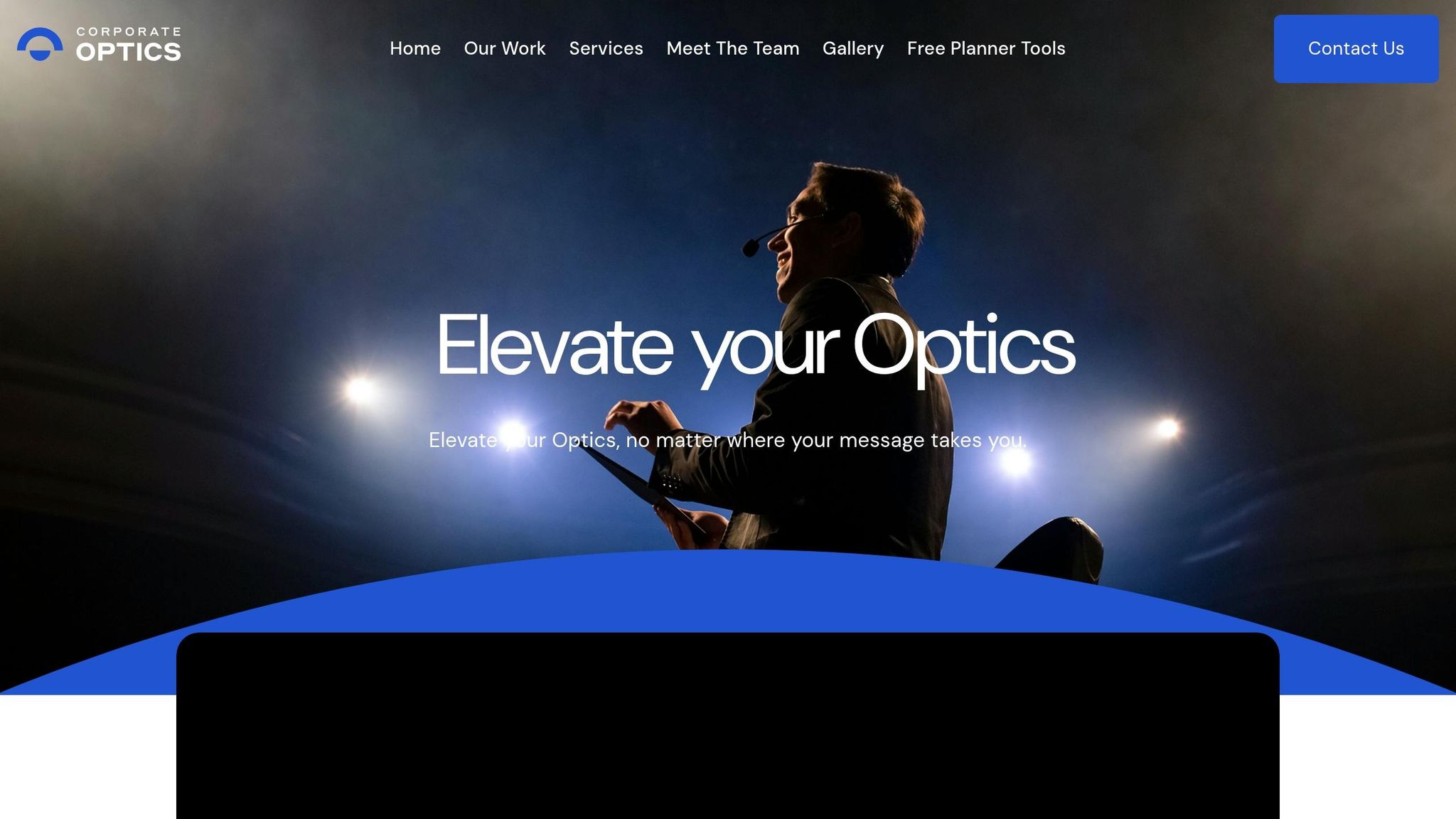
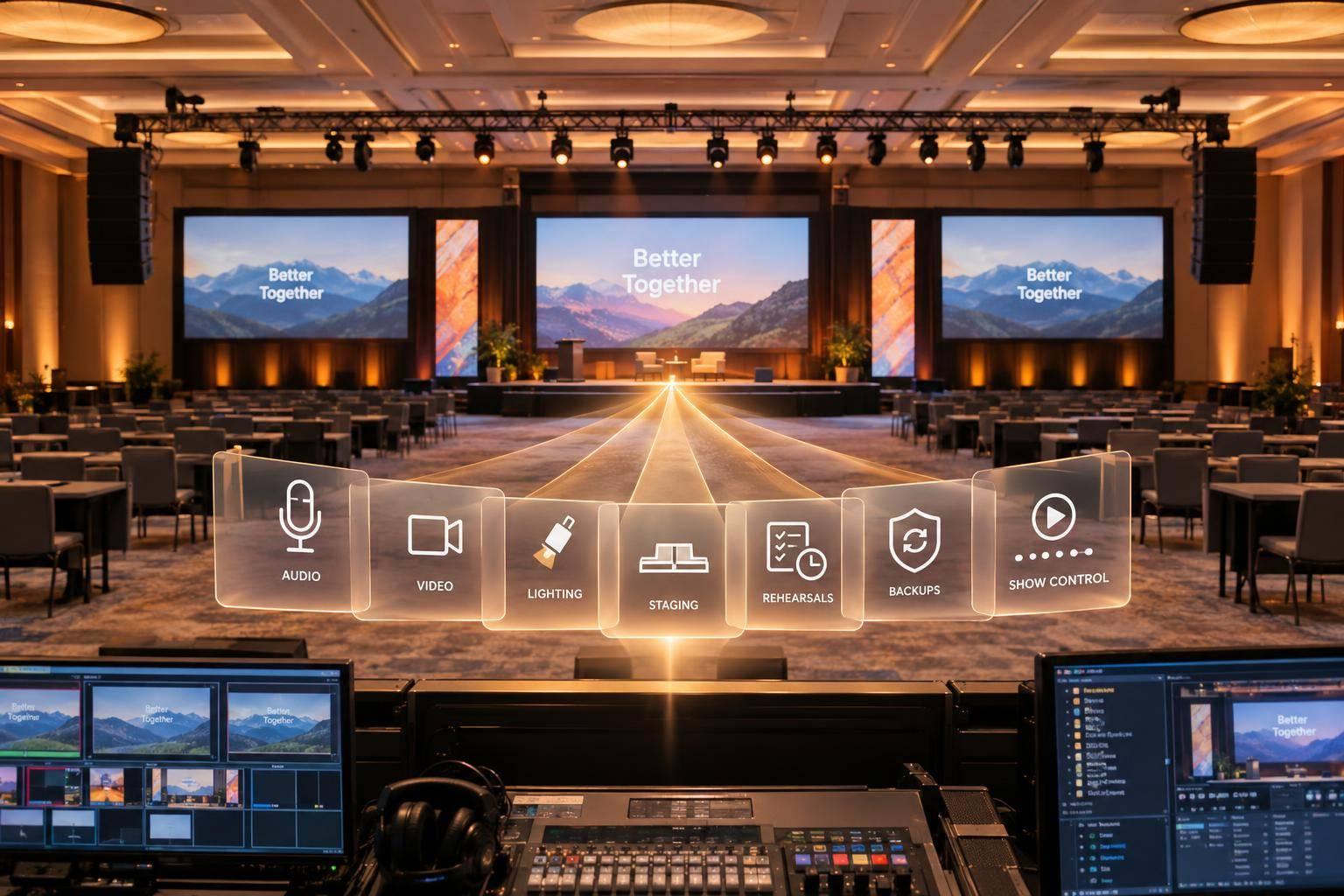
For multi-stream virtual broadcasts, the big draw is simple: one team runs the show. Corporate Optics handles production, speakers, and backup planning under one roof. That includes AV design, lighting design, speaker support, live streaming, and post-event analytics, which means fewer handoffs when things are live and the clock is ticking.
Multi-Stream Production Depth
On the production side, Corporate Optics covers the main pieces of a multi-stream broadcast: AV production, lighting design, audio coordination, and live streaming. Its on-site crew helps keep execution tied closely to the event plan, so each stream stays on track.
Remote Presenter Workflow
When presenters are joining from different locations, built-in speaker support and run-of-show planning help keep everyone lined up and on schedule. That matters more than it sounds. A remote speaker who misses a cue by even a minute can throw off an entire segment.
Reliability and Redundancy
For global corporate broadcasts, backup planning supports mission-critical events like shareholder meetings and executive broadcasts. If the event has no room for mistakes, that extra layer of planning can make all the difference.
Enterprise Integration and Scale
Corporate Optics works with corporate, government, and large-scale events. Pricing is custom based on scope, and service tiers range from Basic AV Support to Comprehensive Event Management, so teams can line up the level of service with their budget.
2. Encore
For larger corporate broadcasts, the big question is simple: can one partner run the stage, the stream, and remote speakers without turning the show into a chain of handoffs? Encore is built for that kind of job. It supports large corporate broadcasts that need staging, webcast operations, and presenter coordination under one team.
Multi-Stream Production Depth
Encore’s webcasting tiers line up with different event setups. QuickCast is meant for shorter branded streams. Broadcast adds more runtime and room for more presenters. Chime Live goes further with breakouts, chat, polling, and Q&A, which makes it a fit for parallel sessions.
Remote Presenter Workflow
Broadcast Studios bring rehearsals, speaker coaching, show calling, and remote/on-site presenter coordination into one workflow. Encore Connect is available in more than 90 venues where Encore is the in-house AV provider, which helps when on-site and remote speakers need to follow one shared show flow.
Reliability and Redundancy
For mission-critical events, size alone doesn’t tell you much if the backup plan is fuzzy. Encore does not publish detailed backup encoder or network failover specs, so teams should ask for a documented redundancy plan for each stream before signing the statement of work.
Enterprise Integration and Scale
Encore connects with enterprise event platforms such as Zoom, Cvent Attendee Hub, and Notified. That setup lets teams route multiple streams as separate channels while keeping registration, engagement, and analytics inside the attendee hub. Its venue footprint also makes it easier to keep in-room AV and virtual streaming under one production team.
That mix of scale and platform integration matters most when multiple live feeds need to run at the same time.
3. Freeman
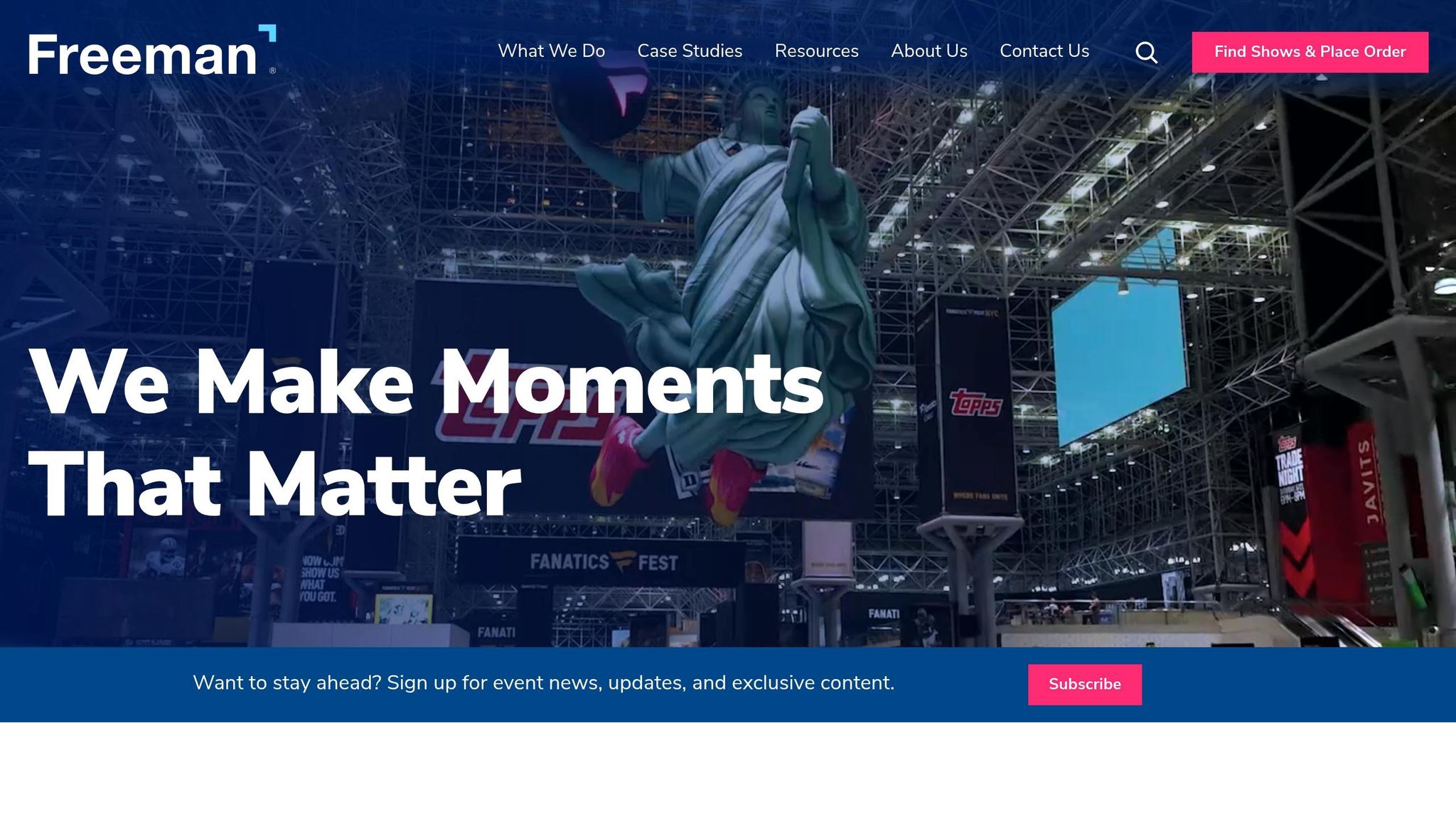
Freeman supports more than 1,000 major events a year and has run multi-stream builds at massive scale, including one project with 200+ cameras, 216 embedded streams, and 1,100+ video outputs. That kind of scale matters when a broadcast has a lot of moving parts and there's no room for cueing mistakes.
Multi-Stream Production Depth
Freeman now streams about 95,000 hours of content each month using Wowza Video for live and simulive broadcasts. Its production stack includes live switching, broadcast cameras, content capture, presenter management, and studio streaming for in-person, hybrid, and virtual events.
A good example is the AACR Annual Meeting. Freeman supported 68,000 registrants, 24,000 peak concurrent viewers, and 7.6 million streamed minutes. Those numbers give you a pretty clear sense of the load it can handle.
Remote Presenter Workflow
Freeman supports live, simulive, and on-demand formats, which helps a lot when speakers are spread across time zones. Simulive is often the safer play for complex programs because presenters can record polished segments ahead of time and still have them start on schedule.
Live sessions still make the most sense when you need real-time Q&A, polling, or last-minute announcements. In practice, that means teams can mix live sessions, prerecorded segments, and remote speakers without the whole schedule turning into chaos.
Reliability and Redundancy
At this level, backup planning isn't optional. Confirm backup connectivity, encoder failover, and timing tests early. If a show has many parallel feeds, small technical misses can snowball fast.
Enterprise Integration and Scale
Freeman doesn't just handle production. It also ties the broadcast into registration and on-demand delivery. Its Fuzion platform connects registration, mobile apps, and floor plan tools so event data can move across the event lifecycle with less manual work.
Its OnlineEvent portal extends live streams into on-demand libraries and supports:
- LMS integration
- Real-time transcription
- Continuing education credits
- Gated monetization with sponsor-branded channels
All of that gives event teams one setup for live delivery and post-event viewing.
Pricing is custom. Industry guidance puts virtual event consultation at about $15,000 and installation labor at around $125.75 per hour.
4. Notified
There isn’t enough source material here to build out a solid profile of Notified.
So instead of stretching thin facts into a long section, the article moves on to the next option: a broadcast platform.
5. Vimeo Enterprise

As the article moves from production teams to distribution, Vimeo Enterprise stands out in situations where live delivery has to stay smooth and speaker handoffs can't get messy.
Remote Presenter Workflow
Vimeo Enterprise supports controlled stream delivery for corporate broadcasts. Producers can manage live speaker handoffs, watch active streams in real time, and limit viewer access with domain-level and password-based controls. That way, the right audience gets each feed at the right time.
Of course, that setup only works if the stream stays live when something goes wrong.
Reliability and Redundancy
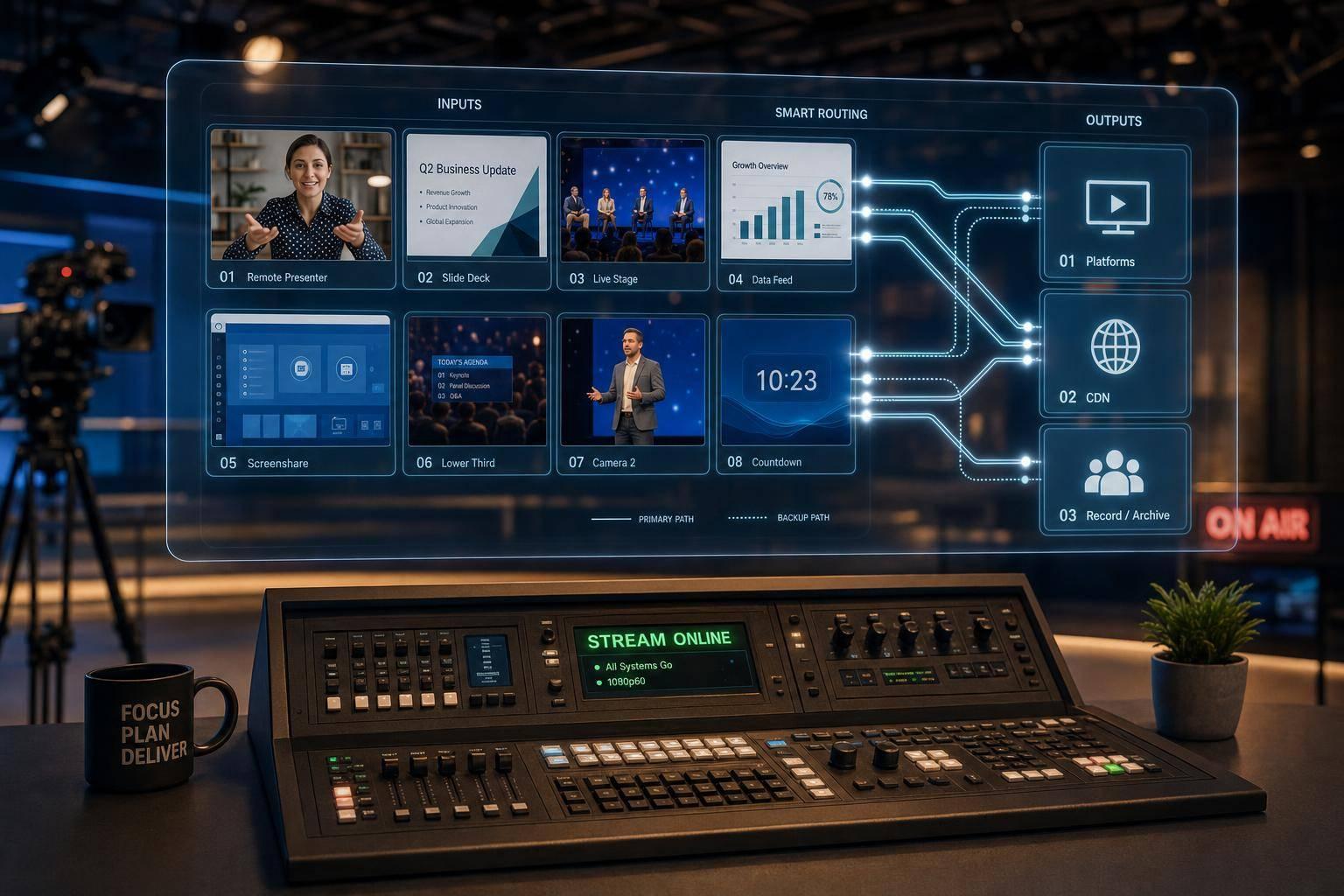
When a primary ingest path drops, Vimeo Enterprise switches to an automatic backup path to maintain stream continuity without manual intervention. For multi-stream corporate broadcasts, that means simultaneous live feeds can stay active across distribution channels even if one connection becomes unstable.
6. StreamYard
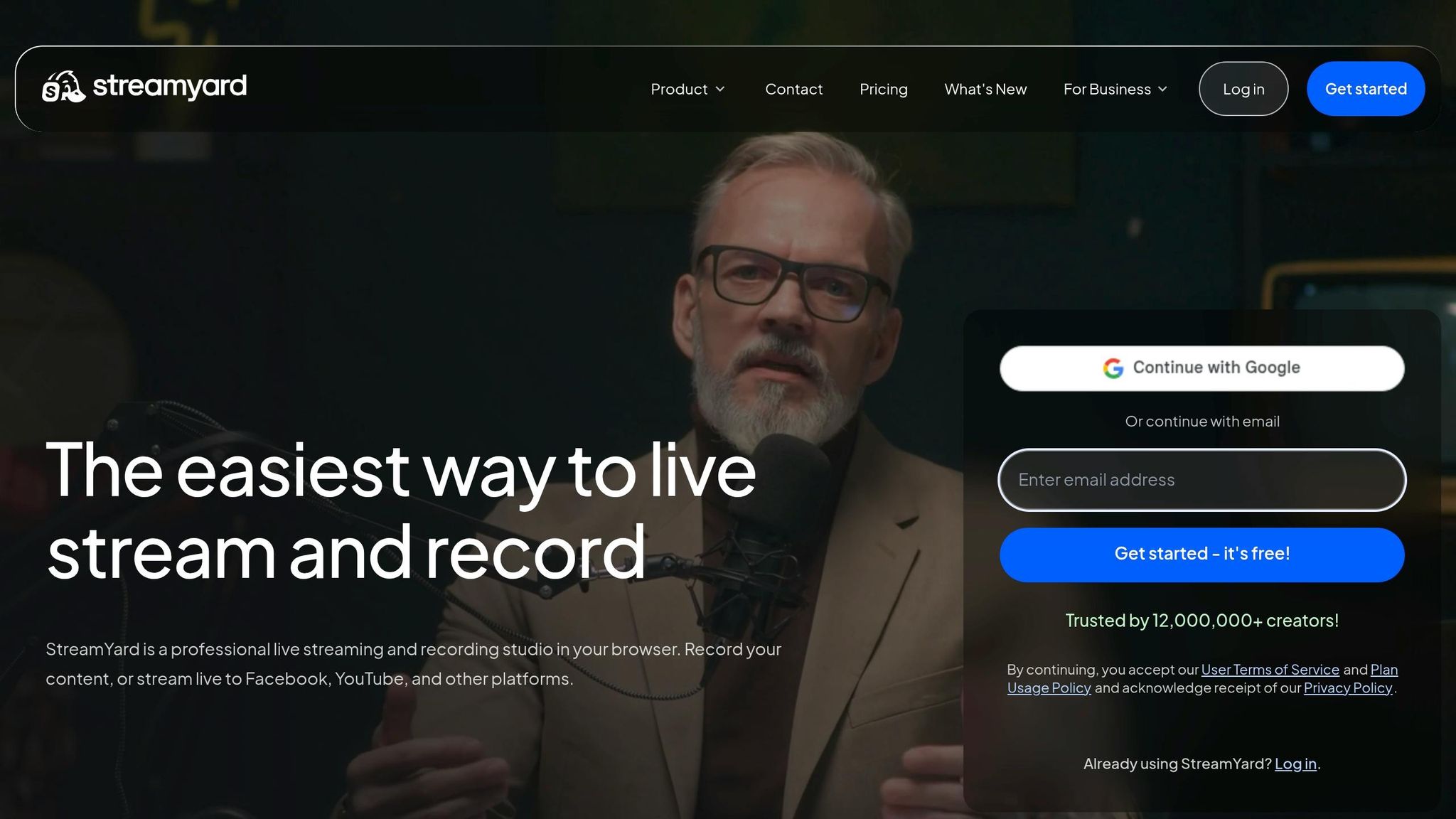
When tight control over distribution isn't the top concern, StreamYard leans hard into speed and ease of use. It's a browser-based studio built for multistreaming across several platforms, without hardware encoders or on-premises setup. That makes it a strong fit for lean teams that need to get live fast, bring in remote guests, and publish across a broad mix of channels.
Multi-Stream Production Depth
StreamYard's studio covers the core pieces many corporate broadcasts need: multiple layout options, branded overlays, lower thirds, picture-in-picture for slides and presenters, and pre-recorded video segments that can be rolled into a live show.
Plan tiers support 3, 8, or 10 simultaneous destinations, including YouTube, LinkedIn, X, and custom RTMP feeds. MARS also supports both 16:9 and 9:16 output from the same session, which helps when one broadcast needs to reach both standard platforms and vertical-video channels.
Remote Presenter Workflow
StreamYard can serve as the main studio for remote-presenter events like town halls, executive updates, and product launches. It can also take an SDI/HDMI feed from a venue switcher and send that program out to multiple destinations.
One handy feature: guest streaming destinations. That lets speakers stream to their own YouTube or LinkedIn channels at the same time, which is useful when you want more reach without rebuilding the show around each speaker's audience.
Reliability and Redundancy
Because encoding happens in the cloud, you avoid local CPU strain and the risk of a single on-site encoder failing. That said, the backup model lives inside the platform rather than in the user's hands.
For high-stakes events like earnings calls or CEO town halls, it's smart to treat StreamYard as one part of the setup, not the whole safety net. Use a stable wired connection, keep backup host devices ready, and run a secondary streaming path if the event can't afford a miss.
Enterprise Integration and Scale
StreamYard can slot into enterprise workflows through RTMP output and embedded-player delivery. That means teams can send the main feed to platforms like Vimeo, Dacast, or Brightcove, then place it inside corporate websites, intranet portals, or registration pages.
For more layered productions, StreamYard usually works best as one piece of a larger production stack. The tradeoff is pretty straightforward: easier multistreaming, less control than a full broadcast stack.
7. vMix
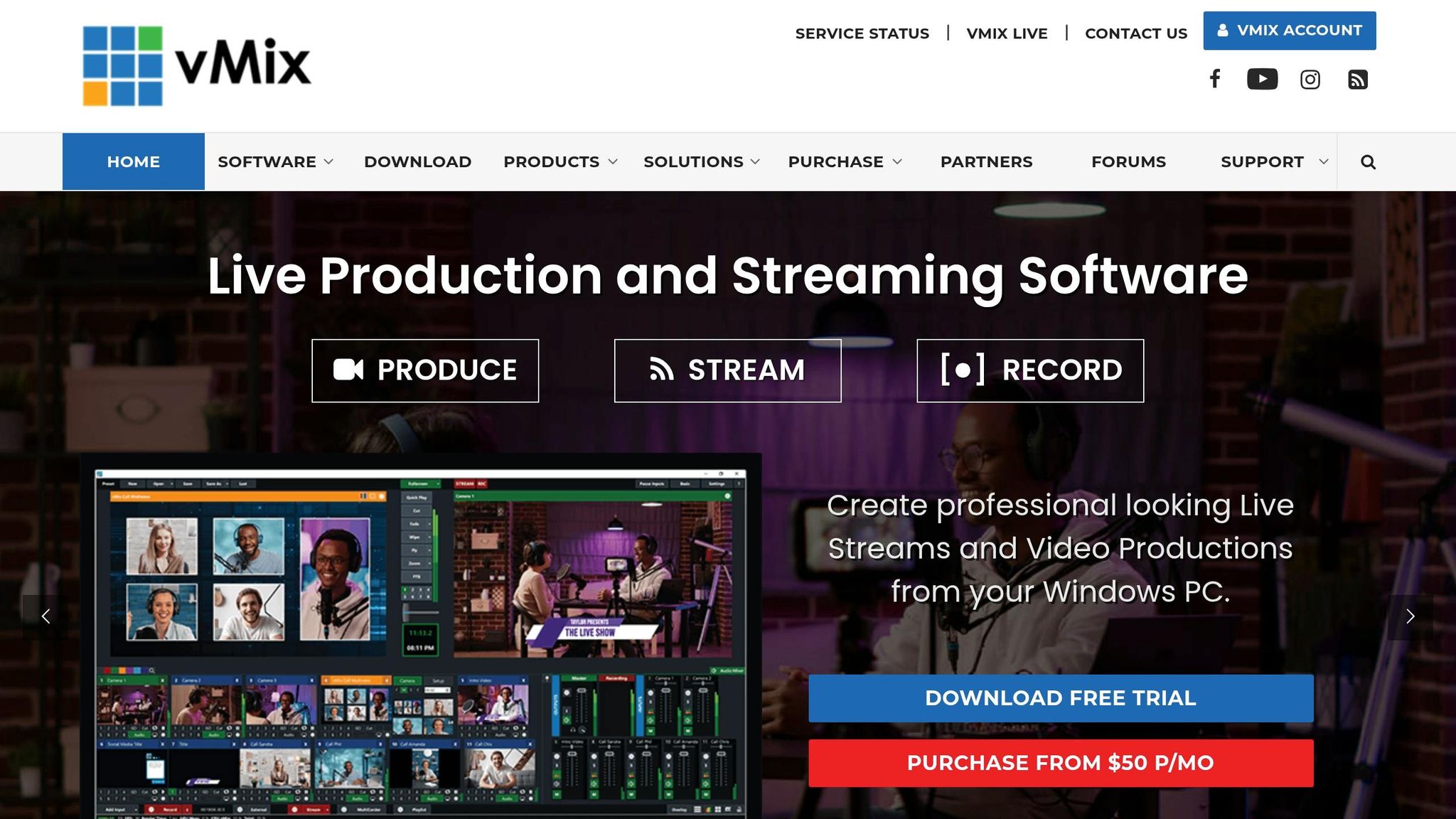
vMix works well for teams that want to run a multi-stream broadcast themselves. Instead of relying on a hardware switcher, it uses a software-based live mixer. If your team handles production in-house, vMix gives you direct control over the live mix without needing that extra hardware layer.
Multi-Stream Production Depth
vMix can take in cameras, NDI, SRT, video files, titles, web streams, and Zoom feeds. Higher-tier editions support up to 1,000 inputs, 3 live streams, and 4 outputs.
That level of control starts to matter when remote speakers need to come into the same show without things getting messy.
Remote Presenter Workflow
vMix Call is the built-in tool for remote guests. It supports HD 1080p return video at up to 4 Mbps per guest, includes automatic mix-minus to stop echo, and adjusts bandwidth on the fly to help keep connections steady. In board meetings, earnings calls, and town halls, that kind of audio routing can make the difference between a smooth session and a distracting one.
Reliability and Redundancy
vMix comes with built-in safeguards, including MultiCorder for simultaneous ISO recording across multiple inputs and Faulty Encoder Isolation Mode, which can isolate one failing NDI source instead of letting it affect the rest of the show.
That said, reliability still comes down to the Windows workstation, the network, and how the operator has things set up. Teams should use vMix alongside redundant internet, backup encoding, and tested fallback procedures.
Enterprise Integration and Scale
vMix fits neatly into pro AV workflows with support for NDI, SRT, virtual camera output, and hardware I/O cards. In hybrid corporate setups, that makes it a useful center point when in-room AV systems, remote presenters, and online distribution all need to work together.
From the same production session, teams can send the program output to streaming platforms or feed it into Zoom or Teams as a virtual camera.
vMix is a strong choice for teams that want hands-on control of production instead of using a managed broadcast service. If your team wants a more cloud-first setup and less reliance on a single workstation, the next option moves in that direction.
8. Grabyo
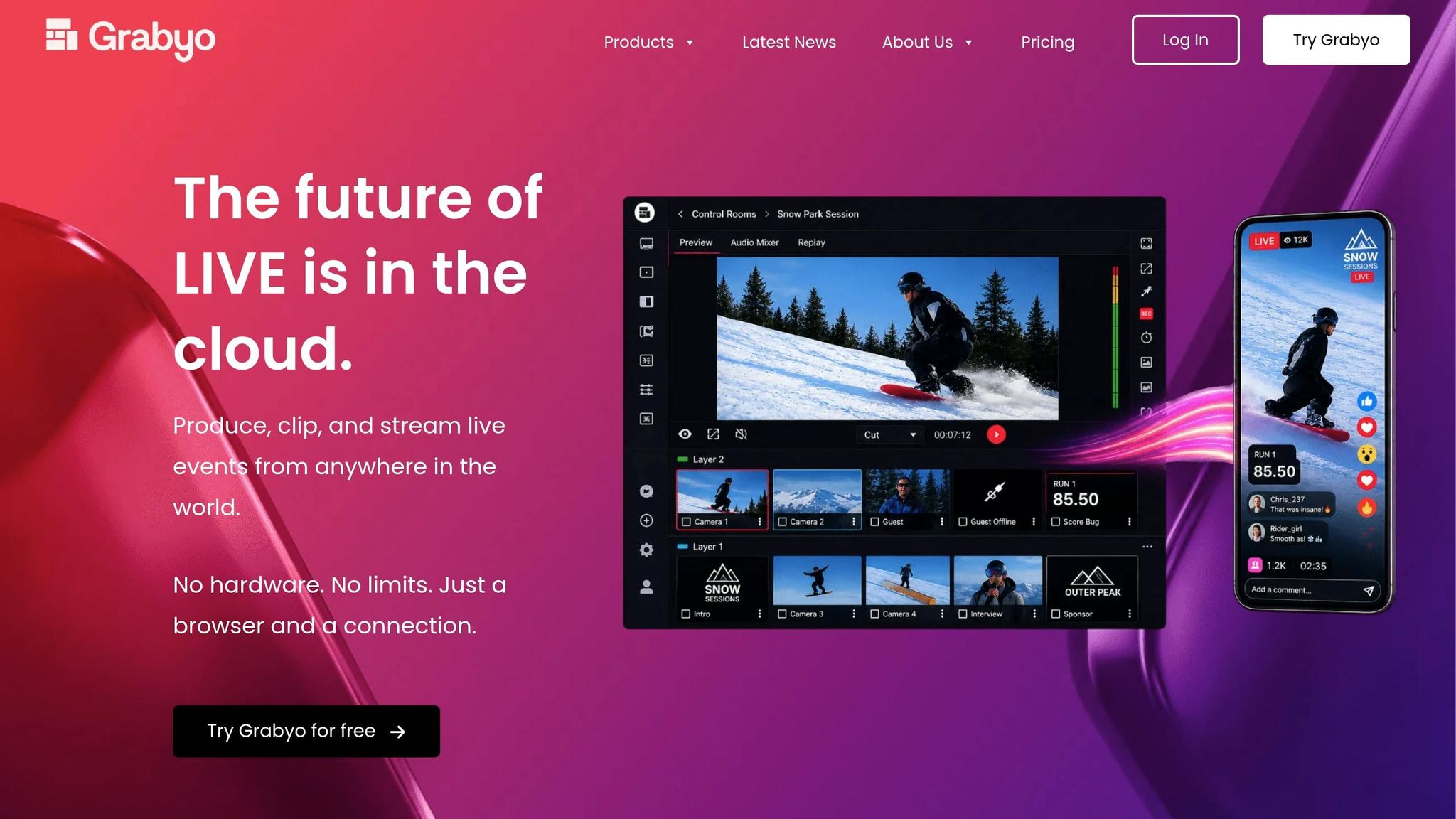
No verified source material supports a Grabyo profile here, so it is omitted from this comparison.
How the Top Partners Compare on Key Broadcast Criteria
The profiles above mainly split apart on three things: scale, handoffs, and recovery.
For complex corporate events with multiple live feeds, remote presenters, and live switching, the benchmarks that matter most are multi-stream production depth, remote presenter workflow, broadcast reliability, and enterprise integration.
That’s where the gap shows up. Some partners are built for polished, high-pressure live production. Others are better suited to simpler event setups, smaller teams, or less demanding switching needs.
Use the benchmarks below to compare how each partner handles redundancy, latency, and image quality. If you’re trying to pressure-test vendors, these are the comparison points that tend to matter most.
| Criterion | Enterprise-Grade Benchmark |
|---|---|
| Technical uptime | 99.99% with hot-spare backup paths |
| Failover speed | Fast automatic failover |
| End-to-end latency | Low enough for live two-way conversation |
| Network backbone | 12G-SDI fiber-optic |
In plain terms, this table helps you judge whether a partner can keep a broadcast steady when something goes sideways. A high uptime target matters, but it’s only part of the story. You also need to know how fast the system switches to backup, whether remote speakers can talk in real time without awkward lag, and whether the signal path can hold up under heavy production demands.
These criteria also make it easier to weigh trade-offs around reliability, latency, and integration before getting into the pros and cons below.
Pros and Cons
These partners make different tradeoffs around control, support, and cost. The table below narrows that down to the practical choices most teams care about.
| Partner | Key Pros | Key Cons | Best For | Typical Budget Positioning (USD) |
|---|---|---|---|---|
| Corporate Optics | End-to-end managed production, executive event experience, speaker support, backup planning | Custom pricing requires consultation; not suited for routine low-budget webcasts | Bespoke executive broadcasts, high-stakes corporate events | Custom pricing |
| Encore | Live switching, broadcast-grade webcasting tiers, venue AV coordination, hybrid presenter workflow | Less efficient for small, recurring events; redundancy specs not published | Large corporate conferences, hybrid productions with multi-camera streaming | Custom/enterprise cost |
| Freeman | Strong large-event logistics, simulive and on-demand delivery, integrated registration and on-demand portal | Premium pricing; requires lead time; less agile for fast-turnaround broadcasts | Large-scale trade shows, high-volume multi-stream events | Custom/enterprise cost |
| Vimeo Enterprise | Automatic backup ingest failover, domain and password access controls, real-time stream monitoring | Limited live switching or custom broadcast engineering | Branded enterprise streaming, controlled-access distribution | Mid-to-high enterprise cost |
| StreamYard | Browser-based, fast setup, multistream to 10 destinations, guest stream destinations, no hardware required | Limited live switching control; not built for high-pressure multi-feed production | Internal broadcasts, remote interviews, smaller team events | Lower cost |
| vMix | Up to 1,000 inputs, 3 simultaneous streams, vMix Call for remote guests, Faulty Encoder Isolation Mode, predictable licensing | Windows-only; steep learning curve; requires external infrastructure for enterprise-grade redundancy | In-house AV teams needing advanced live switching and encoding control | One-time licenses: $60–$1,200 |
If your team doesn't have a dedicated technical producer, a managed partner can cut execution risk during live switching and failover. On the other hand, if you already have in-house AV talent, tool-led options like vMix give you more control and a lower long-term cost.
Conclusion
Choosing the right production partner comes down to four practical factors: audience size, number of concurrent streams, redundancy requirements, and budget. A town hall, earnings call, or shareholder meeting calls for a different setup than a basic internal webcast. The goal is simple: sort providers by operational fit, not marketing claims.
Before you shortlist anyone, check platform fit, redundancy, crew depth, planning lead time, and breakout capacity.
| Checklist Category | What to Verify |
|---|---|
| Platform Integration | Can they deliver to your intranet and your chosen webcast platform without extra work? |
| Redundancy | Can they document backup paths for every stream? |
| On-site Production | Will they staff the room or manage only the signal? |
| Technical Planning | Will they deliver signal-path plans and CAD floor plans before load-in? |
| Scale & Scope | Can they handle parallel rooms and breakout feeds? |
Also ask whether the crew can transcode media on-site to match your switcher’s resolution and audio codec.
Put more weight on partners that bring together technical production, live streaming, speaker support, and contingency planning. For executive broadcasts, look for a team with on-site technical leadership, documented backup workflows, and live run-of-show control during corporate broadcasts.
FAQs
How do I choose the right production partner for my event?
Choose a production partner based on your event’s size, complexity, and technical needs. Then check their portfolio and past event recordings to see how their work holds up in practice. Pay close attention to production quality, including transitions, audio consistency, and graphics.
Look for:
- Technical expertise and dependable infrastructure
- Strong speaker support, including rehearsals and backstage management
- The right service scope and clear backup plans for live issues
What level of backup redundancy should a multi-stream broadcast have?
Professional multi-stream broadcasts usually target 99.9% to 99.99% uptime. That’s a pretty high bar, which means redundancy needs to be part of every stage of the production.
Common setups often include:
- Dual encode paths
- Backup hardware encoders
- Redundant internet connections
- Separate audio mixes
- Real-time monitoring
- Automatic failover systems
The idea is simple: if one piece breaks, another one steps in right away. In live production, that kind of backup plan isn’t a nice extra. It’s part of the job.
When does a managed production team make more sense than in-house tools?
A managed production team makes more sense when failure isn’t an option, especially for high-stakes corporate broadcasts where reliability and polish matter most.
Choose one when you need smooth broadcast quality, redundant signal paths, professional switching, or close coordination across multiple presenters, custom graphics, hybrid integration, and contingency planning.
Related Blog Posts



Streamline your workflow, achieve more

Lorem ipsum dolor sit amet, consectetur adipiscing elit. Maecenas ac velit pellentesque, feugiat justo sed, aliquet felis.



Lorem ipsum dolor sit amet, consectetur adipiscing elit. Maecenas ac velit pellentesque, feugiat justo sed, aliquet felis.