Sales Kickoff Production: Format, Staging And Engagement Ideas.

Chief Executive Officer
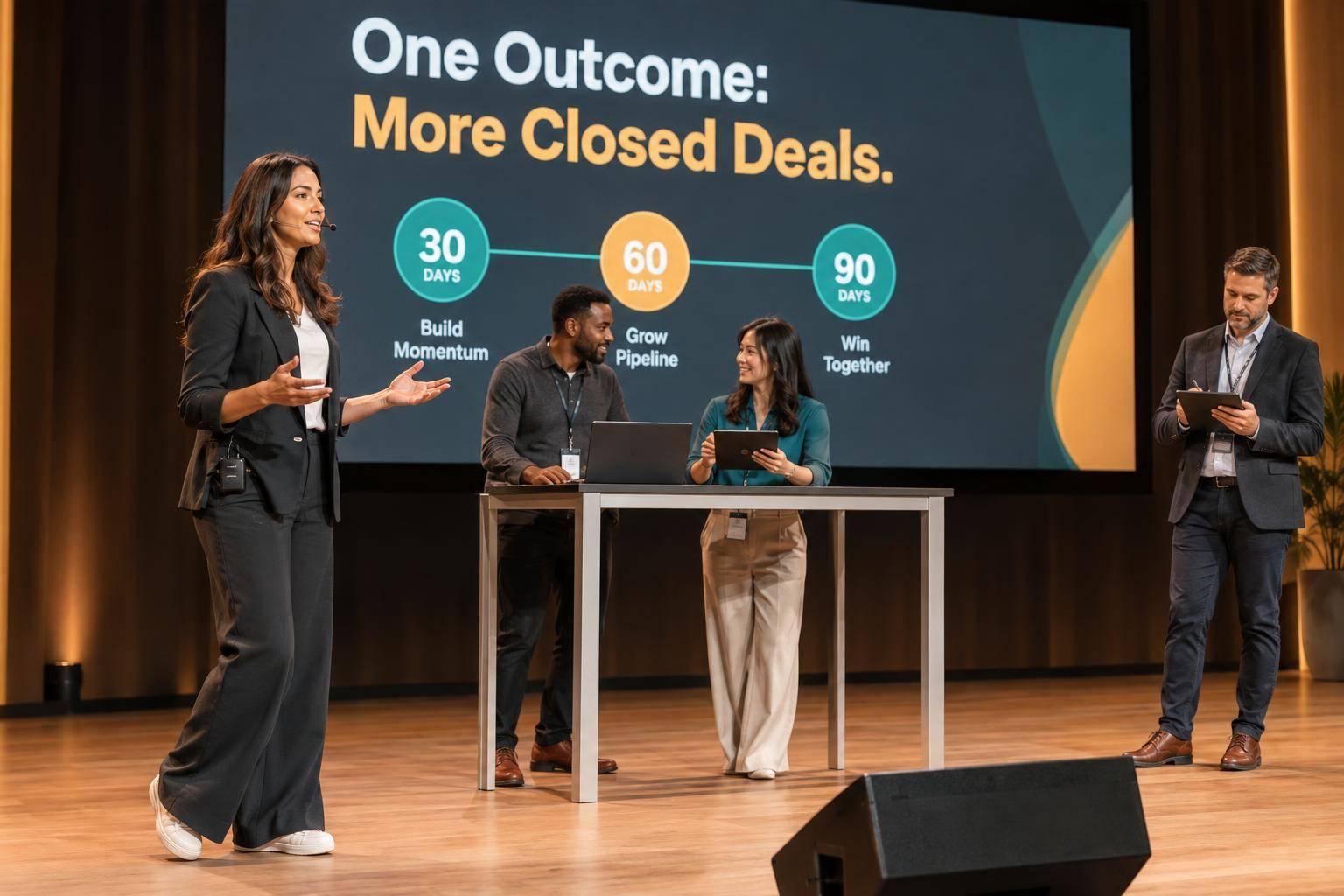
I plan sales kickoff production around what sellers need to do afterward - not just what happens onstage. My starting point: choose one sales goal, fund clear audio and readable screens before décor, and close with a measurable 30-, 60-, or 90-day commitment.
I use these eight production ideas to connect the message with practice:
- Keynote-led plenaries: Set one priority and one seller action.
- Product-demo breakouts: Practice explaining products through customer problems.
- Sales role-play workshops: Rehearse objections with peer feedback.
- Multi-screen staging: Give each screen a clear job.
- Lighting and audio: Make speakers easy to see and hear.
- Live polls: Find confidence gaps and address them.
- Team challenges: Practice sales conversations against a shared scorecard.
- Recognition and closing commitments: Celebrate useful behaviors and set deadlines.
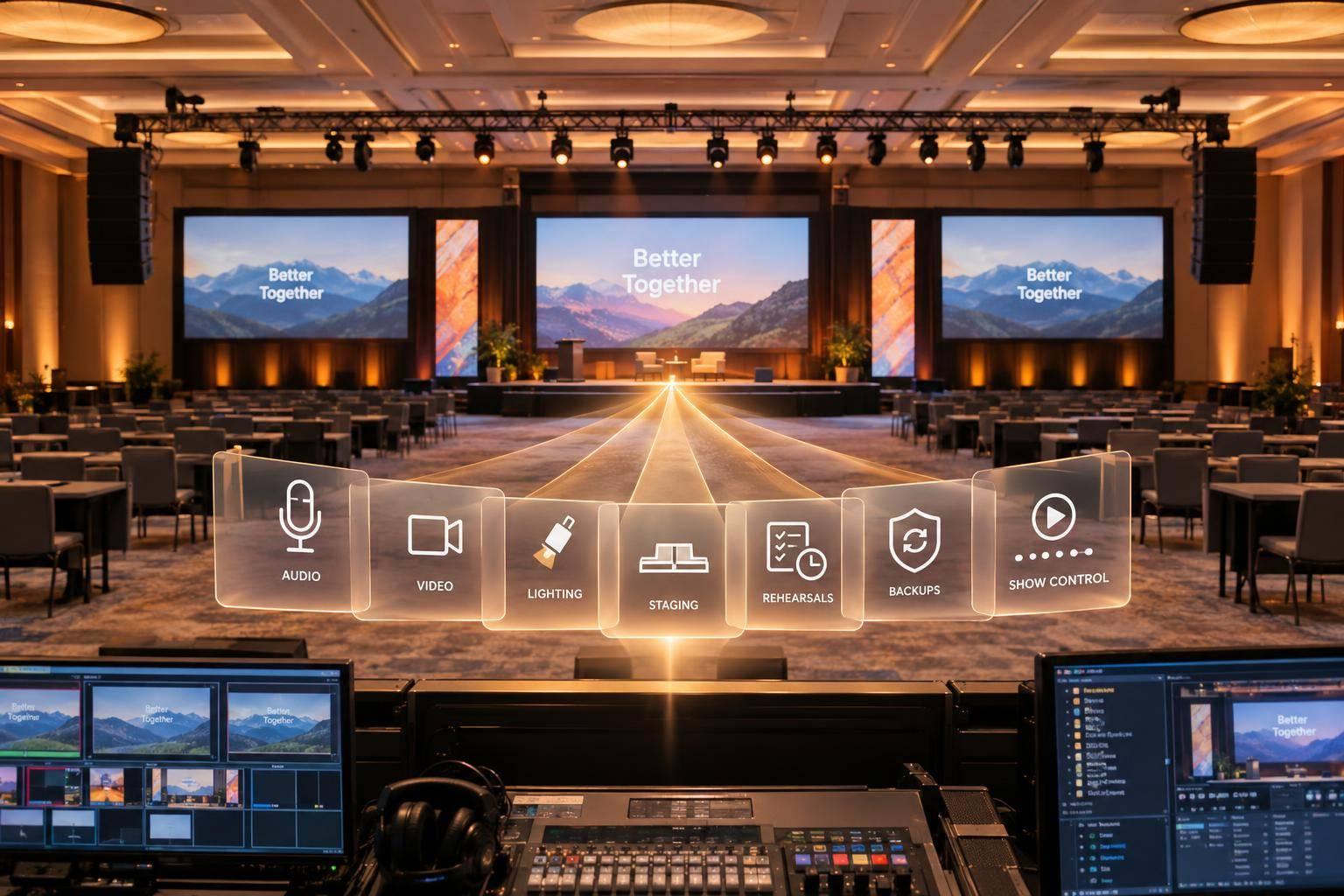
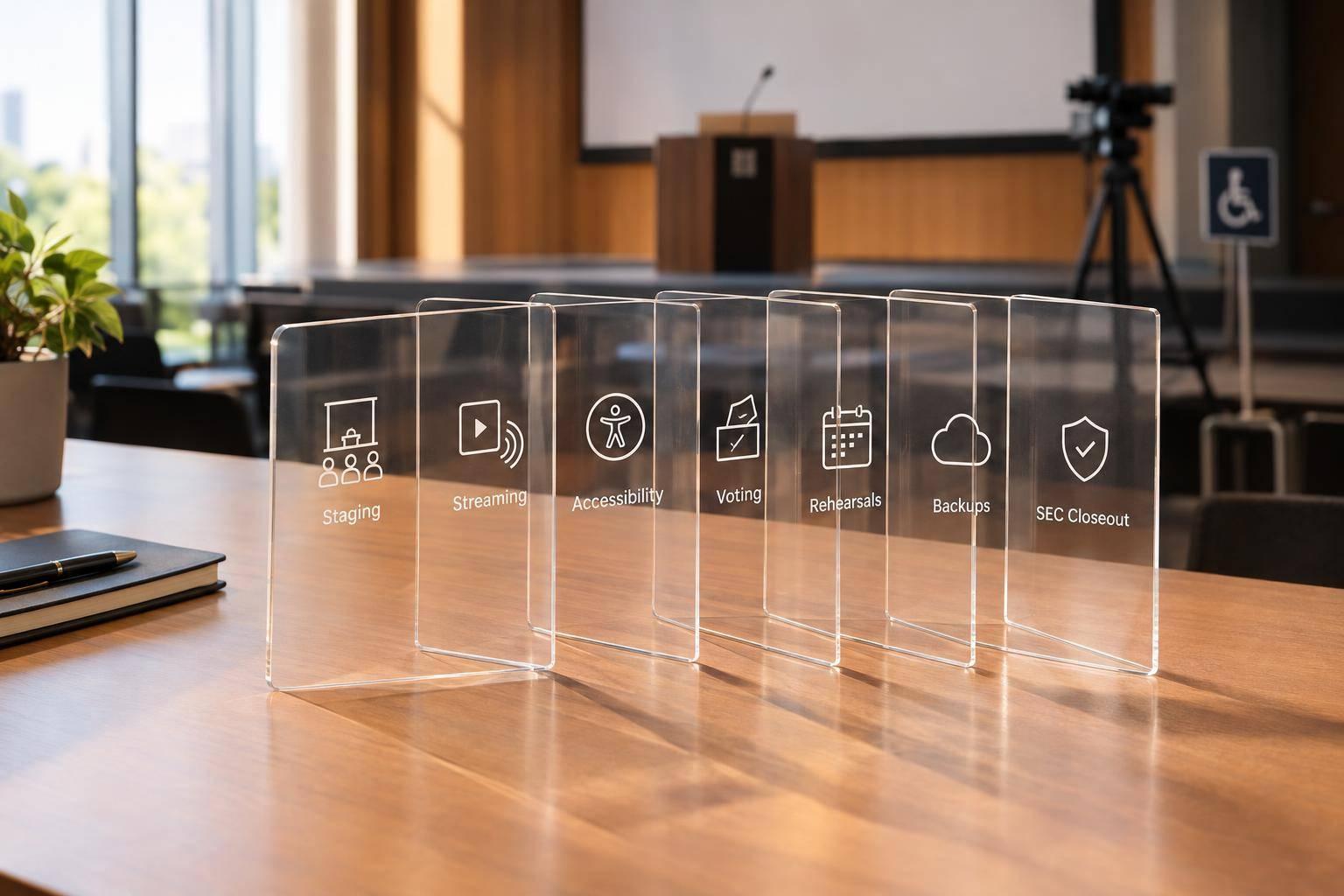
My rule: <u>match the setup to the sessions, rooms, and audience with the right sales kickoff planning partner - not headcount alone.</u> That includes access needs, remote participation, crew, rehearsals, and tested backups. Then I check what changed: manager follow-up within one week and progress reviews at 30, 60, and 90 days.
Sales Kickoff Masterclass: The Ultimate Planning Guide
sbb-itb-ae35a94
Match Production to the Sales Kickoff Goal
Use the production brief to answer three questions: What must attendees understand or do? Which moments need audience action? What can the budget support? For each session, record the observable result, participation cues, and technical requirements.
| Priority | Best-fit format | Production requirement |
|---|---|---|
| Strategic alignment and shared priorities | Keynote-led plenary | Main stage, speaker confidence monitor, clear speech audio, readable slides |
| Product knowledge and feature understanding | Product-demo breakouts | Demo-ready displays, reliable source switching, hands-on access, facilitators |
| Skill practice and behavior change | Sales role-play workshops | Flexible seating, clear instructions, timers, space for coaching |
| Motivation and recognition | Recognition moments | Readable award slides, focused lighting, concise recipient transitions |
| Hybrid or remote access | Hybrid-ready production | Cameras, room and presenter audio, captions, tested backups |
Once you choose the session type, map out the room layout and accessibility needs. Mark participation moments in the run of show before finalizing seating. For role-play, use cabaret, classroom, or clustered-table seating so pairs and small groups can practice - not fixed rows facing a stage. Allow time for instructions, practice, and feedback. Give remote attendees a clear way to ask questions, receive schedule updates, and get technical help.
Before locking in the layout, check usable capacity, measure sightlines in feet, and test slides from the back and side seats. Leave room for practice and confirm step-free routes, accessible seating, stage access, captions, and assistive listening. Collect accommodation needs at registration so they inform the layout early.
Fund audio, playback, operators, accessibility, and rehearsal before decorative staging. Request itemized estimates in U.S. dollars that include venue labor, internet, taxes, and contingency charges.
Match technical complexity to the available rehearsal time. Test handoffs, demos, polls, captions, and backups with the operators so speakers, demos, and audience interaction work as planned on the day.
1. Keynote-Led Plenary Sessions
Keep the plenary focused on one sales priority, and get sellers involved right away.
Give the CEO or CRO 15–20 minutes to connect the company message to one seller behavior. Open with a live poll about the biggest customer obstacle. Close with one action sellers will put into practice within 30 days.
Keep the stage, main screen, slide deck, and poll focused on that same priority, often with the help of leading providers for sales meeting production. Use it to frame the breakout sessions that follow, then reinforce the action through breakout practice and follow-up coaching.
2. Product-Demo Breakouts
Role-Based Demo Lab
After the opening message, shift from company priorities to how sellers can use the product. Build a hands-on demo lab around two or three priority workflows, rather than a feature tour. Ask small groups to link each workflow to one customer problem and one sales use case. The aim: product knowledge sellers can put to work in customer conversations.
Plan for 30 to 45 minutes: 5 minutes to set the objective, 15 to 20 minutes for the guided demo, 10 minutes for practice, and 5 to 10 minutes for questions and next steps.
Pair attendees and assign each pair a buyer persona. One person delivers a two-minute product talk track for that persona while the other offers one objection. Then they switch roles. Keep the focus on explaining the product clearly. End with a brief exit check: each attendee names one target persona, one discovery question, and one product outcome they can use in the field.
For production, show the product feed on the main screen, check that every seat has a clear view, and display a timer. Set up a sandbox account with realistic, non-sensitive data. Test the internet connection and sandbox environment, turn off notifications, and have a backup recording ready in case the live environment fails. Record the talk track during this session so reps can reuse it in the role-play workshop.
3. Sales Role-Play Workshops
Buyer-Persona Objection Lab
After product demos, move to the objections sellers will face in live conversations.
Split sellers into groups of three: seller, buyer, and observer. Give each buyer a scenario card outlining their role, challenge, priorities, budget, and likely objections. Use a real stalled deal or common customer situation, and focus each round on one skill, such as handling a no-budget objection.
Allow 5 minutes for prep, 5 minutes for practice, and 3 minutes for feedback, followed by a second try. Rotate roles so everyone practices as the seller, buyer, and observer.
Project the instructions and display a countdown timer. Run the practice at labeled tables or in breakouts. Give observers a simple scorecard for listening, objection handling, and next-step clarity. Ask the seller to assess their own performance first. Then have the observer share one strength and one specific fix.
4. Multi-Screen Stage Design
Give Each Screen One Job
Once the audience starts practicing, give every screen a clear role. Keep messages readable, direct, and tied to the sales action you want attendees to take. Put the keynote deck or live product feed on the center screen. Use side screens for multi-camera streaming or one key takeaway - not copies of dense slides. Keep colors and typography consistent across displays. Every screen should support the session’s one main action rather than compete for attention.
Before design starts, lock in screen size, aspect ratio, resolution, safe areas, and playback format. Test the setup from the back row, and make sure body text is readable from the farthest seat.
Before doors open, rehearse every screen layout with presenters, camera feeds, and playback. Have backup video or stills ready so a failed feed doesn’t stall the session.
5. Lighting and Audio Design
Design for Clear Speech and Visible Faces
Once the screen layout is set, tune sound and lighting so every speaker can be heard and seen clearly.
For plenaries, workshops, and recognition moments, put speech clarity ahead of volume. Plan audio coverage for the room, then add main arrays, front fills, and delay speakers where needed. Run an RF scan before major sessions, and assign an engineer to monitor microphone levels throughout the program.
Match lighting to each session with presets for executive, training, motivation, and recognition moments. Keep faces evenly lit, use house lights for role-play, and bring in stronger color shifts for celebrations. For recorded sessions, choose fixtures rated 90+ CRI/TLCI and test them on the cameras.
6. Live Polls and In-Room Response
Run a Confidence Check
Once attendees can see and hear clearly, use live polls to get them involved. Ask them to rate their confidence in hitting this year’s sales goal on a 1–5 scale. Repeat the poll before, during, and after the session to track changes.
Give in-room and remote attendees the same poll, show their combined results on the main screen, and explain the level of anonymity upfront. Keep the results display simple and high-contrast. Have the moderator read the results aloud before moving on. Test the venue network beforehand, and keep a non-digital backup, such as response cards, ready.
Act on the results right away. Have the presenter address the lowest-confidence gap and compare pre- and post-session scores. For each remaining confidence gap, assign an owner, a due date, and a next step.
7. Team Challenges and Gamified Practice
Run a Team Conversation Challenge
After the confidence check, move from response to practice with a timed team challenge. Give each team the same buyer scenario and objection: 15 minutes to prepare, 3 minutes to respond, and 2 minutes for feedback. Score each live round on a 1–5 rubric covering customer understanding, discovery, value, objection handling, and teamwork.
Display the brief, countdown, and live scores on the main screen so the audience can follow each round in real time. Have microphones and scorecards ready, and assign one producer to manage cues and update scores. Let quieter participants submit written responses.
Reward behaviors that improve selling. Ask the facilitator to call out the strongest examples of customer understanding and collaboration on the spot. Reinforce those behaviors in manager coaching within 2–4 weeks, and use the same format in the recognition segment to encourage teams to repeat them.
8. Recognition Moments and Closing Commitments
Celebrate Wins, Then Make the Commitment
After the team challenge, move from competition to recognition. Reinforce the behaviors attendees practiced before asking them to make commitments. Recognize sellers, teams, and support partners by naming each win, its business impact, and the behavior behind it. Keep each award to 60–90 seconds, supported by a simple name-and-award slide, front lighting, and a short walk-up cue.
Close by asking each attendee to submit one measurable 30-, 60-, or 90-day commitment through a QR form. Record the owner, deadline, and success measure, then display an anonymized wall of commitments.
Have sales managers review commitments within one week, then check progress at 30, 60, and 90 days. Measure follow-through by tracking commitment completion, qualified opportunities, and customer meetings booked. Keep this closing structure for every room size; change only how you deliver it.
Production Planning by Event Scale

Sales Kickoff Production Planning by Event Scale
Plan production around room count, session count, presenter turnover, and format - not headcount alone. More sessions and moving parts mean more work. The right setup keeps content clear, rehearsals smooth, and commitments visible.
Once you’ve chosen the format, match production to the rooms, cues, and live handoffs. Use this comparison to scope equipment and labor before requesting an estimate.
| Event scale | Primary formats | Screens and displays | Microphones and cameras | Breakout infrastructure | Staffing | Rehearsals and contingencies | Typical budget level |
|---|---|---|---|---|---|---|---|
| Small team meeting | One plenary, discussion, brief presentations, or workshop | Existing display or projector | One tabletop or wireless handheld microphone; optional webcam | Movable seating; shared display | One experienced technician or trained internal coordinator | Presentation, microphone, and display checks; brief speaker run-through; spare cables, adapters, batteries, and backup slides | Low |
| Regional sales kickoff | Keynote plenary, product demos, role-play breakouts | Main screen, confidence monitor, breakout displays | Wireless lavaliers for presenters, handhelds for audience questions, backup mic, optional recording cameras | Scheduled breakout rooms, signage, facilitator support | Producer or technical lead, audio/video support, show caller, breakout technicians | Speaker rehearsal, room checks, content freeze, backup laptop | Moderate |
| Enterprise in-person kickoff | Plenaries, panels, demos, workshops, recognition | LED wall or projection, confidence monitors, stage timers, sightline screens | Multiple wireless channels, dedicated audio mixing, cameras, video switching | Coordinated breakout crews, standardized technical packages, centralized content distribution | Production manager, technical director, audio/video engineers, lighting and camera operators, presentation technicians, stage managers, breakout crews | Full technical rehearsal, cue-to-cue run, speaker walk-through, backup playback, redundant communications | High |
| Hybrid or broadcast-oriented kickoff | In-room sessions, livestream, remote speakers, moderated participation | Room screens, broadcast graphics, captions, remote-speaker return video, confidence monitors | Separate room and broadcast audio mixes; cameras, switcher, encoder, on-site recording | In-room and online participation, remote facilitators, moderated audience questions | In-room crew, stream producer or operator, remote moderator, captioning, connectivity support | End-to-end stream rehearsal, wired internet with tested backup, on-site recording, rehearsed stream-failure procedure | High |
These are planning categories, not price estimates.
Hybrid events serve a second audience online, so make the failure response part of the show plan. Rehearse how the team will publish a backup message, send viewers to a backup link, keep recording on-site, and share the session afterward. Test broadcast audio with a remote listener, too. Clear sound in the room doesn’t guarantee clear sound online.
Before locking the plan, confirm room dimensions, session count, microphone needs, camera positions, internet specs, accessibility, load-in and strike windows, and rehearsal access. Request itemized crew roles and hours so you can spot overlaps and gaps.
Conclusion: Scale Production Around Sales Outcomes
Tie every production choice to one sales outcome. Choose formats based on what sellers need to do differently: align around a goal, build product fluency, or practice skills. Staging should make the message easy to follow. Polls, challenges, and recognition moments should prompt sellers to apply it - not just watch.
With the goal set, name an owner for each session cue in the run sheet. Rehearse transitions, poll launches, demo playback, and backups as complete sequences. Add technical complexity only when it improves understanding, participation, or reliability. Otherwise, save that time for practice and feedback.
End each session with a specific field-action commitment, an owner, and a deadline. Have managers observe target behaviors for four to six weeks, then review adoption at 30, 60, and 90 days. Measure kickoff success by what sellers do afterward, not attendance.
FAQs
How far ahead should I plan sales kickoff production?
Start planning a standard corporate sales kickoff at least 4 to 6 months ahead. For large-scale or multi-city programs, allow 6 months or more. Complex events may need 12 to 14 months to book venues, equipment, and crews.
For January or February events, aim to start by summer. That gives you more options and helps you avoid higher costs and scheduling or logistics problems.
What can I cut without hurting engagement?
Replace passive lectures longer than 20 minutes with shorter, focused sessions or interactive formats that invite people to participate. Swap cluttered slides and complex graphics for clear slides that each focus on one idea.
Use a centralized run-of-show to prevent disjointed transitions and keep the pace steady. That way, the audience can focus on the content - not technical hiccups.
How can I connect kickoff activities to sales results?
Before kickoff, set measurable key performance indicators (KPIs), such as pipeline velocity, win rates, and deal growth.
Track attendance and engagement through event platforms. Then connect that data to your CRM or learning management system (LMS) to link participation with performance.
After the event, review sales growth and deal velocity over 30 to 90 days to assess return on investment (ROI).
Related Blog Posts
- Best Production Companies Support Executive Messaging at Sales Meetings
- Best Meeting Planning Partner For Annual Sales Kickoff Events & Summits
- Best Event Production Companies For Sales Meetings To Start Working With Today.
- What Does A Leadership Conference Production Company Handle? Creative, Staging, Show Calling, And Content.



Streamline your workflow, achieve more

Lorem ipsum dolor sit amet, consectetur adipiscing elit. Maecenas ac velit pellentesque, feugiat justo sed, aliquet felis.



Lorem ipsum dolor sit amet, consectetur adipiscing elit. Maecenas ac velit pellentesque, feugiat justo sed, aliquet felis.