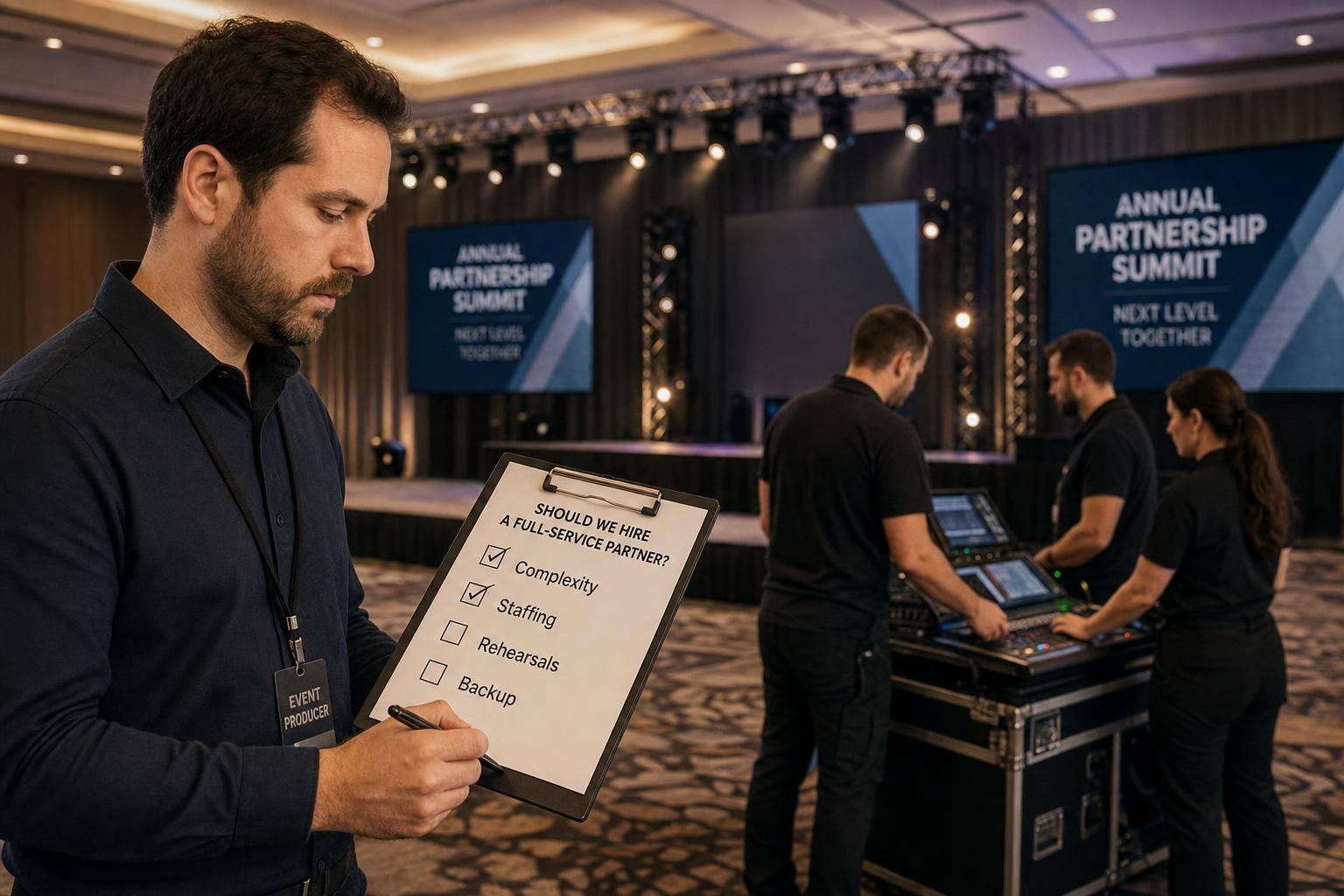
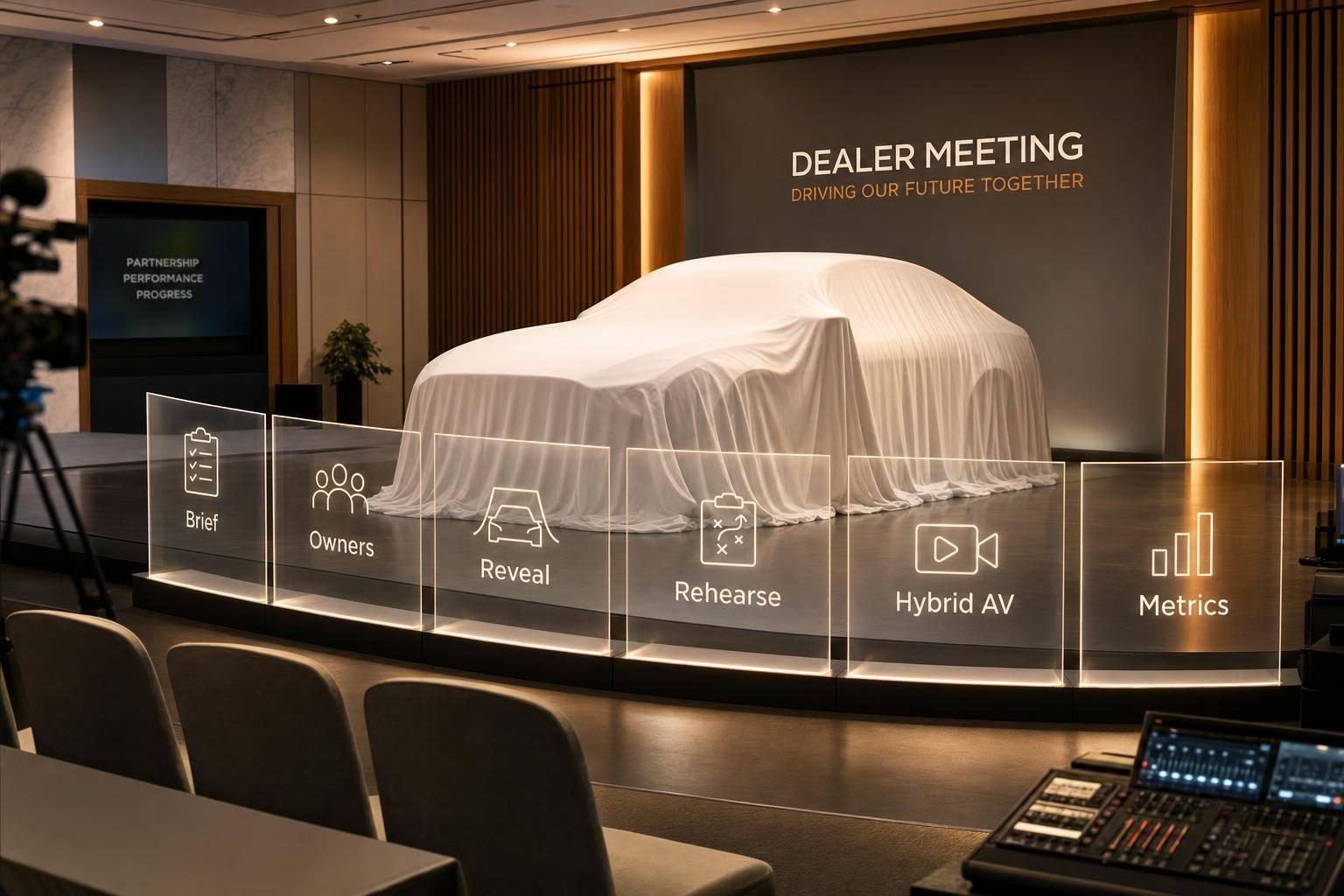
Too Many Vendors, One Corporate Meeting: How Corporate Optics Brings The Pieces Together.

Chief Executive Officer
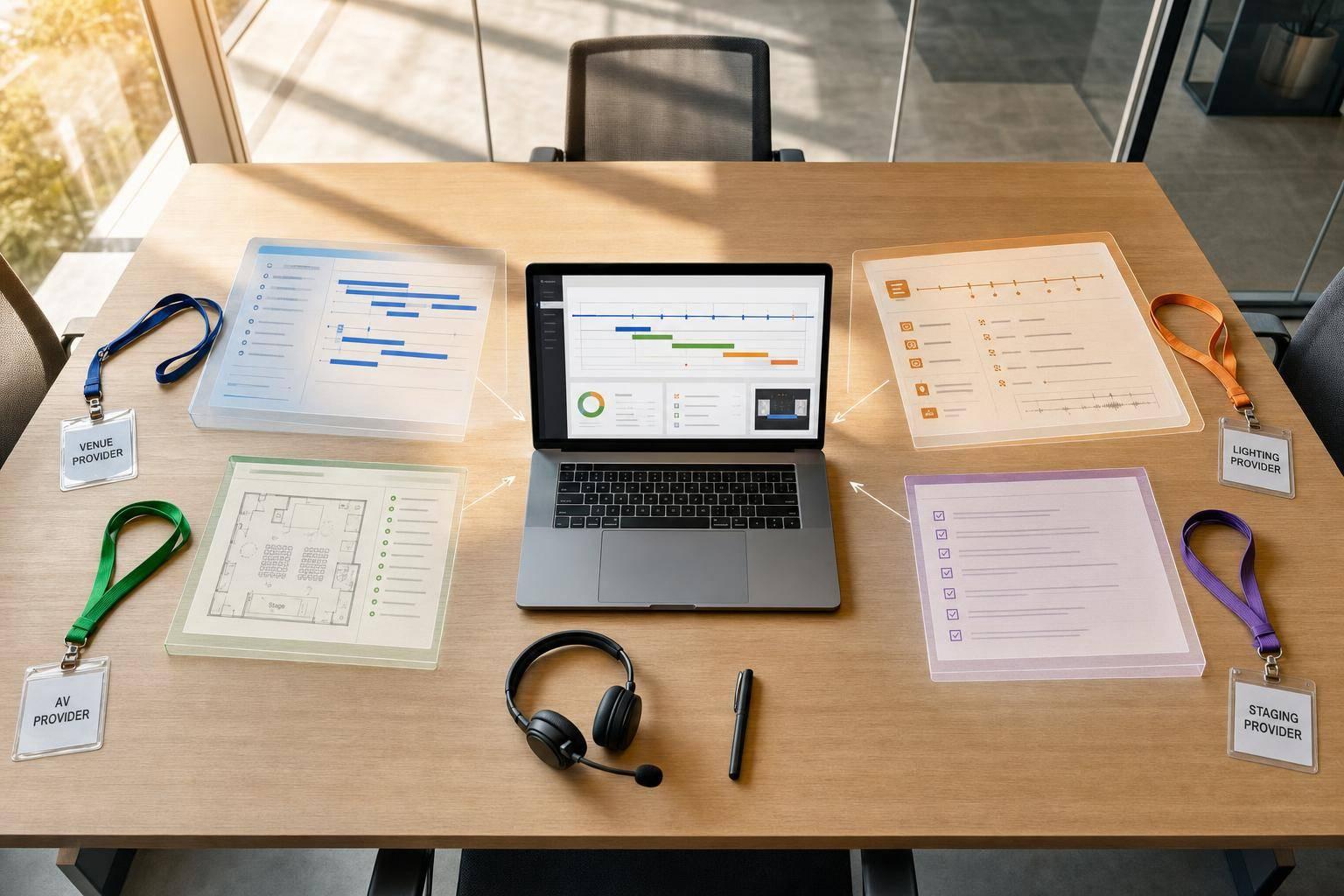
Most meeting problems don’t start with bad vendors. They start when no one runs the whole room.
From what I see in this article, the fix is simple: one lead, one schedule, one communication path, and one set of show-day documents. When AV, staging, lighting, streaming, venue staff, and speaker support all work from separate plans, small misses turn into late rehearsals, wrong files, cue errors, and extra labor. In a meeting with 10+ moving parts and tight setup windows, even a 30-minute delay can affect testing, presenter prep, and live start time.
If I boil the article down, it says you need to keep these areas tied together from the start:
- Vendor timelines
- Venue access and dock rules
- Rigging, power, and internet
- Content versions and approvals
- Signal flow and backups
- Rehearsals, cue calls, and room resets
- Load-in, show time, and strike
The core point is clear: multiple vendors can work fine if one team owns the handoffs between them. That means fewer delays, fewer missed cues, and a smoother experience for both in-room and remote attendees.
The AV Playbook Part 5: The Corporate Event Production Timeline
sbb-itb-ae35a94
Where Multi-Vendor Corporate Meetings Most Often Go Wrong
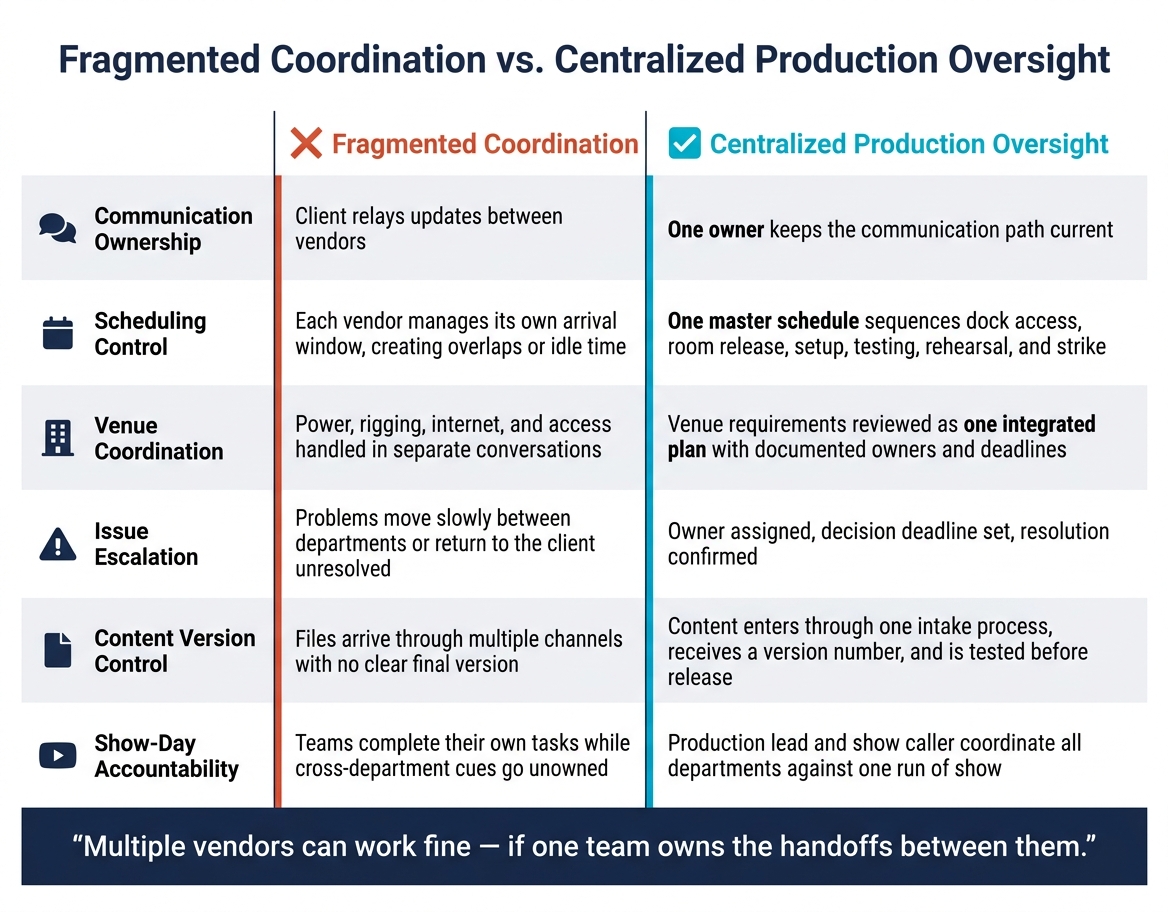
Fragmented vs. Centralized Event Production: What Changes When One Team Owns the Room
Misaligned Schedules and Late Venue Discoveries Cause Preventable Delays
It doesn't take much to throw off an entire setup day. Two vendors showing up at the same loading dock at the same time, with no one directing traffic, can start the slide fast. The same goes for a freight elevator reserved for the wrong hour, a staging crew arriving before the room is released, or a lighting team stuck waiting on truss work that isn't done yet.
Then the venue surprises hit. A truck that pulls in at 4:45 p.m. and learns the dock closes at 5:00 p.m. can turn into a next-day delivery or costly overtime. If rigging approvals are missing, overhead screens or lighting fixtures may need to be redesigned in the middle of installation. Each issue eats into the setup window. And once that window shrinks, rehearsal gets pushed back, leaving less time to test slides, microphones, confidence monitors, and remote-speaker feeds.
When the schedule starts slipping, the next weak spot tends to show up fast: the technical handoff.
Disconnected Technical Teams Create Show-Day Errors
Even if every vendor arrives on time, things can still break down at the handoffs. Audio, video, lighting, streaming, and presentation teams may each finish their part. But the miss often happens in the space between those parts.
A microphone assignment changes, and the audio team updates its patch list, but the show caller and presentation operator are still working from the first plan. A revised deck comes in during rehearsal, and the presentation operator loads it, while the playback team is still running the version used earlier. A remote speaker gets confirmed for the general session, but no one tests that feed through the actual room audio and streaming path.
These failures are predictable when no single person owns cue timing, signal routing, and content control.
Fragmented Coordination vs. Centralized Production Oversight
That gap is exactly what centralized production oversight is there to close.
| Operating Area | Fragmented Coordination | Centralized Production Oversight |
|---|---|---|
| Communication ownership | Client relays updates between vendors | One owner keeps the communication path current |
| Scheduling control | Each vendor manages its own arrival window, creating overlaps or idle time | One master schedule sequences dock access, room release, setup, testing, rehearsal, and strike |
| Venue coordination | Power, rigging, internet, and access handled in separate conversations | Venue requirements reviewed as one integrated plan with documented owners and deadlines |
| Issue escalation | Problems move slowly between departments or return to the client unresolved | Owner assigned, decision deadline set, resolution confirmed |
| Content version control | Files arrive through multiple channels with no clear final version | Content enters through one intake process, receives a version number, and is tested before release |
| Show-day accountability | Teams complete their own tasks while cross-department cues go unowned | Production lead and show caller coordinate all departments against one run of show |
The warning signs are usually pretty easy to spot. You might see multiple versions of the schedule floating around. Vendors ask the client the same question in separate threads. No one can say who owns a missed cue. Presenters get different rehearsal times from different teams.
That doesn't mean the vendors are bad at what they do. It usually means no one is in charge of tying the whole meeting together.
How Corporate Optics Builds One Operating Plan for the Entire Meeting
Corporate Optics closes that gap with one operating plan for AV, staging, lighting, streaming, venue operations, and show flow. Here’s what that looks like in practice.
One Production Lead Connects Departments, Decisions, and Deadlines
The first step is simple: set clear ownership. Corporate Optics assigns one primary production lead, then names department owners for AV, staging, lighting, content, streaming, venue operations, and logistics. That framework also lists client decision-makers, venue contacts, vendor leads, final approvers, and anyone who needs to review changes before they move forward.
Each group has a defined role. The client’s communications lead approves presentation content. The technical director signs off on signal flow and equipment changes. The venue approves rigging and power plans. The show caller runs live cues. Deadlines are then tied to each key item, including speaker information, final presentations, graphics, room diagrams, and technical specifications, so the plan keeps moving as the event gets closer.
"Every time we work with Corporate Optics, we know we're in good hands. Their attention to detail and ability to adapt to challenges is unmatched." - Ed D., Senior Managing Director, Chief Operating Officer
That same level of planning carries into the venue layout and the technical setup.
Venue, Logistics, and Technical Requirements Are Planned as One
A lot of event problems start when venue logistics and technical design are handled in separate tracks. Corporate Optics brings both together from day one. During the site review, the team documents dock access, freight elevator dimensions, move-in and move-out windows, labor rules, room size, ceiling height, rigging points, power, internet, front-of-house placement, camera positions, cable paths, audience flow, and room-changeover needs.
That matters because equipment should only be ordered after access, power, rigging, and traffic flow are confirmed. Otherwise, one small oversight can turn into a long day on site.
Those physical limits directly shape technical choices. For example, putting front of house at the back of a ballroom may give operators a better view of the room. But it can also mean longer cable runs, more ramps, different camera angles, and new traffic patterns for staff and guests. By tying those dependencies together early, Corporate Optics helps teams avoid last-minute redesigns that can slow setup and add labor costs.
All Changes Flow Through One Documented Communication Path
Changes happen. A speaker gets replaced, a session runs long, or a remote participant joins late in the process. The real problem isn’t the change itself. It’s when that update reaches show day and half the team hasn’t heard about it.
Corporate Optics sends every proposed change through one documented review path before approval. Each request spells out what changed, who approved it, when it takes effect, and which departments need to respond. That keeps updates from getting lost in email threads or casual side conversations.
Say a keynote speaker is replaced. That one shift can affect a lot:
- biography slides
- microphone or confidence-monitor needs
- camera framing
- lower-third graphics
- remote connection testing
- rehearsal timing
Once each owner confirms the change will work, the team adds the revision to the master documents and shares it as the current version. Those approved updates then carry into the master schedule and the show documents used on site.
The Documents and Systems That Keep the Meeting on Track
Once changes get approved, they move into the documents that keep every vendor working from the same plan. These are the day-to-day tools that run the meeting and help avoid load-in delays, version mix-ups, and missed cues.
Master Production Schedule and Responsibility Matrix
The master production schedule is the one timeline everyone works from. It covers load-in, setup, rehearsals, sessions, breaks, resets, and strike. Each line includes the date, time, location, task, dependency, owner, vendors, status, and approval deadline.
Dependencies need to be spelled out. The lighting team can’t finish focus until the rigging inspection is approved. The presentation operator can’t test playback until final files are loaded. The streaming team can’t run an end-to-end check until the venue’s dedicated internet connection is live. Put those links into the schedule, and the full chain of events becomes visible to everyone.
Alongside the schedule sits a RACI responsibility matrix - Responsible, Accountable, Consulted, and Informed. It gives one accountable owner to each critical task, including:
- venue power
- wired internet
- rigging approvals
- microphones
- audio mixing
- presentation playback
- confidence monitors
- streaming
- recording
- room resets
- overtime authorization
That keeps ownership clear and helps stop show-day handoff gaps.
Technical System Diagram, Content Control, and Run of Show
The same plan also covers AV production design, including signal flow, content control, and cue timing.
The technical system diagram shows how every source connects to every destination. It maps how a presenter’s laptop feeds the presentation switcher, confidence monitors, room displays, recording system, and encoder at the same time. It also shows signal types, connection points, converters, power sources, network paths, and backup routes. When something goes wrong, this is the document vendors turn to first because it shows dependencies fast.
Content control works right beside it. Every deck, video, lower-third graphic, music cue, and playback asset gets a version number and approval status. Only approved files go onto the primary and backup playback systems. There’s also a pre-show content freeze. If someone asks for a change after that, it goes through a documented review. That matters because a last-minute slide swap can eat up rehearsal time and add labor costs.
The run of show is not the same as the master schedule. The schedule covers the full work period from load-in through strike. The run of show focuses on guest-facing moments and calls out high-risk transitions that need advance rehearsal. That might include a speaker-to-video handoff, a remote presenter joining live, or a room change. Those moments get rehearsed ahead of time so no one is winging it on show day.
Contingency Planning for Live, Hybrid, and Recorded Meetings
Every critical failure point should have a documented response before the event starts. That includes:
- duplicate playback files
- spare wired and wireless microphones
- a backup laptop
- a preconfigured encoder
- secondary connectivity
- printed run-of-show copies
Hybrid meetings add pre-event tech checks, backup join instructions, and a fallback communication channel. Recorded meetings use a primary recording plus a separate local backup. When contingencies are documented before load-in, unplanned internet, labor, equipment, or schedule changes are far less likely to turn into surprises.
Those documents move straight into load-in, rehearsal, show time, and strike.
From Load-In to Strike: What Clients Get From Centralized Oversight
Documents help, but they only work when one team uses them on site and keeps everyone aligned.
On-Site Control Through Setup, Rehearsal, Show Time, and Teardown
A plan on paper is one thing. Show-day execution is another. That’s why Corporate Optics puts a production lead on site from the first truck arrival to the final venue turnover.
During load-in, vendor arrivals are staggered to protect dock access, freight elevators, storage areas, and crew space. Installation follows the master schedule, so labor, power, rigging, and cable runs don’t collide. That sequencing helps avoid the same slowdowns and bottlenecks mentioned earlier - no staging crew stuck waiting for a room that hasn’t been released, and no lighting team blocked by rigging that still isn’t finished.
Technical testing also follows a clear sequence. Power and signal paths come first. Then come microphones and playback, screen and confidence-monitor layouts, lighting looks, presentation files, and remote contributors. If something isn’t working, it gets assigned to one owner and retested before rehearsal starts.
Speaker support happens at the same time. Files are version-checked, microphone fits are confirmed, and presenters are walked through stage entry, timing cues, and confidence-monitor use. That may sound small, but it saves a lot of stress once people are standing backstage with a live audience waiting.
When the show goes live, everything runs through one command path. A show caller coordinates audio, video, lighting, streaming, and stage management so cues stay on time and issues move through one channel. If something changes in the middle of the program, the production lead updates the run of show, alerts the vendors involved, and confirms the fix. The show log tracks delays, decisions, faults, and fixes in real time.
That same discipline carries into teardown. Systems power down in order. Recordings and content files are secured before gear starts moving. Screens stay in place until the stream archive is confirmed. Venue property is protected, rental inventory is checked, and the venue inspection is finished before the team leaves. Centralized oversight keeps strike in sequence, so one vendor doesn’t pull out something another team still needs.
Client Deliverables and Measurable Outcomes
These are the client-facing outputs of centralized control.
| Deliverable | What It Does on Show Day |
|---|---|
| Master production schedule and rehearsal plan | Sequences vendor arrivals, installation, testing, presenter call times, show time, and strike into one enforced timeline |
| Venue and logistics plan | Keeps dock rules, power, internet, labor, storage, and venue contacts in one confirmed reference |
| Floor plans | Shows stage, seating, screens, cameras, control positions, cable paths, and audience flow so setup decisions are made before load-in |
| Responsibility matrix and on-site staffing plan | Names one owner - Corporate Optics, the venue, the client, or a specialist vendor - for every critical task and every on-site role |
| Technical system diagram and streaming plan | Maps audio, video, lighting, power, networking, and backup signal paths, including remote participants and platform configuration, so faults are traced fast |
| Content tracker | Records file versions, approval status, and playback requirements so only confirmed files reach the room |
| Run of show | Connects agenda timing to live cues, speaker transitions, and media so the show caller runs from one current document |
| Contingency procedures | Puts replacement equipment, backup communications, and escalation contacts in place before show day so unplanned changes do not become delays |
| Post-event notes and analytics | Captures timing variances, incidents, attendance or engagement data, recording status, and recommendations |
The business impact is simple: fewer repeated calls and faster decisions. If a keynote moves from 10:00 a.m. to 10:30 a.m., the production lead updates the run of show, presenter call times, video playback, catering timing, streaming rundown, and vendor labor plan together. The client doesn’t have to pass the same update to the venue, staging team, AV team, lighting team, streaming team, and content team one by one.
For hybrid meetings, that coordination also covers remote attendees. Cameras, presentation playback, audio mixes, streaming, recording, platform operations, and backup procedures are handled as one system - not as a side task bolted on after the in-room plan is done. That’s what helps create a steady experience for both in-room and remote attendees.
Conclusion: One Production Partner Makes a Multi-Vendor Meeting Work
Multiple vendors aren’t the issue. The issue is when no one is connecting them.
If AV, staging, lighting, streaming, venue logistics, content, and show flow all run on separate timelines, with separate contacts and separate assumptions, gaps open fast. And on show day, those gaps don’t stay hidden.
Corporate Optics closes those gaps by owning the operating plan from the first planning call through final venue turnover. One production lead. One master schedule. One communication path. One set of documents every vendor works from.
That means fewer delays, fewer handoff errors, and a steadier experience for in-room and remote attendees.
FAQs
When should we bring in Corporate Optics?
Bring in Corporate Optics as early as you can so your event goals, venue needs, and technical requirements stay in sync.
For most events, 3 to 6 months in advance is the sweet spot. Larger or more complex conferences may need 6 to 18 months, while smaller meetings can sometimes come together in 6 to 10 weeks. Starting sooner also makes it easier to lock in availability and pin down the scope before venue deadlines hit.
What does the production lead handle?
The production lead oversees the meeting’s full technical execution and day-to-day coordination. They own the schedule and run of show, direct the onsite crew and call the show, and coordinate vendors and technical teams.
They also keep load-in, cues, speaker transitions, and the full show flow on track from pre-production through final strike.
How does centralized oversight reduce show-day risk?
Centralized oversight cuts show-day risk by reducing gaps and handoff mistakes that often happen when separate vendors work in silos. When AV, staging, lighting, and streaming are all guided by one production lead, every team works from the same plan.
That setup also makes backup planning much easier before the event. Then, on show day, a dedicated show caller runs cues in real time, keeps transitions smooth, and shares last-minute changes across teams right away.
Related Blog Posts
- Great Production Companies For Meeting Planning And Run-Of-Show Management
- Why Corporate Optics Is A Leading AV Production Team To Run An Annual Meeting Or Corporate Conference.
- In Need Of A Production Company With Creative Help? Why To Reach Out To Corporate Optics Today.
- 3 Production Companies Who Handle Venue Coordination And Conference Production For Large-Scale Conferences.



Streamline your workflow, achieve more

Lorem ipsum dolor sit amet, consectetur adipiscing elit. Maecenas ac velit pellentesque, feugiat justo sed, aliquet felis.



Lorem ipsum dolor sit amet, consectetur adipiscing elit. Maecenas ac velit pellentesque, feugiat justo sed, aliquet felis.