Corporate Optics: San Diego Conference Production For Sales Meetings And Product Launches.

Chief Executive Officer
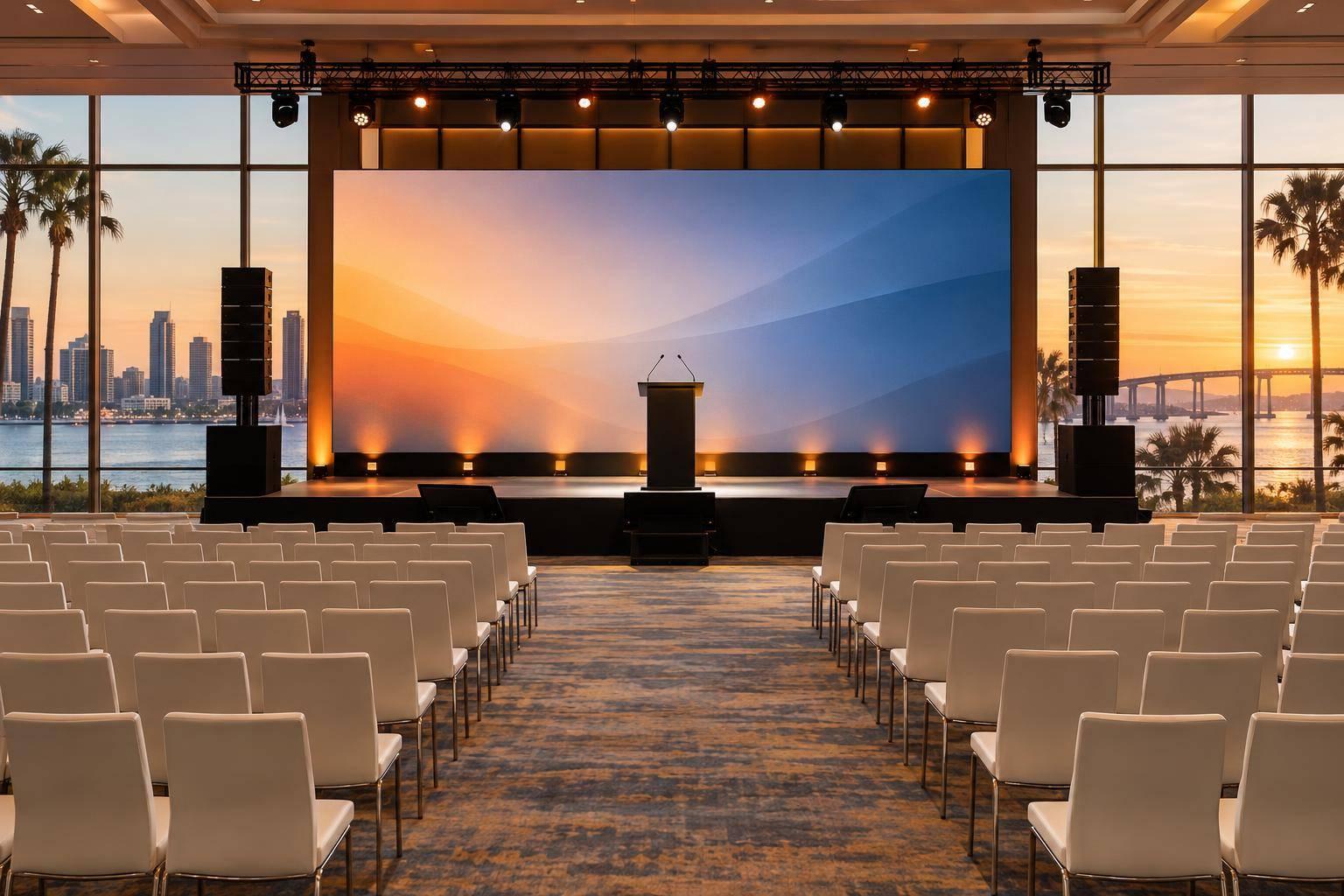
I’d plan a San Diego sales meeting around clear presentations - and a product launch around a tested demo and timed reveal. Before choosing equipment, check the venue’s sightlines, power, internet, and load-in access. For a launch, test the complete demo at least 24 hours before showtime and keep a prerecorded backup ready.
Corporate Optics brings meeting production services into one production plan. Here’s where I’d focus your scope and budget:
- Room and screens: Match audio coverage, display size, and product views to the audience.
- People and cues: Assign a show caller, rehearse speaker handoffs, and write down backup actions.
- Remote attendance: Budget separately for streaming, captions, cameras, and remote audio.
- Costs and delivery: Request an itemized quote in U.S. dollars covering equipment, crew, rehearsal, venue charges, overtime, taxes, and post-event files.
My rule: <u>fund clear audio, skilled crew, and tested backups first</u>. Add visual effects only after the show plan works.
1. Sales Meeting Production
Venue and Audience Fit
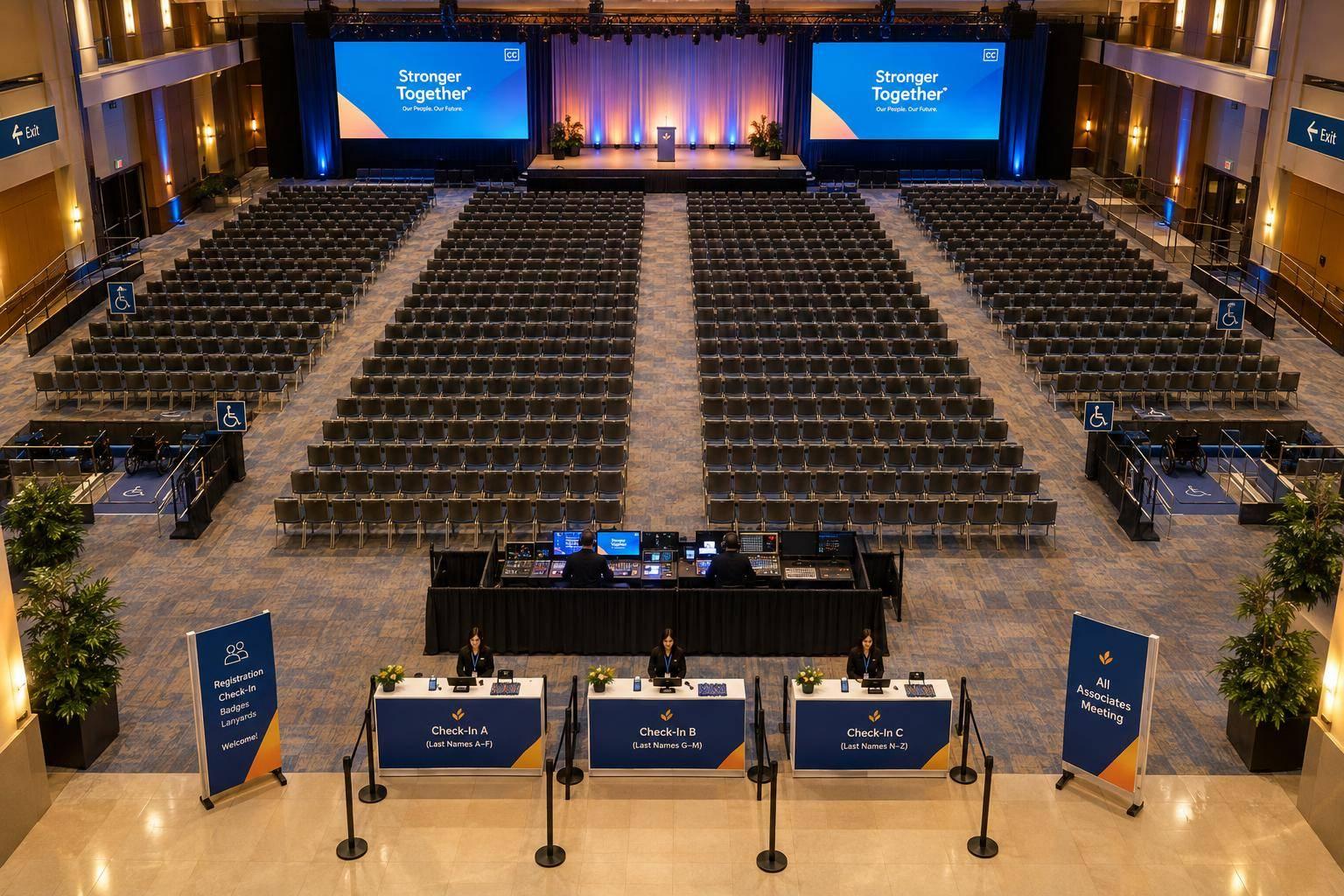
Plan each room separately. A general session and a breakout need different coverage - not the same equipment package. For simultaneous sessions, account for room resets, shared presenters, and each room’s audio and video needs.
Presentation Reliability
Include playback, displays or projection, lighting, microphones, and backups in the scope. Rehearse in the room so presenters can practice microphone use, monitor viewing, clicker timing, and stage movement. Test every file with the operators who will run it.
Show Coordination
Put one person in charge of speaker handoffs and audience questions. Use a microphone for audience questions so everyone in the room can hear them.
For hybrid sessions, provide a dedicated remote audio mix and assign a technician to handle chat, audience questions, and remote speaker handoffs. Include captioners, interpreters, and the streaming crew in cue review. List these tasks as line items rather than assuming they come with standard coverage.
Budget and Service Scope
Separate required AV services from add-ons. The proposal should spell out equipment counts, crew hours, rehearsal access, load-in and strike times, overtime rates, and content deadlines.
Price multi-camera recording, livestreaming, scenic branding, and post-event editing separately. Put skilled crew, clear audio, backups, and rehearsal ahead of aesthetic extras. Product launches need the same discipline, with tighter control over demos and reveal timing.
sbb-itb-ae35a94
2. Product Launch Production
Product launches need tighter timing than sales meetings. The reveal and demo must happen on cue, without delays.
Venue and Audience Fit
Check that guests in the farthest seat can see the product. Record ambient light levels and rigging restrictions that could affect visibility. Projection can work in a darkened room. A large LED wall may be a better fit for bright spaces, but it usually needs more power, processing, and labor.
Demo Reliability
Use hardwired Ethernet with a dedicated internet connection separate from guest Wi-Fi. Have a backup laptop ready with the demo software installed, plus a prerecorded backup that follows the live demo sequence.
Test the complete demo at least 24 hours before showtime. Check logins, device pairing, audio, and screen output. Disable automatic updates before rehearsal and showtime.
Once the demo runs reliably, put the reveal into a single cue chain.
Show Coordination
Give the reveal its own cue sequence: lighting change, video playback, product lighting, reveal movement, and demo start. Assign one show caller to issue reveal cues and one person to confirm them.
Rehearse with the actual product, camera shots, and fallback plan. A failed activation shouldn't leave the presenter stalled onstage.
Budget and Service Scope
Require a scaled stage plan, signal-flow diagram, network plan, and written fallback for both the reveal and demo. Use 20%–28% of the total event budget as a planning benchmark for launch AV and technical support.
Confirm venue internet bandwidth, rigging, and labor charges before approving effects that rely on those services. Price the reveal around its technical requirements - not just how it looks.
Presentation and Demo Systems: Requirements, Pros, and Cons
Choose the system around the event’s goal: sales meetings need clear presentations; product launches need reliable demos. For each San Diego venue space, document seat count, sightlines, power, and access routes. Use the room plan to set screen size, camera positions, and cable paths, accounting for load-in access. Check screen readability from the back and sides - not just from the technician’s position. Then use the run of show to assign who cues the system and when.
Use this chart to match the session format, display type, and support level to the room.
| Session format | Core AV requirements | Advantages and risks |
|---|---|---|
| Keynote or sales kickoff | Branded stage, lectern, confidence monitors, audience screens, wireless microphones, slide operator | Centralized control; speaker changes and dense cue sequences need rehearsal |
| Leadership meeting | Discreet branding, tabletop microphones, confidence monitor, simple cueing, direct speaker support | Helps keep discussion focused; late content changes complicate control |
| Multi-track training | Matching room kits, consistent screen layouts, presenter computers, clickers, audience microphones, room technicians | Repeatable workflow; simultaneous transitions strain support |
| Breakout | Compact display, reliable presentation input, basic microphone or room audio, local support | Simpler operation; small screens can limit visibility |
| [Hybrid | Switcher, camera package, return audio, captions, network checks | Serves both audiences; latency and return-audio faults require testing](https://www.corporateoptics.com/blog/hybrid-meeting-planning-best-practices) |
Match the display to reading distance, ambient light, and content detail. Leave room for captions, and keep labels and product details clear of overlays.
| Display | Pros | Cons and checks |
|---|---|---|
| Projection | Large image in controlled light | Needs a clear beam path, lens planning, and screen clearance |
| LED wall | Performs well in bright rooms; no projector throw distance | Needs more power and processing; check pixel pitch, structural loads, and camera-scan artifacts |
| Flat-panel display | Straightforward setup for close viewing | Limited image size; check glare and side-angle visibility |
To keep the demo and reveal in sync, specify close-up product cameras, a demo table or riser, a dedicated operator, switching, demo audio, and product lighting.
| Demo format | Pros | Cons and operating needs |
|---|---|---|
| Live | Interactive; responds to questions | Variable timing and product dependencies; needs rehearsed recovery language |
| Prerecorded | Controlled framing, pacing, and sound | Less interactive; footage must stay current |
| Hybrid | Controlled core sequence with live interaction | Needs more switching and synchronization; clearly identify prerecorded material |
Plan for tested adapters, stable power, backup playback, spare inputs, replacement microphones, and fallback cues, with one named decision-maker. Request technical and screen-layout plans, an equipment list showing input types and responsibilities, a demo signal-flow diagram, and speaker briefings. Keep files in a version-controlled repository, with local copies of all media.
Build technical integration, speaker practice, and a full backup run-through into the conference event production rehearsal schedule before assigning these systems to a cue-by-cue run of show.
Show Coordination: Planning, Rehearsal, and Live Execution

Conference Production Workflow: Sales Meetings vs. Product Launches
Once you design AV production for the event, the focus moves from choosing equipment to controlling cues.
Assign one production owner, one show caller, and one stage manager. Hold a production meeting 48–72 hours before the event to confirm cue labels, contacts, responsibilities, and contingency actions.
| Phase | Sales meeting deliverables | Product launch deliverables | Responsible roles | Acceptance checks |
|---|---|---|---|---|
| Pre-production: agenda | Final agenda, cue order, speaker schedule | Reveal cue chain, demo script, camera plan, redundancy plan | Production lead, client lead, show caller | Agenda approved; every segment has an owner and duration |
| Pre-production: technical design | Stage, audio, video, and lighting plot | Reveal routing, demo routing, and camera framing | Technical director, audio, video, lighting | Venue access, power, sightlines, and signal paths confirmed |
| Load-in and testing | Tested presentation system and speaker controls | Tested reveal, demo, camera, and streaming systems | Technical director, department leads, venue team | Every source and output tested from show position; unresolved faults have an owner and deadline |
| Rehearsal | Timed handoffs, audience questions, executive substitutions | Rehearsed reveal, demo recovery, and camera cuts | Show caller, stage manager, presenters, operators | Cue-to-cue and full run complete; actual durations recorded; fallback works |
| Live show | Clean transitions, timekeeping, audience microphone coordination | Synchronized reveal, music, lighting, cameras, and stream | Show caller and technical departments | Critical cues acknowledged; changes and faults logged |
| Post-event and strike | Secured recordings and presentation files | Verified launch recordings, demo assets, cue logs | Production lead, technical director, venue and client leads | Safe strike complete; inventory reconciled; content delivery agreed |
Turn that plan into a cue-by-cue run of show, then rehearse what happens when something fails.
The run of show should be a working cue sheet - not a summary. Include the cue number, time, duration, speaker, stage action, exact filename, microphone assignment, source, lighting state, operator notes, and backup action. Give entrances, slides, videos, music, reveals, and livestream transitions explicit standby and execution calls. Record actual timings and deviations in this same master document.
Give each department a cue owner, a communication channel, and clear authority to pause the show. Separate playback and switching duties when simultaneous cues require it. Assign responsibility for presenter prep. Before doors open, confirm that every crew position can use the communication channel and acknowledge critical cues. These checks keep speaker flow clear for sales meetings and reveal timing locked for product launches.
Complete file checks on the show playback system, including fonts, embedded media, audio, and presenter controls. Rehearse missed entrances, failed microphones, frozen slides, unavailable videos, lost internet, and remote-speaker failures. For sales meetings, time speaker handoffs and audience questions. For launches, rehearse reveal timing, camera cuts, and failed-demo recovery. Update the schedule using measured rehearsal times rather than asking presenters to make up lost time during the show.
After the final cue, move straight to file security, inventory, and strike. Before teardown, verify that recordings have closed safely and client files are secured. Follow approved strike safety procedures and reconcile equipment before venue sign-off. Before the show, list every client deliverable - including recordings, presentation files, and demo assets - with its recipient, format, and due date.
Budget, Service Scope, and Final Recommendations
Once the cue plan is set, the budget determines how much control, coverage, and backup the event can support.
Cover the basics before spending on visual impact. Budget first for speech reinforcement, wireless microphones, presentation control, room-sized screens, staging, basic lighting, crew labor, rehearsal, safety, and backup gear. Treat the tiers below as planning guides, not fixed packages.
| Scope | Sales meeting priorities | Product launch priorities |
|---|---|---|
| Lean | Clear presentations: main screen, slide control, confidence monitor, small stage, one technician, and brief rehearsal | Same baseline, plus tested demo inputs, product lighting, and backup demo playback |
| Standard | Multiple screens or scalable LED, more speaker support, separate operators, recording, and breakout support | Demo technician, close-up camera, product lighting, branded scenery, redundant playback, and technical rehearsal |
| Large launch or multi-room conference | Larger displays, multi-camera coverage, advanced lighting, multiple rooms, dedicated departments, and livestreaming when required | Larger staging, LED walls, scenic design, redundant demo systems, reveal cue team, and multi-camera livestreaming when required |
Pricing is custom. Costs depend on audience size, room size, access, power, rigging, internet, labor rules, rehearsal time, and simultaneous sessions. Ask for an itemized quote covering equipment, staffing, labor minimums, overtime, venue and infrastructure fees, transportation, load-in, rehearsal, show operation, strike, streaming, recording, contingency, and taxes. Before signing, get the technical assumptions, exclusions, cancellation terms, and change-order procedures in writing.
Tie spending on custom fabrication, broadcast production, engagement tools, extended recording, and analytics to a clear outcome: visibility, remote attendance, reusable training footage, or post-event insight. Only pay for measurement that supports a decision.
Use the planning bands below to match production scope to the room, audience, and event goal. They aren’t equipment rules. Even small groups may need larger systems because of sightlines, demo detail, or remote attendance. For sales meetings, put presentation clarity and control first. For launches, focus on demo reliability and reveal timing.
| Event profile | Recommended AV and support | Streaming and staffing | Venue and risk controls |
|---|---|---|---|
| Internal sales meeting; hotel room; up to about 100 attendees | Compact PA, switcher, confidence monitor, main screen, wireless microphones, small stage, and front lighting | One show tech and one A/V operator may suffice; stream for remote attendees; measure only a defined participation goal | Check acoustics, access hours, power, internet, and house fees |
| Sales kickoff or demo launch; ballroom; approximately 100–300 attendees | Scalable PA, dual displays or LED, demo inputs, close-up camera, confidence monitors, branded stage, and product lighting | Show caller, audio engineer, video operator, and camera operator; recording or streaming to match deliverables | Venue survey, approved cable paths, technical rehearsal, backup presentation system, and tested internet |
| Large launch or multi-room conference; more than 300 attendees, remote audience, or high-visibility reveal | Large-format displays, redundant switching, multi-camera coverage, larger staging, layered lighting, confidence monitors, and breakout AV | Streaming team, encoder backup, room technicians, moderator, and recording crew as required | Approve rigging, electrical distribution, internet paths, load-in schedule, labor minimums, accessible routes, emergency procedures, and backup signal paths |
FAQs
How early should I book conference production in San Diego?
Bring the production team into brainstorming and venue selection, ideally before you sign a venue contract. This gives them time to conduct site surveys that account for rigging, room acoustics, and technical requirements.
For events with 500 to 3,500 attendees, book 4 to 6 months ahead. Allow 8 to 16 months for complex logistics, custom scenic work, or large-scale requirements. For smaller, single-day events, book at least 6 to 10 weeks ahead.
Can Corporate Optics coordinate with my venue’s AV team?
Yes. Corporate Optics works with your venue’s AV team. If the venue requires an in-house provider, Corporate Optics manages that team rather than replacing it to ensure its work meets your established technical standards.
Before the event, documented site surveys and venue assessments confirm power limits, rigging points, and access to house systems. These findings shape a master production brief that aligns every production element with your presentation goals.
How can I reduce production costs without risking reliability?
Bring your production partner into venue selection early. They can flag issues like limited power or poor acoustics before those problems become expensive. Ask for an itemized quote to spot savings, and put technical support and audio quality ahead of decorative extras.
If the room setup allows, use projection instead of LED walls. Set aside 10% to 30% of your budget for unexpected needs so they don’t disrupt your core budget or event quality.
Related Blog Posts
- Leading Companies To Work With For Full Conference Production
- Have A Multi-Day Conference To Plan? Let Corporate Optics Be Your AV Conference Technical Production Partner (And Why We’re Your Best Choice!)
- Corporate Optics: Orlando's AV Partner For Conference And Meeting Production.
- Why Event Planners Choose Corporate Optics For Orlando Sales Kickoffs And Annual Meetings.



Streamline your workflow, achieve more

Lorem ipsum dolor sit amet, consectetur adipiscing elit. Maecenas ac velit pellentesque, feugiat justo sed, aliquet felis.



Lorem ipsum dolor sit amet, consectetur adipiscing elit. Maecenas ac velit pellentesque, feugiat justo sed, aliquet felis.