Experienced Event Production Companies For Presenter Teleprompter Support & Conference Production.

Chief Executive Officer
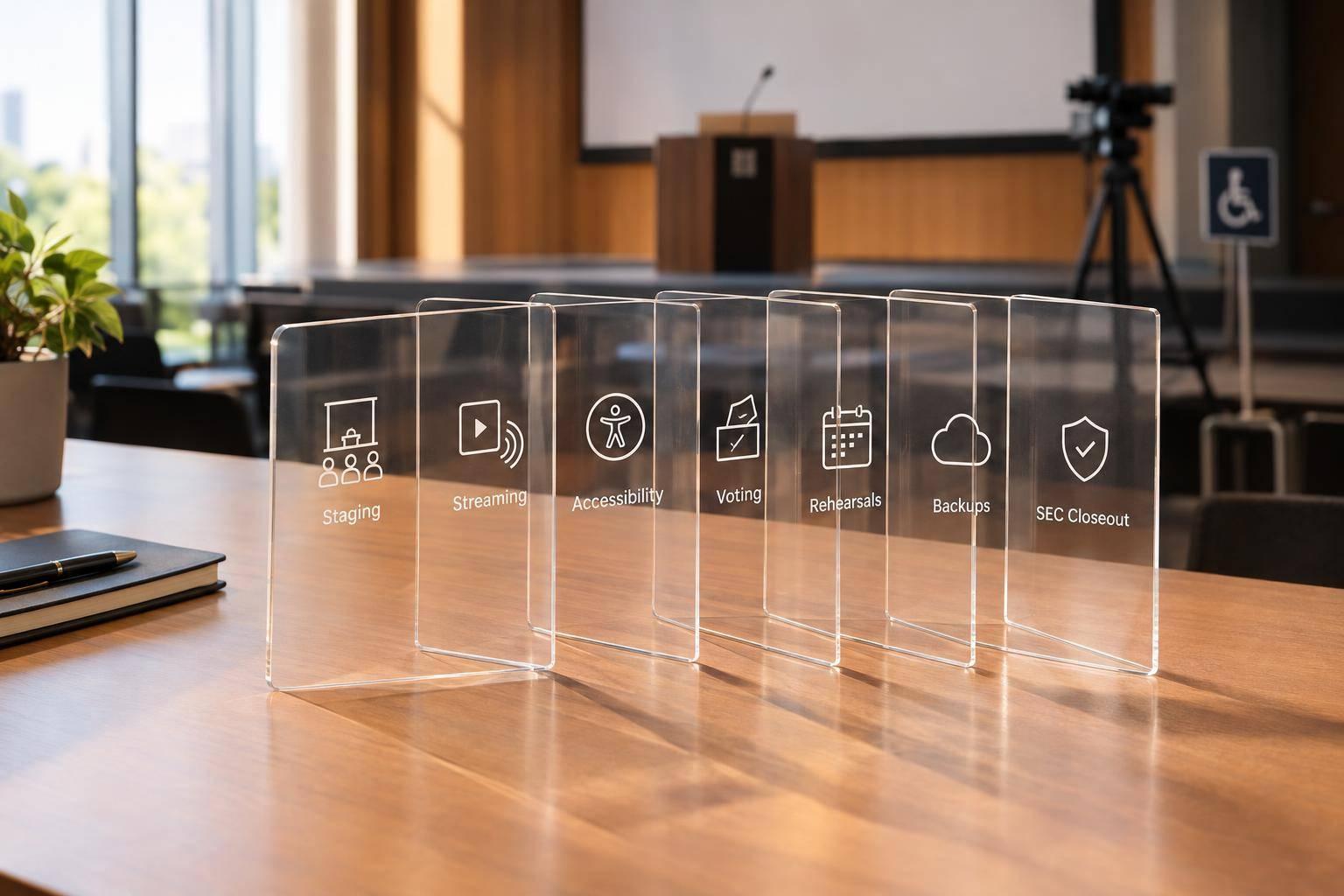
A live conference can slip off schedule in under 60 seconds if scripts, cues, and AV are not tied together. My main takeaway is simple: teleprompter support works best when it is built into conference production from the start, not added later.
If I were planning this kind of event, I’d focus on a few things first:
- One team handling script flow, cueing, AV production, and backups
- Rehearsals that test timing, graphics, walk-ons, and scroll speed
- Confidence monitors and teleprompter gear placed for stage sightlines and camera shots
- Dedicated crew roles like show caller, stage manager, TD, and EIC
- Backup paths for signal, playback, and power
That setup helps speakers stay on pace, keeps eye contact more natural, and lowers the chance of missed cues. It also cuts vendor mix-ups, which matter even more in hybrid sessions and multi-room agendas.
In short, I’d judge any production partner on one thing: can they run scripts, screens, speakers, and backups inside one clear workflow? If the answer is yes, the show is far less likely to drift off track.
How Conference Prompter Works
sbb-itb-ae35a94
What Experienced Event Production Companies Provide For Teleprompter Support
Conference Production Crew Roles & Responsibilities for Teleprompter Support
Script Formatting, Version Control, and Rehearsal Support
Experienced teams do more than load text into a teleprompter. They format the script, track revisions, and make sure the speaker, operator, and show caller are all using the same final copy. That matters because even a small mismatch can throw off timing on stage.
Rehearsals help tie that script to the run-of-show. They give the crew time to line up live cues, test graphics and playback, and check how speaker movement fits with what is happening on screen. For the teleprompter operator, that prep creates a clean, stable script to work from during rehearsal and show time.
Confidence Monitors, Teleprompter Hardware, and AV Integration
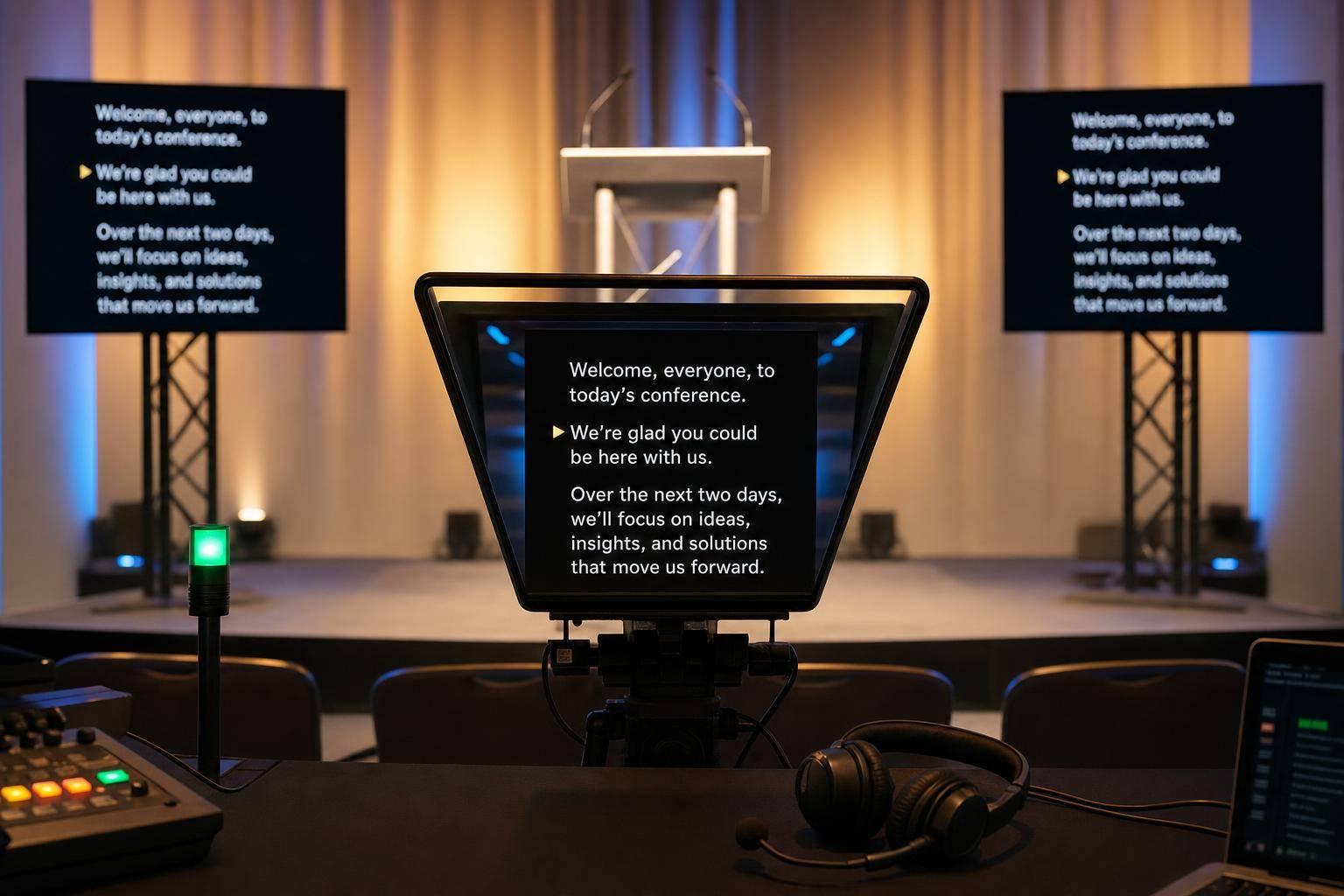
Strong event teams also tie confidence monitors, teleprompter hardware, and video routing into the full AV system. The goal is simple: help presenters stay on pace while keeping natural eye contact with the audience.
For hybrid events, that setup can also support remote presenters through return video. In plain English, speakers joining from another location can still follow prompts and stay in sync with the show.
Operator Coordination, Speaker Cueing, and Backup Systems
Teleprompter gear by itself won't keep a live show on track. The AV teams leading the production matter just as much. The teleprompter operator works closely with the show caller and stage manager so cues, walk-ons, and transitions hit at the right moment.
Good teams also plan for problems before they happen. That includes backup signal paths and backup power systems, so one issue does not derail the show.
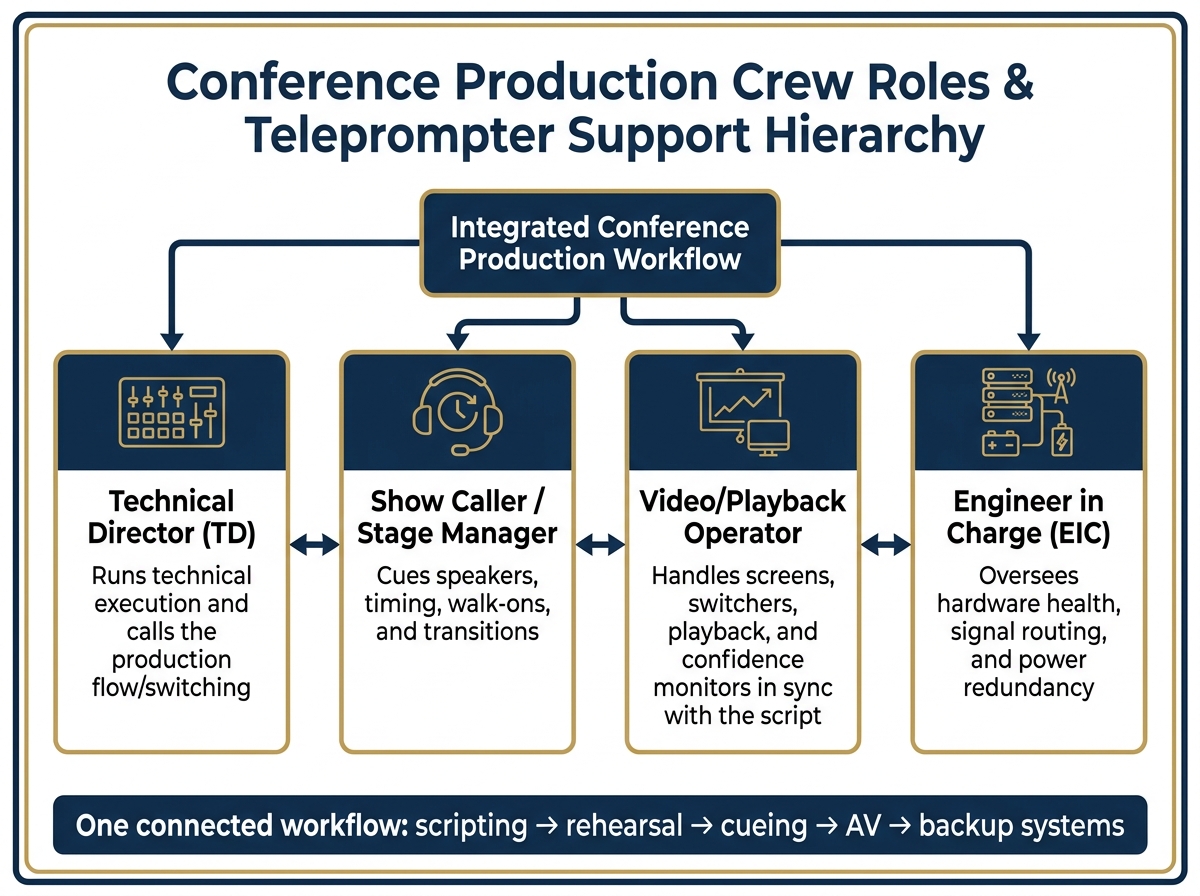
| Crew Role | Primary Responsibility in Teleprompter/Show Support |
|---|---|
| Technical Director | Runs technical execution and calls the production flow/switching |
| Show Caller / Stage Manager | Cues speakers, timing, walk-ons, and transitions |
| Video/Playback Operator | Handles screens, switchers, playback, and confidence monitors in sync with the script |
| Engineer in Charge (EIC) | Oversees hardware health, signal routing, and power redundancy |
How These Services Improve Conference Outcomes
Better Delivery Across Keynotes, Panels, and Multi-Room Agendas
You can see the difference right in the room. When teleprompter support is built into production, presenters stay on message once they step on stage. Executive speakers can focus fully on what they want to say because the technical team handles cueing and timing. Confidence monitors can display scripts, notes, and timing without forcing speakers to break eye contact.
That matters just as much in panel sessions and moderated discussions. Clear cues help moderators move cleanly from one speaker to the next, without awkward pauses or missed handoffs. In multi-room conferences, aligned production keeps each room tied to the same run-of-show, so the event feels coordinated instead of stitched together.
Less Vendor Friction and More Predictable Show Control
When teleprompter support, AV, and content management are split across separate vendors, small gaps can turn into big problems. Script changes may fall out of sync. Cues can get missed when the show caller isn't working from the same system as everyone else.
Full-service event production companies provide a single integrated team that cuts down that friction. When audio, video, and teleprompter support operate inside one shared workflow, script changes are updated once, and cues reach each operator at the same time. The result is tighter timing, fewer errors, and a smoother conference from start to finish.
That level of control depends on teleprompter support being handled as part of the full conference production plan.
How Corporate Optics Integrates Teleprompter Support Into Full Conference Production
Speaker Support Within End-To-End Event Production
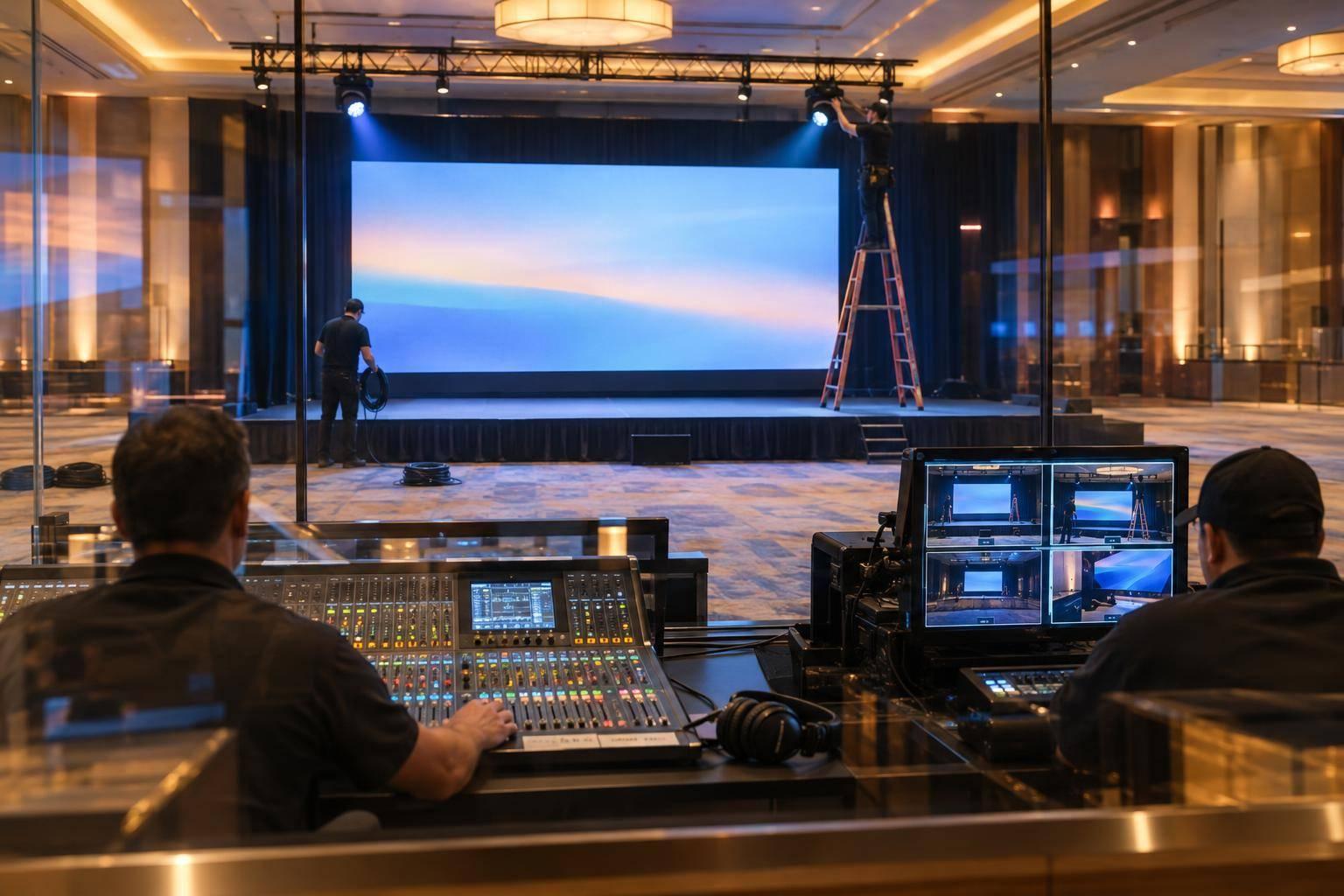
Inside a live leadership conference, this workflow is built to work as one system. Corporate Optics weaves teleprompter support into agenda planning, stage layout, AV, and on-site logistics from the very start. That early coordination gives the team time to place confidence monitors and teleprompters based on sightlines and camera blocking before load-in.
Production Design, Staffing, and Technical Coordination
On show day, each role has a clear job. Show callers handle cues, technical directors keep the show lined up with the script, and stage managers make sure speakers are ready backstage.
Rehearsals cover camera blocking, scroll speed, and graphics playback. That way, executives can get comfortable with pacing and sightlines before showtime. In multi-room conferences, Corporate Optics extends the same setup across breakout rooms with matched AV, projection, and teleprompter support, which helps keep cues and pacing in sync from room to room.
That backup planning helps the show keep moving when conditions on the floor shift. And to keep the workflow steady under pressure, Corporate Optics adds failover to signal routing and playback so teleprompter feeds stay live if the main path goes down.
Workflow Efficiency With prompts.ai Support
On the prep side, Corporate Optics works with prompts.ai to make script prep, formatting, and production communication smoother.
Conclusion: What To Look For In Teleprompter and Conference Production Support
A clean conference comes down to one connected workflow: scripting, rehearsal, cueing, AV, and backup systems all need to work in sync.
Key Takeaways For Planning A Lower-Risk Live Event
What matters most is how well those parts come together on show day.
One of the clearest signs of a capable production partner is a single point of accountability. When one team owns show control from creative intent through technical execution, issues are far more likely to get caught before the event starts. Ask any partner you're considering for a sample run-of-show. A minute-by-minute plan is a strong sign of disciplined planning.
Redundancy matters, especially for keynotes, hybrid sessions and multi-camera streaming, and other live presentations. You should ask for tested backup paths for signal, power, and connectivity. If one link fails, there needs to be another ready to go. That's not extra caution. It's smart event planning.
Rehearsal time is where speaker confidence and show timing get locked in. Camera blocking, graphics checks, and speaker cueing aren't nice-to-haves. They're part of the job.
It also helps to look for dedicated crew roles. Cleaner timing, fewer on-stage mistakes, and better show control depend on show callers, technical directors, and Engineers in Charge staying in their lanes.
That’s what turns teleprompter support into lower-risk, smoother conference production.
FAQs
When should teleprompter support be added to conference planning?
Bring in teleprompter support during the initial planning phase, ideally when you're choosing the venue. Getting that support involved early gives the production team time to check the room, power access, and connectivity needs before they turn into last-minute problems.
It also makes it easier to build the run of show, schedule rehearsals, and line up teleprompter support with the rest of the audiovisual setup. That means fewer surprises on event day and more confident, prepared speakers.
What crew roles are essential for teleprompter-supported events?
Essential roles usually include:
- a dedicated teleprompter operator to handle script scrolling and timing
- a show caller or production manager to manage cues and run-of-show coordination
- audio, lighting, and video specialists to support confidence monitors, signal routing, and on-stage AV integration
For high-stakes events, stage managers and presenter coaches can also help with rehearsals, green room flow, and speaker readiness.
How do backup systems protect a live conference?
Backup systems keep a live conference running by building in redundancy and planning for things that can go wrong. For example, hot-spare signal paths can switch over on their own if a cable fails, which helps prevent awkward dropouts during a keynote.
Teams also lean on backup power, dual-path streaming or broadcast pipelines, and spare gear such as microphones, laptops, and internet connections. Just as important, clear signal-flow documentation gives the crew a map to work from, so they can sort out problems behind the scenes without throwing off the presenter or the audience.
Related Blog Posts



Streamline your workflow, achieve more

Lorem ipsum dolor sit amet, consectetur adipiscing elit. Maecenas ac velit pellentesque, feugiat justo sed, aliquet felis.



Lorem ipsum dolor sit amet, consectetur adipiscing elit. Maecenas ac velit pellentesque, feugiat justo sed, aliquet felis.