Corporate Event Production In Denver, Colorado: How Corporate Optics Supports Leadership Conferences

Chief Executive Officer
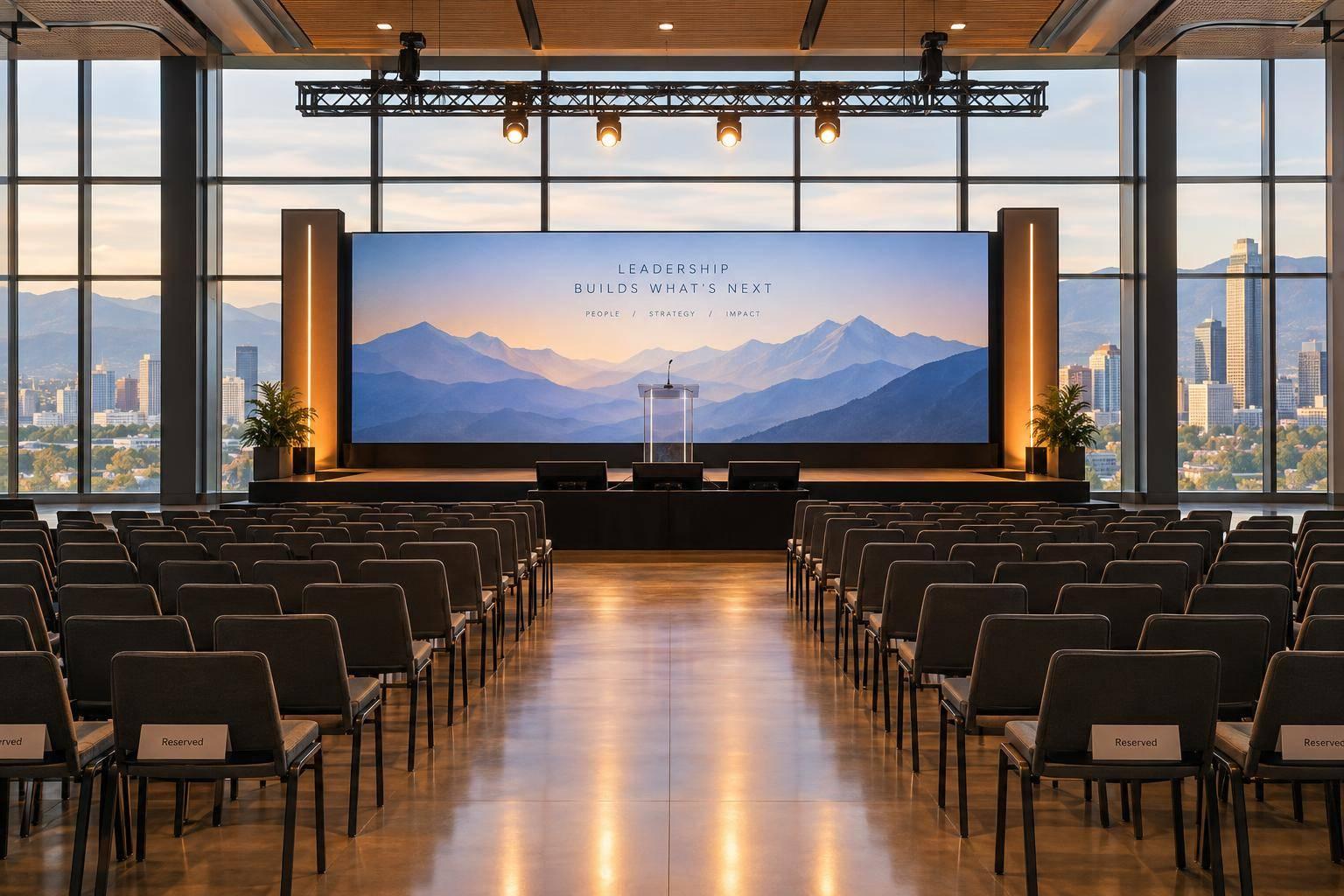
My starting point for a Denver leadership conference: define the message, then plan the production. Before booking Corporate Optics, I’d share your venue, dates, agenda, audience size, presentation needs, and budget - and request a written scope.
The article suggests starting venue and design reviews 8–12 weeks out, with timing based on the event’s scope. I’d use that planning window to:
- Align staging, sound, lighting, and video with your executive speakers and room.
- Set presentation deadlines, test playback, and rehearse speaker handoffs.
- Assign crew roles, session cues, and backup plans.
- Confirm live support for in-room and remote attendees.
- Agree on recording delivery, content permissions, and post-event review.
My booking rule: <u>put responsibilities and deliverables in writing</u>. Live streaming doesn’t automatically include recordings or reporting.

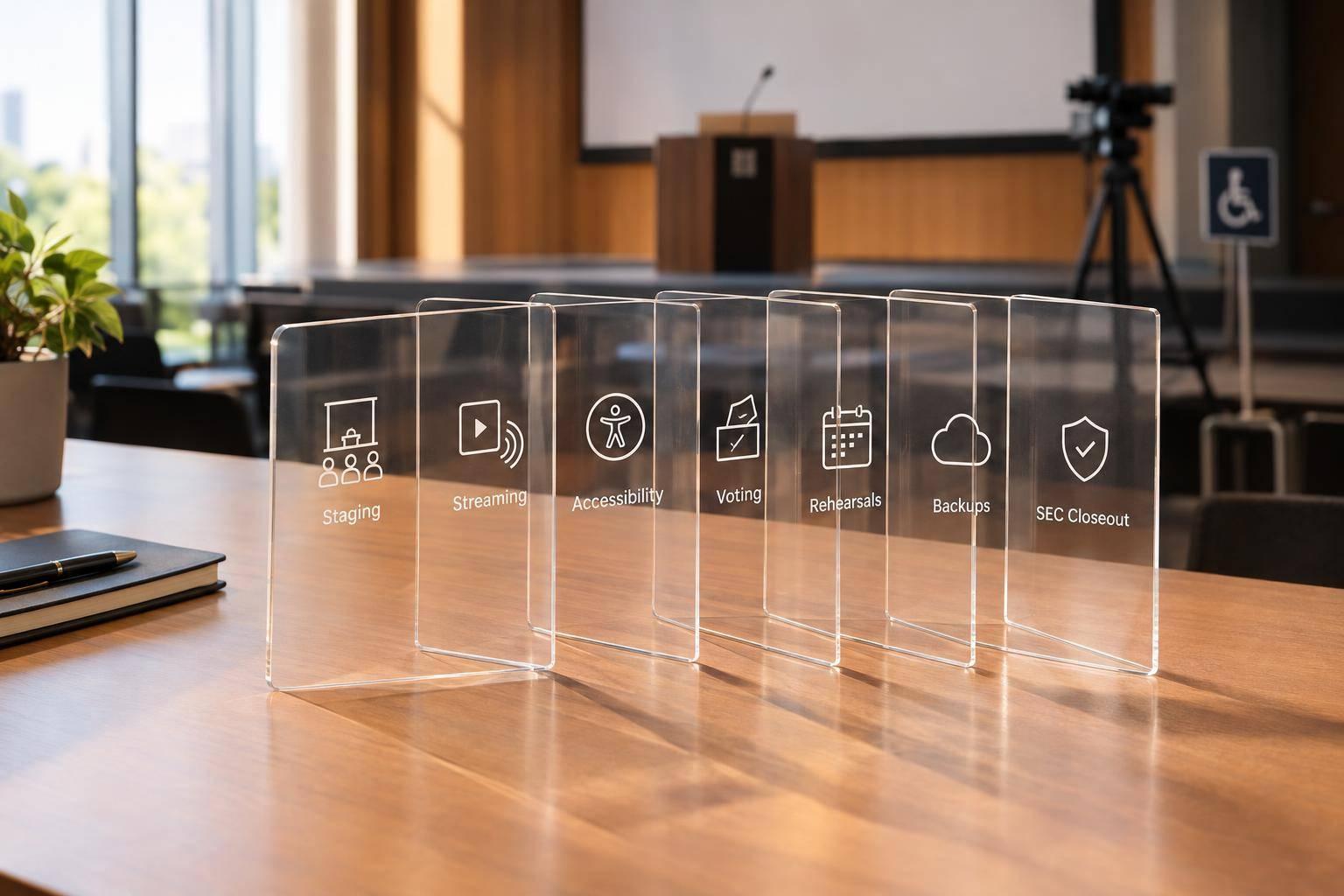
Denver Leadership Conference Production Workflow
Design the Stage and AV Systems
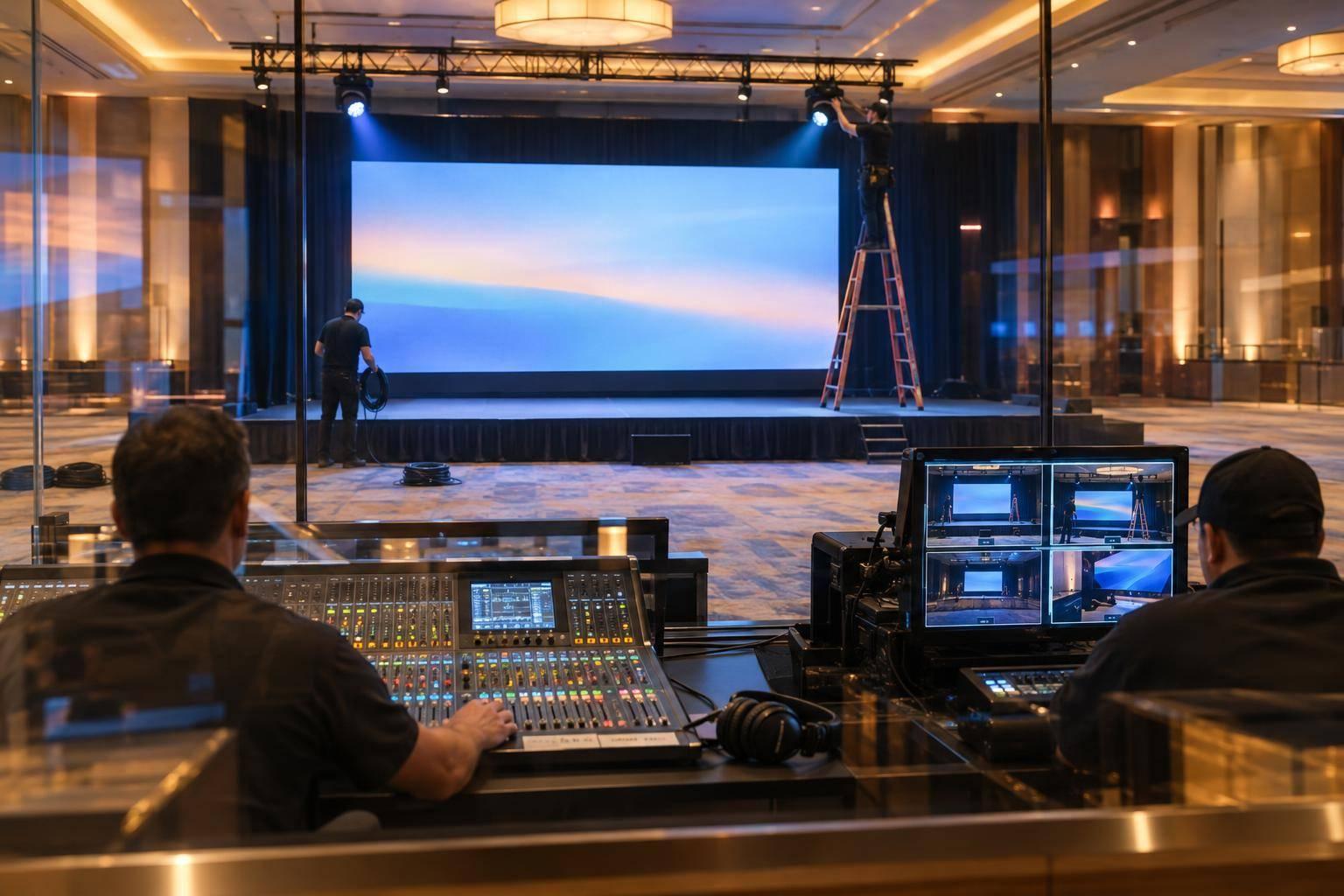
For a Denver leadership conference, Corporate Optics plans the stage, scenic elements, audio, lighting, video, and presenter support together to support executive messaging and keep sessions moving smoothly. Approve these elements as one package so the backdrop, screens, furniture, and lighting reinforce the same leadership message. Once the venue is confirmed, those details become a precise stage and AV plan.
Plan Staging, Sound, Lighting, and Video
Start with the confirmed room layout. Map stage placement, lectern position, panel seating, and speaker movement before approving branded backdrops or custom fabrication. Provide approved logos, colors, and fonts for scenic elements and screen graphics. Check sightlines before placing presentation screens and confidence monitors: attendees need to read the content, and executives need to follow along without turning away.
Match microphones to each speaker format and plan sound coverage across the full seating area. Add fills or delay speakers where needed, and include playback audio. Presenter lighting should make faces visible without washing out projected slides. Video switching should control both presentation and camera feeds. For streamed sessions, lock in camera positions, camera-friendly lighting, broadcast audio, and backup signal paths early.
Document Technical Requirements and Budget Factors
Keep a shared requirements table so presentation support, session flow, and venue responsibilities stay aligned.
| Conference requirement | Production solution | Information needed from the venue |
|---|---|---|
| Executive keynote | Coordinated presentation support: lectern or open stage, microphone, front lighting, presentation screen, confidence monitor | Room dimensions, seating count, lectern location, power, screen sightlines |
| Leadership panel | Balanced discussion and visibility: panel furniture, individual microphones, stage wash, confidence monitor, camera framing | Furniture rules, stage footprint, camera positions |
| Brand environment | Shared leadership theme: custom scenic backdrop, LED wall or projection, branded signage, coordinated lighting | Rigging limits, fabrication rules, load-in access |
| Presentation playback | Controlled transitions: playback computer, graphics system, video switcher, backup media, presentation operator | Input formats, house-AV interfaces, network restrictions |
| In-room speech coverage | Clear speech: main speakers, fills or delays where needed, mixing console, wireless microphones | Room acoustics, seating layout, installed system, power and cable paths |
| Streamed session | Coordinated remote delivery: cameras, camera-friendly lighting, broadcast audio feed, encoder, stream operator, graphics | Internet upload capacity, platform, camera access, network policies |
Scope drives pricing. Scenic work, rehearsal time, crew coverage, and streaming all affect the quote. With the design and requirements locked, Corporate Optics can move into presentation files, playback, and speaker rehearsal.
sbb-itb-ae35a94
Prepare Executive Presentations and Speakers
Corporate Optics provides presentation coordination, presenter support, rehearsals, teleprompter support, and on-site technical support to keep executive messaging polished and consistent. Confirm which services your Denver conference scope includes.
If coaching or scriptwriting is included, the executive team and the client’s communications or legal team still own accuracy, tone, substance, and approval. That keeps the leadership message consistent from rehearsal through show time.
Manage Presentation Files and Playback
Set a submission deadline several business days before the conference. Collect approved decks, media files, notes, scripts, pronunciation guides, lower-thirds, and teleprompter copy. Name each file with the presenter, session, revision number, and approval status. Corporate Optics can gather these materials, check that each file opens, and maintain one approved show file for playback so the keynote stays on message and on time.
Before locking the file, test it on the playback computer. Check aspect ratio, fonts, animations, hyperlinks, embedded video, audio levels, slide builds, presenter notes, and hidden slides. Keep local media backups so playback doesn’t depend on unstable internet. Store backups in multiple locations, including the approved presentation, media, presenter notes, required fonts, and a PDF reference copy.
Assign one client approver for late changes. Agree on a revision cutoff, require clearly labeled replacement files, and retest every approved update.
For remote presenters, schedule a separate connection check. Test camera position, lighting, microphone, internet stability, slide sharing, return audio, presenter view, and the handoff to the on-site show caller. Collect a backup contact method before the event. With the approved show file locked, speakers can focus their rehearsal time on timing and delivery.
Rehearse Speaker Equipment and Stage Movement
During each speaker walk-through, fit and test the microphone, check its placement and battery status, verify slide control, and review teleprompter or confidence-monitor needs.
Rehearse entrances, exits, lectern placement, stage marks, panel seating, microphone changes, introductions, and Q&A to help executives deliver their message smoothly. Corporate Optics’ rehearsal and technical coordination services support this preparation. These checks also prepare the team for final cueing of the conference run of show.
Before attendees enter, run opening media, slide and video cues, and the transition to the next speaker. Check remote connections and backup playback. This gives the team time to fix missing media, unreadable notes, or unclear handoffs before the session starts.
Once content and speaker movement are locked, shift attention to session cues and show flow.
Coordinate the Conference Run of Show
Once content and speakers are locked, turn the agenda into a run-of-show sheet. Include start times, durations, cues, stage actions, and named owners. Corporate Optics supports this work through agenda development, coordination, on-site setup, operation, and troubleshooting. Link each cue to approved executive content so the crew knows which slide, microphone, and stage look each session needs.
Assign crew roles and session cues
Confirm crew roles within the agreed production scope:
- Production manager: Directs technical execution.
- Show caller: Issues live cues.
- Audio technician: Handles microphones and playback sound.
- Presentation technician: Runs slides and media.
- Lighting technician: Controls lighting states.
- Stage manager: Manages speaker handoffs and stage movement.
- Streaming crew: Supports virtual or hybrid delivery when included in scope.
Assign a named owner to each role. Don’t leave tasks assigned to “generic AV.”
The table below is a planning template - not a confirmed Denver event schedule. Replace placeholders with confirmed filenames, presenters, cue numbers, and technician assignments. Add durations for each session.
Time Session Presenter Presentation file Audio cue Lighting cue Video cue Stage action Responsible technician 8:55 a.m. Opening bumper - Opening_Bumper_16x9.mp4 Play bumper at show call House to half; stage wash on Send playback to the confidence monitor Stage manager confirms CEO ready Show caller / video technician 9:00 a.m. Welcome keynote CEO CEO_Welcome_v5.pptx CEO lavalier live CEO keynote look Slides to screens; confidence feed live CEO walks to center stage Audio / presentation technician 10:15 a.m. Leadership panel Moderator and panelists Panel_Questions.pdf Four microphones live Panel wash Lower-third names, if used Panelists seated; furniture reset Stage manager / audio technician 11:00 a.m. Break - Break_Sponsor_Loop.mp4 Break music Networking look Sponsor loop on screens Reset chairs and microphones Show caller / stage manager 3:45 p.m. Closing remarks Chief operating officer Closing_Remarks_v3.pptx Podium microphone live Closing stage look Final message slide Cue executive to stage Show caller / presentation technician
Once cue owners are assigned, rehearse every transition in sequence before doors open.
Test Systems and Rehearse Session Transitions
Schedule venue-approved load-in, system tests, panel seating rehearsals, and room resets before doors open. Include technical rehearsals and backup plans in the load-in schedule.
Practice complete sequences: opening playback to executive entrance, keynote exit to panel seating, audience microphone handoff, break reset, and closing walk-off. Record any corrections in the run-of-show sheet.
Set one clear decision-making chain:
- The planner approves agenda changes.
- The Denver venue contact handles facility requirements.
- Corporate Optics’ production manager directs technical execution.
- The show caller issues cues, and the stage manager communicates with presenters.
Confirm a dedicated crew channel and written escalation procedures for playback failure, microphone failure, remote disconnection, and session overruns. Do not cut executive content without client approval. Agree beforehand who can shorten Q&A or adjust a break, then share time-stamped schedule changes.
Monitor Conference Delivery and Review Results
Once cues and rehearsals are complete, move to live monitoring and post-show review. Confirm on-site coverage, backup plans, and session ownership in the statement of work. Corporate Optics’ process includes live technical support, so the contract should spell out which systems and sessions the crew will cover.
The goal is simple: keep executive content, room AV, and remote feeds aligned in real time.
Monitor In-Room and Remote Delivery
During sessions, check audio, visibility, camera framing, playback, stream health, and cue communication. For hybrid sessions, verify two-way audio and make sure slides or videos display correctly in both directions.
If the scope includes streaming, virtual, hybrid, or broadcast services, clarify who handles venue network support and who manages remote platform delivery. Corporate Optics notes redundant signal feeds for virtual and hybrid delivery.
Give every check a named owner so the team can escalate live issues fast. Use this matrix to confirm responsibilities and scope.
| Task | Corporate planner | Corporate Optics | Venue | Speakers | Streaming team |
|---|---|---|---|---|---|
| Operate sound, lighting, screens, cameras, and show cues | Observe and escalate | Own contracted production systems | Operate house systems where applicable | Follow cues | Operate contracted stream or platform |
| Manage remote participation and stream transitions | Approve format | Coordinate if included | Provide network support if assigned | Join from approved location | Own platform, encoding, and moderation if contracted |
| Respond to live technical incidents | Make business decisions | Troubleshoot production systems | Resolve venue infrastructure issues | Follow fallback instructions | Restore remote or streaming delivery |
| Deliver recordings, reports, and issue log | Review and approve use | Provide contracted files and documentation | Provide venue-related records if applicable | Confirm content permissions | Provide platform analytics if contracted |
Review Recordings, Analytics, and Technical Issues
After the event, compare delivery with the final run of show. Check actual session timing, technical incidents, recovery actions, and any included analytics against the agreed goals.
Before booking, specify recordings, stream handling, session documentation, and analytics separately. Recordings and post-event reporting are separate deliverables from live streaming. Put delivery dates, file access, and executive-content permissions in writing.
Use recordings only where authorized, limit access to confidential content, and log conference production best practices for the next event.
Conclusion: Confirm the Production Scope Before Booking
Define requirements, design the systems, prepare speakers and content, coordinate cues, and check delivery. Share your Denver venue details, room layout, dates and access windows, agenda, audience size, presentation needs, and budget with Corporate Optics. Before booking, request a written scope that covers responsibilities, rehearsal time, on-site coverage, contingency plans, recordings, and remote delivery.
FAQs
Can Corporate Optics coordinate with my Denver venue’s AV team?
Yes, Corporate Optics works directly with your Denver venue and its AV team. During the technical walkthrough, it checks the venue’s AV equipment, policies, power capacity, rigging limits, and loading-dock access.
Corporate Optics owns the technical plan and stage layout. It also clarifies the venue’s responsibilities, including power distribution and building safety requirements. As your single point of contact for vendor and venue coordination, it keeps these details aligned with your conference’s production needs.
How can I prioritize production needs on a limited budget?
Define your main goals, audience, and format before making technical or visual choices. Bring in a production partner early - ideally 3 to 6 months in advance - to match your vision to your budget.
Ask for an itemized estimate in U.S. dollars that spells out assumptions, exclusions, and potential costs if the scope changes. AI-driven planning tools can help pinpoint high-impact technical requirements, cut costs, speed up execution, and keep your budget on track.
What happens if an executive’s presentation changes last-minute?
Corporate Optics handles last-minute presentation changes through a controlled, centralized workflow. The show caller updates the run of show and shares changes with the audio, lighting, and video teams in real time to confirm they’re technically feasible.
Every approved change is recorded, and affected operators give verbal confirmation before the segment starts. Your team can focus on leadership decisions while Corporate Optics manages technical execution and transitions.
Related Blog Posts



Streamline your workflow, achieve more

Lorem ipsum dolor sit amet, consectetur adipiscing elit. Maecenas ac velit pellentesque, feugiat justo sed, aliquet felis.



Lorem ipsum dolor sit amet, consectetur adipiscing elit. Maecenas ac velit pellentesque, feugiat justo sed, aliquet felis.