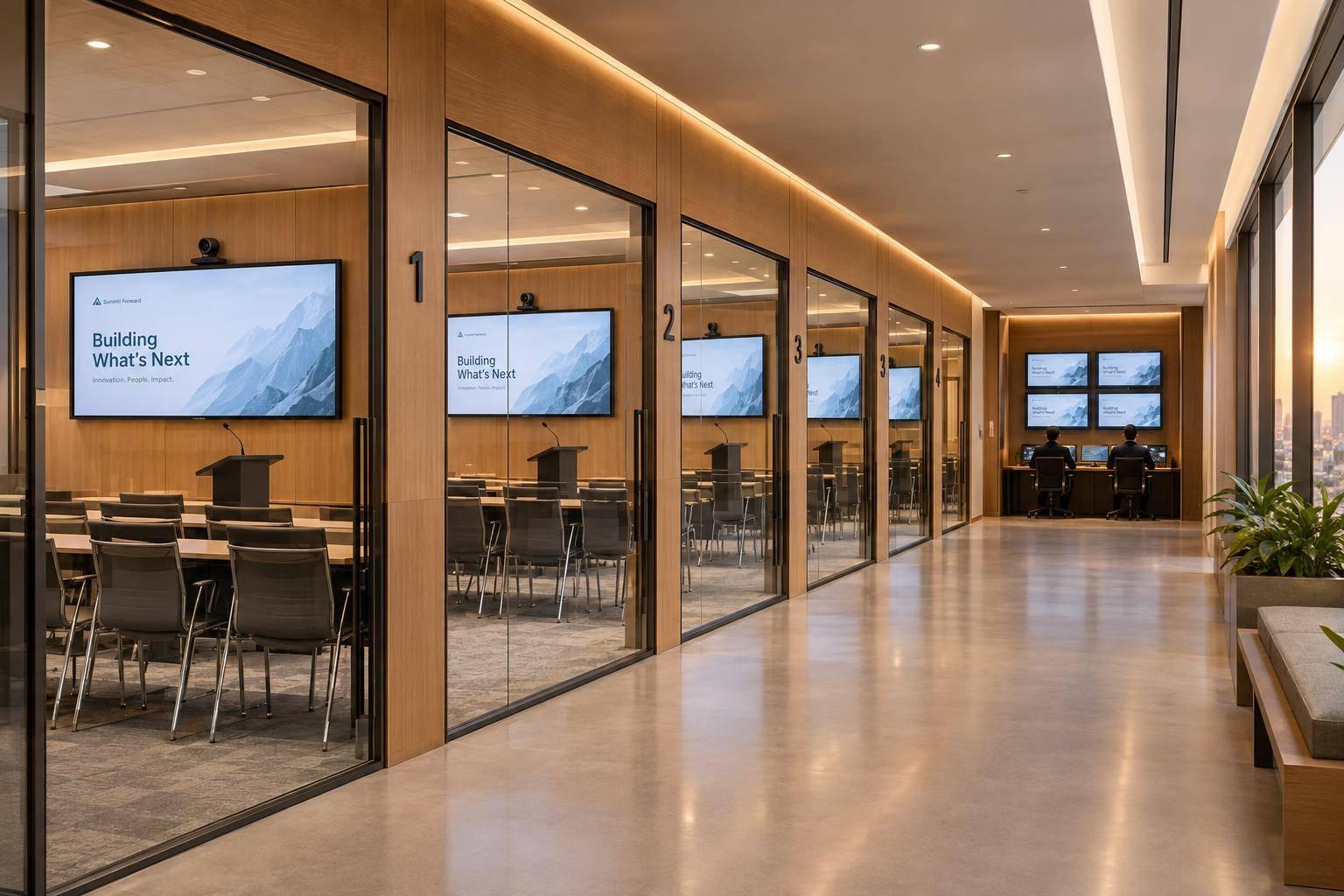
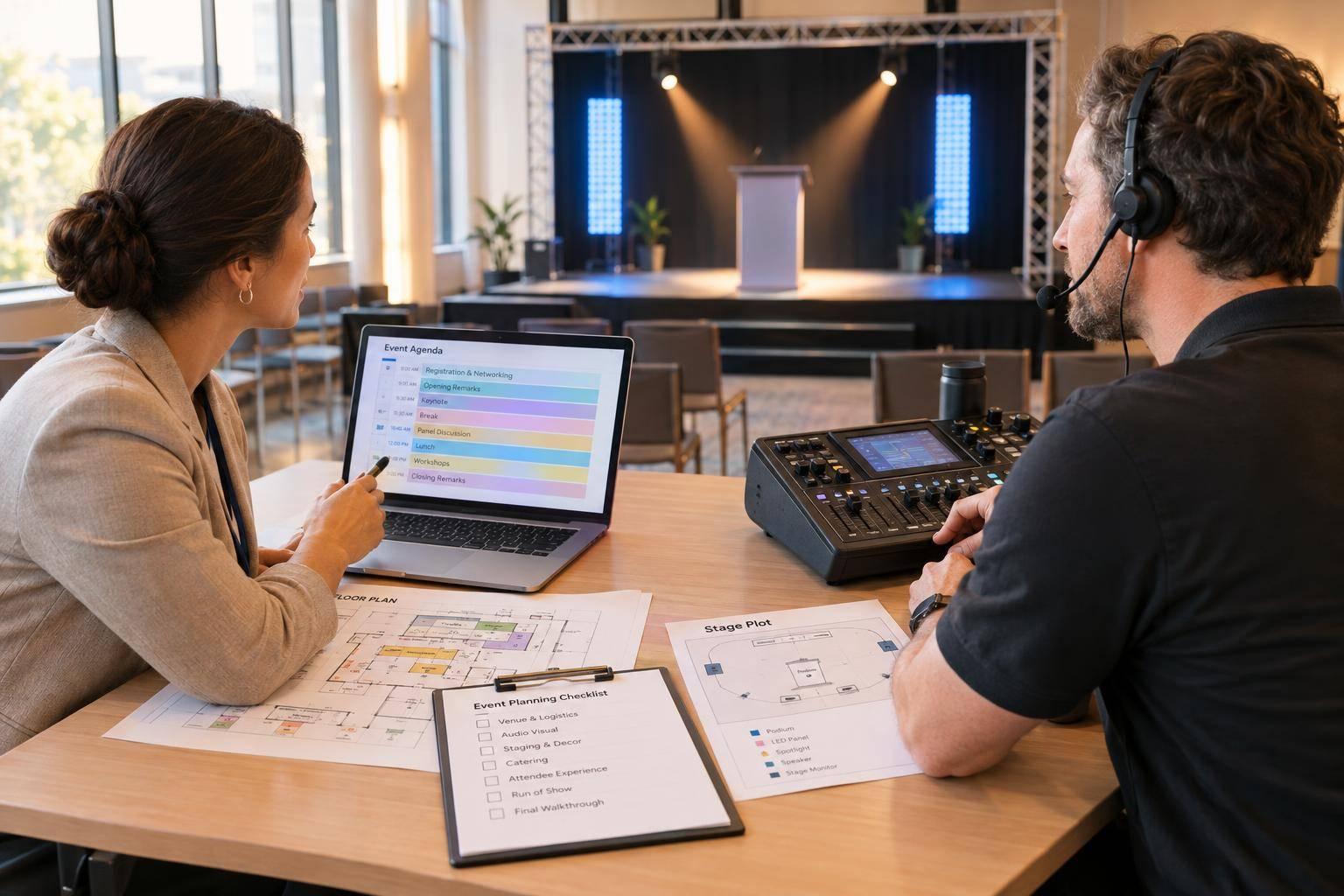
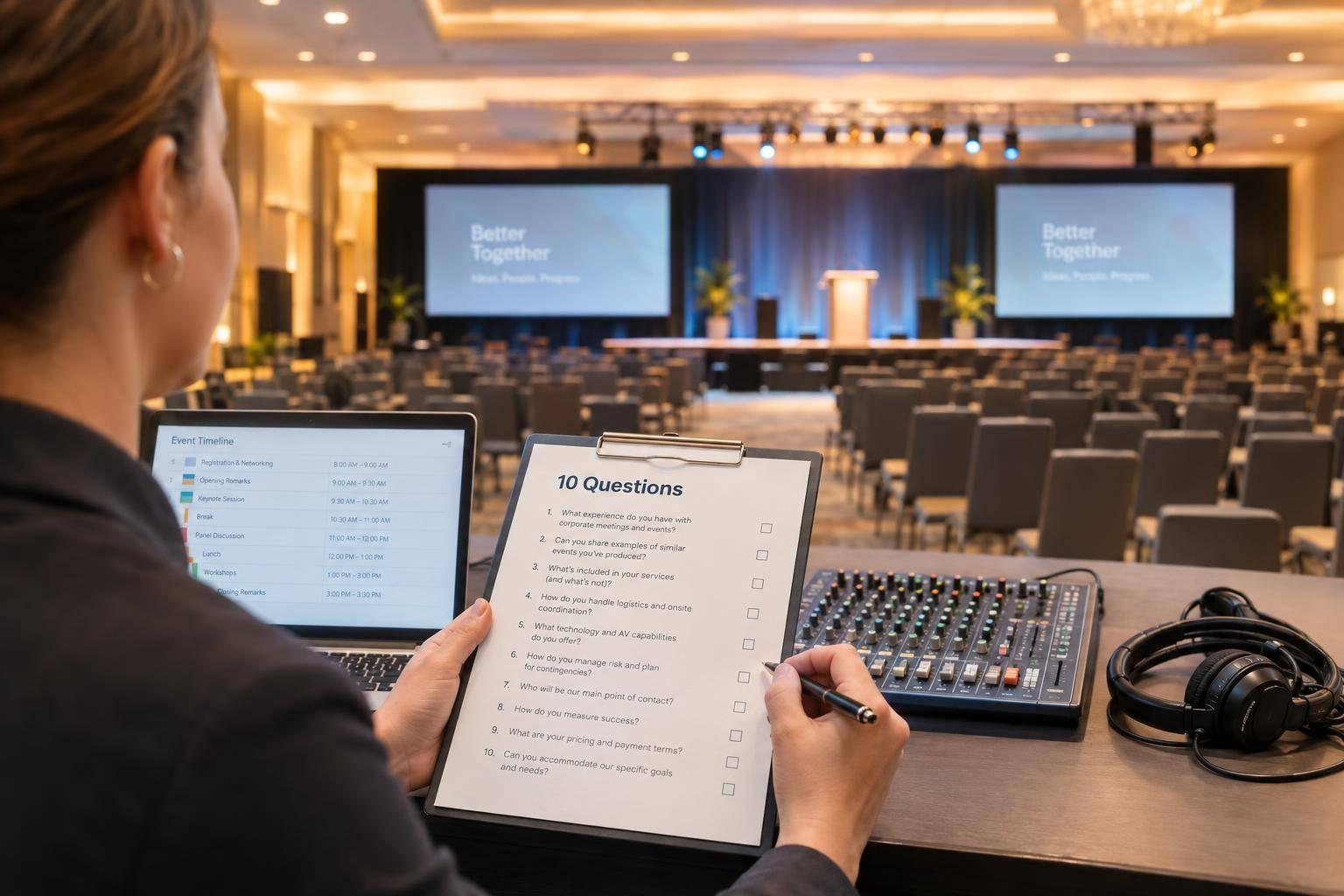
10 Questions To Ask Before Hiring A Corporate Meeting Production Company.

Chief Executive Officer
I’d choose a corporate meeting production company based on its plan - not just its price. Before signing, I’d send every provider the same brief, request itemized costs in dollars, and check two or three references from similar meetings.
These 10 questions help you see what you’re paying for - and who will handle problems:
- Experience: Have you produced meetings like ours?
- Scope: Which services are included, optional, or excluded?
- AV design: Which systems fit our room and audience, and why?
- Staffing: Who will run the meeting and make on-site decisions?
- Venue coordination: Who will verify access, power, internet, labor rules, and fees?
- Schedule: When will setup, testing, rehearsals, and approvals happen?
- Backup plans: What happens if equipment, internet, speakers, or crew fail?
- Price: Does the budget for AV production cover labor, overtime, travel, taxes, and venue charges?
- References: Did similar clients get the service and final price they expected?
- Contract terms: How are changes, cancellation, ownership, and missed deliverables handled?
My rule: <u>get the answers in writing</u>. A low quote isn’t a good deal if it leaves you paying extra for work you thought was included.

How to Choose a Corporate Meeting Production Company
Prepare a Meeting Brief Before Requesting Proposals
Write a two- to four-page brief and send the same version to every provider. Explain the business objective as part of planning your corporate event with professional production support, what attendees should learn or decide, their roles, and how many people you expect in person and remotely. Include the venue’s status, event dates, hours, and time zone. Use U.S. date formats, a.m./p.m. times with time zones, and budgets in dollars.
Attach a draft agenda, speaker list, and venue floor plan. Show session times, breakouts, panels, rehearsals, and presentation formats. Identify remote speakers, video playback, live demos, and who approves files. Include room dimensions in feet and inches, ceiling height, power and internet details, loading access, and venue rules for venue-owned AV, rigging, and union labor. Mark anything missing as pending.
Specify the delivery format: in-person, hybrid, virtual, or live broadcast. Will remote attendees only watch, or will they join Q&A and interactive sessions? Spell out camera, recording, replay, and file-delivery needs. Include accessibility requirements, such as live captions, captioned videos, assistive listening, ASL interpretation, and accessible presentation files.
Share the production budget or range and explain which expenses it covers. Label each requirement required, preferred, or optional. Keep must-have audio, accessibility, and presentation support separate from decorative upgrades.
Include proposal deadlines, selection and contracting dates, content deadlines, and rehearsal windows. Name one contact for questions, and share written answers with every provider. Ask everyone to use the same proposal format, clearly identifying equipment, crew, schedule, assumptions, exclusions, and optional items. That makes proposals easier to compare.
Once the brief is ready, ask each company whether it has produced meetings like yours.
sbb-itb-ae35a94
1. Have You Produced Meetings Like Ours?
Meeting Requirements
Use your brief to check whether the company has delivered meetings with the same format, scale, and technical complexity. Ask for two or three recent projects that match your audience size, venue type, and production demands. Pay close attention to your hardest requirements, such as hybrid participation, breakout sessions, remote speakers, executive panels, and venue constraints.
Signs of a Reliable Answer
A strong answer spells out each project’s format, attendance, venue type, scope, and the company’s exact responsibilities. It also explains the challenge, the solution, and the result - with proof to support the outcome.
Confirm whether the proposed producer and technical director worked on those projects.
Red Flags
Photos can show what a meeting looked like, but they don’t explain how it ran. Be cautious if the company relies on unrelated event experience, leaves subcontractor responsibilities unclear, or can’t explain speaker transitions, hybrid participation, breakout coordination, and executive panel support.
If the company hasn’t worked at your exact venue, ask how it will obtain technical specifications and inspect the site before finalizing the design. That inspection should include checks of acoustics and rigging limits.
Details to Document
For each project, record the month and year, client organization if disclosable, event type, attendance, venue, and number of rooms. Include the services delivered, special requirements, named crew roles, subcontracted services, and whether equipment was owned or rented.
Also document setup and rehearsal hours, technical challenges, and confirmed results. Use these notes to compare the company’s experience with your brief, then ask exactly what it will deliver.
2. Which Services Are Included?
Once a company shows it has relevant experience, check what its proposal actually covers.
Meeting Requirements
Ask whether you’re getting full-service production management or AV-only service. Equipment, setup, and technicians don’t automatically include planning or calling the show.
Full-service production can include planning, AV design, scenic and lighting, stage management, speaker support, venue coordination, streaming, staffing, and contingency planning. Use the same service categories across all proposals so you can compare them line by line.
Signs of a Reliable Answer
A clear scope separates included, optional, and excluded services and names who’s responsible for each part of the meeting. Check that the deliverables match your brief.
For presenter support, confirm who collects and tests slides, runs rehearsals, handles remote speakers and late changes, and supports accessibility needs or backup presentations.
Red Flags
A vague scope isn’t ready for direct comparison. An equipment-only proposal won’t meet your needs if you also need someone to lead production.
Watch for “full-service” language that leaves show calling, presenter communications, internet arrangements, or vendor coordination unassigned. For streaming, check whether the scope includes broadcast operation and recording, not just streaming transport.
Details to Document
Request a written scope that spells out these assignments. Document slide deadlines, revision limits, staffing from load-in through teardown, and whether recordings are included.
3. Which AV Systems Do You Recommend and Why?
Once the scope is clear, check whether the proposed AV design fits the room.
Meeting Requirements
Ask for a room-based design, not an equipment package. Every attendee should be able to see, hear, and follow the content.
The recommendation should match projection, LED walls, large-format displays, confidence monitors, and side screens to the room’s size, sightlines, speaker movement, daylight, and farthest seat. Text, captions, and remote speakers must remain readable.
Signs of a Reliable Answer
A reliable answer starts with a floor plan or site walk-through and explains the problem each choice solves.
It should address even sound coverage, echo control, front lighting for cameras, assistive listening, and slide and video testing. For remote participation, it should also cover wired internet, upload speed, captions, and return video for remote speakers.
Red Flags
Be cautious if you get only a brand list or a cookie-cutter package. Missing screen dimensions or unexplained camera placement can point to unresolved risks.
Unexplained equipment substitutions, reliance on guest Wi-Fi, or no equipment-testing policy are also warning signs.
Details to Document
Request:
- An equipment list and signal-flow diagram covering mic counts, speaker placement, screen sizes, lighting, cameras, playback systems, and streaming settings.
- Test dates and configured backups, not just spare gear sitting nearby.
- For hybrid meeting planning with no margin for error, an encoder and network failover target under 30 seconds, verified with a live demo.
Next, confirm who will staff and run the meeting.
4. Who Will Staff and Run Our Meeting?
Once the system design is clear, confirm who will run it.
Meeting Requirements
Before signing, ask who will handle each role: production manager, technical director, show caller or stage manager, and audio, video, lighting, and streaming leads. Confirm who will run the meeting and who has authority on-site.
Signs of a Reliable Answer
A reliable answer names the leads and shows how their experience fits your meeting’s complexity. Ask for crew bios and an anonymized cue sheet or run of show. Confirm that the show caller helped build the run of show and will cue operators through a headset or intercom.
Red Flags
Watch for one technician handling several tasks at once, staff shared across overlapping sessions, or gaps in coverage during breaks. If the company can’t name an on-site lead - or gives you a general office number for live-show problems - accountability is unclear.
Details to Document
- Crew headcounts for each phase, assignments, qualifications, call times, shifts, breaks, overtime rates, and included hours.
- Whether crew members are employees or subcontractors.
- The on-site lead’s cell number and decision authority, including who can approve extra labor or pause a rehearsal.
- The substitution policy, how you’ll be notified of substitutions, and the handoff plan for cue sheets and contacts.
Next, confirm how the company will work with the venue.
5. How Will You Work With Our Venue?
Meeting Requirements
Once staffing is set, confirm the team can work in your venue without relying on assumptions.
Require a production site walk before finalizing design and pricing. Check the venue details in the brief: room dimensions, ceiling height, sightlines, rigging, power, internet, load-in access, storage, exits, and accessibility. Ask for venue rules on in-house AV restrictions, exclusive services, outside-vendor fees, and labor requirements.
Signs of a Reliable Answer
A reliable answer names the venue’s technical contact and explains how the team will verify each service. Look for mapped electrical circuits, internet tests from the show position, rigging approval, and measured freight-elevator and door clearances.
If the venue requires union labor, the company should confirm labor jurisdiction, minimum calls, overtime, and ordering deadlines. Rules from a previous meeting may not apply.
Red Flags
Treat unverified assumptions as risks. Guest Wi-Fi doesn’t replace tested production internet. A floor plan alone won’t tell you whether the load-in route will work.
Watch for missing approvals, undocumented fees, or a general inspection that skips production-specific checks.
Details to Document
Require a responsibility matrix showing who orders, pays for, tests, and approves each venue service. Include deadlines, test dates, and support contacts. Document power and internet specifications, rigging approvals, load-in and strike windows, labor charges, insurance certificates, permits, and safety requirements.
Give every pending assumption an owner, a verification deadline, a cost impact, and a fallback plan. Require written approval for extra charges.
Once venue access is confirmed, set the production schedule around load-in, testing, and approvals.
6. What Is Your Production Schedule?
Meeting Requirements
Once venue access is confirmed, ask for a written production schedule, not just an event-day agenda. It should cover discovery, venue assessment, design, technical specs, content, sign-offs, equipment delivery, load-in, setup, testing, rehearsals, show operation, strike, and post-event deliverables. Every milestone needs a due date, named owner, approver, dependency, and clear definition of completion.
Signs of a Reliable Answer
The schedule should work backward from doors open, with separate blocks for installation, testing, rehearsal, and troubleshooting. Testing should use the actual installed microphones, presentation files, video playback, lighting, confidence monitors, internet, recording, and streaming. Rehearsals need to cover speaker transitions and cues - not just individual presentations.
Then set content deadlines around that testing window. Allow enough time for review and retesting: at least one week before simple meetings, and two to three weeks before multi-speaker or complex programs. Choose the deadline that fits your program’s complexity.
Red Flags
Watch for testing squeezed into setup, no dedicated rehearsal, or promises to settle key technical decisions on-site. Late content should go through review and retesting - not quietly eat into the testing window.
The schedule needs to protect time to test, rehearse, fix problems, and get approval so the team can catch issues before show day.
Details to Document
Require one master schedule that tracks every moving part. Supporting documents should include a scheduled venue access plan, equipment delivery schedule, rehearsal schedule, run of show, crew call sheet, and change log. Each document needs a revision date, owner, status, dependencies, and next action.
Ask how often updates will go out - weekly during planning and daily during the final production week - and who can approve schedule changes. Record content-lock deadlines, who approves late changes, any added labor charges, and retest time. Include strike and venue handback deadlines.
7. What Is Your Backup Plan?
Once the team, venue, and schedule are set, ask what the team will do if something fails.
Meeting Requirements
Request an event-specific contingency plan covering equipment, power, network, file, speaker, and tech redundancy for crew failures. For each risk, the plan should identify the trigger, owner, backup action, and recovery time. Ask which failures need a brief pause and which require an agenda change.
Signs of a Reliable Answer
Backups should be on-site, configured, and ready to use. That means a spare microphone, a backup laptop loaded with approved files, and a separate internet connection for hybrid meetings.
Two ports on the same venue network don’t count as independent backups. Ask the team to demonstrate a network switchover and explain whether it happens automatically or requires an operator. UPS protection should cover critical control and network equipment, with its limited runtime clearly stated.
The plan should name a substitute for every speaker and a backup for each critical event role. Decision-making should also be clear: technical staff handle recovery, the client lead approves program changes, and the venue or safety lead handles pauses, evacuations, sheltering, or cancellation.
Red Flags
Be wary of claims of full redundancy without named backup systems or tested procedures. Off-site spares without a delivery estimate, reliance on a speaker’s personal laptop, and shared responsibility without a clear decision-maker all leave preventable gaps.
A UPS covers short interruptions - not a prolonged outage. Confirm which backups are included in the quoted scope.
Details to Document
Record backup quantities, locations, owners, recovery targets, emergency contacts, and attendee notification procedures. The agreement should spell out response responsibilities and limits rather than promise an interruption-free meeting.
8. What Does Your Price Include?
Meeting Requirements
Give every provider the same brief, and use the same scope, staffing, and venue assumptions for each proposal. Ask for a line-item estimate of every meeting cost, plus a crew schedule showing each role, headcount, hours, rate, and overtime threshold.
Signs of a Reliable Answer
Each charge should be labeled fixed, estimated, optional, or pass-through. For estimated costs, ask for the formula, cap, and confirmation date. For pass-through charges, require the supplier’s name, markup, and invoice policy.
Red Flags
Compare quotes ONLY when they cover the same scope. Watch for missing labor, unexplained equipment substitutions, venue fees left out of the quote, missing overtime rates, and taxes that appear only on the invoice. If a total looks unusually low, ask for a category-by-category explanation.
Details to Document
Record room and attendee counts, equipment quantities, program and rehearsal hours, access windows, assumptions, exclusions, and taxes. Attach the rates and change triggers for added sessions, late content, extended rehearsals, rush work, and schedule changes.
Name the person who can approve extra spending. Require written approval for non-emergency changes, and spell out what happens to unused allowances.
Use the worksheet below and enter quoted U.S. dollar amounts only. In each provider cell, record whether the item is included or excluded, its amount, charge type, assumptions, and change triggers. Flag optional and pass-through items. Keep excluded costs visible - don’t treat them as $0.
| Cost category | Provider A | Provider B |
|---|---|---|
| Equipment and project management | Status; $___; type; assumptions; triggers | Status; $___; type; assumptions; triggers |
| Freight | Status; $___; type; assumptions; triggers | Status; $___; type; assumptions; triggers |
| Install and strike labor | Status; $___; type; assumptions; triggers | Status; $___; type; assumptions; triggers |
| Rehearsal and show labor | Status; $___; type; assumptions; triggers | Status; $___; type; assumptions; triggers |
| Venue pass-throughs | Status; $___; type; venue confirmation; triggers | Status; $___; type; venue confirmation; triggers |
| Travel and logistics | Status; $___; type; assumptions; triggers | Status; $___; type; assumptions; triggers |
| Taxes and fees | Status; $___; type; jurisdiction; triggers | Status; $___; type; jurisdiction; triggers |
| Overtime and rush rates | $___ per hour/day; triggers | $___ per hour/day; triggers |
| Optional services | Optional; $___; type; assumptions; triggers | Optional; $___; type; assumptions; triggers |
| Total and contingency cap | $___; exclusions; cap | $___; exclusions; cap |
Once pricing is clear, check it against references from similar meetings.
9. Can You Share References From Similar Meetings?
Meeting Requirements
Once you’ve reviewed the price, check how the company performed at similar meetings. Ask for two or three references from the past two to three years whose events match your meeting’s format, audience size, room count, venue type, and technical complexity. Get the client name, event date, services delivered, and the company’s role - lead producer or subcontractor.
Signs of a Reliable Answer
Talk with both a client-side reference and the planner or agency contact who worked with the production team. Did plans arrive on time? Was the promised crew there? Did the final invoice match the approved technical production budget?
Ask them to walk you through one problem the team faced, including how fast they responded, how they kept the client updated, and what happened.
Red Flags
Watch for outdated or unrelated testimonials, unclear responsibilities, and references who can’t discuss execution or costs. Older projects may reflect the work of staff who have since left.
Confidentiality restrictions can be legitimate. But the company should still provide anonymized project details or records of similar work rather than leave its claims unsupported.
Details to Document
Record each reference’s relationship to the event, meeting date, event type, attendance, production scope, strengths, and concerns. Score communication, execution, budget control, and problem resolution from 1 to 5, with notes explaining each score.
Document whether the reference would hire the company again and whether their experience backs up the staffing and services promised in your proposal. Note any gaps between that record and the contract terms.
10. What Are Your Contract and Change Terms?
Meeting Requirements
Once you’ve compared experience, scope, staffing, schedule, and pricing, put the approved terms in the contract. Turn promises you verified through references into binding commitments.
Attach a statement of work that sets dates, locations, rooms, headcount, deliverables, staffing, and approval deadlines. For each deliverable, name the acceptance standard, approval deadline, and approver. Specify what the client must supply: presentation files, branding assets, speaker releases, venue access, and technical approvals.
Spell out deposits, milestone payments, final payment deadlines, taxes, overtime, pass-through costs, reimbursable expenses, and refund or credit rules.
Signs of a Reliable Answer
Require written change orders that show the revised scope, price, and effect on the schedule before an authorized representative approves the work. Require advance notice for equivalent-or-better equipment substitutions and approval for key crew changes.
A reliable agreement treats cancellation and postponement separately. It explains notice periods, nonrefundable third-party costs, deposit credits, and rescheduling deadlines. Force majeure terms should define covered events, notice requirements, mitigation duties, rescheduling rights, and how refunds or credits will work.
Insurance, indemnification, and liability terms should clearly assign responsibility for injuries, property damage, copyright claims, data incidents, and negligence by employees or subcontractors. Confirm the remedies for missing deliverables or inadequate staffing. These may include free correction, replacement staffing, service credits, prorated refunds, documented cost reimbursement, or termination for material breach.
Content terms should cover ownership of newly created materials, editable files, third-party licenses, recording consent, and portfolio use. Pay close attention when content includes confidential information or identifiable attendees.
If the contract leaves these protections undefined, the risk shifts to you.
Red Flags
Watch for wording that leaves scope, cost, or liability open-ended. Warning signs include verbal-only promises, undefined standard rates, uncapped expenses, broad substitution rights, unilateral rights to change scope or venue, one-sided liability terms, and blank fields someone can fill in later.
A vague force majeure clause is risky if it doesn’t explain cancellation, rescheduling, credits, or refunds. Missing remedies for failed performance call for legal review.
Details to Document
Keep a signed contract package that includes the statement of work, equipment and staffing schedule, production calendar, pricing exhibit, change-order form, insurance certificates, cancellation and force majeure terms, confidentiality provisions, intellectual-property terms, and any incorporated proposal or addenda.
Put every material promise in a signed agreement or attached exhibit. Send the full package through procurement, finance, risk, and legal review before signing.
Conclusion: Choose Readiness Over the Lowest Quote
After reviewing all 10 answers, choose the provider that proves readiness, accountability, and transparency - not just the lowest quote. Look for relevant experience, qualified staff, an AV plan that fits the room, a realistic schedule, tested backup plans, complete pricing, similar references, and clear contract terms.
Compare every shortlisted proposal line by line against the same written meeting brief. Prices aren’t comparable until each provider discloses labor, venue costs, setup, teardown, and all other required services in writing.
Check two or more similar references to confirm budget control and planning and technical follow-through. Record their answers in a written scorecard, and use it to make your decision so price doesn’t outweigh readiness.
Before signing, ask procurement or legal counsel to review any unresolved scope, cost, or contract concerns. Request a planning consultation and a scoped proposal from your shortlisted providers. Bring the meeting brief so the discussion sets clear responsibilities, deliverables, and budget assumptions - not another broad estimate.
FAQs
How far in advance should I book meeting production?
Your booking timeline depends on your event’s size and complexity:
- Large-scale conferences: Book 6 to 12 months in advance.
- Executive summits and custom builds: Book 8 to 16 weeks ahead.
- Smaller meetings: Book 2 to 4 months in advance.
Booking early helps you secure your preferred dates, leaves time for detailed technical planning, and lets you finalize venue coordination before production windows close.
How much should I budget for unexpected production costs?
Add a dedicated contingency line item to your budget, with the amount based on event complexity. A common industry approach puts 70% toward fixed production costs, such as equipment and labor, and 30% toward design elements and potential adjustments.
Ask for an itemized proposal that separates audio, video, lighting, staging, labor, and facility fees. Your agreement should also spell out how change orders and overtime are handled.
Does a small corporate meeting need full-service production?
The right level of support depends on your program’s complexity and your team’s capacity. For a simple in-person meeting, basic audiovisual support - equipment, setup, and an on-site technician - is often enough.
Full-service production makes sense for hybrid streaming, multiple speakers, or complex staging. It also helps when your team doesn’t have the resources to handle logistics, coordinate vendors, and plan for unexpected issues. You get one point of accountability to keep every part working together.
Related Blog Posts
- Best Companies for Large-Scale Corporate Meeting Production
- Top Corporate Meeting Planning Services From Event Production Companies
- End-To-End Annual Meeting Production Companies For Your Next Company Conference
- Leading Meeting Production Are Companies That Specialize In Event Design, Audiovisual (AV) Services, Staging, Streaming.



Streamline your workflow, achieve more

Lorem ipsum dolor sit amet, consectetur adipiscing elit. Maecenas ac velit pellentesque, feugiat justo sed, aliquet felis.



Lorem ipsum dolor sit amet, consectetur adipiscing elit. Maecenas ac velit pellentesque, feugiat justo sed, aliquet felis.