Why Leadership Teams Trust Corporate Optics With Town Halls And Executive Broadcasts.

Chief Executive Officer
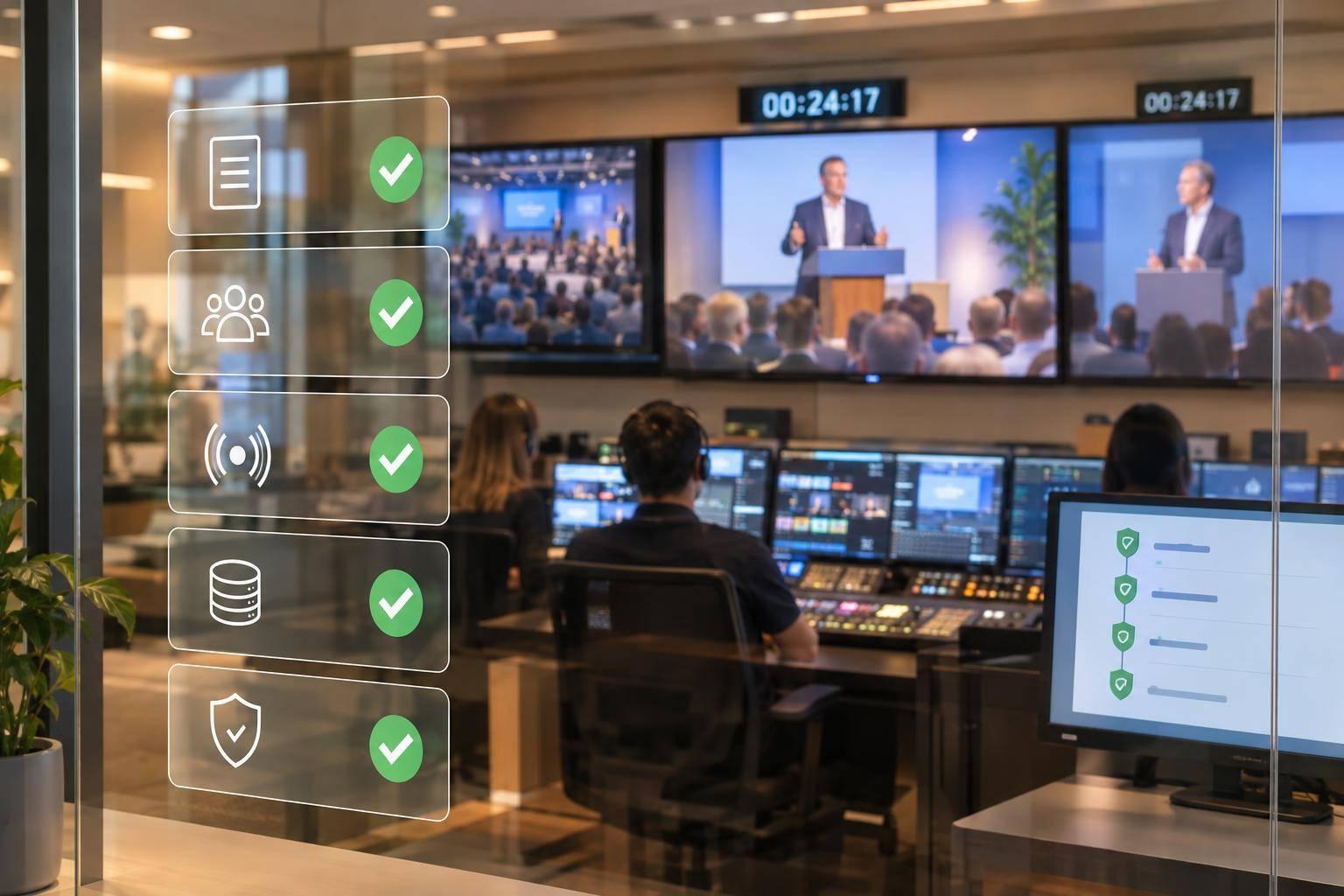
Trust in a leadership broadcast starts before airtime - and depends on records, not promises. For teams considering Corporate Optics, that means confirming one production owner, an approved run of show, speaker rehearsals, and tested backup paths.
A sound plan covers:
- Preparation: Approved files, clear roles, speaker cues, and slide checks.
- Delivery: Clear sound, readable graphics, lighting, captions, and employee access.
- Backup: Alternate connections, a second encoder, and a separate local recording.
- Results: Actual start time, completed segments, attendance, viewing duration, incidents, and feedback.
The standard is simple: test how employees will watch, document what happens, and judge delivery against agreed goals.

Executive Broadcast Checklist: From Planning to Proof
Production Planning and Speaker Preparation
Leadership teams trust Corporate Optics to produce corporate town halls where every role, cue, and approval is clear before airtime.
Run of Show, Roles, and Approvals
Ask for a run of show that connects each agenda segment to its speaker, duration, file, and live cue. It should also name the executive producer, show caller, technical director, audio engineer, graphics operator, streaming lead, speaker support lead, internal communications lead, venue contact, and final approver. Send last-minute changes through that approver so the crew works from one set of instructions.
Set deadlines for scripts, slide decks, videos, and lower-thirds. Include speaker names, pronunciation notes, and remote-speaker details. Internal communications should own content, branding, accessibility, and legal review. The production lead should coordinate technical checks with venue staff and crew.
Lock one approved file set, with a named owner, version control, and a change log.
Rehearsals, Slide Checks, and Speaker Support
Request a rehearsal that covers slide order, embedded media, speaker transitions, microphone fit, and backup microphones. Confirm exactly what speakers will see on confidence monitors or teleprompters, including slide notes, timing cues, countdowns, and script updates.
Go beyond the prepared remarks. Rehearse walk-on and walk-off cues, handoffs between speakers, and how to recover from a missed cue.
Use rehearsal notes to track each issue, its owner, the resolution, and final sign-off status. That sign-off record sets the baseline for audio, video, and broadcast checks.
sbb-itb-ae35a94
Audio and Video for Clear Executive Messages
Once the run of show is locked, focus on clear audio, clean video, and consistent delivery across every viewing format.
Speech should be easy to understand at conversational volume. Distributed speakers help reduce dead spots and keep the volume even.
Speech Clarity in the Room and Online
Apply that standard to microphone coverage, remote-speaker handling, and Q&A audio.
Verified examples include speech-focused PA coverage, Q&A microphones, confidence monitors, presenter lighting, broadcast streaming, remote-speaker integration, and prerecorded video.
Review microphone assignments and handoff cues before executive Q&A. Plan for muting, microphone swaps, and remote latency to prevent dead air, feedback, or speakers talking over one another.
Camera Shots, Lighting, and Graphics
Keep presenters clearly visible on camera throughout the program. Control key light direction, stage coverage, color consistency, and screen glare. Review rehearsal footage for exposure, shadows, and skin tone.
Accurate name and title graphics help employees identify speakers instantly, whether they’re watching in the room or remotely. Check names, titles, and branding against approved assets, and confirm that each graphic appears at the right moment.
Review the final recording to check that slides, prerecorded media, and live camera shots appeared cleanly and on cue.
Broadcast Coordination and Backup Plans
Once the room and stream look right, the next risk is live transmission. Clear live controls help leadership teams trust Corporate Optics under pressure and keep distractions out of the employee viewing experience.
Pre-Event Checks and Live Cues
Before going live, document connectivity, audio routing, encoder settings, destination credentials, playback, recording, caption checks, and device access. Test device authentication and check caption availability, accuracy, and sync. Confirm that remote speakers are ready and have a fallback contact method.
For the broadcast, assign clear roles: who calls handoffs, who runs switching, graphics, and playback, and which stakeholder approves timing changes. Document the communication channel and escalation path for live issues. Keep planned cues separate from live changes so the delivery report shows what actually happened.
Give the contingency plan the same level of documentation as the pre-event checks.
Backup Systems and Incident Response
Request proof of separate playback paths, a second configured encoder, tested alternate connectivity, and local recording that works independently of the stream. Documented failover paths help build confidence and reduce the risk of lost messages, dead air, and viewer confusion.
Before approval, define what viewers will see during a failure and who can authorize the switch. Run a controlled failover test and record both the transition time and the employee viewing experience.
If a live incident occurs, log the detection time, affected delivery points, decision owner, recovery action, and stakeholder messages. Keep the record precise: a rehearsal is not a backup used on air.
Results and Conclusion: What the Records Show
Verified Delivery Results
After the event, compare the delivery record with the approved brief. Report what happened - not what was planned. Support Corporate Optics’ delivery record with project records, event recaps, recordings, analytics, or approved client feedback. Include the documented start time, completed segments, office locations served, audience metrics, incidents, resolutions, replay access, and approved feedback.
Start time and completed segments show whether the event stayed on schedule. Attendance, replay access, and chat activity show reach. Feedback can describe how clear the broadcast felt to viewers, but logs and analytics establish performance. Use those records to identify which controls reduced risk, confirm outcomes, and set the standard for the next broadcast.
What to Confirm Before Your Next Broadcast
Define communication goals and reporting requirements before production begins. Name one accountable production owner, and document who handles communications, production, IT, moderation, recording, and incident response. Set aside rehearsal time for speaker readiness, slide checks, speaker handoffs, lower thirds, remote contributors, and Q&A.
Test employee access across representative offices, devices, browsers, networks, and security environments. Record the results and any unresolved risks. Agree on which records will demonstrate success and who will approve the final recap.
Close the recap with a short evidence ledger: scheduled versus actual start, completed segments, locations served, audience metrics, incidents, resolutions, replay access, and approved feedback.
Ask Corporate Optics for a proposal that links production roles to measurable acceptance criteria and a verified delivery record, giving leadership teams a clear recap and a measurable standard for the next event.
FAQs
How early should we involve Corporate Optics in planning?
Bring in Corporate Optics before you finalize venue contracts, if possible, so the team can conduct site surveys and assess technical needs.
Allow time based on your event’s scale and setup:
- Large-scale events: 12 months or more
- Large conferences or complex setups: 4 to 6 months
- Executive summits or custom-built spaces: 8 to 16 weeks
- Smaller meetings: 6 to 10 weeks
Emergency deployments are possible within 24 to 48 hours, but advance planning gives the team time to verify backup systems and run rehearsals.
How can we protect confidential executive broadcasts?
Use encrypted streams, single sign-on (SSO), and domain restrictions to limit viewing to authorized personnel. Keep sensitive discussions within moderated Q&A sessions, with questions approved in advance.
Keep production workflows confidential, and follow strict, pre-established rules for consent and distribution when handling recordings and supporting data. For in-person portions, use controlled entry points and professional security personnel.
How much downtime should our backup plan allow?
Put a documented, tested failover process ahead of a specific downtime target. The goal is a smooth transition that keeps the broadcast stable and reliable.
With Corporate Optics, plan for silent failover across encoders, playback machines, and internet paths. Make clear who detects problems, approves switches, and carries them out. Document what triggers each backup and how to activate it. Then use technical rehearsals to check how fast each handoff happens and whether it works as planned.
Related Blog Posts
- Top-Tier Production Services For All-Hands Meetings, Broadcast-Quality Internal Town Halls
- 5 Ways Production Companies Support Executives During Town Hall Events
- Planning A Company-Wide Town Hall? Corporate Optics Can Help You Reach The Room And The Stream.
- Best Production Companies Who Handle Live Broadcasts For Company Town Halls


Streamline your workflow, achieve more

Lorem ipsum dolor sit amet, consectetur adipiscing elit. Maecenas ac velit pellentesque, feugiat justo sed, aliquet felis.



Lorem ipsum dolor sit amet, consectetur adipiscing elit. Maecenas ac velit pellentesque, feugiat justo sed, aliquet felis.